
This page is not an official page of the app or its developer, but an independent editorial publication created for informational and commentary purposes. Unless expressly stated otherwise, neither the app nor its developer is affiliated with, endorsed by, sponsored by, authorized by, or otherwise officially connected with MWM, Apple, Google Play, the app publisher, or the app's developer, and nothing on this page implies that the app was developed using MWM's services. Any trademarks, logos, screenshots, and other content remain the property of their respective owners.

Studio Calculator
Stop digging through menus mid-session. Get 64-bit accurate answers for BPM, delay times, phase alignment, and frequency conversions so you can stay in your creative flow state.
Downloads
3K+User Rating
Total Ratings
0Publisher
Category
MusicLocales
5Latest Version
2.0Size
2.9 MBFirst Released
Jan 2, 2022Precision Tools for Your Creative Flow
Stop interrupting your session for manual math. Get instant, pro-grade calculations for every technical hurdle in your recording, mixing, or sound design workflow.
Instant Tempo & Delay Sync
Calculate perfect delay times in ms, samples, or Hz. Get precise values for any BPM, including complex time signatures and triplets, to keep your effects in perfect time.
Phase & Acoustic Alignment
Eliminate phase issues by converting distance to samples or milliseconds instantly. Perfect for time-aligning multi-mic setups and hardware inserts with 64-bit accuracy.
The following screenshots and description are sourced directly from the app's official store listing and are the property of the app developer.
App Store
Screenshots
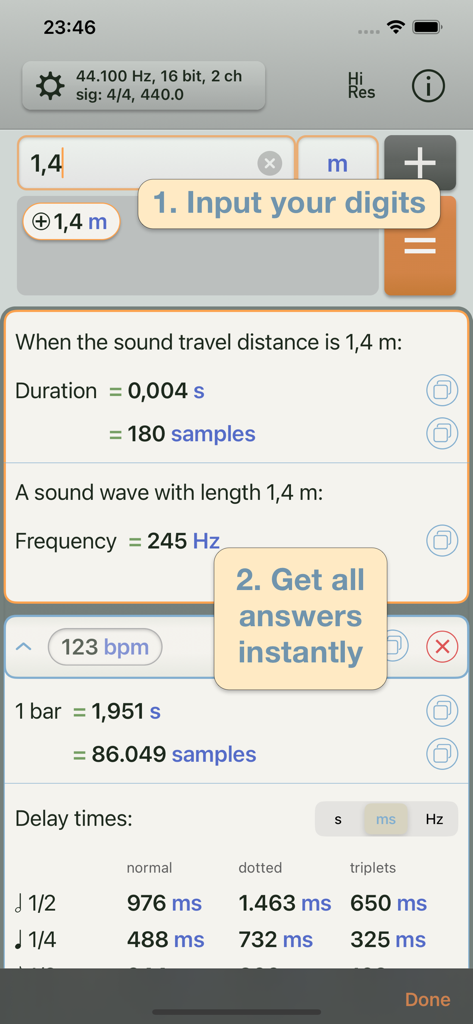
Interface of the Studio Calculator app showing calculations for sound travel distance frequency and BPM delay times
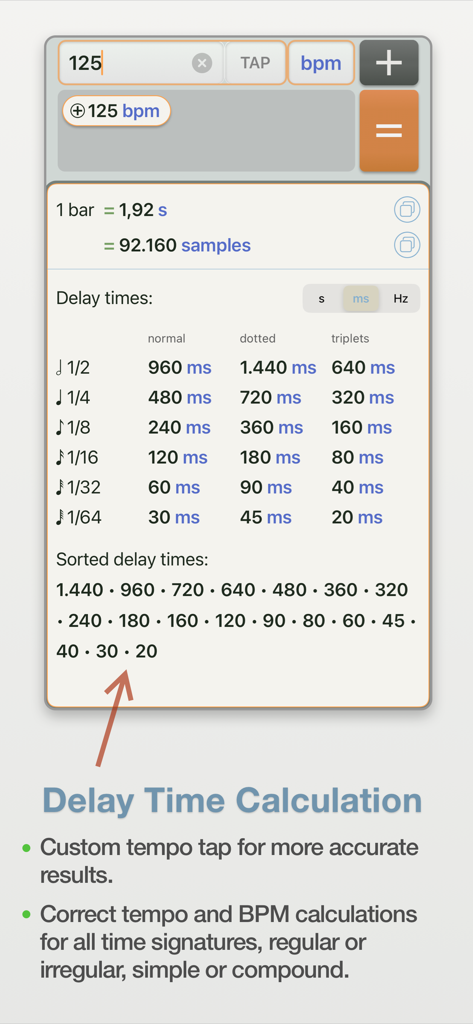
Studio Calculator app interface showing delay time calculations in milliseconds and samples for a 125 BPM tempo
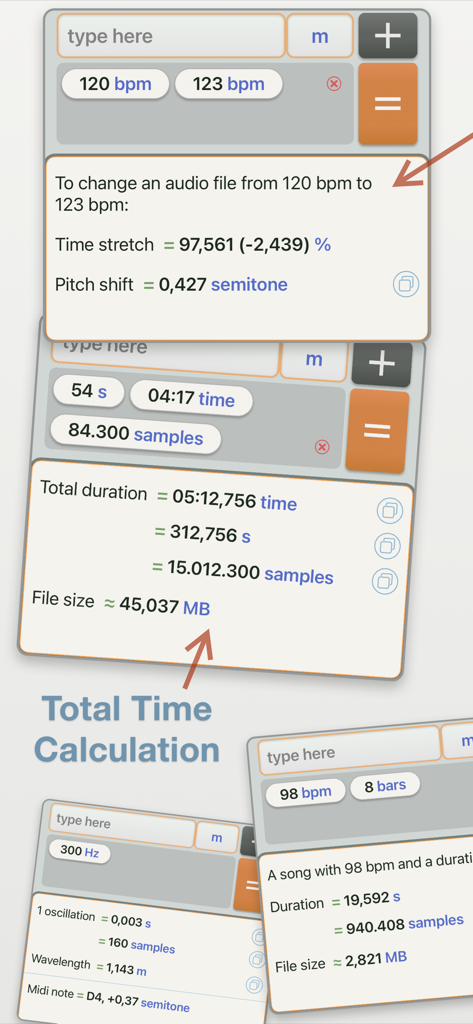
Interface of Studio Calculator displaying various calculations for BPM time stretch pitch shift and audio duration
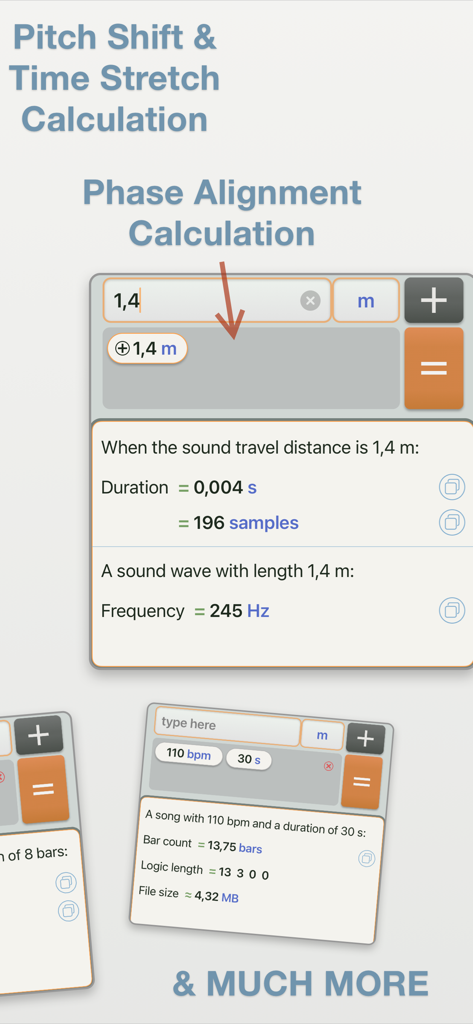
Studio Calculator app interface showing phase alignment and pitch shift calculations for music production
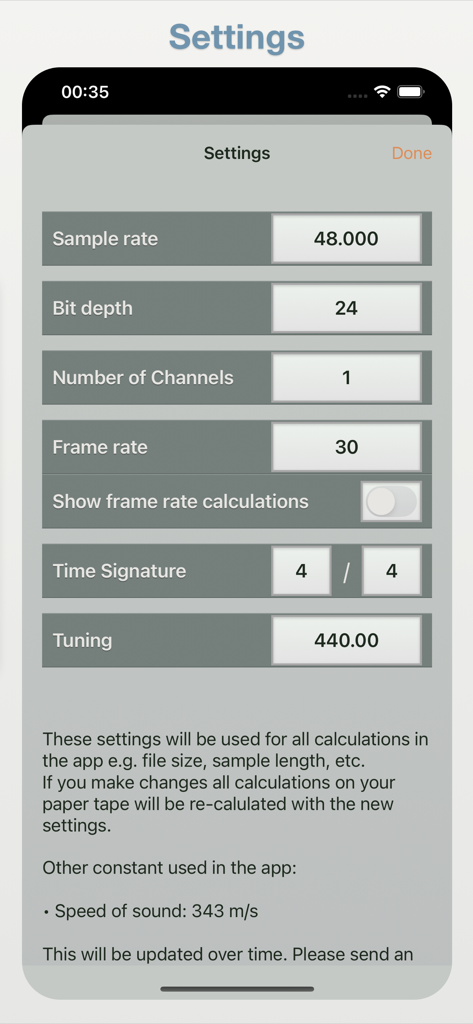
Settings screen of Studio Calculator showing audio configuration options including sample rate bit depth and time signature
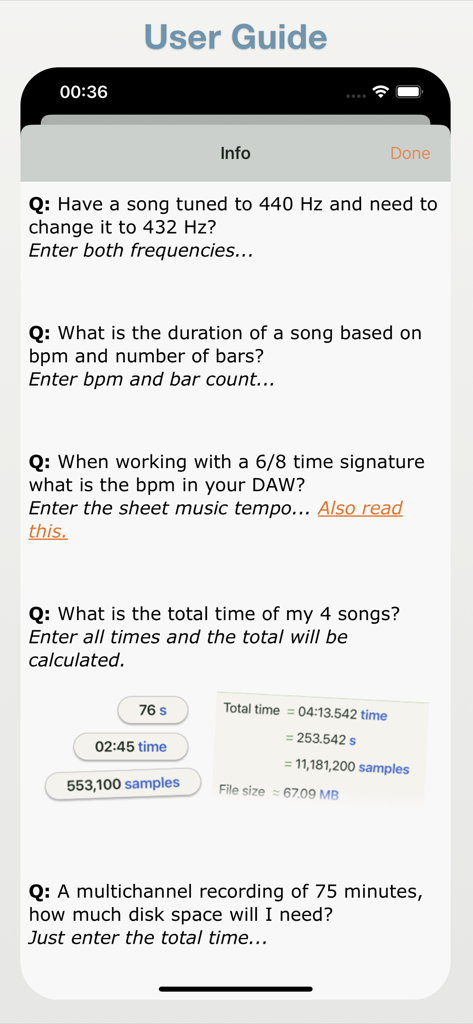
User guide of Studio Calculator app displaying common audio calculation examples and frequently asked questions.
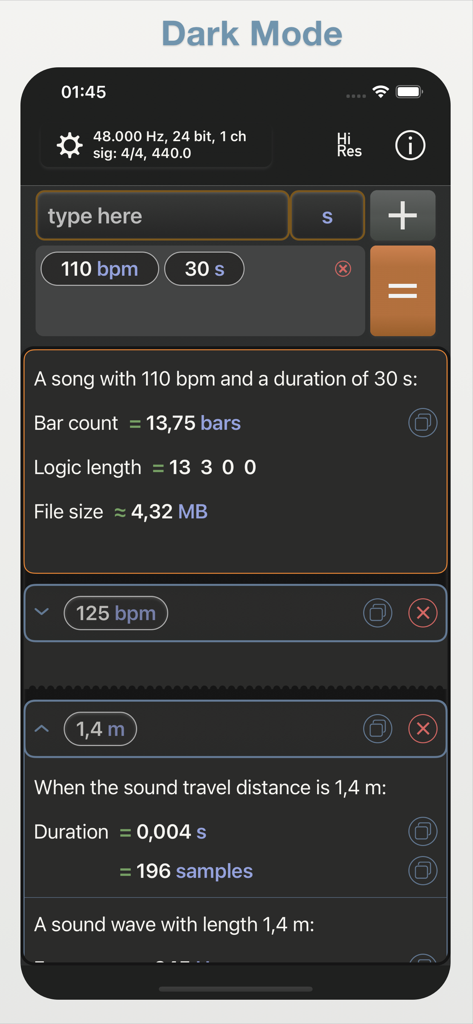
Studio Calculator app interface in dark mode displaying audio engineering calculations for BPM and sound delay
Description
Download
More Like This
Top-ranked apps in the same category

Spotify: Music and Podcasts
Spotify

YouTube Music
Google LLC

Shazam: Find Music & Concerts
Apple Inc.

SoundCloud: The Music You Love
SoundCloud Global Limited & Co KG

Suno - AI Songs & Music
Suno Inc.

QQ音乐 - 听我想听
Tencent Technology (Shenzhen) Company Limited

Audiomack - Play Music Offline
Audiomack, Inc.

GuitarTuna: Tune & Play Guitar
Yousician Ltd

BandLab – Music Maker & Beats
BandLab Singapore Pte Ltd
This page is not an official page of the app or its developer, but an independent editorial publication created for informational and commentary purposes. Unless expressly stated otherwise, neither the app nor its developer is affiliated with, endorsed by, sponsored by, authorized by, or otherwise officially connected with MWM, Apple, Google Play, the app publisher, or the app's developer, and nothing on this page implies that the app was developed using MWM's services. Any trademarks, logos, screenshots, and other content remain the property of their respective owners.