
This page is not an official page of the app or its developer, but an independent editorial publication created for informational and commentary purposes. Unless expressly stated otherwise, neither the app nor its developer is affiliated with, endorsed by, sponsored by, authorized by, or otherwise officially connected with MWM, Apple, Google Play, the app publisher, or the app's developer, and nothing on this page implies that the app was developed using MWM's services. Any trademarks, logos, screenshots, and other content remain the property of their respective owners.

StudioMini - Music Recorder
Capture your inspiration in stunning 96kHz high-resolution audio. Used by Grammy winners and designed for the creative flow, StudioMini lets you record, mix, and collaborate without the complexity of a desktop DAW.
Downloads
168K+User Rating
Total Ratings
1K+Publisher
Category
MusicLocales
11Latest Version
3.4.2Size
100.1 MBFirst Released
Sep 20, 2009Capture Inspiration Without the Friction
Professional multitrack recording designed to keep you in the creative flow, whether you are on a tour bus, in a hotel room, or backstage.
Pro-Grade 96kHz Audio
Capture every nuance with 24-bit high-resolution recording, ensuring your mobile takes are ready for professional mastering and streaming.
Two-Tap Creative Flow
Eliminate choice paralysis. Start recording instantly with a streamlined 4-track interface and a curated set of professional drum loops.
The following screenshots and description are sourced directly from the app's official store listing and are the property of the app developer.
App Store
Screenshots
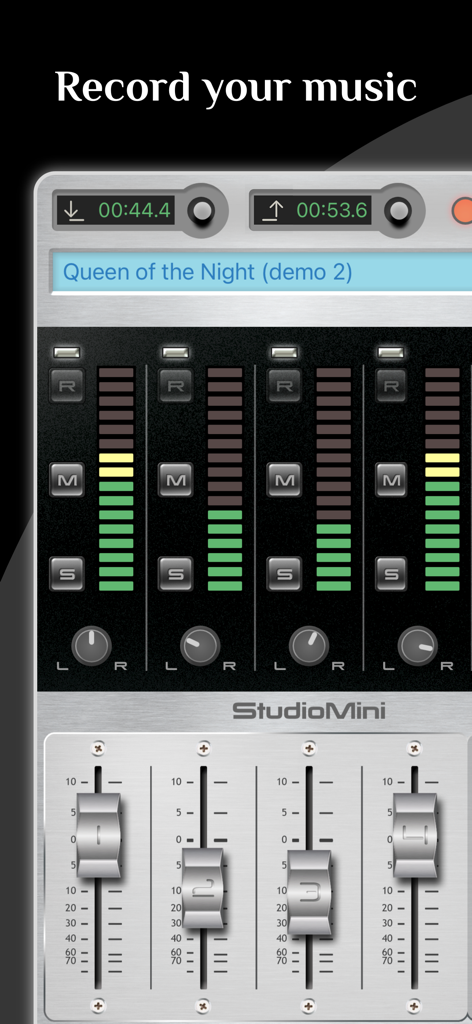
StudioMini multitrack music recorder interface featuring a four track mixer with volume faders and level meters
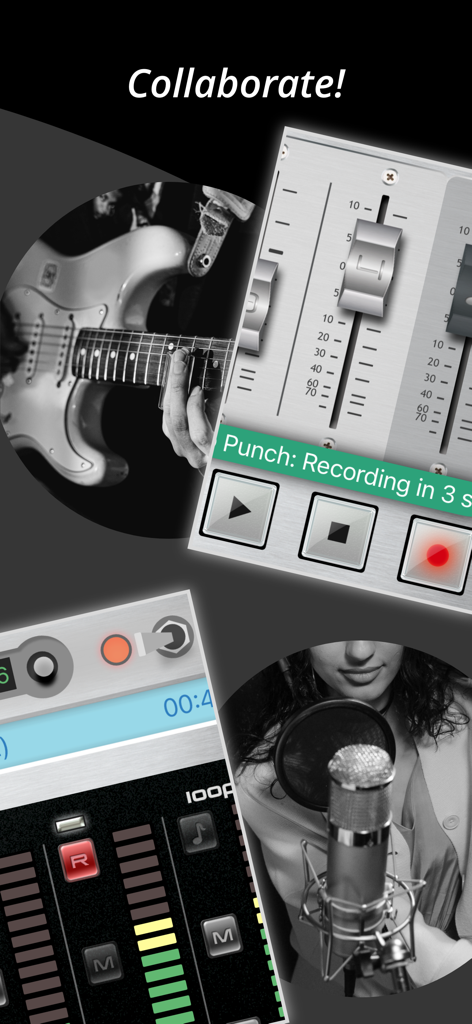
A collage showing musicians recording guitar and vocals using the StudioMini multitrack mixer and punch recording interface
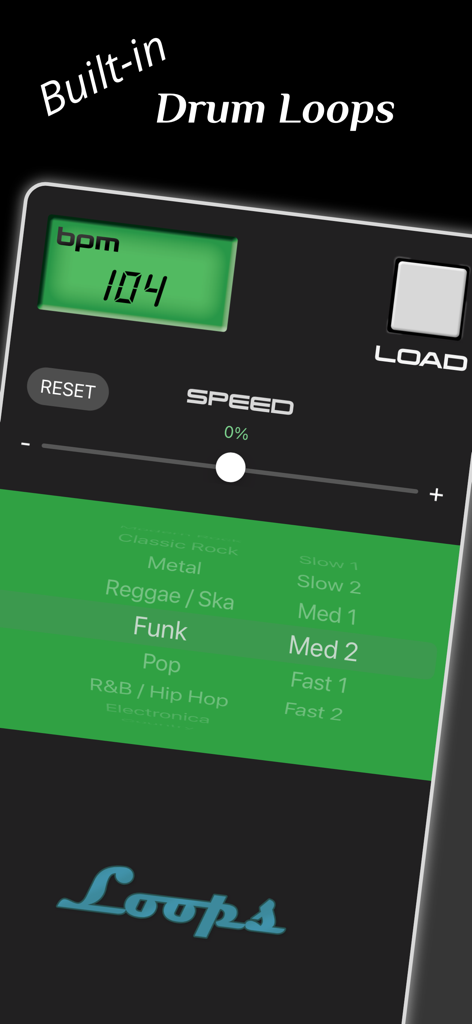
StudioMini app screen showing built-in drum loops selection with BPM and genre options
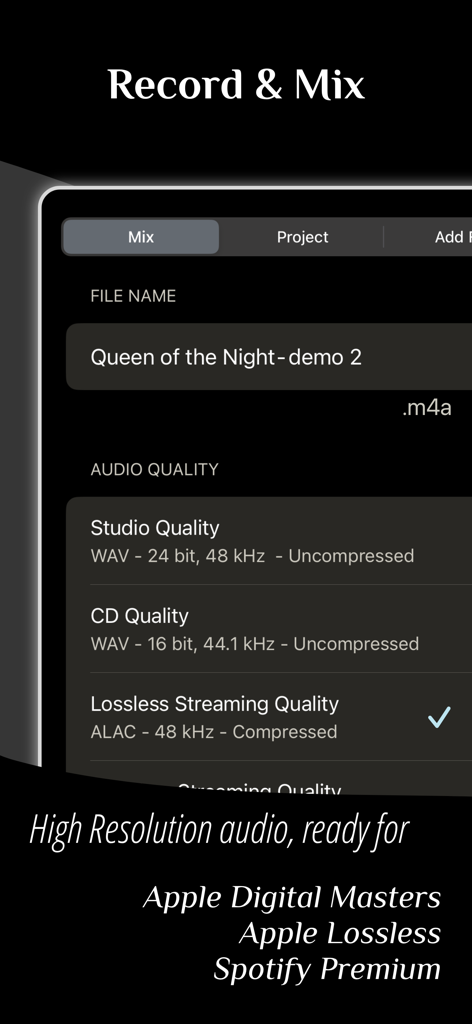
StudioMini app interface displaying high resolution audio recording and mixing settings
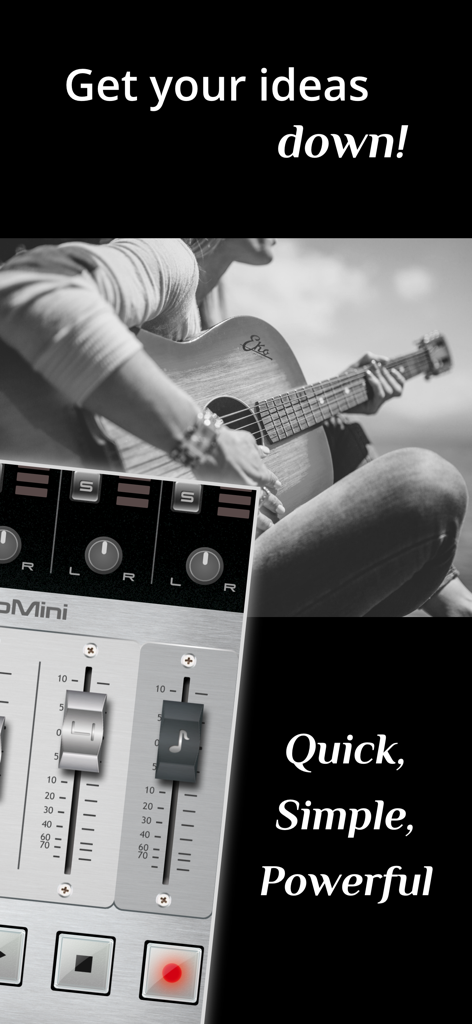
StudioMini multitrack music recorder interface with a guitarist in the background
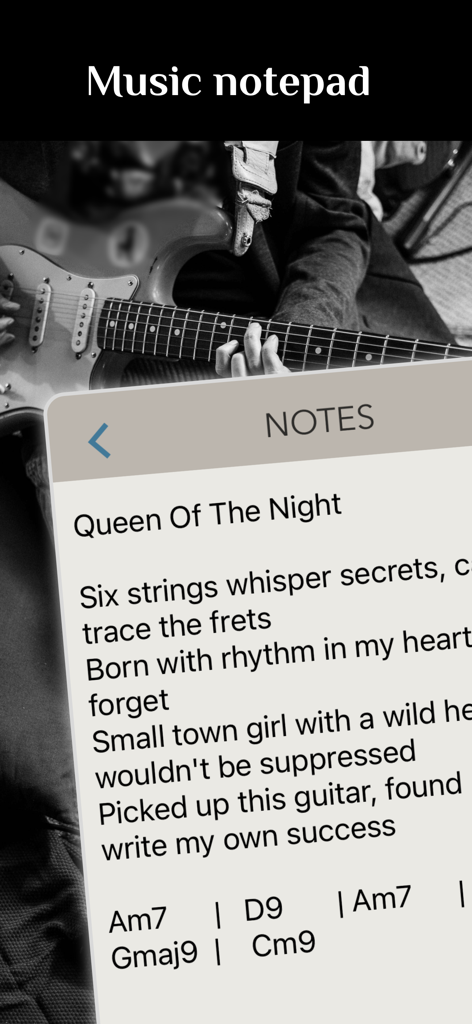
StudioMini app music notepad interface showing song lyrics and chord progressions with a musician playing guitar in the background.

A musician playing piano with the StudioMini app project list showing song ideas and recorded tracks.
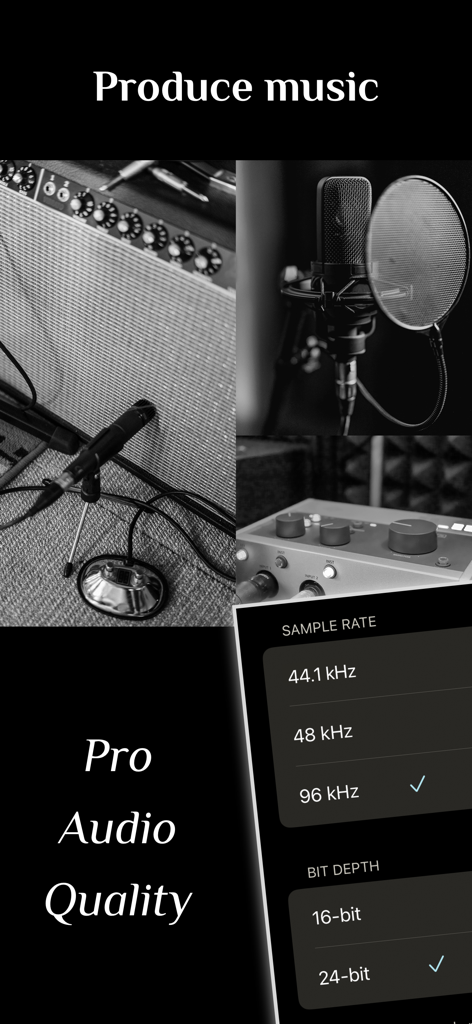
StudioMini app screen showing professional audio quality settings for 96kHz and 24-bit recording

StudioMini app screen showing stereo recording of a band rehearsal with a built-in microphone
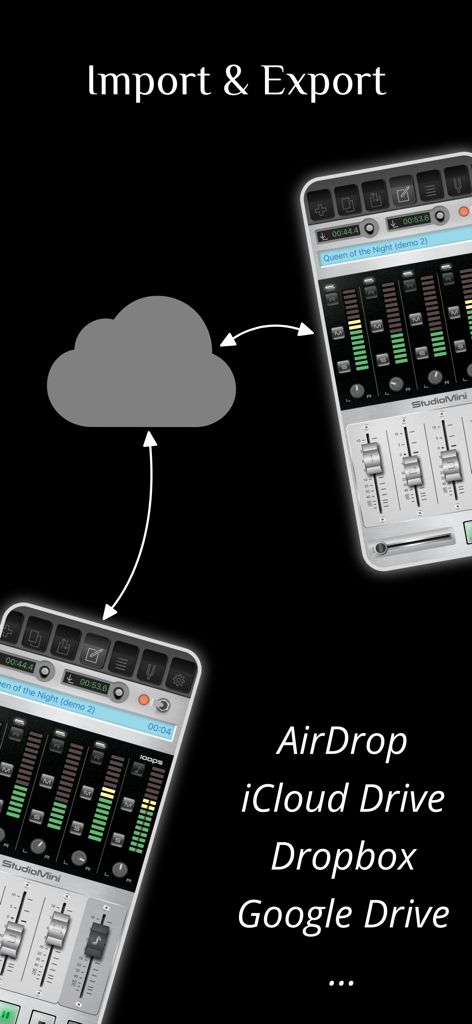
StudioMini app screenshot demonstrating cloud storage integration for importing and exporting music files
Description
Download
More Like This
Top-ranked apps in the same category

Spotify: Music and Podcasts
Spotify

YouTube Music
Google LLC

Shazam: Find Music & Concerts
Apple Inc.

SoundCloud: The Music You Love
SoundCloud Global Limited & Co KG

Suno - AI Songs & Music
Suno Inc.

QQ音乐 - 听我想听
Tencent Technology (Shenzhen) Company Limited

Audiomack - Play Music Offline
Audiomack, Inc.

BandLab – Music Maker & Beats
BandLab Singapore Pte Ltd

GuitarTuna: Tune & Play Guitar
Yousician Ltd
This page is not an official page of the app or its developer, but an independent editorial publication created for informational and commentary purposes. Unless expressly stated otherwise, neither the app nor its developer is affiliated with, endorsed by, sponsored by, authorized by, or otherwise officially connected with MWM, Apple, Google Play, the app publisher, or the app's developer, and nothing on this page implies that the app was developed using MWM's services. Any trademarks, logos, screenshots, and other content remain the property of their respective owners.