
This page is not an official page of the app or its developer, but an independent editorial publication created for informational and commentary purposes. Unless expressly stated otherwise, neither the app nor its developer is affiliated with, endorsed by, sponsored by, authorized by, or otherwise officially connected with MWM, Apple, Google Play, the app publisher, or the app's developer, and nothing on this page implies that the app was developed using MWM's services. Any trademarks, logos, screenshots, and other content remain the property of their respective owners.

Sunrise Sunset Widget
The ultimate interactive tracker for photographers, outdoor enthusiasts, and aesthetic minimalists. Master the golden hour, track UV levels, and personalize your home screen with stunning, data-driven widgets.
Downloads
169K+User Rating
Total Ratings
1K+Publisher
Category
WeatherLocales
1Latest Version
6.1.2Size
56.7 MBFirst Released
Apr 1, 2019Master the Rhythm of the Sun
From golden hour photography to solar power monitoring, get precise sun data and weather insights wrapped in a beautiful, interactive design.
Capture the Perfect Light
Track Golden and Blue hours with down-to-the-minute precision to ensure your photos always have the best natural lighting.
Plan Your Day with Confidence
Monitor day length and solar cycles to schedule hikes, gardening, or outdoor activities while staying ahead of the sunset.
Frequently Asked Questions
Everything you need to know about Sunrise Sunset Widget
What is the Sunrise Sunset Widget app?
The Sunrise Sunset Widget is a Sun Tracker and Weather app. It provides interactive visualizations of daily and seasonal solar cycles, including sunrise, sunset, day length, and weather data.
Can the Sunrise Sunset Widget display weather information?
Yes, the Sunrise Sunset Widget features a Weather Mode. This mode displays temperature, precipitation, wind speed, and humidity combined with solar disk visualizations.
Does Sunrise Sunset Widget allow checking solar times for future dates?
Yes, the Calendar page in Sunrise Sunset Widget enables users to explore sunrise and sunset times for any date of the year. Tapping a day reveals detailed solar information.
Are there widgets available for the Sunrise Sunset app?
Yes, the Sunrise Sunset Widget provides elegant Home Screen and Lock Screen widgets. These widgets keep users updated at a glance with sunrise, sunset, and daylight times.
Does Sunrise Sunset Widget support notifications?
Yes, the Sunrise Sunset Widget offers notifications. Users receive alerts for sunrise, sunset, total day and night length, and how the day changes compared to yesterday.
Can I use the Sunrise Sunset Widget in any global location?
Yes, the Sunrise Sunset Widget functions anywhere in the world. The Places page allows users to instantly change their location to view solar information specific to that area.
How do Sunrise Sunset Widget subscriptions work?
Sunrise Sunset Widget offers yearly subscriptions for full access. Payment charges to your iTunes account at purchase confirmation or after a free-trial period concludes.
Can photographers use Sunrise Sunset Widget for Golden Hour information?
Yes, the Sunrise Sunset Widget includes Golden Hour and Blue Hour modes. Photographers can activate these modes to easily identify the start and end times of optimal lighting.
The following screenshots and description are sourced directly from the app's official store listing and are the property of the app developer.
App Store
Screenshots
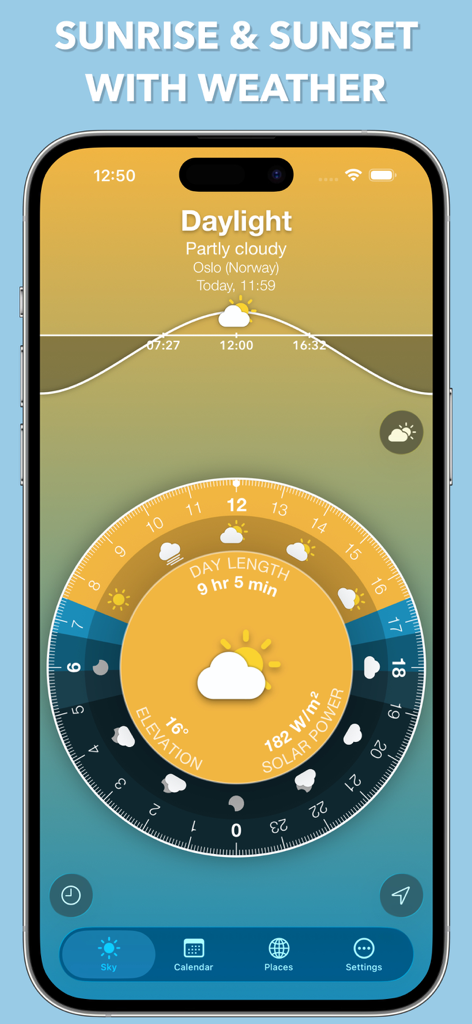
Sunrise Sunset Widget app interface showing solar power, day length, and weather data on a circular dial.
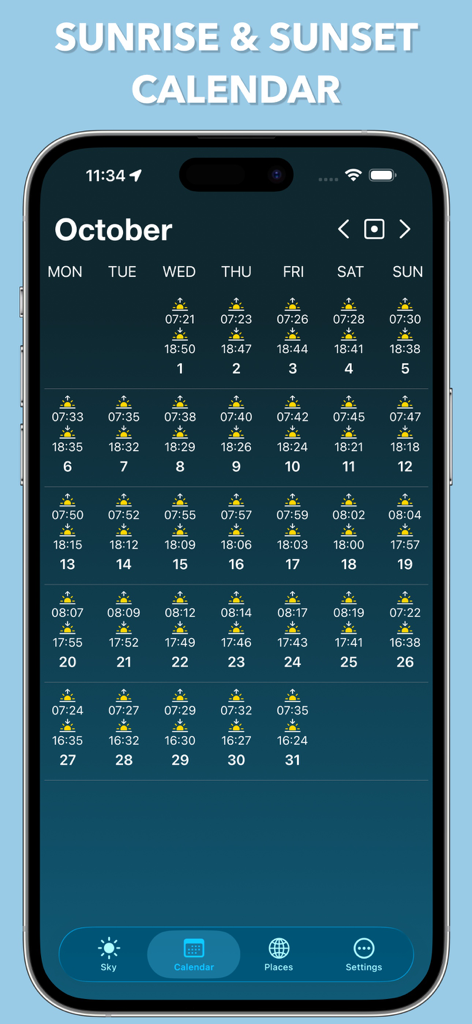
Monthly calendar screen showing daily sunrise and sunset times within the app interface.
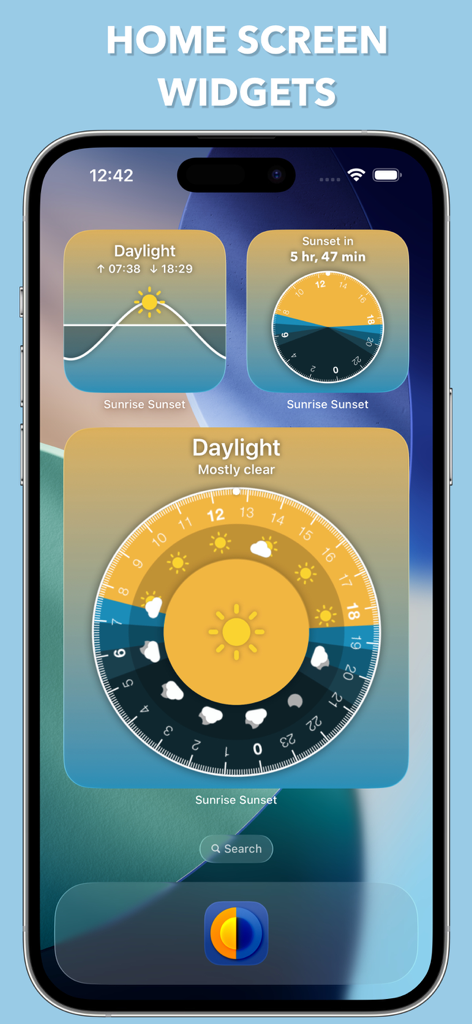
iPhone home screen showing multiple sunrise and sunset widgets with solar dials and daylight tracking
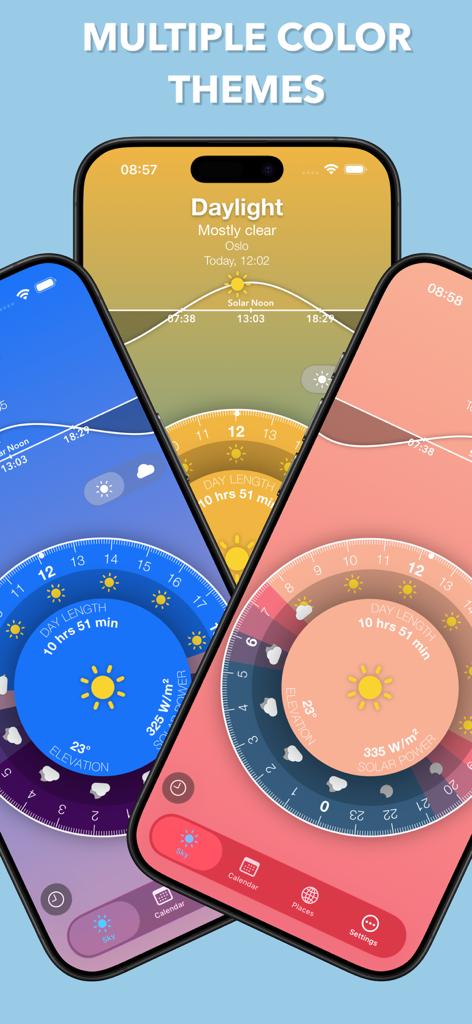
Three iPhones showing different color theme options for the Sunrise Sunset Widget app.
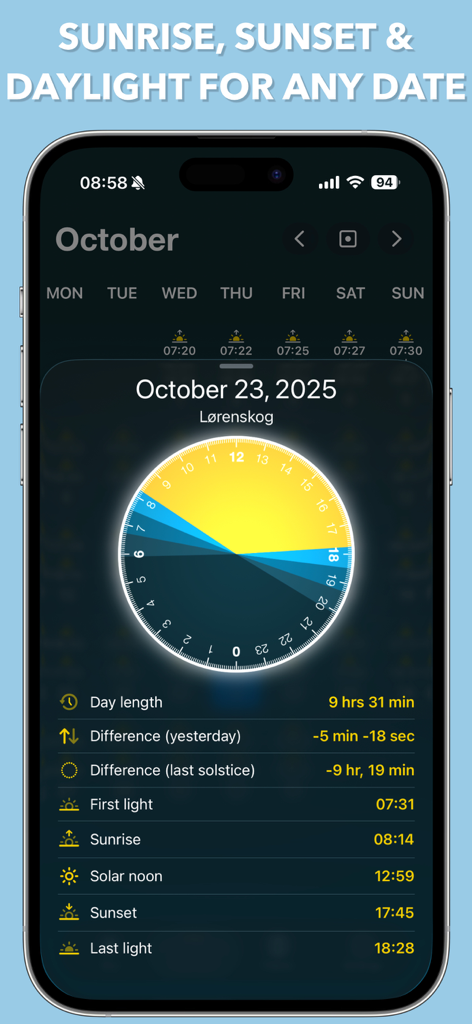
A screenshot of the Sunrise Sunset Widget app showing daylight duration and solar cycle data for a specific calendar date.
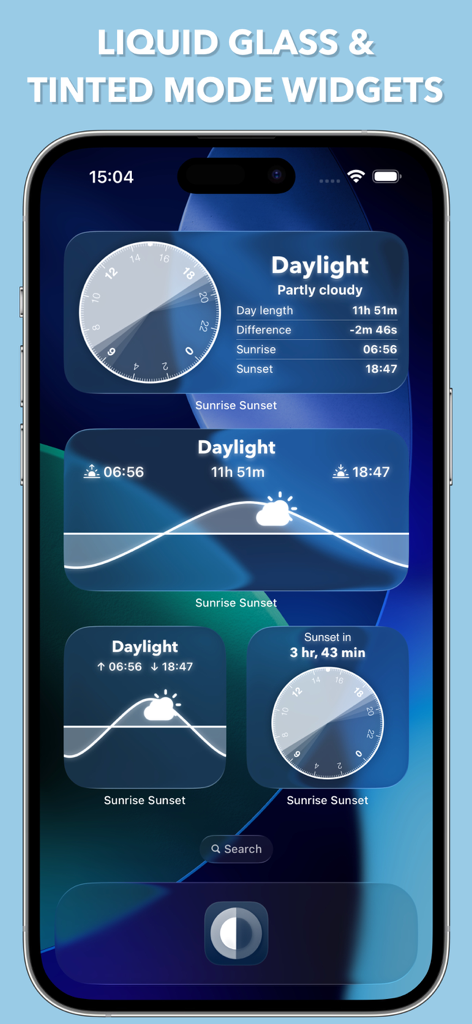
iPhone home screen displaying several sunrise and sunset widgets in liquid glass and tinted modes
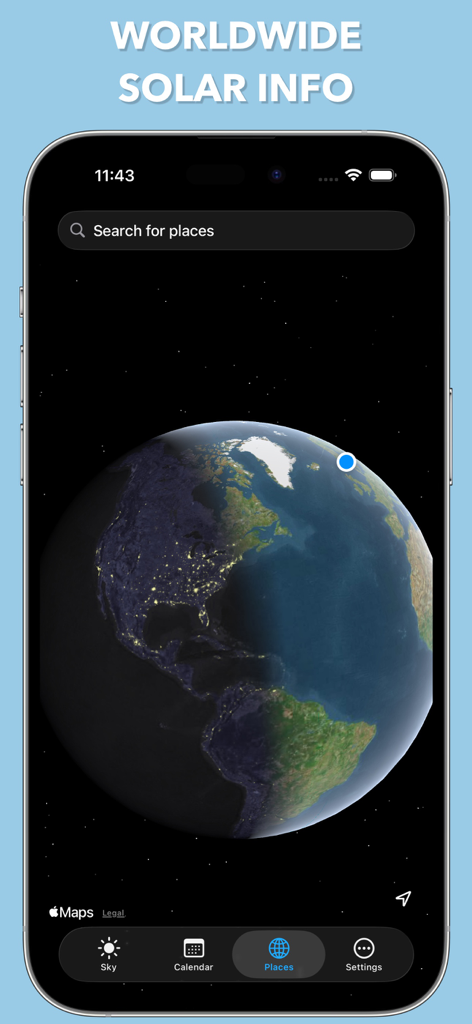
Worldwide solar information displayed on an interactive 3D globe.
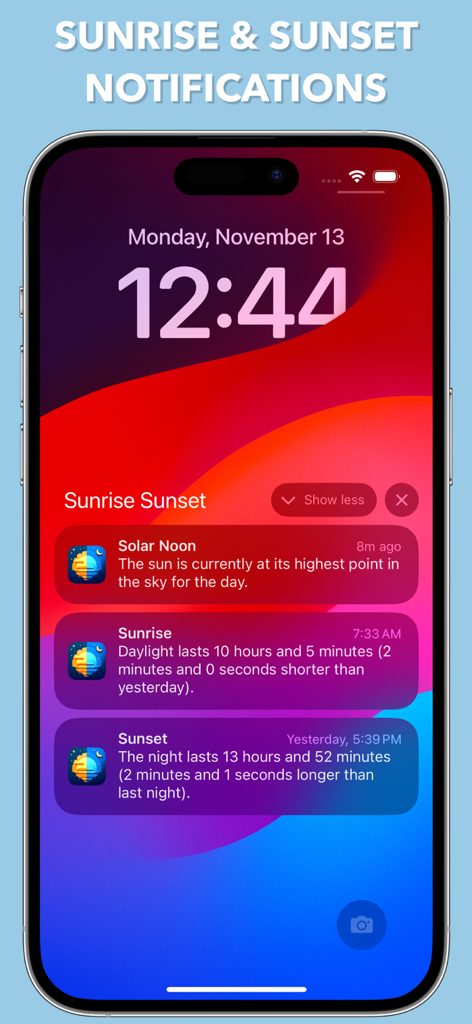
iPhone lock screen displaying notifications for solar noon sunrise and sunset times from the Sunrise Sunset Widget app
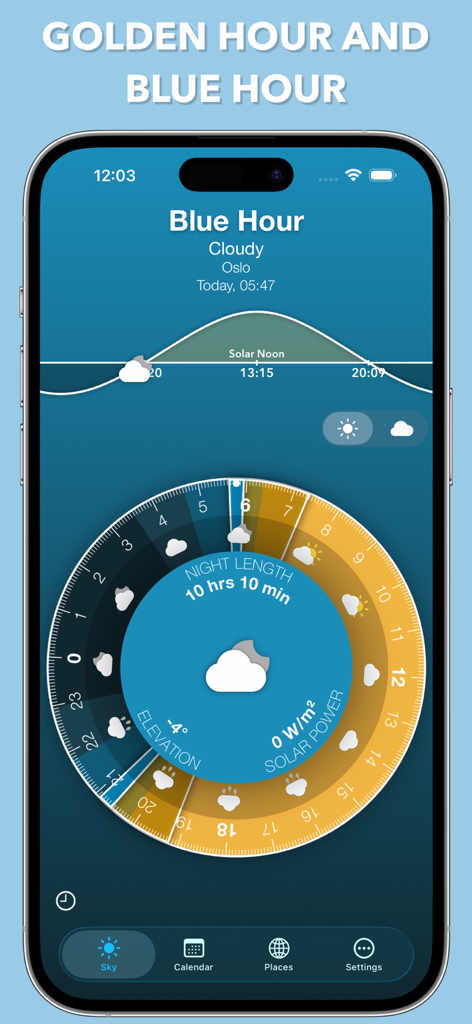
Sunrise Sunset Widget app interface showing blue hour timing and interactive solar cycle disk.
Description
Download
More Like This
Apps with similar features and user experience
Moon Phases and Lunar Calendar
Business City s.r.o.
My Moon Phase - Lunar Calendar
JRustonApps B.V.
The Moon: Calendar Moon Phases
Vitalii Gryniuk

Moonlitt: Moon Phase Tracker
Flipping Hues Srls

Sunrise Sunset Times
Fascinating Projects Pty Ltd
PhotoPills
PhotoPills S.L.

AuroraReach
HuskyCodes Oy

Sun Seeker - Sunlight Tracker
Ajnaware Pty Ltd

Sun Tracker AR
Zuzana Eskinasi
This page is not an official page of the app or its developer, but an independent editorial publication created for informational and commentary purposes. Unless expressly stated otherwise, neither the app nor its developer is affiliated with, endorsed by, sponsored by, authorized by, or otherwise officially connected with MWM, Apple, Google Play, the app publisher, or the app's developer, and nothing on this page implies that the app was developed using MWM's services. Any trademarks, logos, screenshots, and other content remain the property of their respective owners.