
This page is not an official page of the app or its developer, but an independent editorial publication created for informational and commentary purposes. Unless expressly stated otherwise, neither the app nor its developer is affiliated with, endorsed by, sponsored by, authorized by, or otherwise officially connected with MWM, Apple, Google Play, the app publisher, or the app's developer, and nothing on this page implies that the app was developed using MWM's services. Any trademarks, logos, screenshots, and other content remain the property of their respective owners.

Swimming Lap Tracker
Stop relying on inconsistent auto-tracking. Use your Apple Watch Ultra Action Button or Digital Crown to capture every lap with tactile precision and analyze your performance with professional-grade motion data.
Downloads
100User Rating
Total Ratings
0Publisher
Category
Health & FitnessLocales
1Latest Version
1.19Size
9.5 MBFirst Released
Jan 4, 2026Precision Tracking for High-Performance Swimmers
Designed for athletes who demand 100% accuracy. Take full control of your data with tactile hardware integration that eliminates the guesswork of auto-detection.
Tactile Lap Control
Use the Apple Watch Digital Crown or Action Button to mark laps manually. Ensure perfect data accuracy even during kickboard drills or stationary rest sets.
Pro-Grade Analytics
Analyze your performance with detailed motion charts, pace metrics, and heart rate data. Export your sessions to CSV for deeper external training review.
The following screenshots and description are sourced directly from the app's official store listing and are the property of the app developer.
App Store
Screenshots
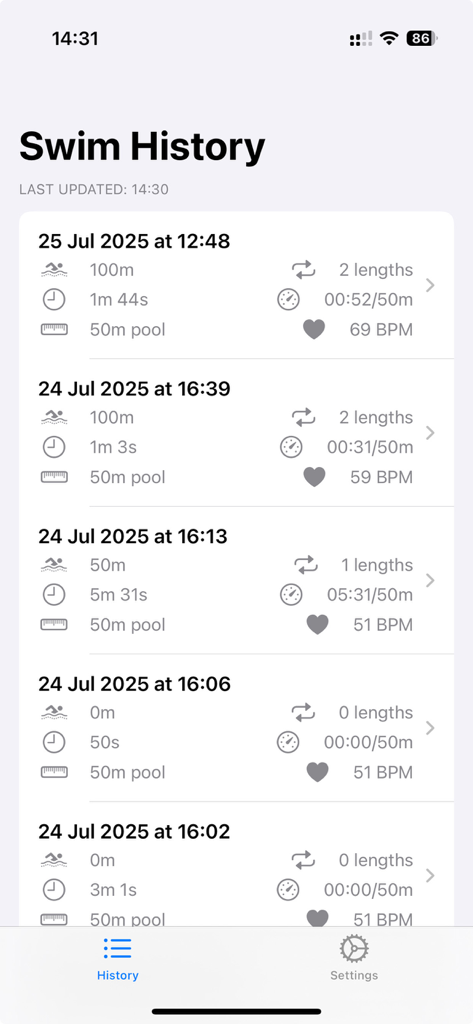
Swimming lap tracker swim history screen showing distance time and heart rate for past workouts
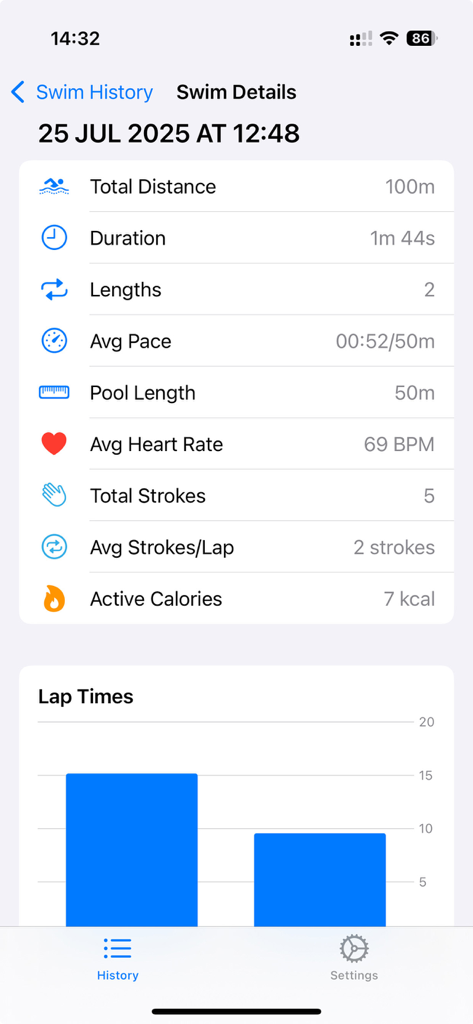
Detailed swimming workout statistics showing distance, duration, pace, and heart rate along with a lap times bar chart
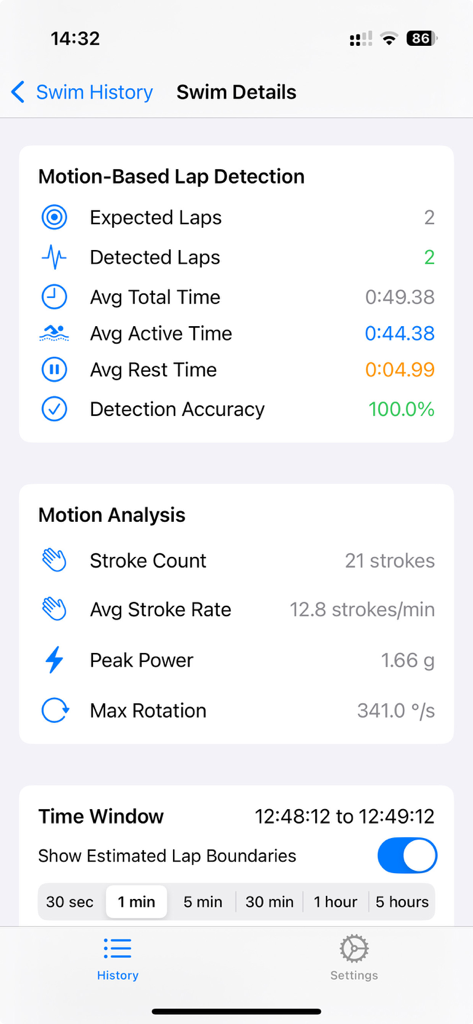
A detailed swim session analysis screen showing motion based lap detection accuracy and stroke count statistics
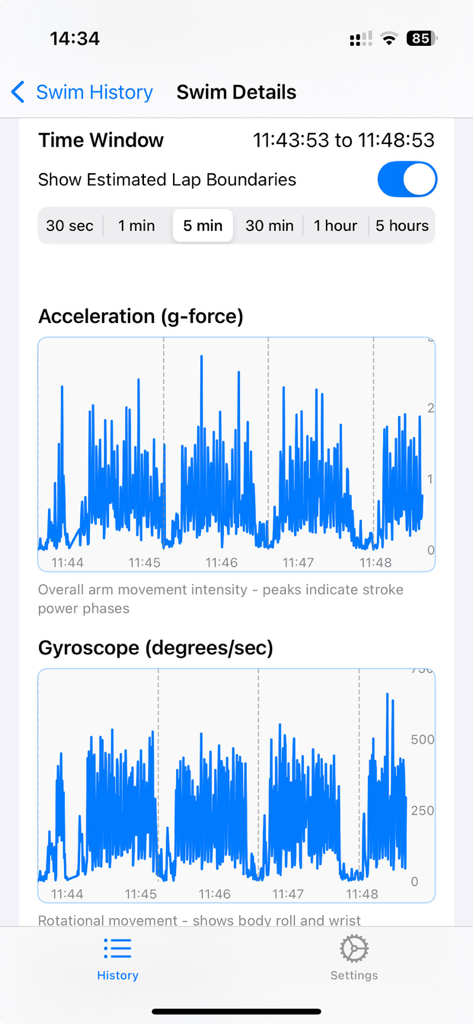
Detailed acceleration and gyroscope motion charts in the swim details screen.
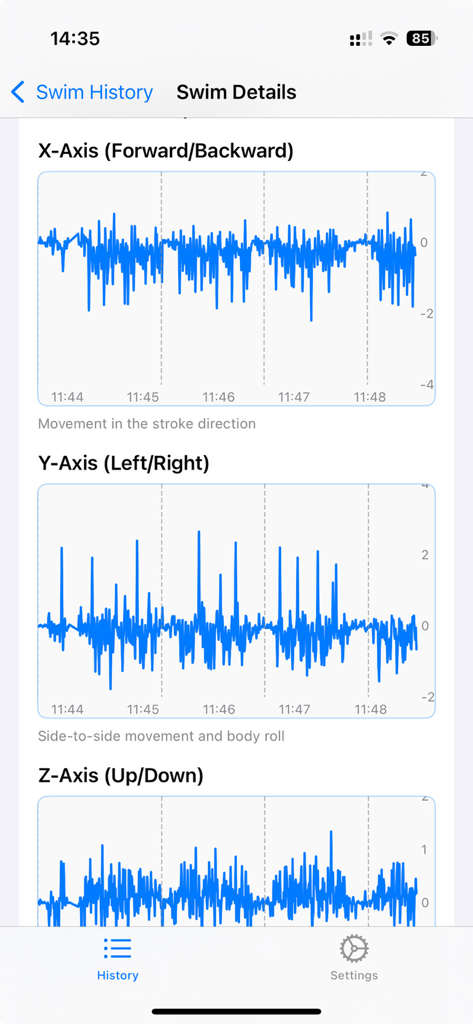
Swim details screen displaying granular motion charts for forward backward and side to side movement.
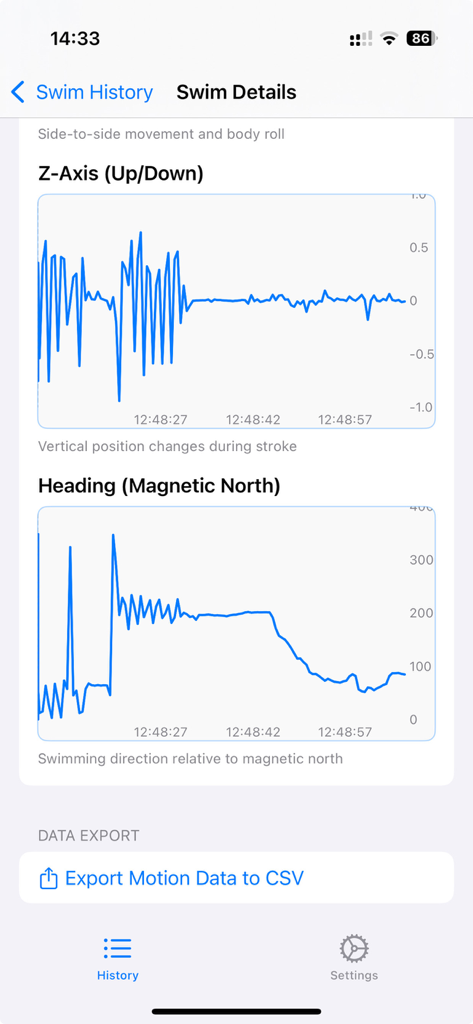
Detailed swim motion charts and CSV export button on iPhone
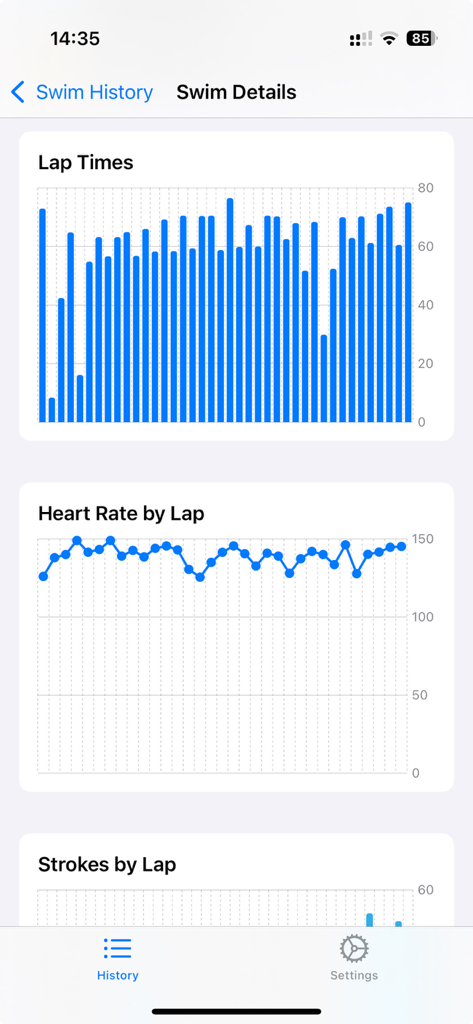
Detailed swim analysis dashboard showing charts for lap times and heart rate per lap
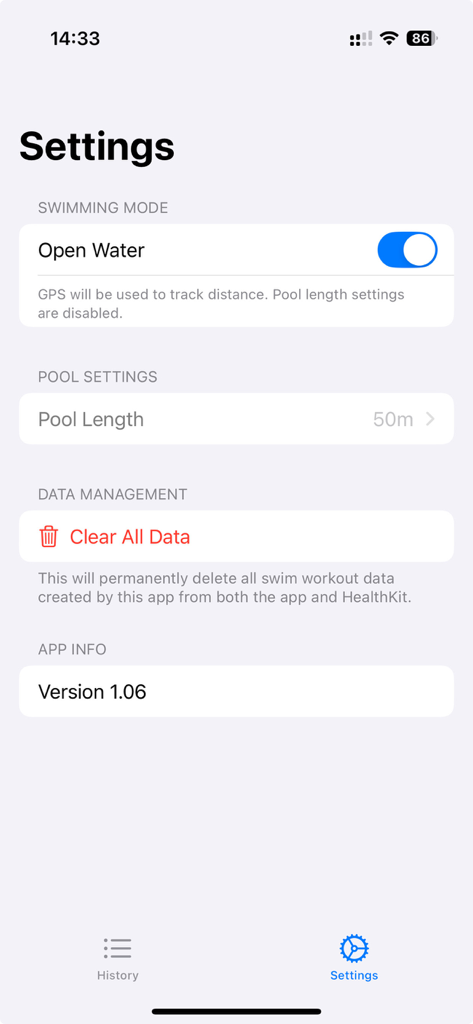
Settings screen of the Swimming Lap Tracker app showing Open Water mode and Pool Length options
Description
Download
More Like This
Top-ranked apps in the same category

Strava: Run, Bike, Walk
Strava Inc.

Flo Cycle & Period Tracker
FLO HEALTH UK LIMITED

AI Calorie Tracker by Yazio
YAZIO GmbH

MyFitnessPal: Calorie Counter
MyFitnessPal, Inc.

Mi Fitness (Xiaomi Wear Lite)
Beijing Xiaomi Co., Ltd

美柚 - 经期·备孕·怀孕·育儿&亲友版
Xiamen Meet You Co., Ltd.

Cal AI - Calorie Tracker
Viral Development LLC

Yuka - Food & Cosmetic Scanner
Yuca

BitePal: Food Tracker Pet
REFACE LITHUANIA UAB
This page is not an official page of the app or its developer, but an independent editorial publication created for informational and commentary purposes. Unless expressly stated otherwise, neither the app nor its developer is affiliated with, endorsed by, sponsored by, authorized by, or otherwise officially connected with MWM, Apple, Google Play, the app publisher, or the app's developer, and nothing on this page implies that the app was developed using MWM's services. Any trademarks, logos, screenshots, and other content remain the property of their respective owners.