Synclavier Go! App and Plugin
Download on App Store

This page is not an official page of the app or its developer, but an independent editorial publication created for informational and commentary purposes. Unless expressly stated otherwise, neither the app nor its developer is affiliated with, endorsed by, sponsored by, authorized by, or otherwise officially connected with MWM, Apple, Google Play, the app publisher, or the app's developer, and nothing on this page implies that the app was developed using MWM's services. Any trademarks, logos, screenshots, and other content remain the property of their respective owners.

Logo of Synclavier Go! App and Plugin
Download on App Store

Synclavier Go! App and Plugin

Harness the authentic DSP code and red-button interface of the world's most iconic digital workstation. From vintage 8-bit grit to modern 24-bit smoothness, bring the legendary sound of film and pop history to your AUv3 workflow.

Key Figures

Downloads

9K+

User Rating

4.5/5

Total Ratings

0

Publisher

Synclavier Digital Corporation Ltd

Category

Music

Locales

5

Latest Version

1.30.28

Size

94.2 MB

First Released

Jan 23, 2019
Features

The Legend, Reimagined for Your Modern Studio

Experience the authentic sound of the world’s most iconic synthesizer, powered by the original DSP code and enhanced for today’s mobile creative workflow.

Original Hardware DNA

Sculpt sounds using the authentic Synclavier II DSP code, offering everything from vintage 8-bit grit to 24-bit studio silk.

Seamless AUv3 Workflow

Run the Synclavier as a plugin within your favorite iOS DAWs like Cubasis, AUM, or GarageBand for a professional production experience.

The following screenshots and description are sourced directly from the app's official store listing and are the property of the app developer.

App Store

Screenshots
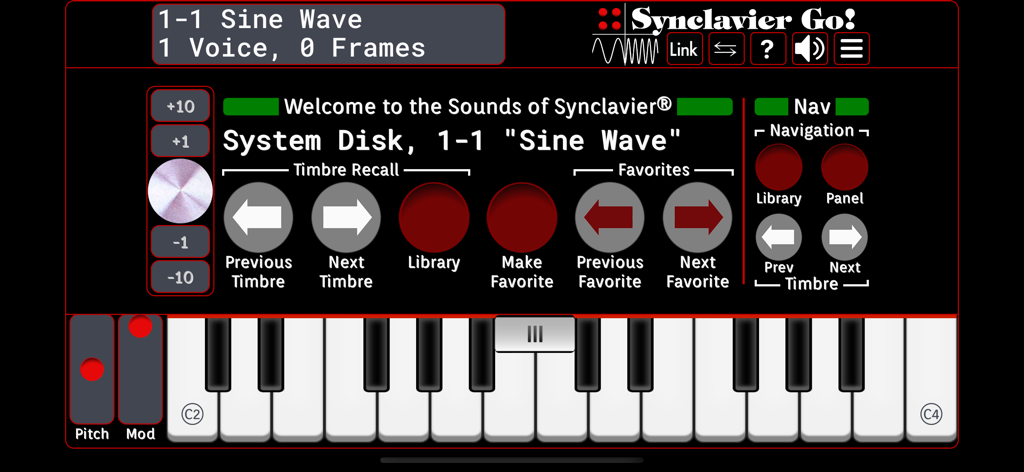
Synclavier Go! App and Plugin - Synclavier Go app interface with virtual keyboard and synthesizer sound design controls
Synclavier Go app interface with virtual keyboard and synthesizer sound design controls

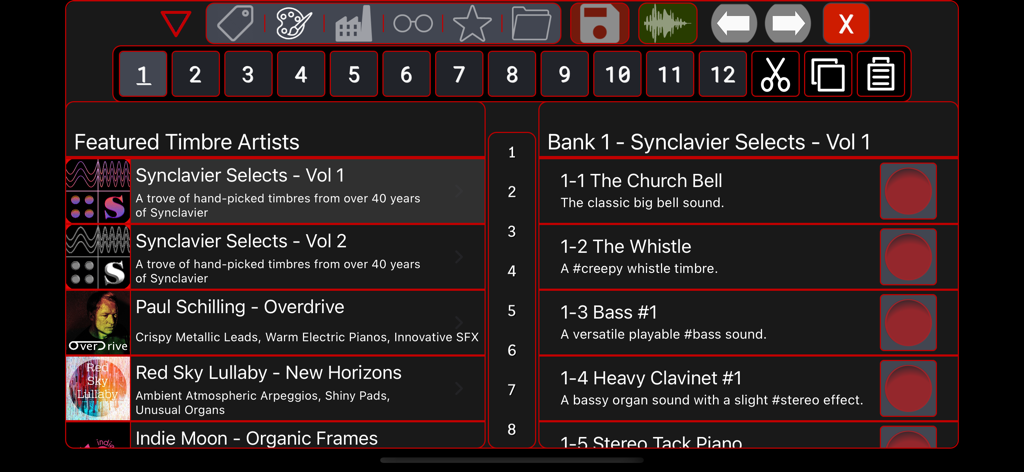
Synclavier Go! App and Plugin - Synclavier Go app showing the preset sound library and featured artist collections
Synclavier Go app showing the preset sound library and featured artist collections

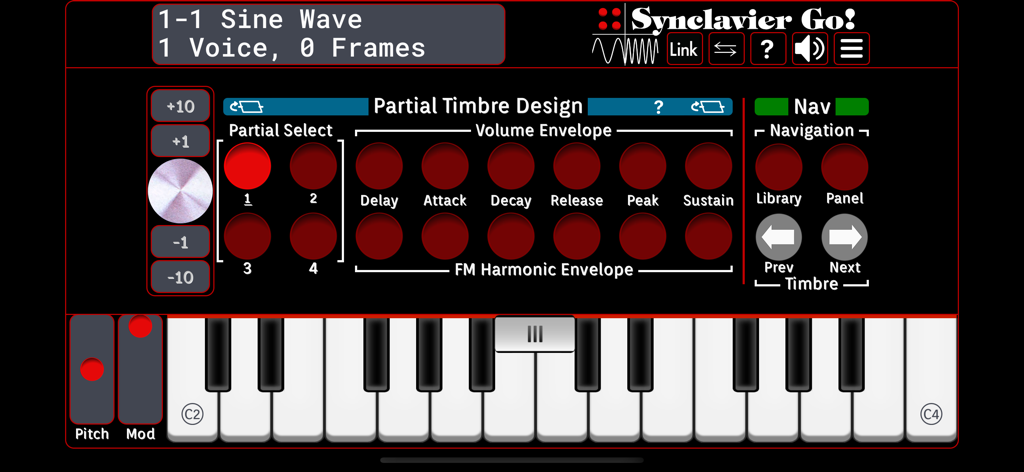
Synclavier Go! App and Plugin - Interface of the Synclavier Go synthesizer app with red buttons and a virtual keyboard
Interface of the Synclavier Go synthesizer app with red buttons and a virtual keyboard

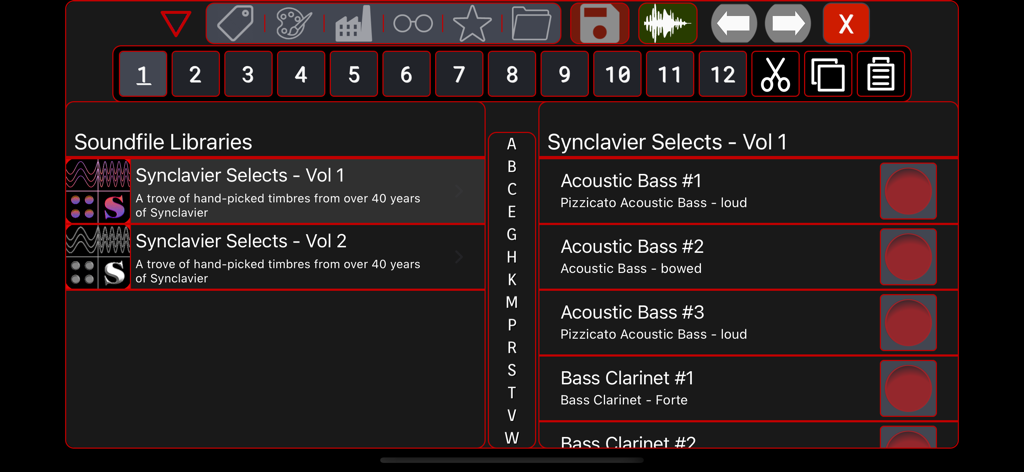
Synclavier Go! App and Plugin - Library browser in the Synclavier Go app showing available sound presets

Library browser in the Synclavier Go app showing available sound presets

Description

“Nothing sounds quite like a Synclavier” World-class iOS synthesis has arrived! The Synclavier® II helped shape a generation of popular music and film soundtracks. Now this beast of an emotional vintage synthesizer has been incarnated on iOS using much of the core DSP code from the original and keeping the authentic red-button interface that is both deep and immediate. Not only retro, but decidedly modern: fully compatible with MPE, Ableton Link, Audiobus 3, MIDI. And the included AUv3 client can run inside of iOS DAWs such as GarageBand, NanoStudio 2, BeatMaker 3, Cubasis 3, Auria Pro. The powerful Synclavier DSP Engine affords 12 Partial Timbres, Timbre Frames, Samples, FM-Synthesis and Additive-Synthesis methodologies. It’s so easy to create playable rich string sounds, fantastic Moog esque drones, Prophet like pads, crazy FM brass noises, or Roland 808 style drum hits. It’s a sound designer’s dream and a synthesist’s wonderland. But there’s more! We’ve added a ton of stuff. The original hardware was 8-bit. With newer technology, we can pack more fidelity and more features in this already awesome synth. MPE compatibility, seven timbre “quick-change” character buttons, 16-track mixing console, crazy-good Artist Preset Libraries from world-renowned sound designers, and lots more. The Synclavier was always a versatile attention-getting instrument, but now it’s a powerhouse synth to be reckoned with! Release 1.30 features include - • iPad, iPhone and iPad Touch compatibility iOS9 or later • 96-button authentic VPK interface • AUv3 client compatibility for use within iOS DAWs • 16 original “Factory Preset Libraries” (8 banks x 8 entries) - 979 timbres • 3 “Artist Libraries” - 127 all-new timbres • Sample Library with 116 high-quality soundfiles • Audio Setup 44.1/48 kHz and sample latency controls • 16-track multi-timbral implementation with mix controls (iPad only, iPhone is mono-timbral) • Audiobus-compatible stereo output • Meticulous re-creation of the Synclavier FM sound using hardware modelling • Soundfile playback, pitch-shifting, looping, and keyboard mapping • iCloud compatibility to easily share Timbres (or via Audiobus) • iTunes file sharing for backup of user timbres and mixes • Direct expression routing for pitch bend, mod wheel, velocity and pressure • Full compatibility with MPE interfaces • Ableton Link synchronization with Repeat/Arpeggiate • 7 character buttons to quickly sculpt any timbre • Embedded “Tour” pages detailing setup and operation • Library browser for saving and calling up Timbres Synclavier DSP Engine • 12 Partial Timbres • Delay-Attack-Decay-Release envelope generators • 100 Timbre Frames per Partial • Noise Floor and Bit Depth controls • Micro-tuning controls • Dynamic and Keyboard Envelopes • Vibrato and Tremolo LFOs • Authentic re-creation of the original instrument and sounds, adjustable from 4-bit grunge to 24 bit silky smoothness. Synclavier Go! is compatible with all iPad, iPhone and iPad Touch models that can operate iOS 9.0 or later. Soundfile playback and AUv3 compatibility require iOS11 or later. The latest iOS version that is compatible with your device is recommended. The Synclavier® knob is as unique today as it was revolutionary at the time of its introduction. The knob is a rate-of-change controller; close your eyes and let your right-brain kick in to the sound design process. Forget the numbers; forget the digits; let your ears guide the process. Sound design with a touch-screen and Synclavier® knob is as different from a mouse-driven GUI as, well, Synclavier® was different than the Fairlight CMI! The Synclavier Knob is an exciting and authentic option, but is not required for Synclavier Go! since a virtual knob is provided in the app. Note to Parents: Synclavier Go! is as educational as it is historic and authentic. This app can introduce your teenager to the technical aspects of sound and sound design in a fun and informative environment.

Download

Download on App Store

This page is not an official page of the app or its developer, but an independent editorial publication created for informational and commentary purposes. Unless expressly stated otherwise, neither the app nor its developer is affiliated with, endorsed by, sponsored by, authorized by, or otherwise officially connected with MWM, Apple, Google Play, the app publisher, or the app's developer, and nothing on this page implies that the app was developed using MWM's services. Any trademarks, logos, screenshots, and other content remain the property of their respective owners.







