
This page is not an official page of the app or its developer, but an independent editorial publication created for informational and commentary purposes. Unless expressly stated otherwise, neither the app nor its developer is affiliated with, endorsed by, sponsored by, authorized by, or otherwise officially connected with MWM, Apple, Google Play, the app publisher, or the app's developer, and nothing on this page implies that the app was developed using MWM's services. Any trademarks, logos, screenshots, and other content remain the property of their respective owners.


T-Mobile DIGITS
Seamlessly manage up to five numbers on one device or use your primary line across your smartphone, tablet, and laptop. Whether for business or privacy, stay connected on every screen.
Downloads
1M+User Rating
Total Ratings
3K+Publisher
Category
ProductivityLocales
1Latest Version
2.8.6Size
96.6 MBFirst Released
Dec 7, 2016Master Your Communication Across Every Device
Take your T-Mobile number wherever you go. Whether you're managing a side hustle or staying connected with family, DIGITS gives you total control over how you call and text.
Sync Across All Your Screens
Make calls and send texts from your laptop, tablet, or smartwatch just as easily as your phone.
Five Numbers, One Device
Keep your work, home, and side-hustle lines separate without the hassle of carrying multiple phones.
Frequently Asked Questions
Everything you need to know about T-Mobile DIGITS
What is T-Mobile DIGITS?
T-Mobile DIGITS is an app for T-Mobile customers to use their phone number across smartphones, tablets, laptops, and wearables. It allows managing up to five phone numbers on one device or a single number on multiple devices.
How many phone numbers can I use with T-Mobile DIGITS?
You can utilize up to five phone numbers on a single device with T-Mobile DIGITS. Alternatively, you can use multiple devices all with the same number.
What devices are compatible with T-Mobile DIGITS?
T-Mobile DIGITS is compatible with smartphones, tablets, laptop and desktop computers, and wearable devices. This allows users to leverage their phone number across various platforms.
What are the primary uses for T-Mobile DIGITS?
T-Mobile DIGITS is ideal for small businesses to separate work and personal lines, as a home phone replacement, for team communications, and as a privacy shield for online activities like shopping or social apps.
Does T-Mobile DIGITS support calling and texting?
Yes, T-Mobile DIGITS enables users to make and receive voice calls from multiple numbers. It also supports sending and receiving text messages, checking voicemail, and seeing missed calls.
Can I manage multiple phone lines within the T-Mobile DIGITS app?
Yes, you can manage all your phone lines in a single location within the T-Mobile DIGITS app. Users can choose to turn lines on or off and add new DIGITS lines from the settings.
Is a Do Not Disturb feature available in T-Mobile DIGITS?
Yes, T-Mobile DIGITS includes a Do Not Disturb feature. Users can enable this option through the application's settings menu to control notifications for their lines.
How can I share my phone lines with T-Mobile DIGITS?
T-Mobile DIGITS allows you to share your lines by entering an email address or selecting a contact. This feature facilitates sharing specific lines with other individuals.
The following screenshots and description are sourced directly from the app's official store listing and are the property of the app developer.
App Store
Screenshots
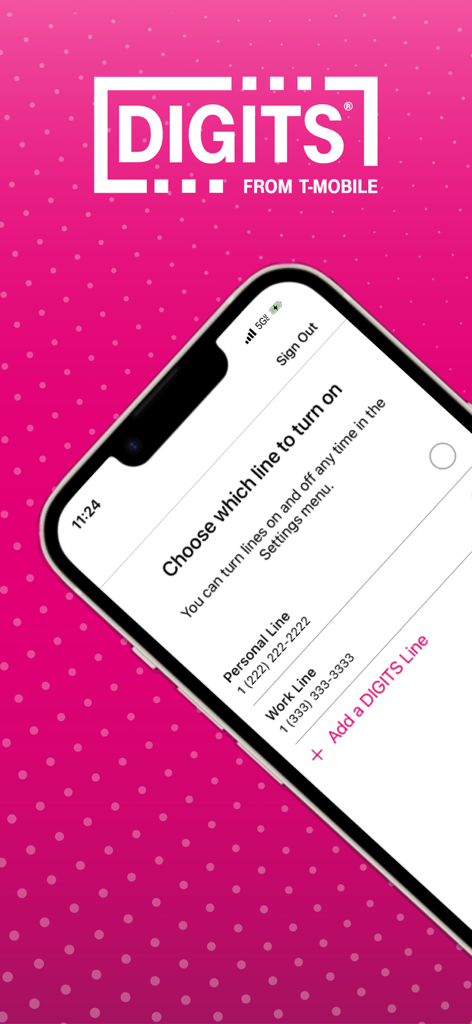
T-Mobile DIGITS app interface showing a list of phone lines including personal and work lines on a smartphone
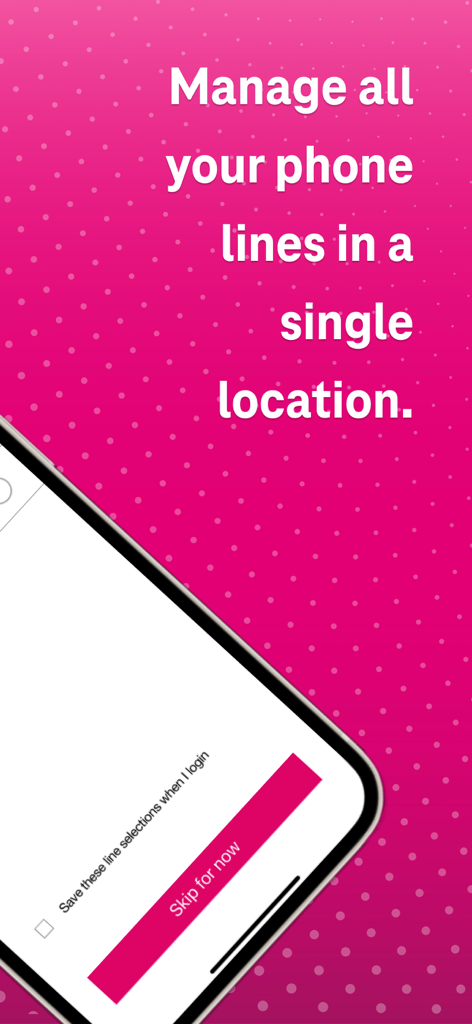
T-Mobile DIGITS app interface showing text that says manage all your phone lines in a single location
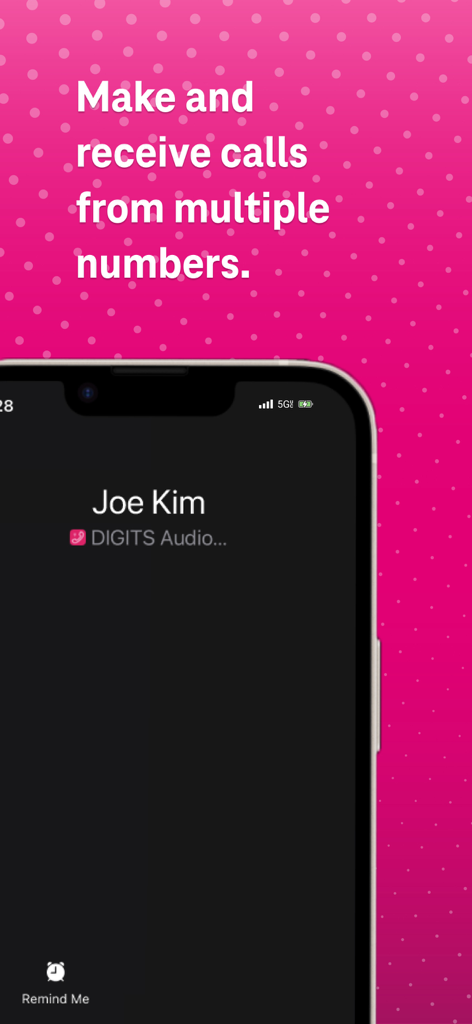
An iPhone displaying an incoming call from Joe Kim on the T-Mobile DIGITS app interface with text about using multiple numbers.
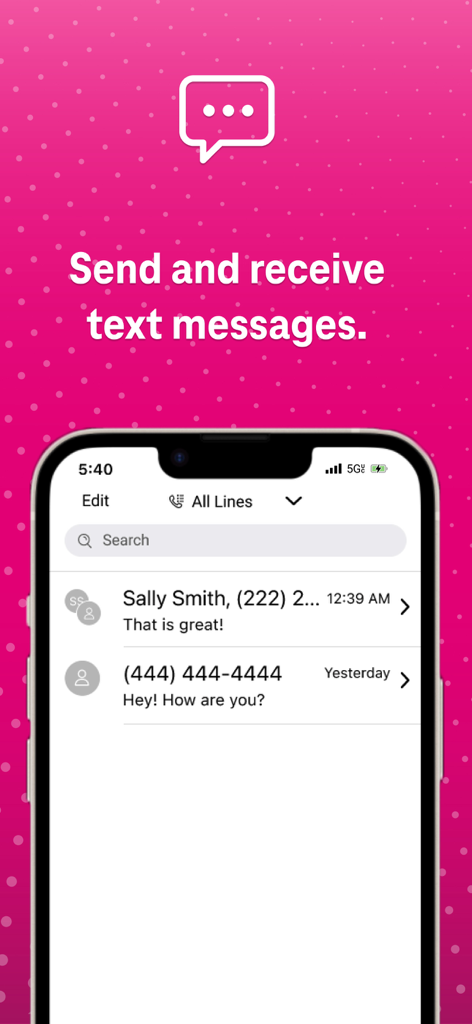
T-Mobile DIGITS app messaging screen showing text conversations
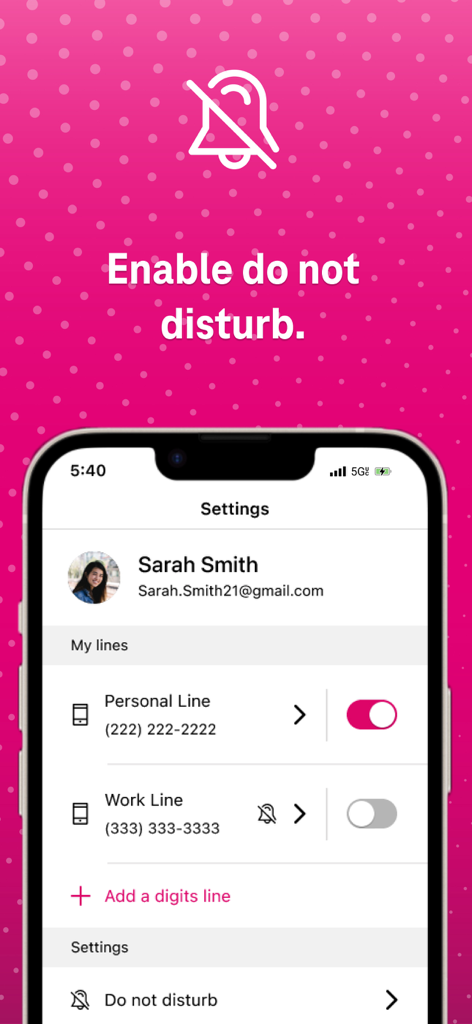
A phone screen showing the T-Mobile DIGITS app settings with options to enable do not disturb and toggle between personal and work lines
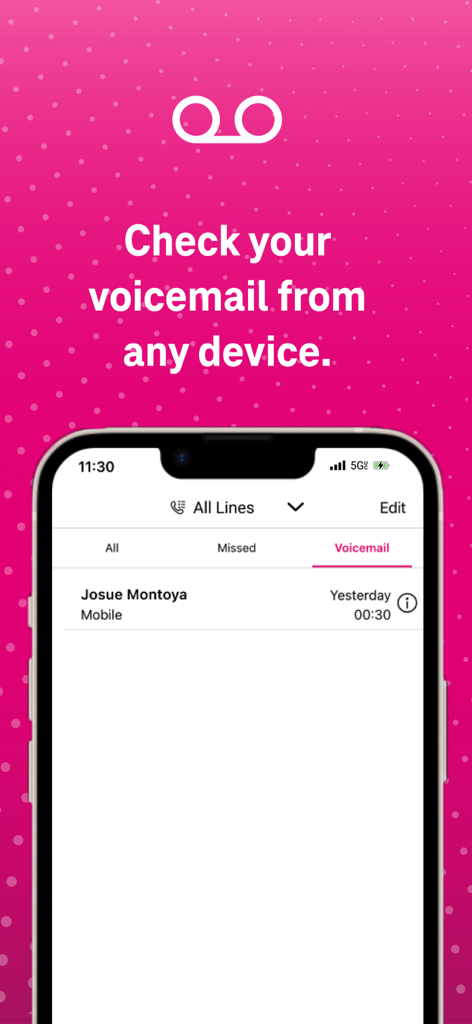
T-Mobile DIGITS app screen showing voicemail feature with text Check your voicemail from any device
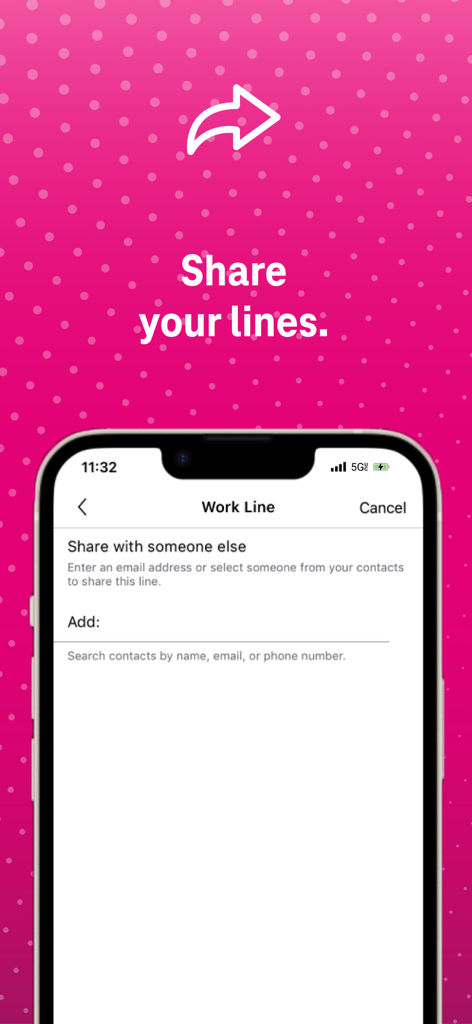
T-Mobile DIGITS app interface showing how to share a work line with another person
Description
Download
More Like This
Apps with similar features and user experience


This page is not an official page of the app or its developer, but an independent editorial publication created for informational and commentary purposes. Unless expressly stated otherwise, neither the app nor its developer is affiliated with, endorsed by, sponsored by, authorized by, or otherwise officially connected with MWM, Apple, Google Play, the app publisher, or the app's developer, and nothing on this page implies that the app was developed using MWM's services. Any trademarks, logos, screenshots, and other content remain the property of their respective owners.