
This page is not an official page of the app or its developer, but an independent editorial publication created for informational and commentary purposes. Unless expressly stated otherwise, neither the app nor its developer is affiliated with, endorsed by, sponsored by, authorized by, or otherwise officially connected with MWM, Apple, Google Play, the app publisher, or the app's developer, and nothing on this page implies that the app was developed using MWM's services. Any trademarks, logos, screenshots, and other content remain the property of their respective owners.


Taro: Spatial Depth Wallpaper
Transform your iPhone and iPad with stunning 4K Depth Effects and intelligent Shortcut automation. From Cyberpunk to Minimalist, curate a look that’s uniquely yours.
Downloads
60K+User Rating
Total Ratings
1000Publisher
Category
Graphics & DesignLocales
8Latest Version
1.2.6Size
23.7 MBFirst Released
Mar 22, 2024Redefining Your Digital Aesthetic
Harness the power of iOS 26 with exclusive spatial visuals and smart automation designed for high-end Apple hardware and power users.
Intelligent Depth Effects
Unlock immersive, layered visuals that interact seamlessly with your Lock Screen clock for a professional 3D experience.
Seamless Automation
Leverage Apple Shortcuts to rotate your aesthetic automatically, keeping your screen fresh every time you pick up your phone.
Frequently Asked Questions
Everything you need to know about Taro: Spatial Depth Wallpaper
What is Taro: Spatial Depth Wallpaper?
Taro transforms your Lock Screen with next-generation Spatial and Depth Effect wallpapers, perfectly designed for iOS 26. It offers stunning 4K clarity and seamless automation features.
Does Taro: Spatial Depth Wallpaper support Depth Effect?
Yes, Taro supports Depth Effect wallpapers. Its curated "Depth Collection" interacts intelligently with the Lock Screen clock, creating a layered, 3D immersive visual experience.
How does Taro: Spatial Depth Wallpaper manage auto-changing wallpapers?
Taro integrates with Apple Shortcuts for auto-shuffle. You can set wallpapers to rotate hourly, daily, or upon device locking, providing a stable auto-change experience.
What wallpaper collections are available in Taro: Spatial Depth Wallpaper?
Taro offers a wide range of collections including Trending (Anime, Cyberpunk, Vaporwave, Minimalist) and Classic (Landscapes, Dark Mode, Architecture), all in true 4K & HD Retina resolution.
Is Taro: Spatial Depth Wallpaper compatible with iPad?
Yes, Taro is natively designed for iPad. It provides perfect Landscape & Portrait support, Split-view readiness, and high-resolution assets for iPad Air, mini, and Pro.
Which iOS version does Taro: Spatial Depth Wallpaper support?
Taro is ready for iOS 26. It features backgrounds designed to leave room for Lock Screen widgets and offers instant previews of Depth Effects before setting.
Is a subscription required to use all features in Taro: Spatial Depth Wallpaper?
Yes, a subscription unlocks the complete wallpaper library and advanced features such as unlimited downloads and auto-change workflows. Subscriptions renew automatically.
How can I contact support for Taro: Spatial Depth Wallpaper?
Users can contact support for Taro: Spatial Depth Wallpaper by visiting the official contact page at https://docs.tarowallpaper.com/en/contact.
Does Taro: Spatial Depth Wallpaper offer 4K wallpapers?
Yes, Taro offers 4K wallpapers. The app provides high-quality true 4K & HD Retina resolution backgrounds for crystal-clear details on your screen.
The following screenshots and description are sourced directly from the app's official store listing and are the property of the app developer.
App Store
Screenshots
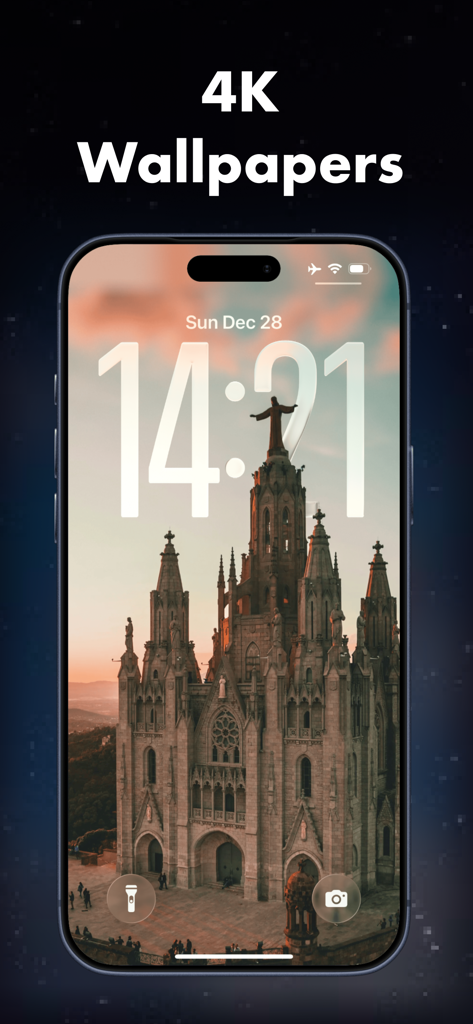
iPhone lock screen showing a 4K architecture wallpaper with spatial depth effect
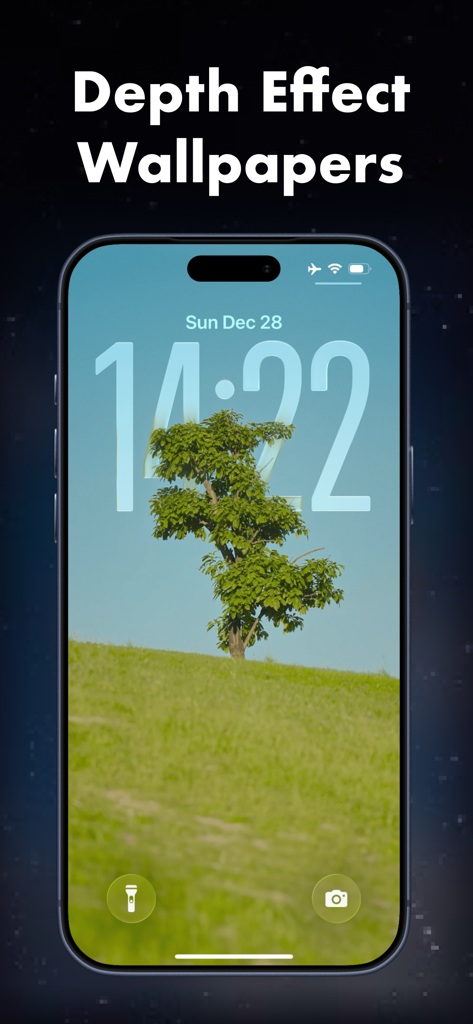
iPhone lock screen displaying a tree wallpaper with depth effect from the Taro app
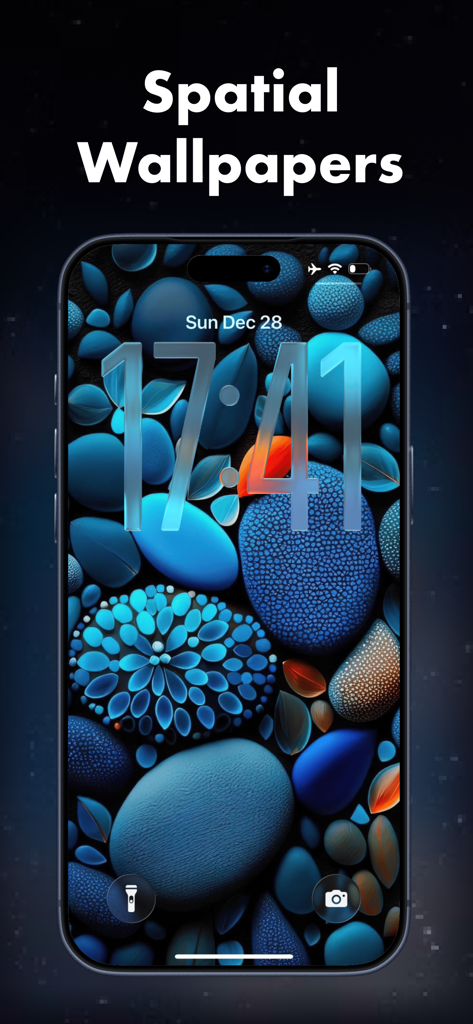
Blue 3D spatial depth wallpaper on an iPhone lock screen
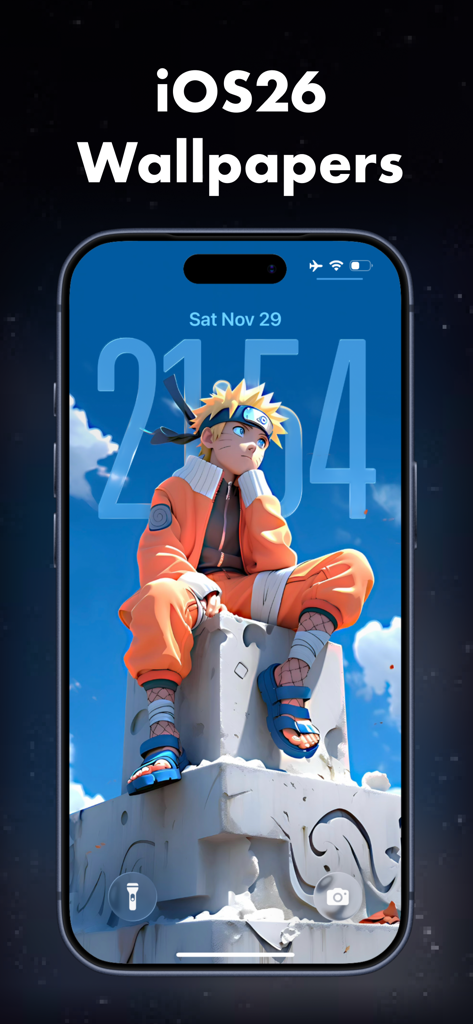
iPhone lock screen showing an anime character with a 3D depth effect wallpaper from Taro app.
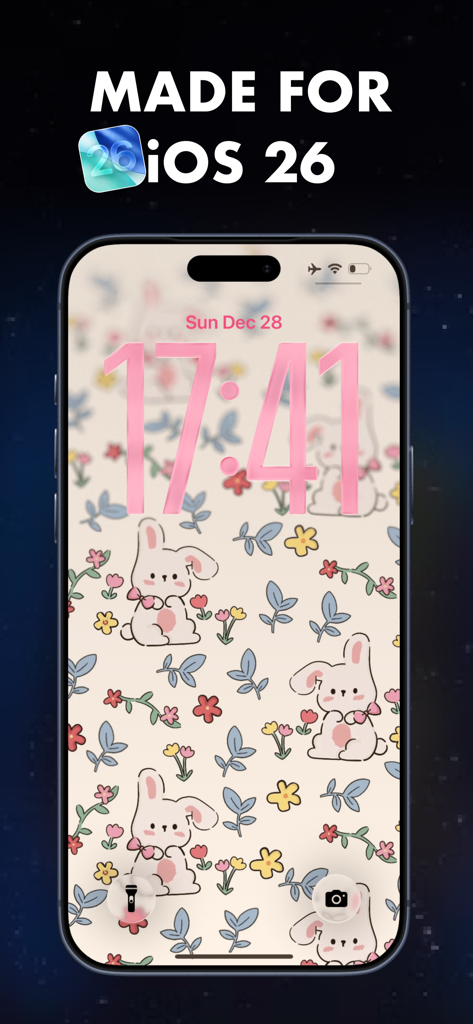
iPhone lock screen displaying a cute bunny and floral aesthetic wallpaper with spatial depth effect.
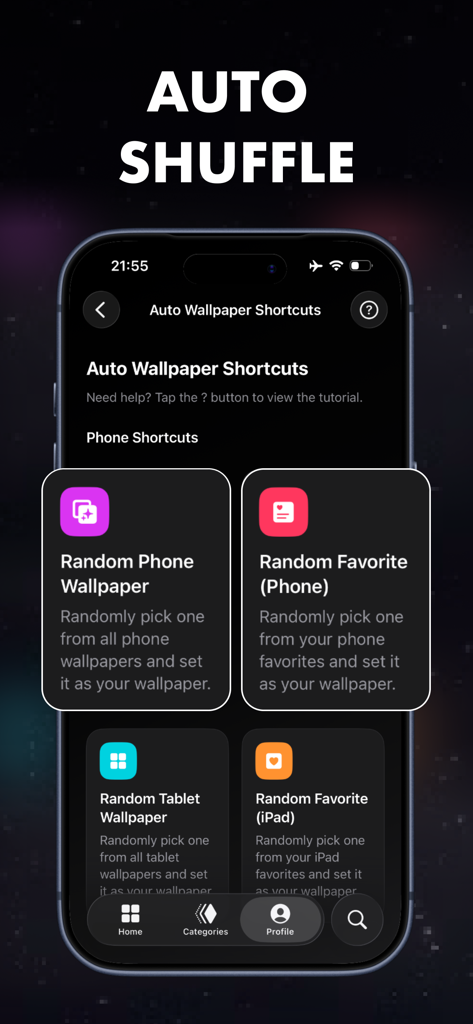
Interface of Taro app showing auto wallpaper shuffle options using Apple Shortcuts for iPhone and iPad
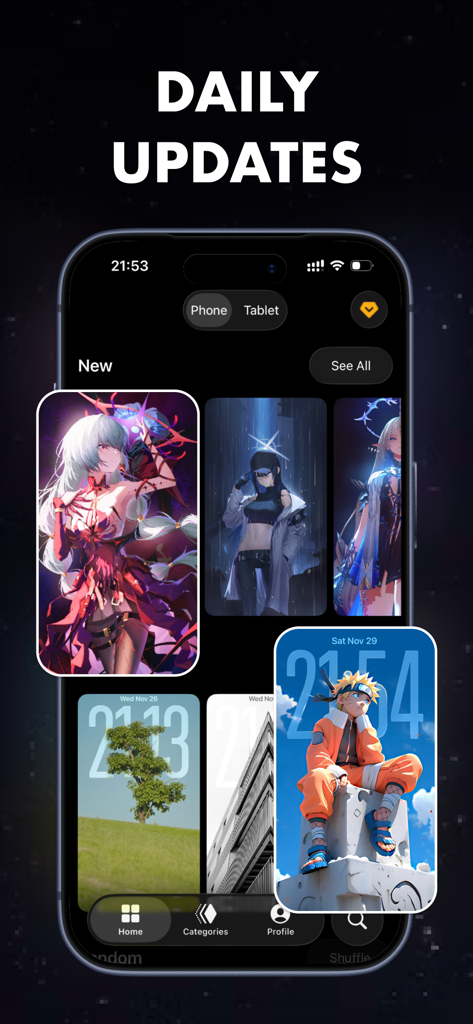
Interface of Taro wallpaper app showing anime and architecture backgrounds with spatial depth effect
Description
Download
More Like This
Apps with similar features and user experience
Wallpapers HD : Albums
红 陈
Anime Wallpaper - Live Engine
Abay Imanberlin

Wallpapers -Selected HD Images
久海 周

Cuto Wallpaper
Potatso Lab LTD

Ikream
宝霞 段
Wallpapers for phone & themes
Sergei Fomichev

Wallpapers for Dynamic Island
INNOVA TAP APPS LIMITED
Live Screen 26
AI APPS S.R.L.

Dope Wallpapers For iPhone 4K
Uniqo Lab FZC
This page is not an official page of the app or its developer, but an independent editorial publication created for informational and commentary purposes. Unless expressly stated otherwise, neither the app nor its developer is affiliated with, endorsed by, sponsored by, authorized by, or otherwise officially connected with MWM, Apple, Google Play, the app publisher, or the app's developer, and nothing on this page implies that the app was developed using MWM's services. Any trademarks, logos, screenshots, and other content remain the property of their respective owners.