
This page is not an official page of the app or its developer, but an independent editorial publication created for informational and commentary purposes. Unless expressly stated otherwise, neither the app nor its developer is affiliated with, endorsed by, sponsored by, authorized by, or otherwise officially connected with MWM, Apple, Google Play, the app publisher, or the app's developer, and nothing on this page implies that the app was developed using MWM's services. Any trademarks, logos, screenshots, and other content remain the property of their respective owners.

Tattoo AI - Design & Generator
Escape generic Pinterest designs and eliminate tattoo regret. Generate unique, custom art in seconds and visualize it on your body before the needle touches your skin.
Downloads
18K+User Rating
Total Ratings
0Publisher
Category
Graphics & DesignLocales
19Latest Version
1.2.0Size
69.7 MBFirst Released
Jan 26, 2025Design Your Identity
Discover the ultimate toolkit for tattoo enthusiasts. Whether you're a first-timer or a collector, our AI-powered features ensure your next piece is perfect.
AI-Powered Originality
Transform your wildest ideas into high-resolution sketches in seconds. Say goodbye to generic designs and explore unique concepts tailored to your prompt.
Visualize Before You Ink
Eliminate regret with 3D and AR previews. See how your design wraps around your arm, leg, or back in real-time before committing to the needle.
Frequently Asked Questions
Everything you need to know about Tattoo AI - Design & Generator
How does Tattoo AI - Design & Generator create custom tattoos?
Tattoo AI - Design & Generator uses powerful AI. Users input themes, keywords, or symbols, and the AI tool generates custom sketches and design ideas based on these inputs.
Can I see how a tattoo looks on my body using Tattoo AI - Design & Generator?
Yes, Tattoo AI - Design & Generator offers 3D models or AR previews. Users can visualize how their tattoo appears on various body parts and adjust its size, angle, and color.
What tattoo styles does Tattoo AI - Design & Generator offer?
Tattoo AI - Design & Generator offers many styles, including Traditional, Tribal, Minimalist, Realistic, Watercolor, Geometric, Line Art, and Abstract. The gallery is frequently updated.
Can I customize my tattoo designs in Tattoo AI - Design & Generator?
Yes, Tattoo AI - Design & Generator allows customization. Users can add text, symbols, color gradients, and refine aspect ratio, shading, and line thickness for unique designs.
Is it possible to share tattoo designs created with Tattoo AI - Design & Generator?
Yes, Tattoo AI - Design & Generator allows easy sharing. Users can save designs to Favorites, export high-resolution images, and share them on social media or directly with artists.
Does Tattoo AI - Design & Generator support different tattoo colors?
Yes, Tattoo AI - Design & Generator supports different tattoo colors. Users can select between colorful or black & white options for their designs.
Who can use the Tattoo AI - Design & Generator app?
Tattoo AI - Design & Generator is for beginners exploring tattoo ideas, artists streamlining brainstorming with clients, and collectors seeking complementary designs for their existing collection.
The following screenshots and description are sourced directly from the app's official store listing and are the property of the app developer.
App Store
Screenshots
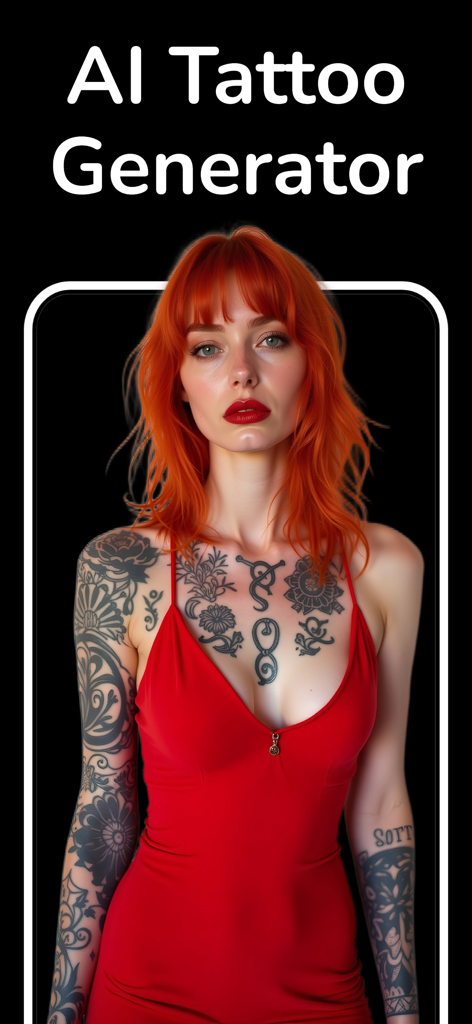
AI tattoo generator app preview featuring a woman with red hair and artistic chest tattoos
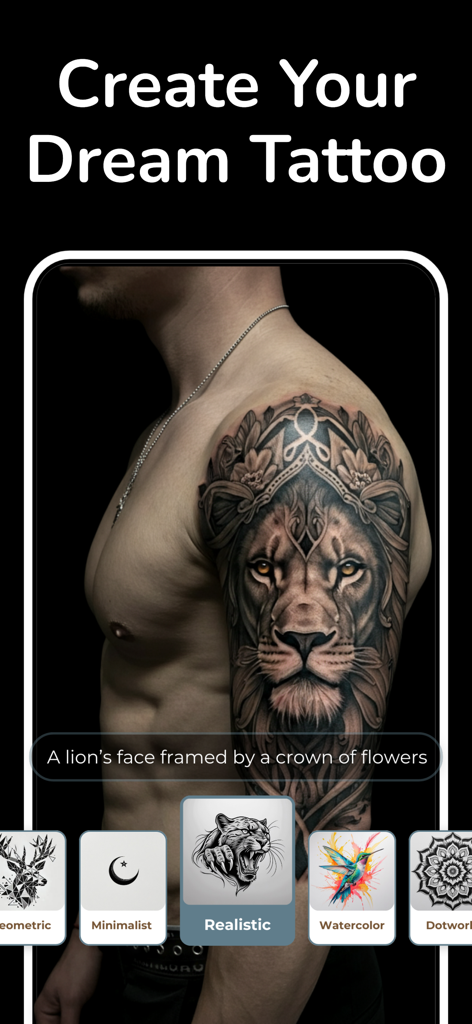
A realistic lion tattoo design generated by AI and previewed on a shoulder.
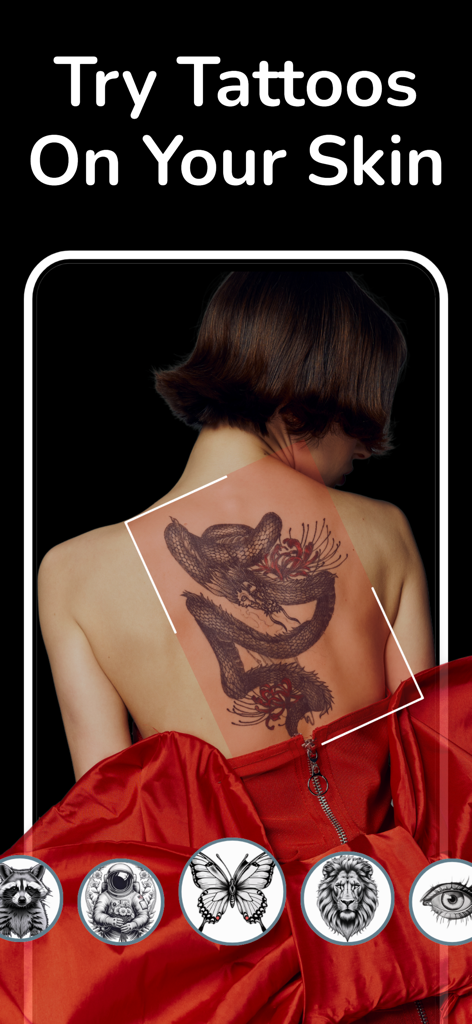
A woman using the Tattoo AI app to preview a dragon tattoo on her back.
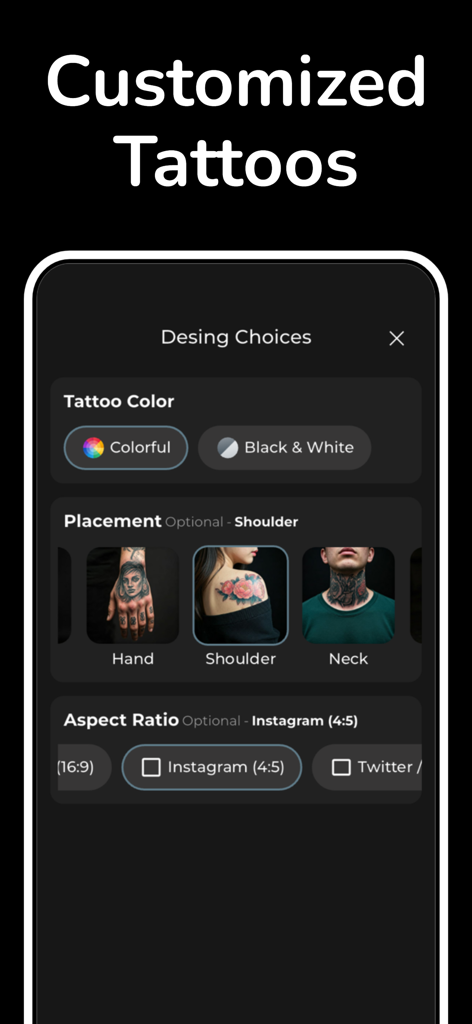
App screen showing customization options for tattoo color body placement and aspect ratio
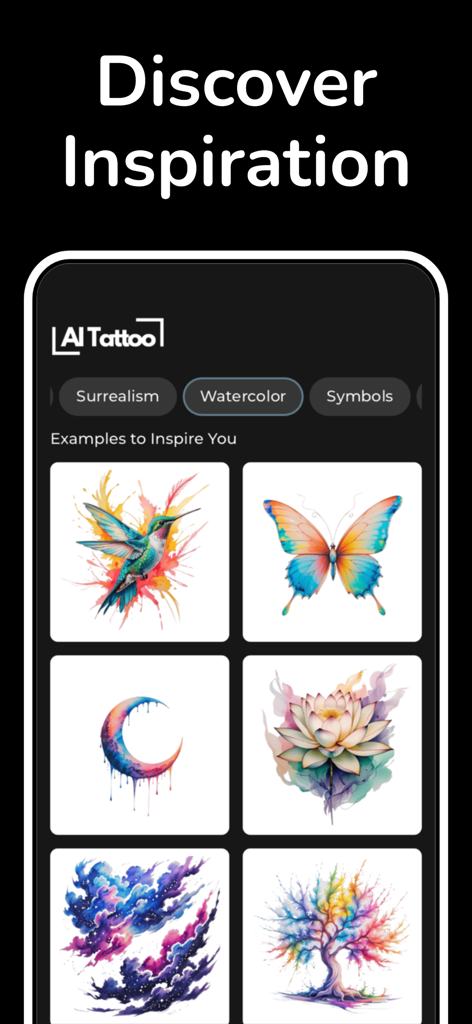
Inspiration gallery of AI-generated watercolor tattoo designs including butterflies and hummingbirds.
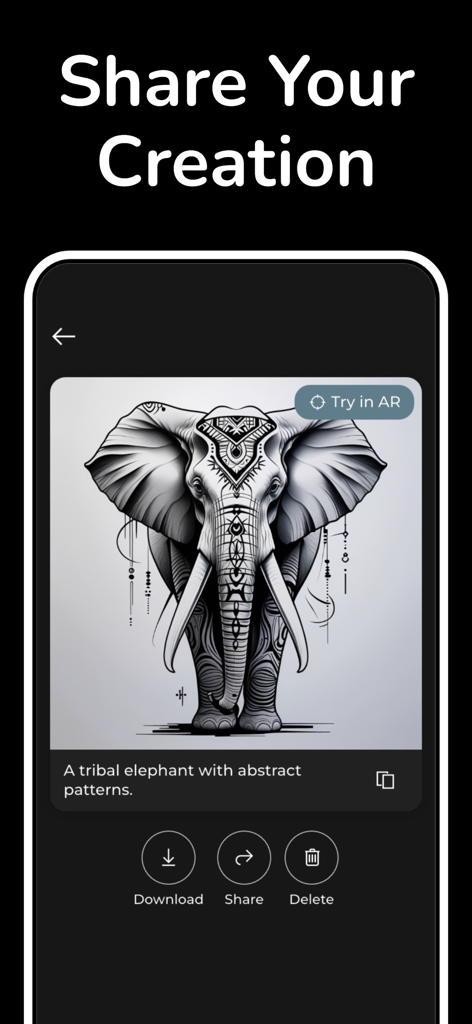
Mobile app interface showing an AI generated tribal elephant tattoo design with share and download options
Description
Download
More Like This
Top-ranked apps in the same category

Kling AI: AI Image&Video Maker
LOHAS GAMES PTE. LTD.

iScreen - Widgets & Wallpaper
Xiamen ShenZhuo Information Technology Co., Ltd.

Dreamina AI: Image&Video Maker
BYTEDANCE PTE. LTD.

Home AI - AI Interior Design
HUBX YAZILIM HIZMETLERI ANONIM SIRKETI

ibis Paint X
ibis inc.

ThemeKit: Widget & Icon Themes
Woohoo Tech. Ltd.

Sketchbook®
Sketchbook, Inc.

Colorful Widget- Widget&Themes
Guangzhou ZHIFENG Information Technology Co.,Ltd.

ReRoom AI: Interior Design
GM UniverseApps Limited
This page is not an official page of the app or its developer, but an independent editorial publication created for informational and commentary purposes. Unless expressly stated otherwise, neither the app nor its developer is affiliated with, endorsed by, sponsored by, authorized by, or otherwise officially connected with MWM, Apple, Google Play, the app publisher, or the app's developer, and nothing on this page implies that the app was developed using MWM's services. Any trademarks, logos, screenshots, and other content remain the property of their respective owners.