
This page is not an official page of the app or its developer, but an independent editorial publication created for informational and commentary purposes. Unless expressly stated otherwise, neither the app nor its developer is affiliated with, endorsed by, sponsored by, authorized by, or otherwise officially connected with MWM, Apple, Google Play, the app publisher, or the app's developer, and nothing on this page implies that the app was developed using MWM's services. Any trademarks, logos, screenshots, and other content remain the property of their respective owners.

TechAssistant 2.0
Eliminate downtime and master every repair with instant access to circuit diagrams, service parts, and technical documentation. Scan, diagnose, and order parts on-site for iCombi and iVario systems—all from your smartphone.
Downloads
5K+User Rating
Total Ratings
0Publisher
Category
Food & DrinkLocales
1Latest Version
1.1.4Size
46.7 MBFirst Released
Jul 18, 2025The Ultimate Field Tool for RATIONAL Pros
Everything you need to troubleshoot, repair, and maintain RATIONAL systems faster. Built for technicians who demand precision, speed, and a first-time fix.
Smart Scan Identification
Skip the manual search. Scan any nameplate QR code to instantly pull up device-specific circuit diagrams, service parts, and technical specs for the exact model in front of you.
Instant Service Access
Never get stuck on-site. Generate service level PINs and option passwords directly in the app, eliminating wait times and ensuring you can complete the job without a callback.
The following screenshots and description are sourced directly from the app's official store listing and are the property of the app developer.
App Store
Screenshots
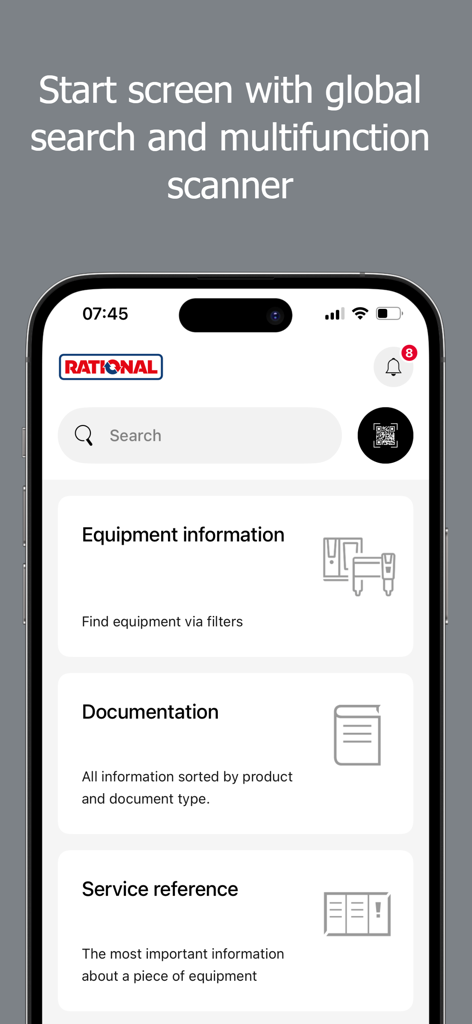
TechAssistant 2.0 app start screen with global search and multifunction scanner
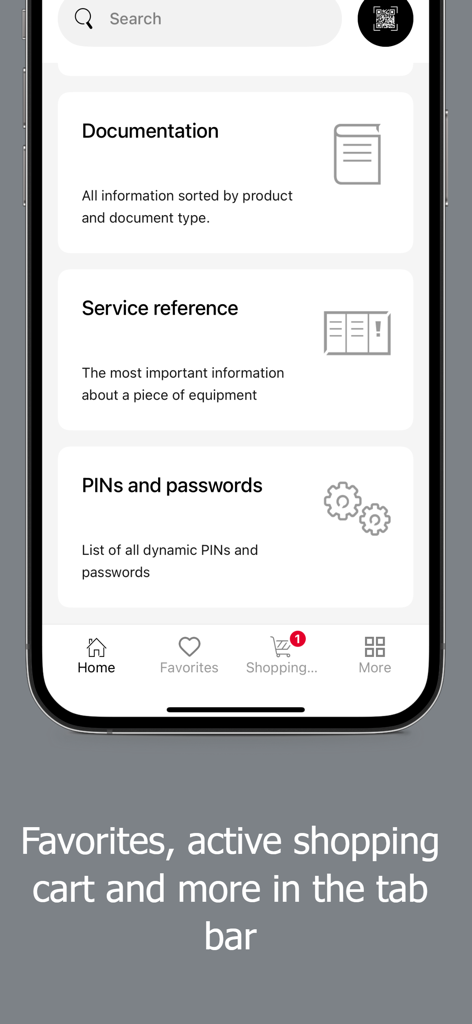
TechAssistant 2.0 app home screen showing documentation service reference and navigation tab bar
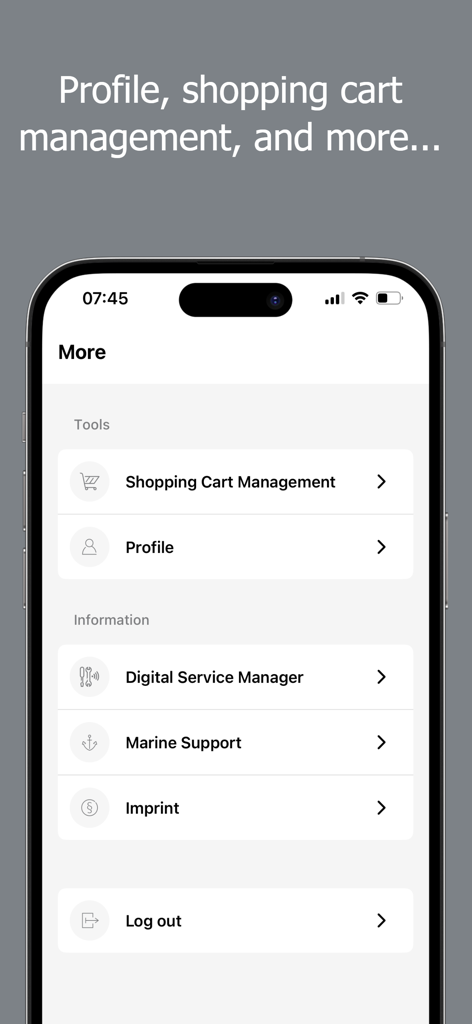
TechAssistant 2.0 app more menu featuring profile and shopping cart management
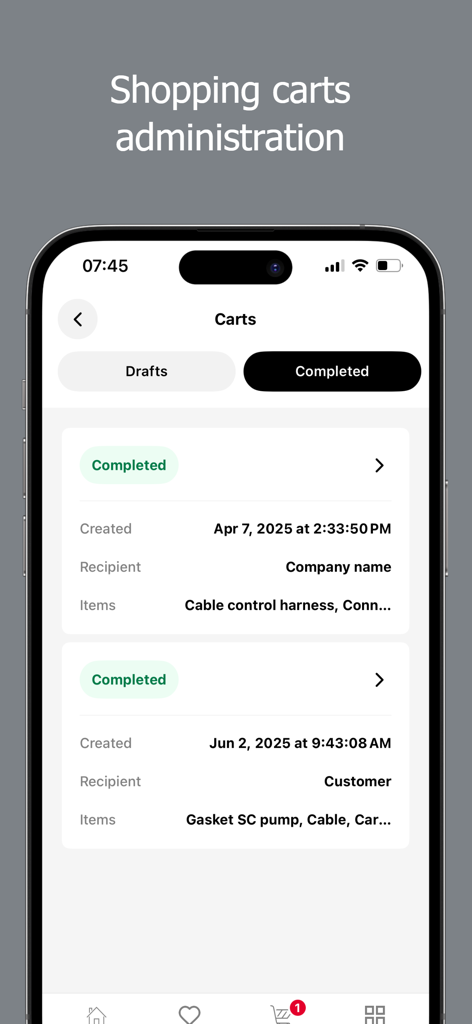
Shopping cart administration screen in the TechAssistant 2.0 app showing a list of completed orders for kitchen equipment service parts.
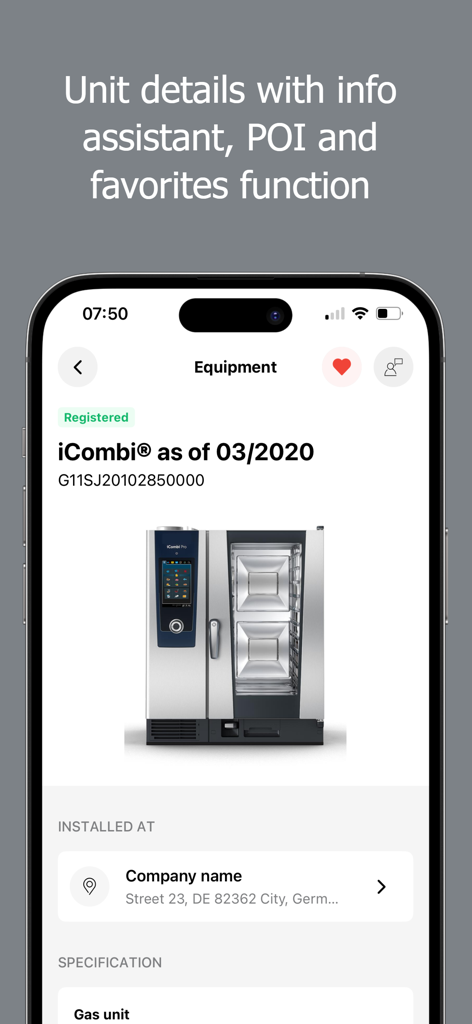
TechAssistant 2.0 app screen showing detailed equipment information for a Rational iCombi oven including serial number and installation location.
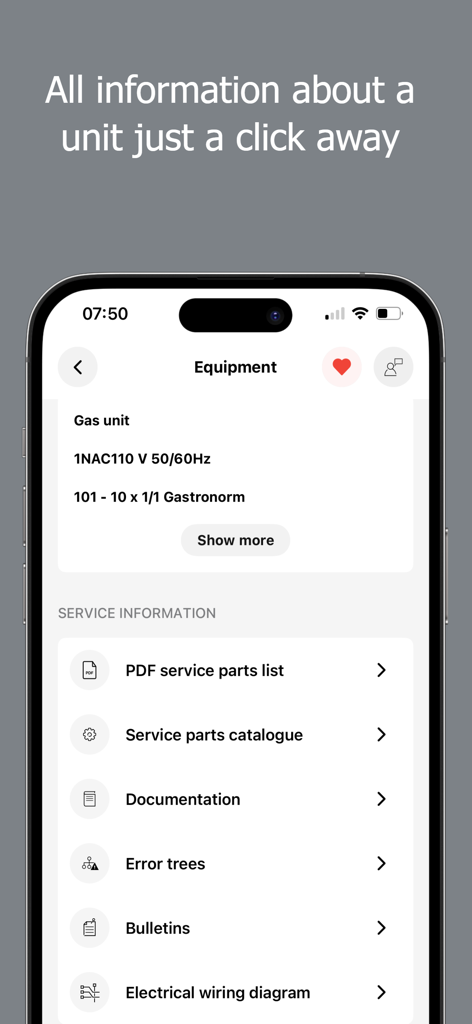
TechAssistant 2.0 app screen displaying technical documentation and service information for commercial kitchen units
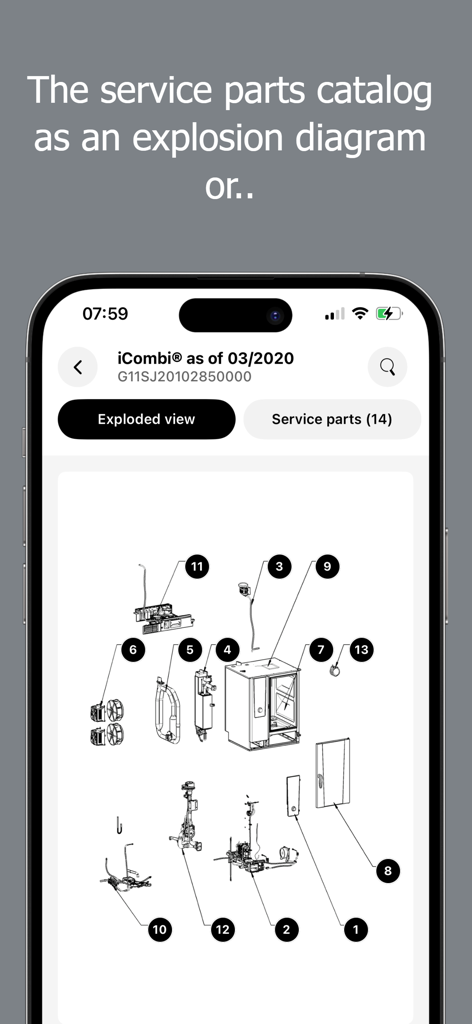
Exploded view diagram of a Rational iCombi cooking system showing numbered service parts
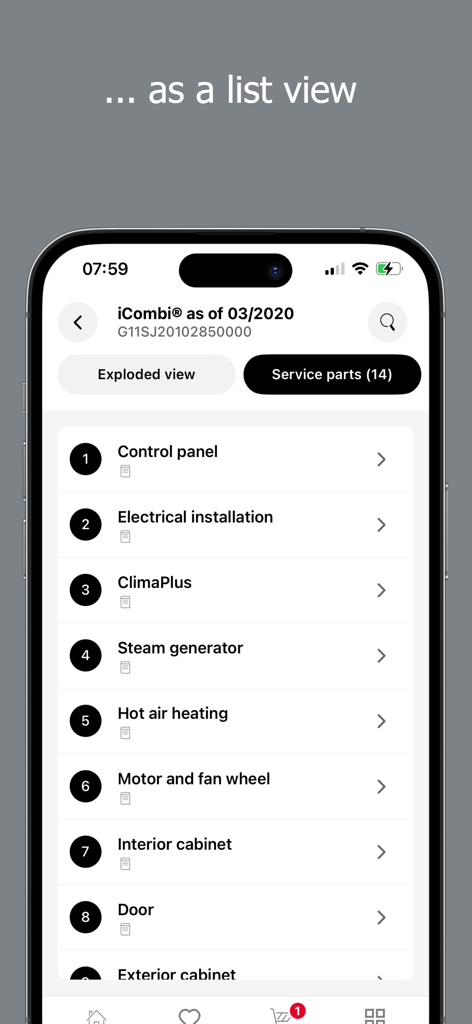
List view of service parts for a RATIONAL iCombi oven in the TechAssistant 2.0 app
Description
Download
More Like This
Top-ranked apps in the same category

DoorDash: Food, Grocery, More
DoorDash, Inc.

Too Good To Go: End Food Waste
Too Good To Go ApS

Uber Eats: Food & Groceries
Uber Technologies, Inc.

淘宝闪购-饿了么全面更新
Shanghai Rajax Information Technology Co., Ltd.

盒马 - 鲜美生活
Shanghai Heli Network Technical Service Co., Ltd.

Keeta - Food Delivery
Kangaroo Limited

McDonald’s
McDonald's Global Markets LLC

麦当劳McDonald's - 到店取餐 麦咖啡 麦乐送
McDonald's (China) Co., Ltd.

OpenTable
OpenTable, Inc.
This page is not an official page of the app or its developer, but an independent editorial publication created for informational and commentary purposes. Unless expressly stated otherwise, neither the app nor its developer is affiliated with, endorsed by, sponsored by, authorized by, or otherwise officially connected with MWM, Apple, Google Play, the app publisher, or the app's developer, and nothing on this page implies that the app was developed using MWM's services. Any trademarks, logos, screenshots, and other content remain the property of their respective owners.