
This page is not an official page of the app or its developer, but an independent editorial publication created for informational and commentary purposes. Unless expressly stated otherwise, neither the app nor its developer is affiliated with, endorsed by, sponsored by, authorized by, or otherwise officially connected with MWM, Apple, Google Play, the app publisher, or the app's developer, and nothing on this page implies that the app was developed using MWM's services. Any trademarks, logos, screenshots, and other content remain the property of their respective owners.


Tempi: BPM Counter & Detector
The "reverse metronome" that listens while you play. Get instant BPM feedback, eliminate tempo drift, and analyze your performance to keep your band perfectly in the pocket.
Downloads
24K+User Rating
Total Ratings
400Publisher
Category
MusicLocales
1Latest Version
2.8Size
3.3 MBFirst Released
Aug 17, 2017Master Your Timing, Perfect Your Performance
Stop guessing and start growing. Tempi turns your iPhone or iPad into a high-precision BPM monitor that tracks every beat, whether you're practicing solo or gigging with a full band.
Live Tempo Feedback
Stay in the pocket with a real-time visual BPM display that the entire band can see from across the room—perfect for loud rehearsal spaces.
Analyze Tempo Drift
Settle the rehearsal debates with data. Review session recordings to pinpoint exactly where you rushed or dragged to eliminate rhythmic inconsistencies.
The following screenshots and description are sourced directly from the app's official store listing and are the property of the app developer.
App Store
Screenshots
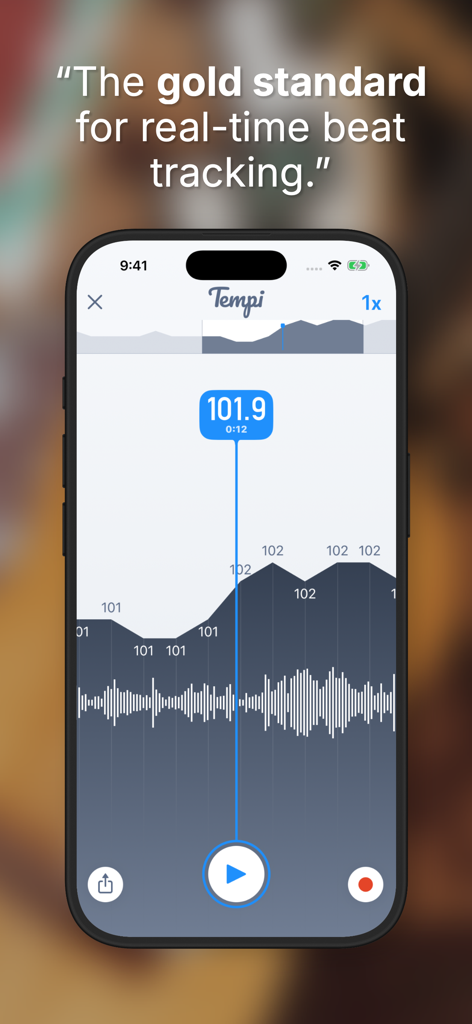
iPhone screen displaying the Tempi app interface with a real-time BPM counter of 101.9 and a tempo drift graph
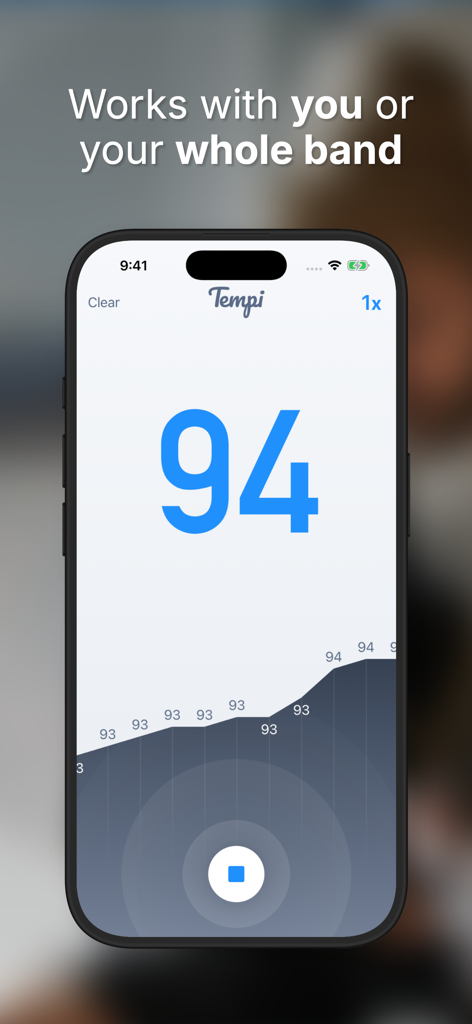
Tempi app interface showing a detected tempo of 94 BPM and a performance graph
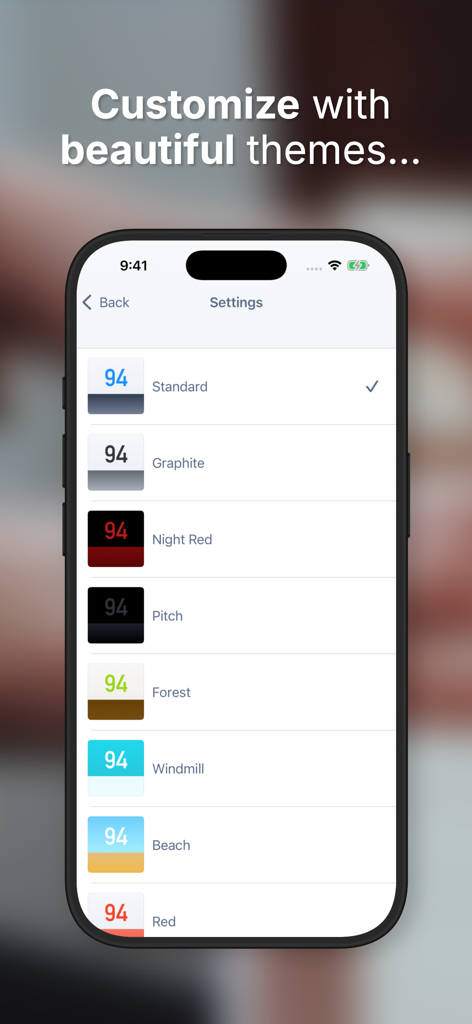
Settings screen of the Tempi app showing a list of color theme options for the BPM display.
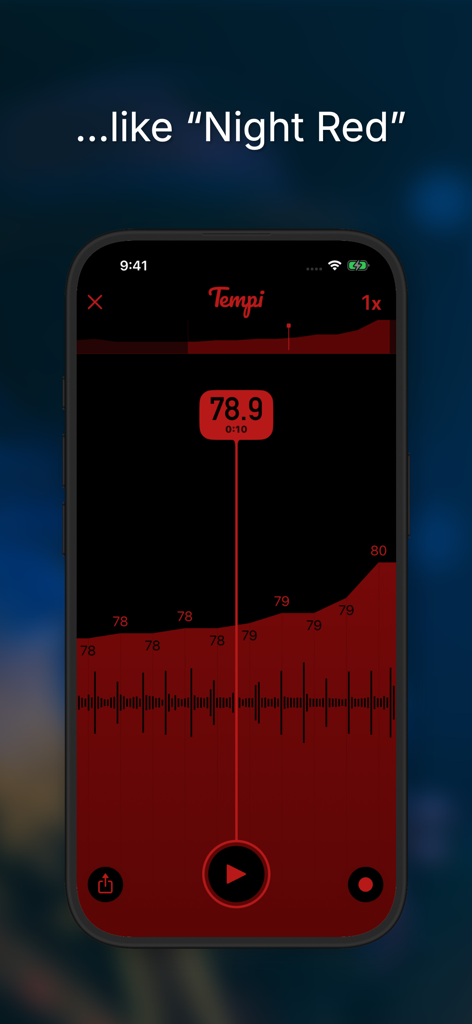
Tempi BPM Counter app interface in Night Red mode showing real-time tempo analysis.
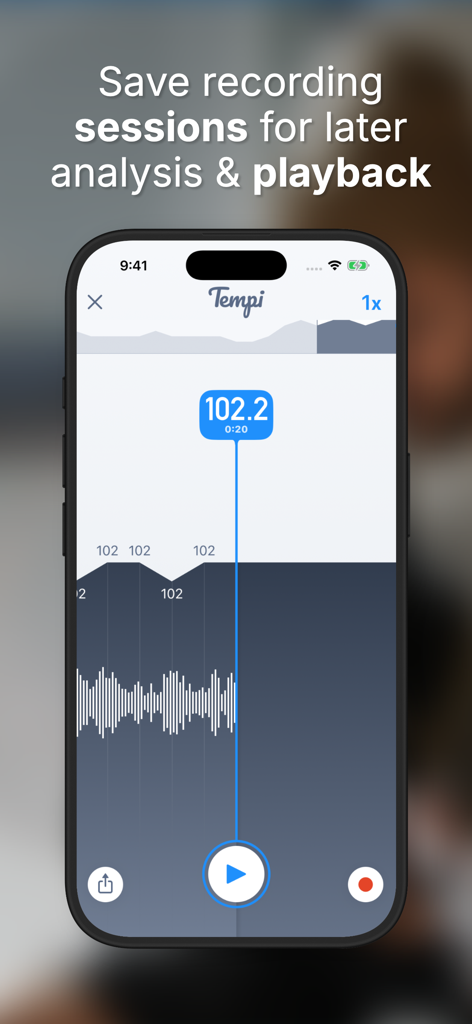
Tempi app interface showing a recorded session with real-time BPM data and tempo analysis graph.
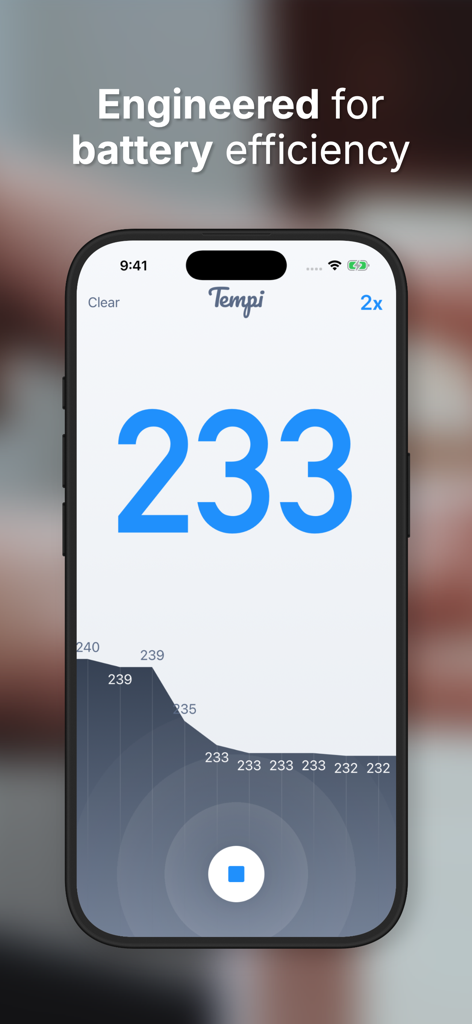
Tempi app interface showing real time BPM counter and tempo history graph
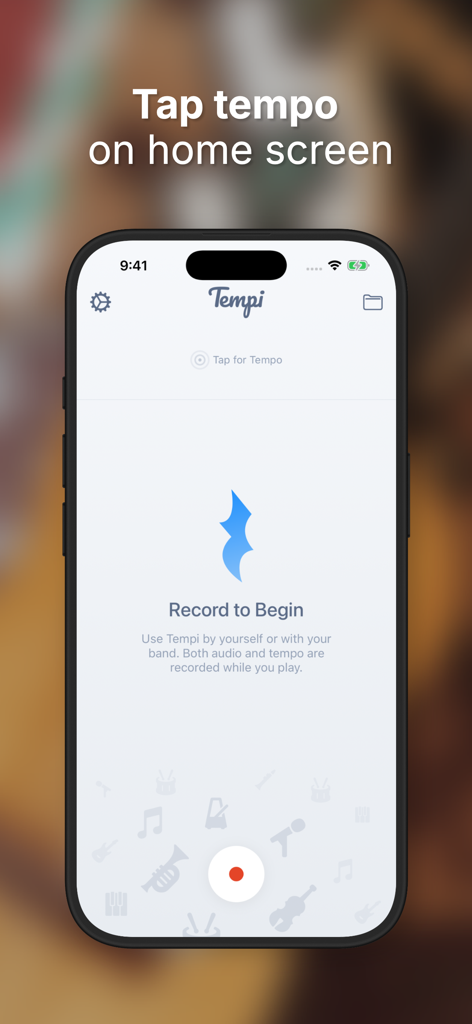
Tempi app home screen showing the tap tempo feature and record button for musicians.
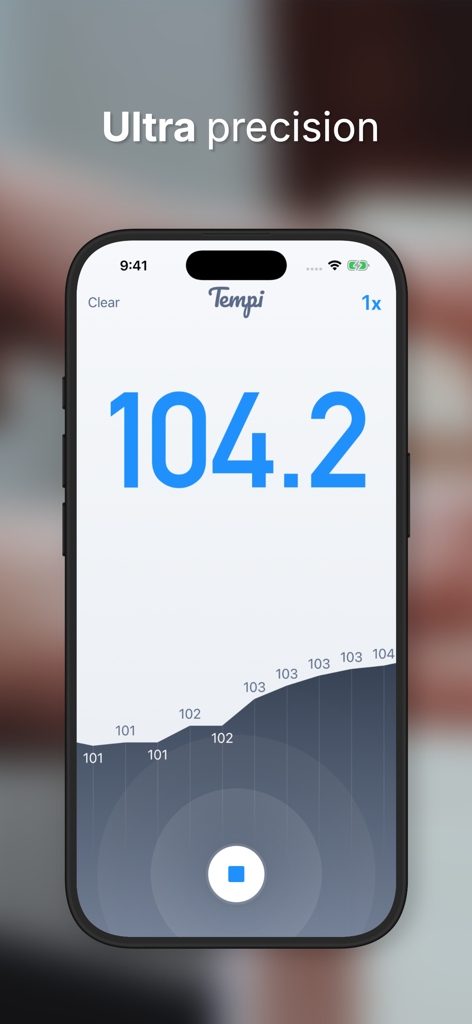
Tempi app screenshot showing a precise real-time BPM reading of 104.2 with a tempo history graph.
Description
Download
More Like This
Top-ranked apps in the same category

Spotify: Music and Podcasts
Spotify

YouTube Music
Google LLC

Shazam: Find Music & Concerts
Apple Inc.

SoundCloud: The Music You Love
SoundCloud Global Limited & Co KG

Suno - AI Songs & Music
Suno Inc.

QQ音乐 - 听我想听
Tencent Technology (Shenzhen) Company Limited

Audiomack - Play Music Offline
Audiomack, Inc.

GuitarTuna: Tune & Play Guitar
Yousician Ltd

BandLab – Music Maker & Beats
BandLab Singapore Pte Ltd
This page is not an official page of the app or its developer, but an independent editorial publication created for informational and commentary purposes. Unless expressly stated otherwise, neither the app nor its developer is affiliated with, endorsed by, sponsored by, authorized by, or otherwise officially connected with MWM, Apple, Google Play, the app publisher, or the app's developer, and nothing on this page implies that the app was developed using MWM's services. Any trademarks, logos, screenshots, and other content remain the property of their respective owners.