
This page is not an official page of the app or its developer, but an independent editorial publication created for informational and commentary purposes. Unless expressly stated otherwise, neither the app nor its developer is affiliated with, endorsed by, sponsored by, authorized by, or otherwise officially connected with MWM, Apple, Google Play, the app publisher, or the app's developer, and nothing on this page implies that the app was developed using MWM's services. Any trademarks, logos, screenshots, and other content remain the property of their respective owners.
The Multitrack Player
Leave the laptop behind and take total control of your stage sound. Import your stems, manage individual channels, and deliver a rock-solid performance with the reliability and precision your show deserves.
Downloads
100+User Rating
Total Ratings
0Publisher
Category
MusicLocales
2Latest Version
1.0.1Size
18.9 MBFirst Released
Feb 5, 2026Professional Performance, Simplified
Ditch the heavy laptop and complex DAWs. The Multitrack Player gives you the precision of a studio setup on your iPad or iPhone, built specifically for the high-pressure environment of the stage.
Total Stem Control
Mix every track independently with intuitive faders. Adjust your backing tracks in real-time to perfectly suit any room's acoustics or band lineup.
Rock-Solid Stage Stability
Engineered for zero-latency playback and crash-free performance, giving you the peace of mind that your tracks will never skip a beat during a live set.
The following screenshots and description are sourced directly from the app's official store listing and are the property of the app developer.
App Store
Screenshots
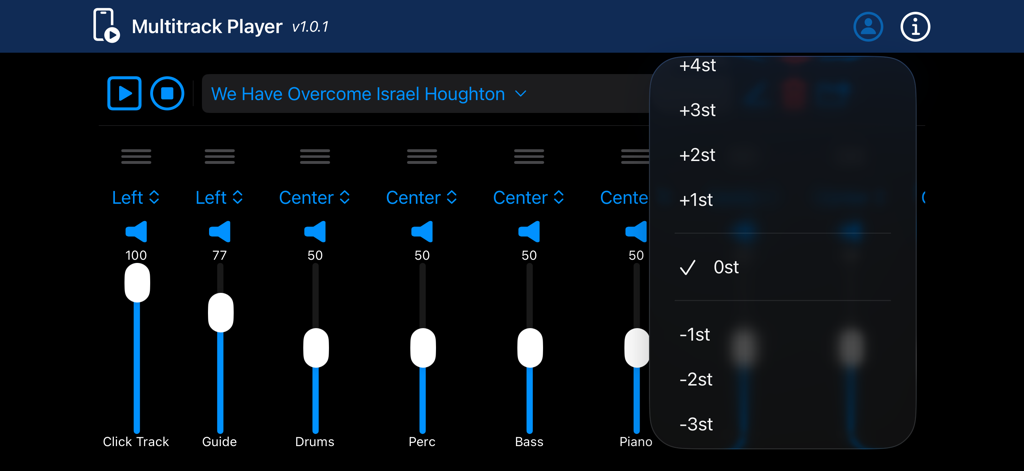
Digital mixer interface of the Multitrack Player app with volume sliders for instrument tracks and a pitch shift menu.
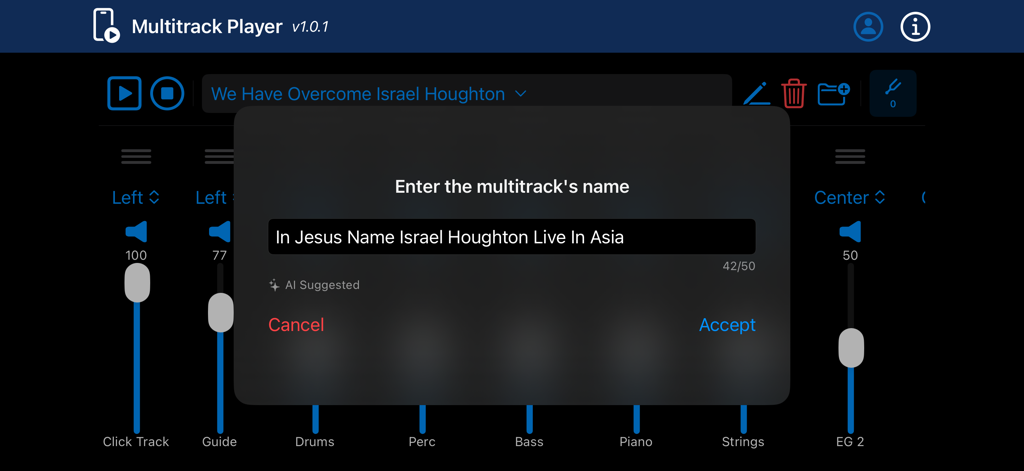
A pop up window to enter a multitrack name in the music mixer interface.
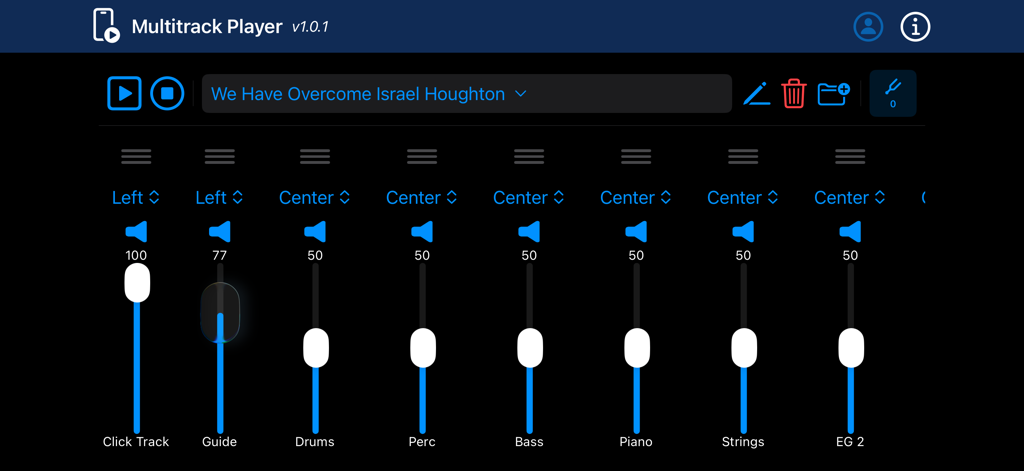
Digital audio mixing interface with multiple track faders for live music performance
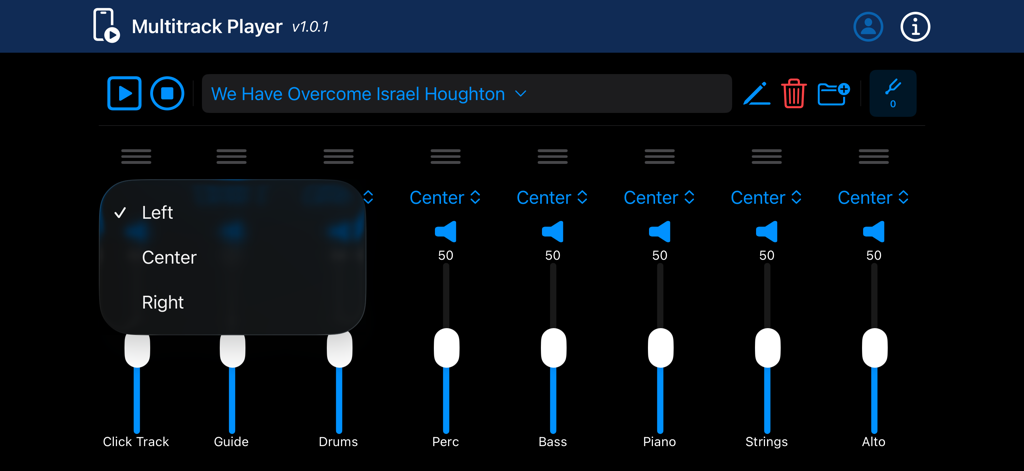
Interface of The Multitrack Player showing individual channel faders for drums, bass, and piano with a panning selection menu.
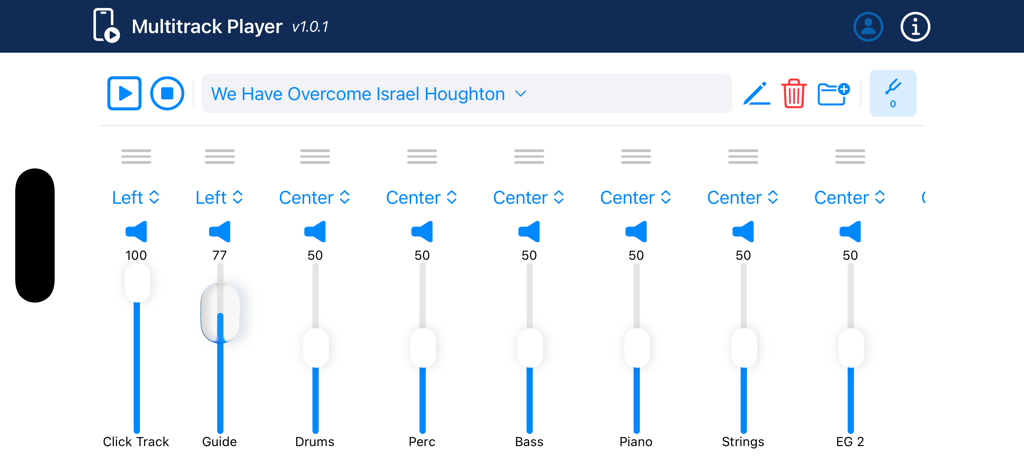
The Multitrack Player interface showing individual volume faders for drums bass and piano during a live performance
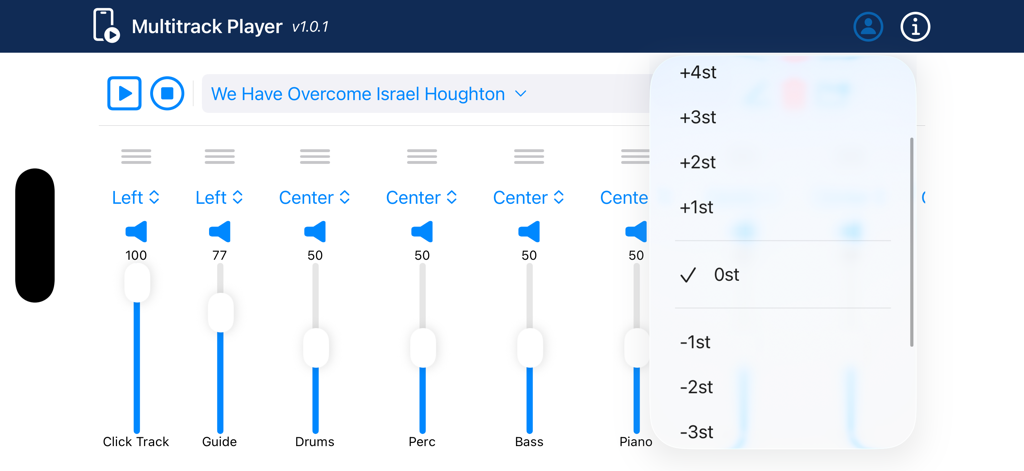
Multitrack Player app interface with audio mixer and pitch shift menu
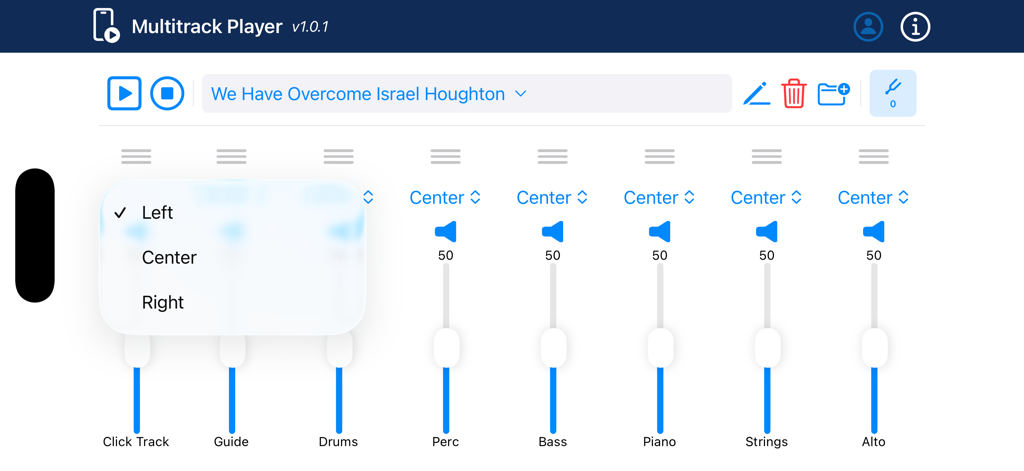
A multichannel audio mixer interface in The Multitrack Player app showing faders for drums, bass, and piano with a panning selection menu open.
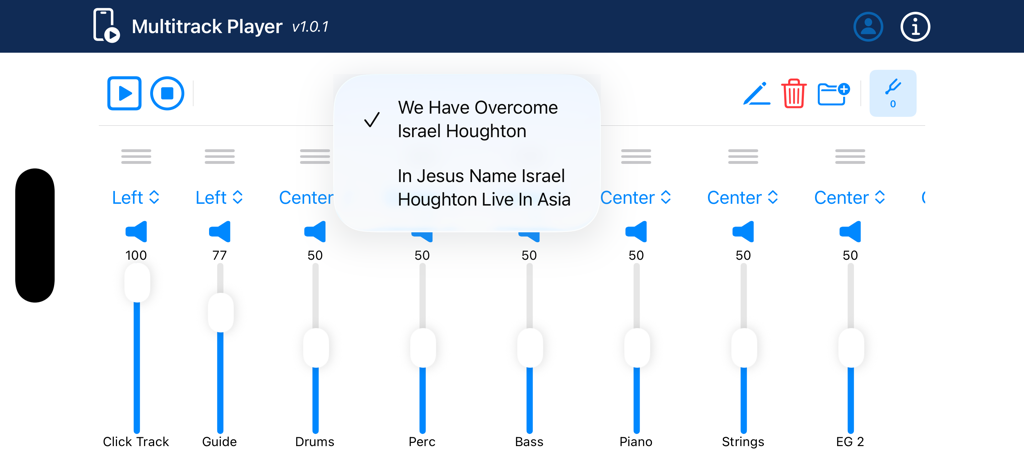
Interface of The Multitrack Player app showing song selection and individual channel volume faders
Description
Download
More Like This
Top-ranked apps in the same category

Spotify: Music and Podcasts
Spotify

YouTube Music
Google LLC

Shazam: Find Music & Concerts
Apple Inc.
SoundCloud: The Music You Love
SoundCloud Global Limited & Co KG

QQ音乐 - 听我想听
Tencent Technology (Shenzhen) Company Limited

Suno - AI Songs & Music
Suno Inc.

Audiomack - Play Music Offline
Audiomack, Inc.

BandLab – Music Maker & Beats
BandLab Singapore Pte Ltd

GuitarTuna: Tune & Play Guitar
Yousician Ltd
This page is not an official page of the app or its developer, but an independent editorial publication created for informational and commentary purposes. Unless expressly stated otherwise, neither the app nor its developer is affiliated with, endorsed by, sponsored by, authorized by, or otherwise officially connected with MWM, Apple, Google Play, the app publisher, or the app's developer, and nothing on this page implies that the app was developed using MWM's services. Any trademarks, logos, screenshots, and other content remain the property of their respective owners.