
This page is not an official page of the app or its developer, but an independent editorial publication created for informational and commentary purposes. Unless expressly stated otherwise, neither the app nor its developer is affiliated with, endorsed by, sponsored by, authorized by, or otherwise officially connected with MWM, Apple, Google Play, the app publisher, or the app's developer, and nothing on this page implies that the app was developed using MWM's services. Any trademarks, logos, screenshots, and other content remain the property of their respective owners.


TradeSimuFx
Accelerate your trading journey by replaying years of market data in minutes. Backtest strategies risk-free and build professional-grade muscle memory anytime, anywhere.
Downloads
92K+User Rating
Total Ratings
600Publisher
Category
UtilitiesLocales
2Latest Version
3.88Size
24.3 MBFirst Released
Jun 23, 2020The Ultimate Trading Flight Simulator
Hone your technical analysis and backtest strategies with high-fidelity historical data. Build the confidence to trade live by mastering the past.
8+ Years of Historical Data
Relive major market events since 2015 with precision playback to see how your strategy holds up against real price action.
Deliberate Practice Anywhere
Turn your commute or downtime into a training session. Master 14 timeframes across 20 currency pairs, even when the live markets are closed.
The following screenshots and description are sourced directly from the app's official store listing and are the property of the app developer.
App Store
Screenshots
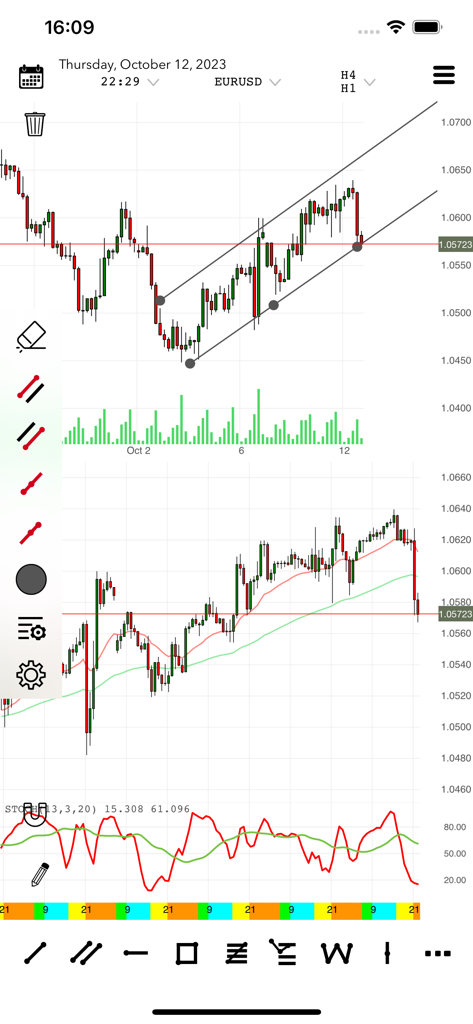
TradeSimuFx app interface showing historical forex candlestick charts with indicators and drawing tools
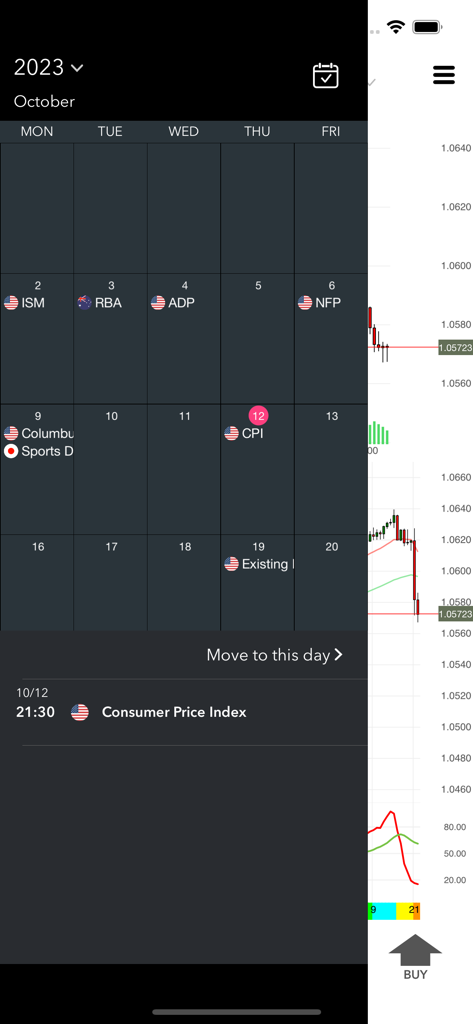
Economic calendar view in TradeSimuFx for historical chart playback
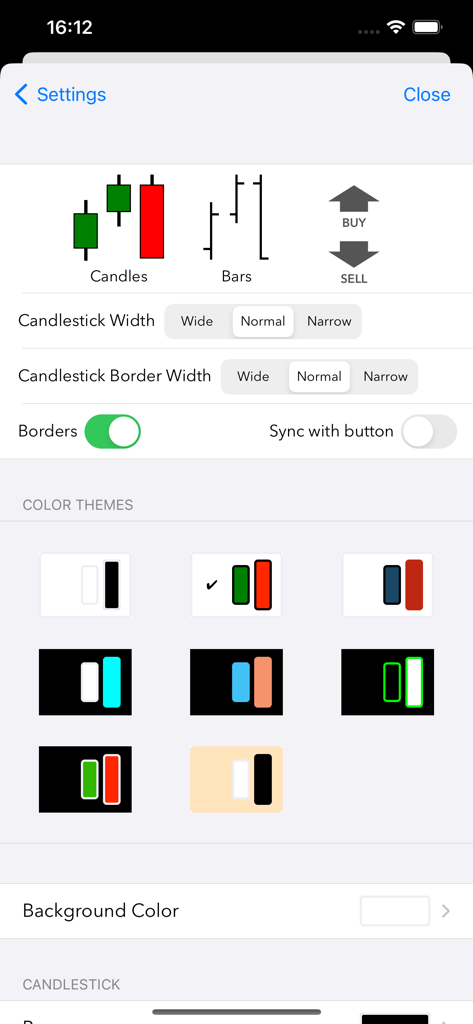
TradeSimuFx app settings menu showing options for candlestick styles, widths, and color themes.
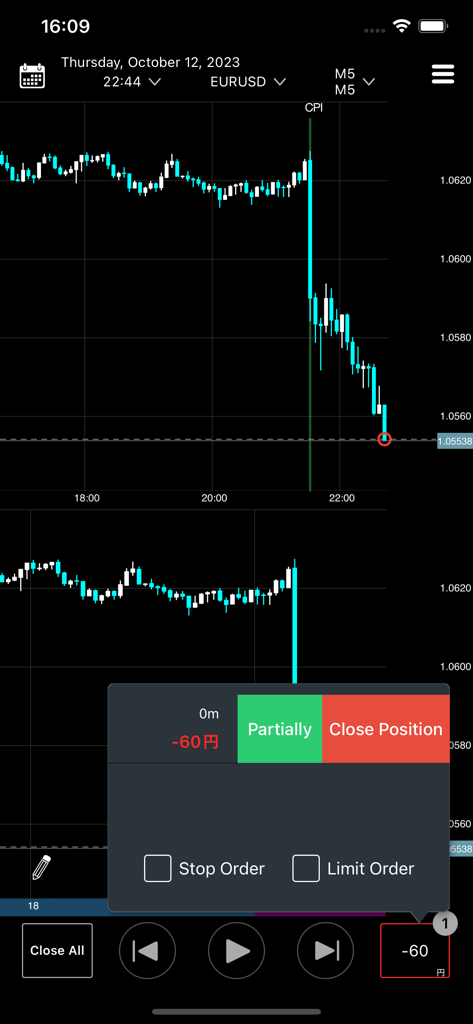
TradeSimuFx mobile app interface with historical forex chart playback and trade simulation controls
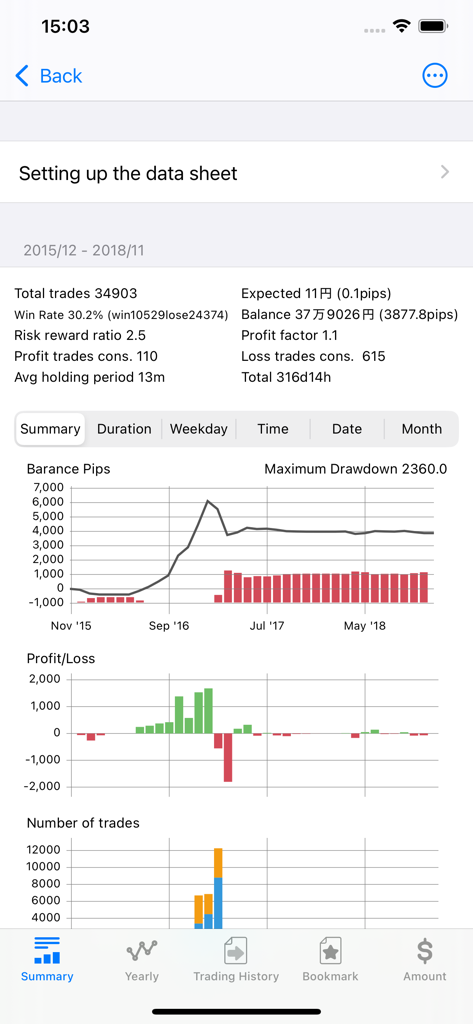
TradeSimuFx summary screen showing backtesting performance statistics and charts for forex trading practice
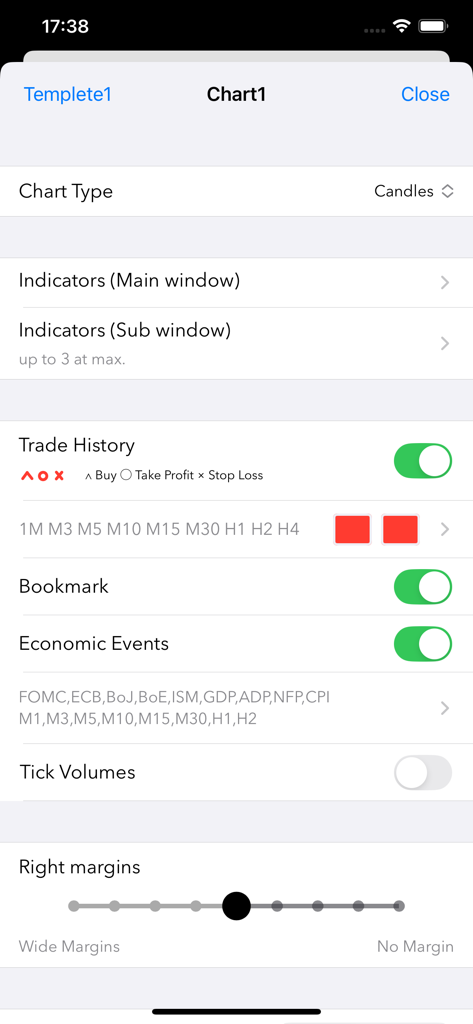
TradeSimuFx settings screen for customizing forex chart indicators trade history and economic events
Description
Download
More Like This
Apps with similar features and user experience

株たす-株ゲームアプリでリアル株価の株式投資シミュレーション
GREEN MONSTER Inc. Apps

Forex Trading School & Game
Fitster Group SIA

同花顺模拟炒股-轻松股票入门
Zhejiang flush Network Technology Co., Ltd.

Stock Market Simulator & Game
Hedgehog Solutions SIA

Female Invest
Female Invest ApS

INVEST Stock Market Simulator
Chimpanzee, LLC

Buy Sell Hold
Troutwood LLC

Cryptoguru: Trading Academy
Clickfun Limited

Finelo: Master Trading
Finelo Limited
This page is not an official page of the app or its developer, but an independent editorial publication created for informational and commentary purposes. Unless expressly stated otherwise, neither the app nor its developer is affiliated with, endorsed by, sponsored by, authorized by, or otherwise officially connected with MWM, Apple, Google Play, the app publisher, or the app's developer, and nothing on this page implies that the app was developed using MWM's services. Any trademarks, logos, screenshots, and other content remain the property of their respective owners.