TrafficCamNZ

TrafficCamNZ

Download on App Store
Logo of TrafficCamNZ

TrafficCamNZ: Your Personal Live Traffic & Weather Dashboard

See the road ahead before you drive. Get instant visual confirmation of traffic and weather with a customizable feed of over 7,000 cameras or your own manual links.

Publisher

David Wilson

Category

Navigation

Downloads

250K+

User Rating

2.2/5

Total Ratings

500

Locales

1

Eyes on the Road

Discover the interface used by 250K+ users.
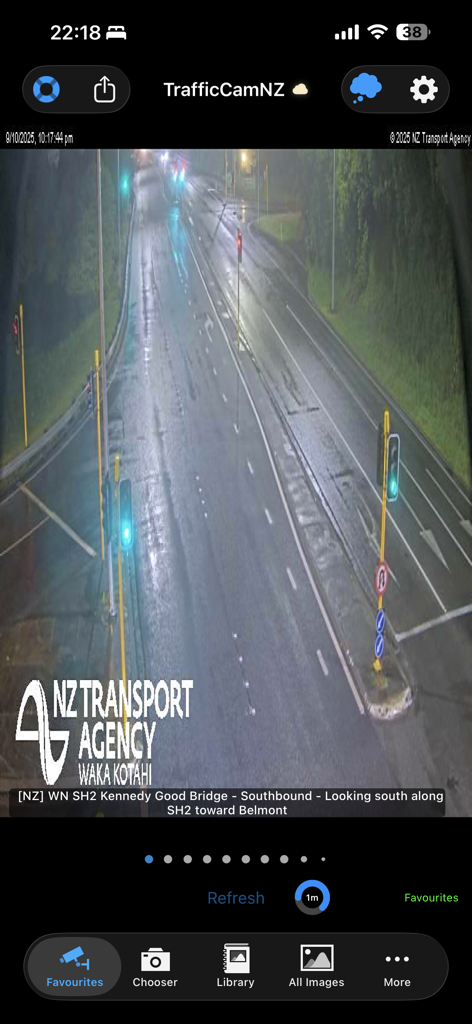
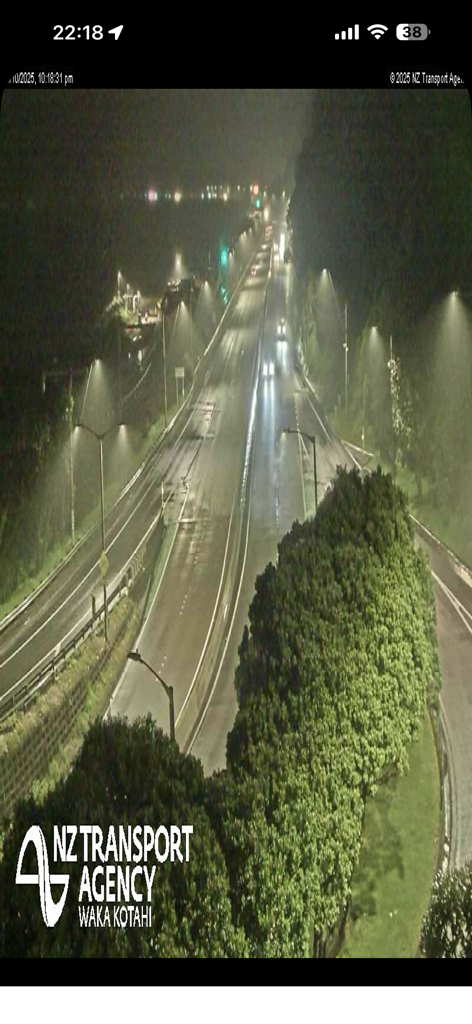
TrafficCamNZ app showing a live nighttime traffic camera feed of a wet highway from the NZ Transport Agency

TrafficCamNZ app showing a live nighttime traffic camera feed of a wet highway from the NZ Transport Agency

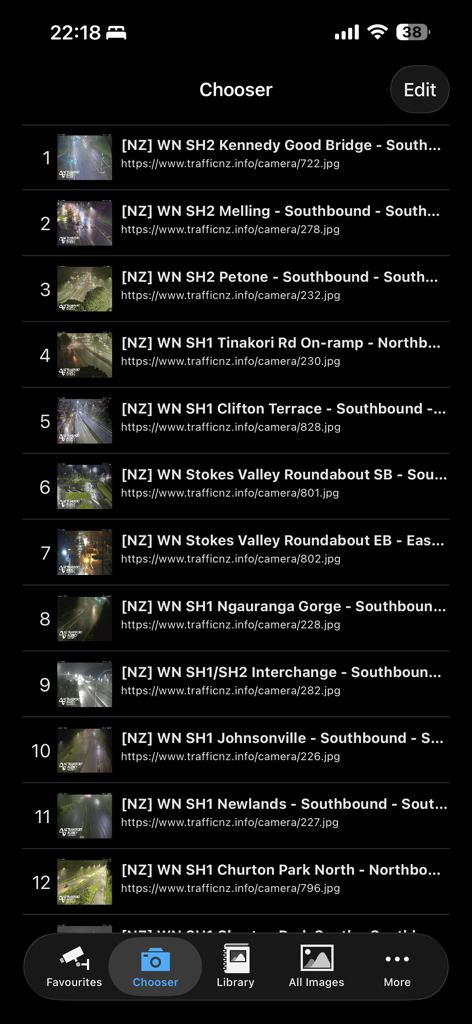
The Chooser screen of the TrafficCamNZ app displaying a numbered list of traffic cameras with their locations and web addresses.

The Chooser screen of the TrafficCamNZ app displaying a numbered list of traffic cameras with their locations and web addresses.

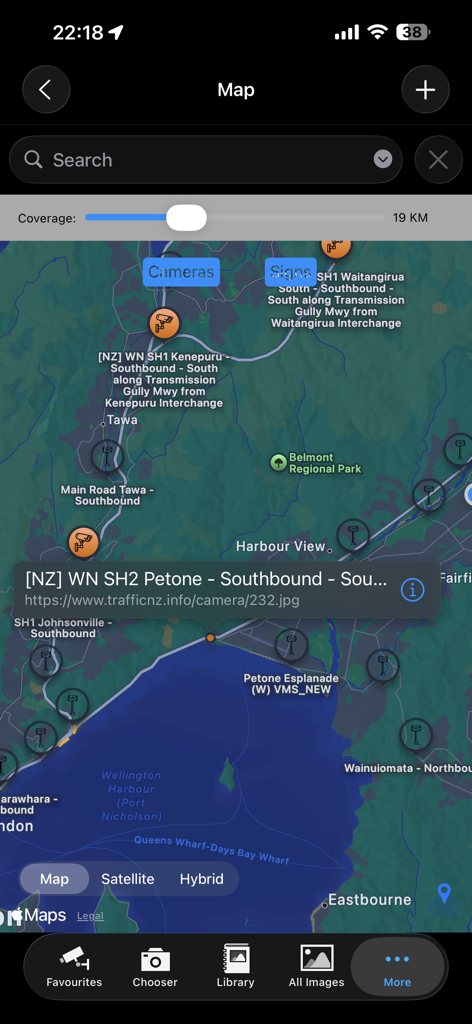
Map view of TrafficCamNZ app showing locations of traffic cameras with a selected camera detail popup

Map view of TrafficCamNZ app showing locations of traffic cameras with a selected camera detail popup

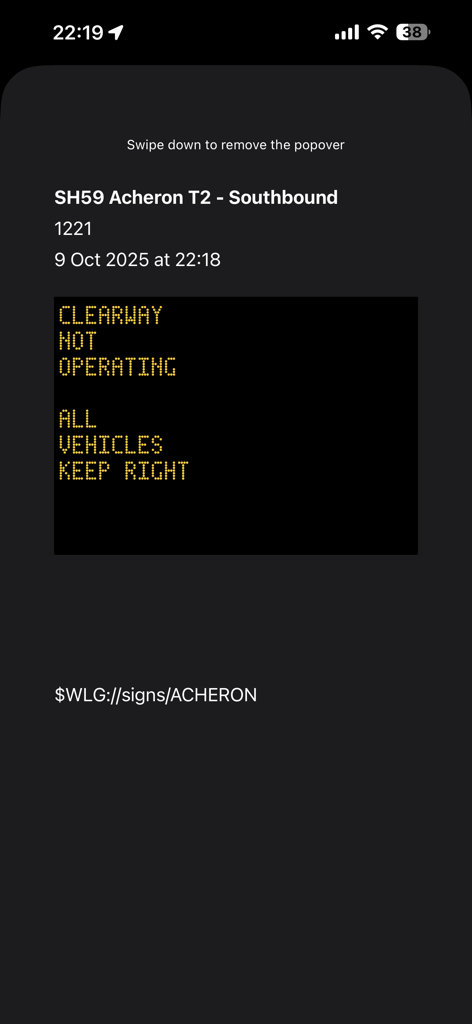
Real-time digital traffic sign update for SH59 Southbound on TrafficCamNZ app.

Real-time digital traffic sign update for SH59 Southbound on TrafficCamNZ app.

Nighttime traffic camera view of a multi-lane highway with streetlights

Nighttime traffic camera view of a multi-lane highway with streetlights

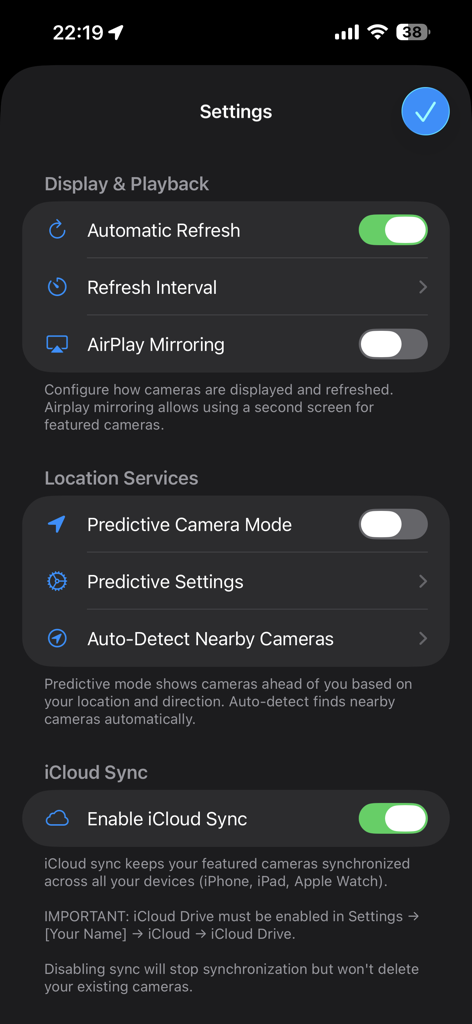
Settings screen of the TrafficCamNZ app showing display and playback location services and iCloud sync options

Settings screen of the TrafficCamNZ app showing display and playback location services and iCloud sync options

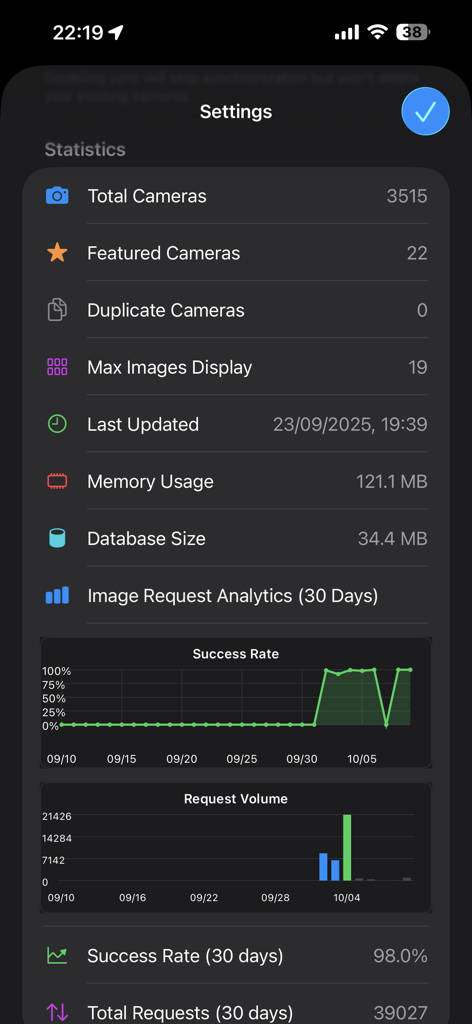
App settings screen showing statistics for total cameras, featured cameras, and image request analytics with success rate and volume charts.

App settings screen showing statistics for total cameras, featured cameras, and image request analytics with success rate and volume charts.

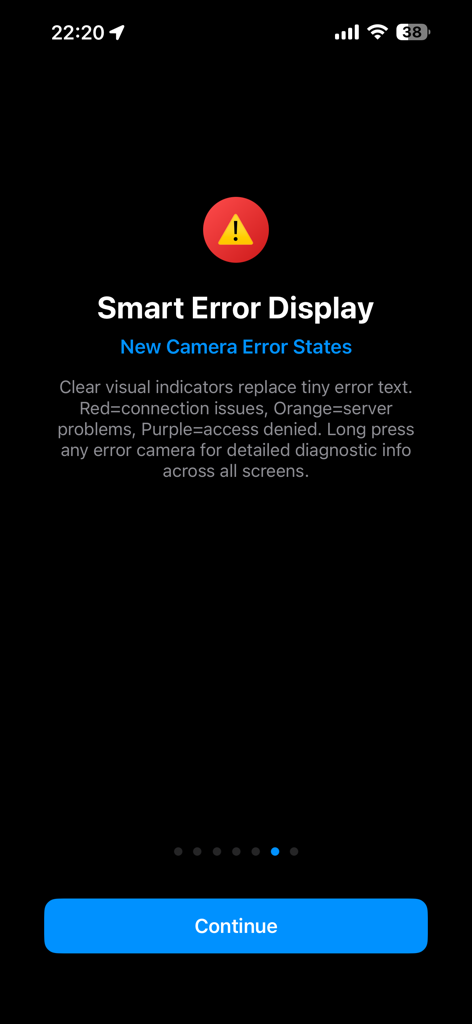
TrafficCamNZ app screen explaining visual color indicators for camera error states

TrafficCamNZ app screen explaining visual color indicators for camera error states

See the Road Before You Drive

The tools that make this app stand out, trusted by 250K+ users.

🛠️

Build Your Custom Dashboard

Take total control by adding any web camera URL. Create a personalized feed of the specific intersections and exits that matter most to your daily commute.

Flick Through Traffic in Seconds

Save time with our signature swipe-to-view interface. Effortlessly flick through your featured cameras to assess the entire route in one quick motion before you leave.

🛰️

Smart Predictive GPS Mode

Drive with confidence using technology that anticipates your journey. Our predictive mode automatically displays upcoming cameras along your path as you travel.

About the app

Everything you need to know about TrafficCamNZ.

Description

TrafficCamNZ displays internet accessible pictures of Traffic Cameras all over the world. Use it for any image with a fixed URL (web address). Images you choose as "Featured" are downloaded and setup side by side so that you can swipe across the screen to view multiple images quickly. TrafficCamNZ works over the cellular network though it works best with WiFi because, usually, it's faster! TrafficCamNZ can also use the GPS features in your device to show cameras around you. Try the predictive mode that predicts where you are travelling to display the next cameras (with known GPS coordinates) on your journey. TrafficCamNZ now contains details of more than 7000 cameras from around the world. You choose which cameras are the "featured" ones. Featured cameras are easily identified in the Library; they have a Green dot next to them. Managing your own personal list of cameras is easy too. This can be done in two ways: 1. Enter a new camera directly on the iPhone and key in the entire URL (http://mywebsite/image.jpg) or 2. Create your own XML file for importing into the application. Instructions on how to do this are available at the support web site or by contacting the developer. Usage Notes: * Pictures are displayed in the order they are received unless you set the image sequence number, you can then order the images how you want them * Check your network usage when downloading over the cellular network * Images are not cached, if you receive an image that isn't right (i.e. daylight when you know it is night time, that camera may not be functioning) * Sometimes the traffic camera pictures are not up-to-date. You may see night pictures when it is supposed to be daylight or perhaps pictures don't change. TrafficCamNZ has no control over that * You receive updates to the camera list automatically; a check is performed every 7 days when the application starts * Tap the image on the main window to display it full screen Features: * Easily flick through the loaded images with your finger - this was the original idea behind the application * Load your own web images * Free version available, loads up to 3 images * Full version available, loads up to 19 images on iPhone and 32 images on iPad * Allows XML import of camera list * Camera list (XML Import file) can be updated from a web site - doesn't require the release of a new application * No advertising Many great comments from around the world have been made about TrafficCamNZ: * Great little app, what a time saver. I would often leave work to find the traffic all congested, now I can check before I leave and even if it gets busy I can check on the road and take a different route. I have set my own cameras and can quickly check what's what. A real must for driving commuters, couriers or even taxi's. * This app works very well and is awesome if you travel a lot. Going on a road trip for work or vacation? Google the cameras for your cities, insert the URL into the app, and cameras appear * I set it up for all the traffic cameras from Douglas County down through El Paso County (Colorado) and it works great! So well in fact, that I sprung for the paid version * Make sure you enter in the URL's correctly - that's where some people mess up. What you see is basically what the traffic/weather cam sees wherever they are. They have to be viewable on the Internet first. Awesome app! * App is very easy to use and I use it for going to work every day * I put 2 of the most important traffic cams on the way to work and it works perfect

Latest Version

1.15.0

Size

39.6 MB

First Released

Dec 13, 2008

Take Control of Your Commute with Real-Time Visuals

Join 250,000+ strategic drivers who stop guessing and start seeing. Download TrafficCamNZ today to build your custom traffic dashboard and see the road exactly as it is.

Download on App Store

App information, icons, screenshots, and descriptions displayed on this page are sourced from the Apple App Store and are the property of their respective developers. Download estimates and rankings are based on MWM's proprietary models and may not reflect actual figures. This page is provided for informational and analytical purposes only.

Believe this page infringes your intellectual property? File a dispute