Transfer-send large files
Download on App Store

This page is not an official page of the app or its developer, but an independent editorial publication created for informational and commentary purposes. Unless expressly stated otherwise, neither the app nor its developer is affiliated with, endorsed by, sponsored by, authorized by, or otherwise officially connected with MWM, Apple, Google Play, the app publisher, or the app's developer, and nothing on this page implies that the app was developed using MWM's services. Any trademarks, logos, screenshots, and other content remain the property of their respective owners.


Logo of Transfer-send large files
Download on App Store

Transfer-send large files

The ultimate cross-platform solution for migrating photos, 4K videos, and contacts seamlessly. Fast, secure, and encrypted—because your memories and business data are non-negotiable.

Key Figures

Downloads

455K+

User Rating

4.7/5

Total Ratings

13K+

Publisher

双福 陈

Category

Business

Locales

2

Latest Version

3.2.4

Size

34.3 MB

First Released

May 2, 2020
Features

Effortless Migration, No Data Left Behind

Experience the simplest way to move your entire digital life across platforms. Fast, secure, and designed for your new device setup.

Switch Ecosystems Instantly

Break free from platform limits. Seamlessly transfer your data between iOS and other devices with zero compatibility issues or data loss.

High-Speed Large File Support

Skip the slow cloud uploads. Move heavy 4K videos, massive photo libraries, and work presentations in record time with stable transmission.

The following screenshots and description are sourced directly from the app's official store listing and are the property of the app developer.

App Store

Screenshots
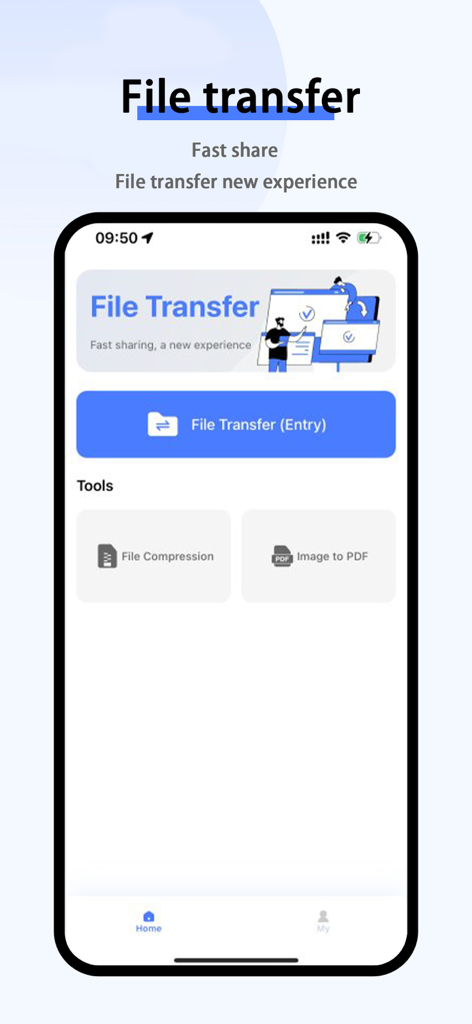
Transfer-send large files - Mobile app interface for transferring large files with tools for compression and image to PDF conversion.
Mobile app interface for transferring large files with tools for compression and image to PDF conversion.

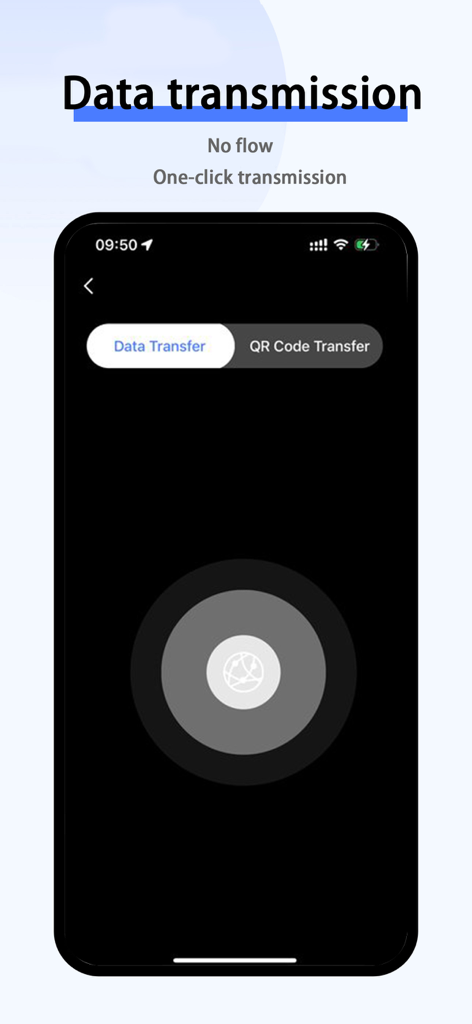
Transfer-send large files - Interface of the Transfer-send large files app showing the data transmission and QR code transfer options
Interface of the Transfer-send large files app showing the data transmission and QR code transfer options

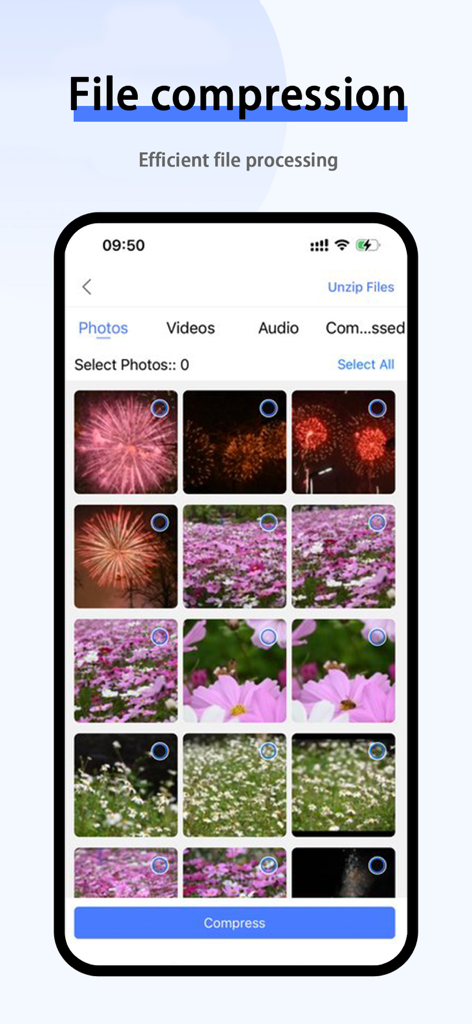
Transfer-send large files - Interface of the Transfer app displaying file compression for photos and videos
Interface of the Transfer app displaying file compression for photos and videos

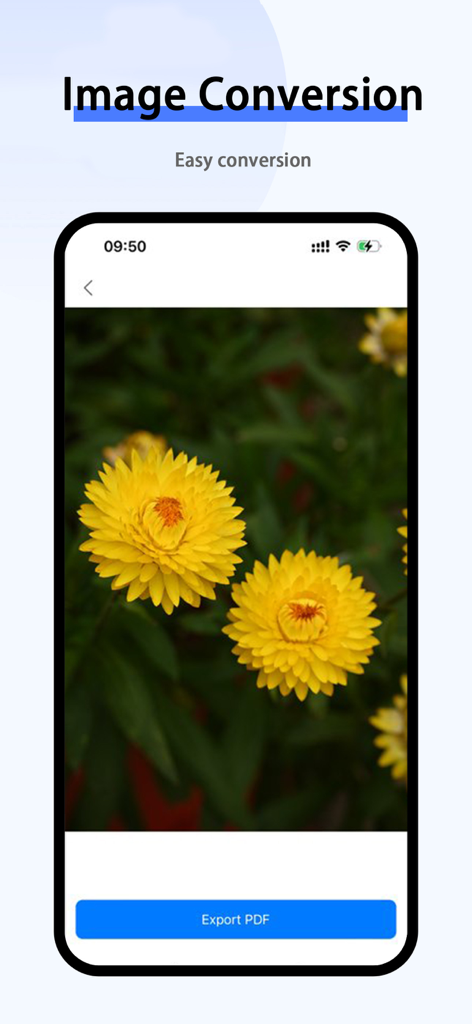
Transfer-send large files - App interface showing an image of yellow flowers with an option to export as PDF

App interface showing an image of yellow flowers with an option to export as PDF

Description

Mobile Transfer is a powerful and simple cross-platform data transfer application that allows users to easily transfer data between iOS and Other phones. No longer limited to a specific operating system, you can quickly and securely transfer a wide range of data, including photos, videos, music, contacts, calendars, apps, and more. Transfer all the important data of your phone with one click, convenient, safe and fast! Moving your phone will help you save time and effort, making it a breeze to change phones or migrate data between devices. 【Cross-platform Transfer】Mobile Phone Moving supports iOS and Other operating systems, you can freely transfer data between different mobile phones, whether it is from iOS to Other, or from Other to iOS, you can achieve fast migration. In addition to the common photos, videos, music, and contacts, the mobile phone also supports the transfer of calendars, apps, and various files, ensuring that you can completely migrate your data without missing any important information. 【Fast and Stable Transmission】The application uses efficient data transmission technology to ensure a fast and stable transmission process. No matter how big your data is, mobile phone moving can complete the transfer efficiently, saving you time. 【Security Protection】All data transmission adopts encryption technology to ensure that your personal information and privacy will not be leaked. Mobile Phone Moving is committed to providing safe and reliable data transmission services. Whether it's a new phone setup, a backup of an old phone, or a move from iOS to Other or from Other to iOS, mobile phone moving is your best data transfer solution. Download Mobile Move, simplify your data migration, and make your phone replacement process more convenient! Membership Automatic Subscription Instructions: - Subscription period: half a year - Payment: The purchase is confirmed and the payment is credited to the iTunes account. - Subscription will automatically renew unless you turn off auto-renewal at least 24 hours before the end of the current subscription period. - The free trial subscription will automatically renew unless cancelled 24 hours prior to renewal. - Any untried portion of a free trial period, if offered, will be forfeited when the user purchases a subscription to that publication. - Apple iTunes account will be deducted within 24 hours before the expiration, and the subscription cycle will be extended by one subscription cycle after the deduction is successful. - Subscriptions may be managed by the user and auto-renewal may be turned off by going to the user's Account Settings after purchase. - Subscriptions give you unlimited access to our premium features and cloud storage services - Privacy Policy: https://www.freeprivacypolicy.com/live/16b31f98-afd3-488a-8ac7-d3830429982b - Terms of Service: https://www.freeprivacypolicy.com/live/abc0cdf4-e3f8-406b-bcd7-ebf228220652

Download

Download on App Store

This page is not an official page of the app or its developer, but an independent editorial publication created for informational and commentary purposes. Unless expressly stated otherwise, neither the app nor its developer is affiliated with, endorsed by, sponsored by, authorized by, or otherwise officially connected with MWM, Apple, Google Play, the app publisher, or the app's developer, and nothing on this page implies that the app was developed using MWM's services. Any trademarks, logos, screenshots, and other content remain the property of their respective owners.








