
This page is not an official page of the app or its developer, but an independent editorial publication created for informational and commentary purposes. Unless expressly stated otherwise, neither the app nor its developer is affiliated with, endorsed by, sponsored by, authorized by, or otherwise officially connected with MWM, Apple, Google Play, the app publisher, or the app's developer, and nothing on this page implies that the app was developed using MWM's services. Any trademarks, logos, screenshots, and other content remain the property of their respective owners.

Translator : Dialogue & Text
Seamlessly translate documents, speech, and text in over 100 languages. Designed for high-performing professionals and world travelers who need instant, accurate communication at their fingertips.
Downloads
473K+User Rating
Total Ratings
800Publisher
Category
ProductivityLocales
22Latest Version
1.1.6Size
145.8 MBFirst Released
Aug 14, 2022Communication Tools for Global Success
A comprehensive suite of translation features designed to boost your productivity and simplify international communication on your iPhone.
Seamless Document Translation
Translate Word and PDF files instantly. Maintain your professional workflow without the hassle of manual text entry.
Real-Time Voice Dialogue
Turn your device into a personal interpreter. Speak naturally and get high-quality translations for fluid, face-to-face conversations.
Frequently Asked Questions
Everything you need to know about Translator : Dialogue & Text
What types of translation does Translator : Dialogue & Text offer?
Translator : Dialogue & Text provides text, document, voice, and photo translation services. It supports translating input text, documents like Word and PDF, spoken words, and text from images.
How many languages does Translator : Dialogue & Text support?
Translator : Dialogue & Text supports over 100 languages, including English, Japanese, French, Russian, Spanish, and Portuguese, for comprehensive translation needs.
Can Translator : Dialogue & Text perform offline translations?
Yes, Translator : Dialogue & Text supports offline translation. Users can enable the 'Offline translation' mode within the app for translating without an internet connection.
Does Translator : Dialogue & Text include desktop widgets?
Yes, Translator : Dialogue & Text includes desktop widgets. These widgets help users record and view their translated content at any time, enhancing work efficiency.
What document formats does Translator : Dialogue & Text support for translation?
Translator : Dialogue & Text supports Word, PDF, and other document formats for translation. It translates documents quickly and efficiently without requiring manual text input.
How does the voice translation feature work in Translator : Dialogue & Text?
The voice translation feature in Translator : Dialogue & Text allows users to speak directly into the app. It translates spoken words into accurate results, facilitating smoother communication.
The following screenshots and description are sourced directly from the app's official store listing and are the property of the app developer.
App Store
Screenshots
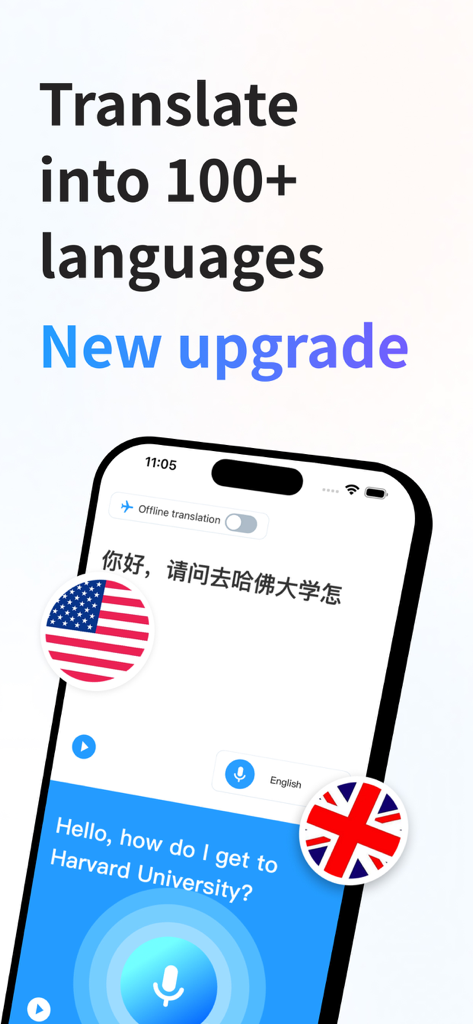
iPhone screen showing Translator app interface with Chinese to English text translation and voice input feature
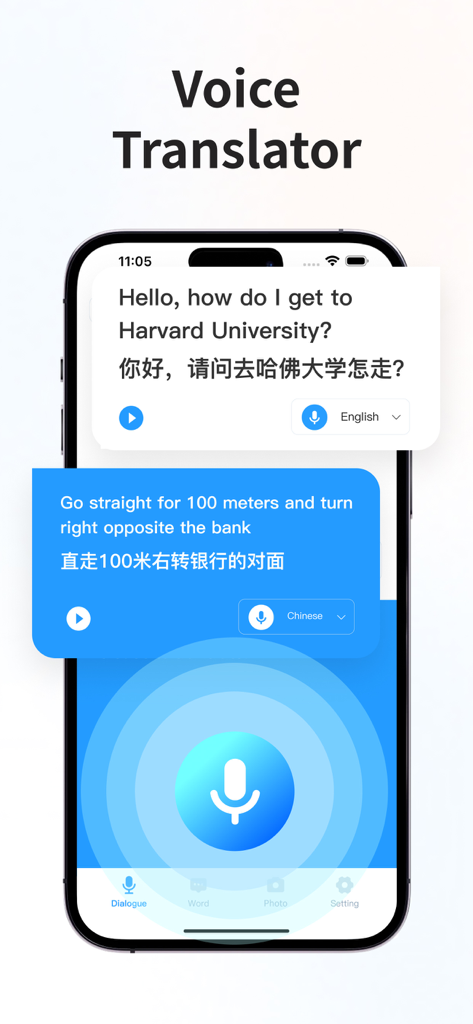
iPhone screenshot showing a real-time voice translation dialogue between English and Chinese
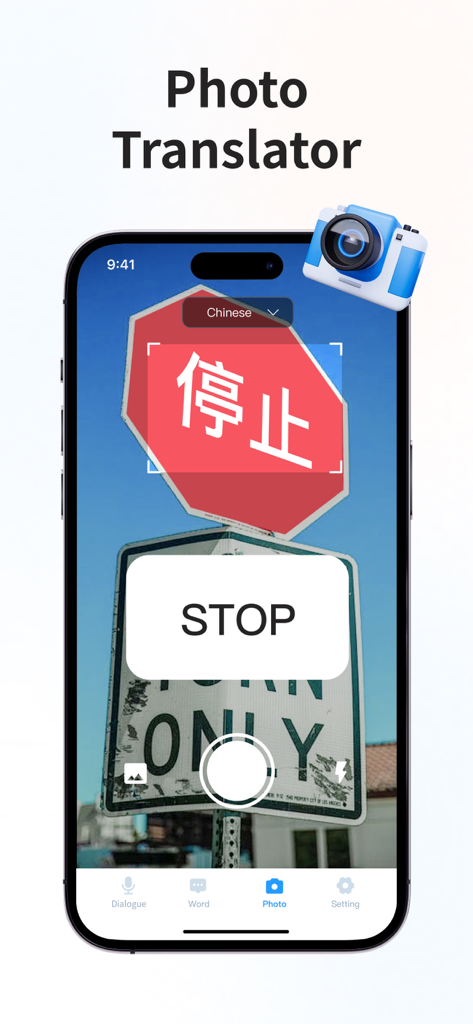
iPhone screen showing the photo translation feature translating a Chinese stop sign into English
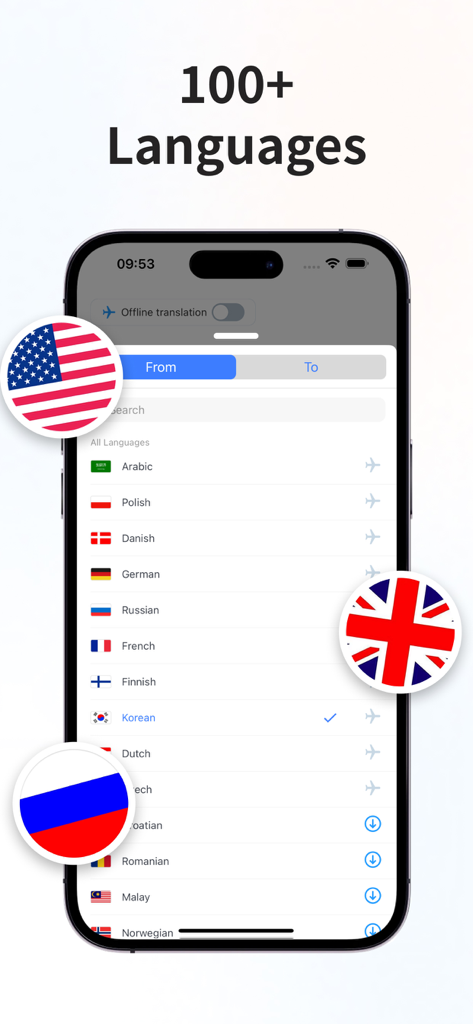
A mobile screen showing a list of over 100 languages for translation with national flag icons
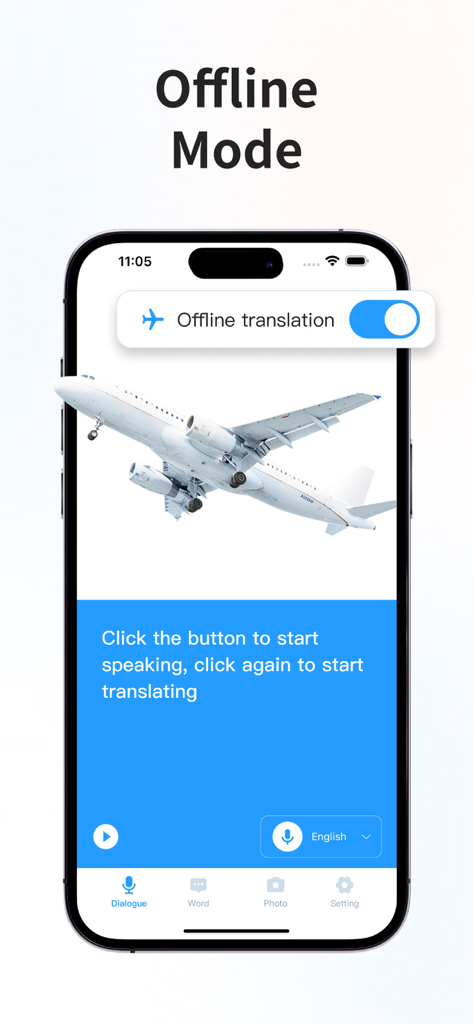
Iphone displaying the offline translation mode of the Translator app with an airplane graphic
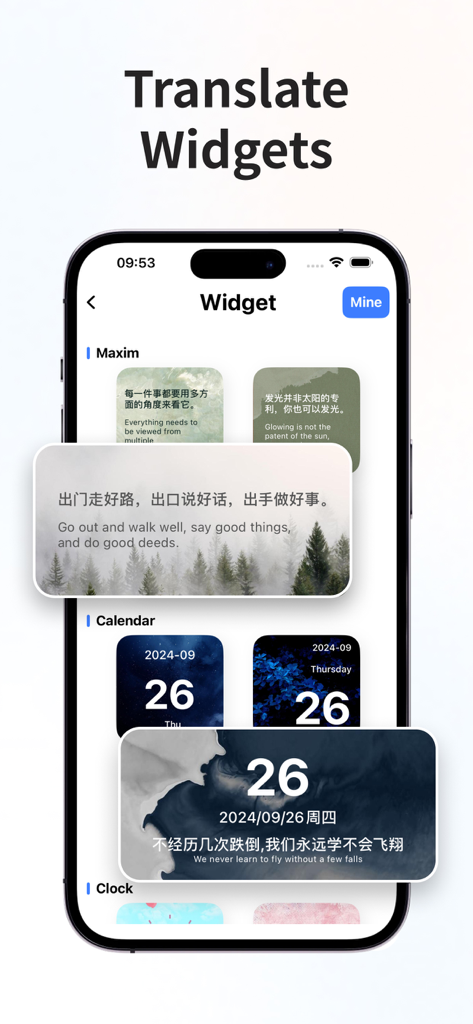
iPhone screenshot showing bilingual translation widgets for maxims and calendars
Description
Download
More Like This
Apps with similar features and user experience

DeepL Translate
DeepL SE

腾讯翻译君-多语言翻译
Tencent Technology (Shenzhen) Company Limited

出国翻译官- 多语言语音翻译聊天交友
Beijing Qicai Muzhi Technology Co.,Ltd.

Translate Voice:Ai Chat
TINY BOLT (HK) CO., LIMITED

GO Translate・AI Translator App
INNOVAPP LLC

翻译全能王-中文日文图片扫描翻译器
Shanghai Baowu Network Technology Co., Ltd.

translation-Global translation
Hebei jiudao network technology co., ltd

Photo Translator: Camera OCR
Son Hoang

Voice Translator : Language +
AmazinPro Technology Solutions And Training Company Limited
This page is not an official page of the app or its developer, but an independent editorial publication created for informational and commentary purposes. Unless expressly stated otherwise, neither the app nor its developer is affiliated with, endorsed by, sponsored by, authorized by, or otherwise officially connected with MWM, Apple, Google Play, the app publisher, or the app's developer, and nothing on this page implies that the app was developed using MWM's services. Any trademarks, logos, screenshots, and other content remain the property of their respective owners.