Treeカレンダー 簡単スケジュール管理の人気カレンダー


Simplify your schedule with an intuitive, vertical-scrolling calendar. Experience stress-free planning with beautiful custom fonts and vibrant color-coding designed to match your unique style.
Publisher
Category
ProductivityDownloads
1M+User Rating
Total Ratings
100K+Locales
3Discover the interface used by 1M+ users.
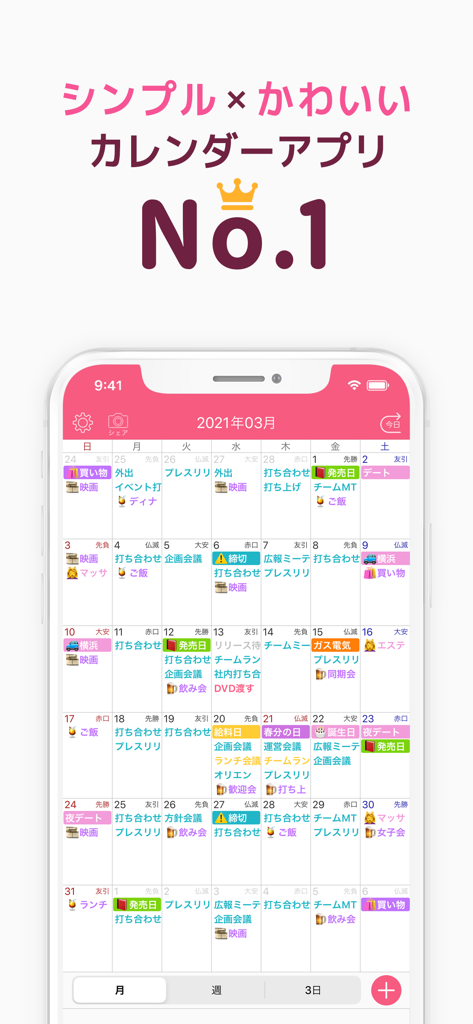
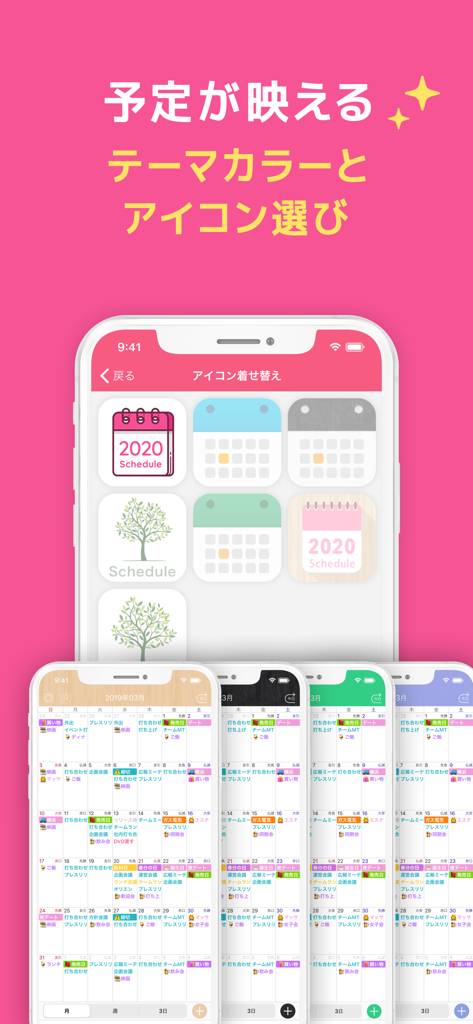
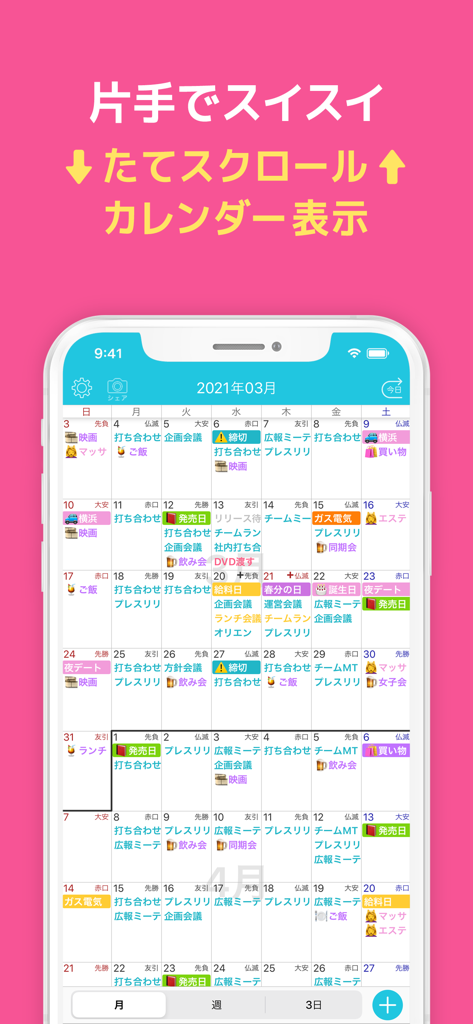
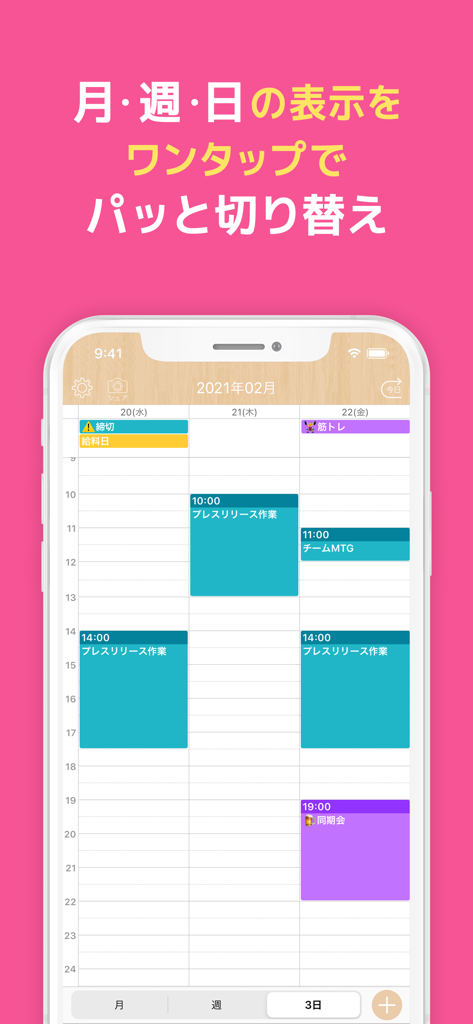
The tools that make this app stand out, trusted by 1M+ users.
Scroll through your days and months effortlessly with a smooth vertical flow designed specifically for the mobile-first user.
Ditch the corporate look. Customize your planner with beautiful fonts and unlimited color-coding to make your schedule uniquely yours.
Eliminate mental clutter with a clean one-week display that helps you see your priorities at a glance without the overwhelm.
Everything you need to know about Treeカレンダー 簡単スケジュール管理の人気カレンダー.
Description
Latest Version
14.1
Size
155.1 MB
First Released
Feb 7, 2016
Join over 1 million users who have traded cluttered apps for our beautiful, color-coded vertical planner. Download Tree Calendar for free and start organizing your way.
Everything you need to know about Treeカレンダー 簡単スケジュール管理の人気カレンダー
The Treeカレンダー premium plan costs 280 yen per month. This subscription automatically updates monthly and is managed via your Apple ID.
Treeカレンダー provides color-coded appointments, easy-to-read week and month displays, and smooth vertical scrolling. It features a simple detail screen for scheduled events, making schedule management intuitive.
Yes, Treeカレンダー offers a premium plan. This plan provides exclusive features such as hiding ads, CSV export, unlimited favorite colors, and unlimited templates for enhanced functionality.
To cancel, open iPhone settings, select "iTunes and App Store," then Apple ID, "Show Apple ID," "Registration," and finally "Cancel Registration." Manage your Treeカレンダー subscription directly through these steps.
Yes, Treeカレンダー allows users to color-code appointments for better organization. The premium plan specifically offers an unlimited number of favorite colors for extensive customization options.
Treeカレンダー provides month display, two types of 1-week displays, and a 3-day view. Users can easily switch between these calendar views for flexible schedule management.
Yes, the Treeカレンダー premium plan includes a CSV export feature. This allows users to output their schedule data in a format compatible with Excel for external viewing and analysis.
Yes, the free version of Treeカレンダー displays advertisements. However, the premium plan offers a feature to hide all ads, providing a spacious and uninterrupted user experience.
Yes, Treeカレンダー supports schedule templates. The premium plan enhances this feature by allowing users to create an unlimited number of templates, streamlining event creation.
The Terms of Use for Treeカレンダー are accessible on the official website. Users can review the full terms by visiting the provided link: https://hapilf.com/terms.html.
The Privacy Policy for Treeカレンダー is available on the official website. It can be accessed directly at https://hapilf.com/privacy.html to understand data handling practices.
Apps with similar features and user experience
App information, icons, screenshots, and descriptions displayed on this page are sourced from the Apple App Store and are the property of their respective developers. Download estimates and rankings are based on MWM's proprietary models and may not reflect actual figures. This page is provided for informational and analytical purposes only.
Believe this page infringes your intellectual property? File a dispute