
This page is not an official page of the app or its developer, but an independent editorial publication created for informational and commentary purposes. Unless expressly stated otherwise, neither the app nor its developer is affiliated with, endorsed by, sponsored by, authorized by, or otherwise officially connected with MWM, Apple, Google Play, the app publisher, or the app's developer, and nothing on this page implies that the app was developed using MWM's services. Any trademarks, logos, screenshots, and other content remain the property of their respective owners.


Tunnel - Workspace ONE
Finally, apps get smart access. The app delivers a direct, secure line to corporate resources, keeping your personal data untouchable.
Downloads
1M+User Rating
Total Ratings
119Publisher
Category
BusinessLocales
19Latest Version
24.08.2Size
54.1 MBFirst Released
Apr 4, 2017Evaluating essential functionalities for secure enterprise mobile access and data privacy.
Key Features Analysis: Tunnel - Workspace ONE
Privacy-Focused Design
This tool is designed to protect personal user data and device space by exclusively connecting work-managed applications and websites, ensuring a clear separation between personal and professional usage.
Secure Corporate Resource Access
The app provides a secure and reliable channel for both internally developed and public App Store applications to connect to critical corporate resources within an organization's network.
On-Demand Connectivity
It allows users to access necessary corporate resources precisely when their applications require it, automatically activating and deactivating the connection, thereby ensuring productivity without constant network overhead.
Automatic Connection Management
The app automatically establishes a secure connection when a work-managed application needs it and terminates it once the application is no longer in use, streamlining the user experience and conserving device resources.
The following screenshots and description are sourced directly from the app's official store listing and are the property of the app developer.
App Store
Screenshots
Discover the app's initial branding, featuring its distinctive green keyhole icon and the clear 'omnissa' company logo, establishing its professional identity.
App Identity Unveiled
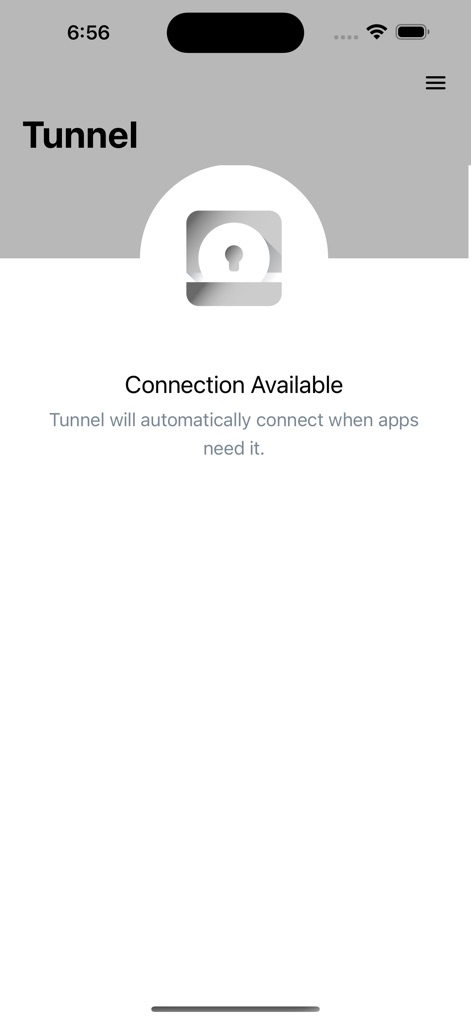
Observe the 'Connection Available' status, complemented by the descriptive text indicating Tunnel's intelligent, on-demand activation for specific applications.
On-Demand Readiness

Witness the 'Connected' status, prominently displayed with a green background, and the explicit message confirming a secure connection to the corporate network.
Secure Connection Confirmed
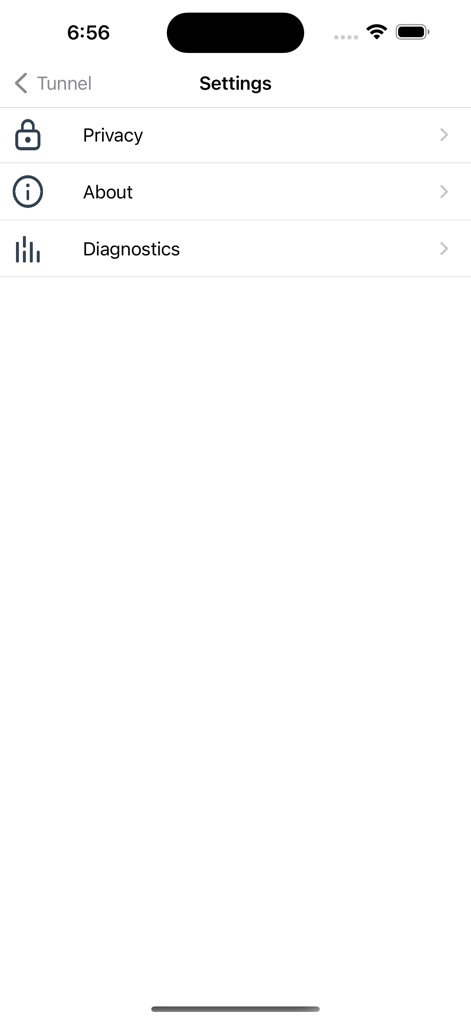
Explore the comprehensive settings menu, which includes critical options such as 'Privacy' and 'Diagnostics' for user control and information.
Configuration & Control
Description
Download
More Like This
Top-ranked apps in the same category

Microsoft Teams
Microsoft Corporation

Zoom Workplace
Zoom Communications, Inc.

WhatsApp Business
WhatsApp Inc.

Indeed Job Search
Indeed Inc.

LinkedIn: Network & Job Finder
LinkedIn Corporation

Adobe Acrobat Reader: Sign PDF
Adobe Inc.

WeCom-Work Communication&Tools
Tencent Technology (Shenzhen) Company Limited

BOSS直聘-招聘求职找工作神器
Beijing China Product Bo Farce Network Technology Co., Ltd.

DingDing - Redefine Work in AI
DingTalk Technology Co., Ltd.
This page is not an official page of the app or its developer, but an independent editorial publication created for informational and commentary purposes. Unless expressly stated otherwise, neither the app nor its developer is affiliated with, endorsed by, sponsored by, authorized by, or otherwise officially connected with MWM, Apple, Google Play, the app publisher, or the app's developer, and nothing on this page implies that the app was developed using MWM's services. Any trademarks, logos, screenshots, and other content remain the property of their respective owners.