
This page is not an official page of the app or its developer, but an independent editorial publication created for informational and commentary purposes. Unless expressly stated otherwise, neither the app nor its developer is affiliated with, endorsed by, sponsored by, authorized by, or otherwise officially connected with MWM, Apple, Google Play, the app publisher, or the app's developer, and nothing on this page implies that the app was developed using MWM's services. Any trademarks, logos, screenshots, and other content remain the property of their respective owners.


TWINT Business Portal
Take total control of your revenue on the go. Track every transaction in real-time, manage employees, and get instant business insights right from your smartphone.
Downloads
28K+User Rating
Total Ratings
0Publisher
Category
FinanceLocales
4Latest Version
1.7.117Size
42.7 MBFirst Released
May 27, 2025Your Business Control Centre, Right in Your Pocket
Streamline your daily operations and track every transaction with a mobile-first dashboard built for the agile entrepreneur.
Real-Time Payment Alerts
Get instant push notifications for every successful sale. Stay focused on your craft while receiving immediate peace of mind for every transaction.
At-a-Glance Insights
Skip the spreadsheets. View your total revenue, average transaction value, and sales volume through a clean, intuitive daily overview.
The following screenshots and description are sourced directly from the app's official store listing and are the property of the app developer.
App Store
Screenshots
Introductory screen of the TWINT Business Portal app for merchants featuring an illustration of a man with a smartphone.
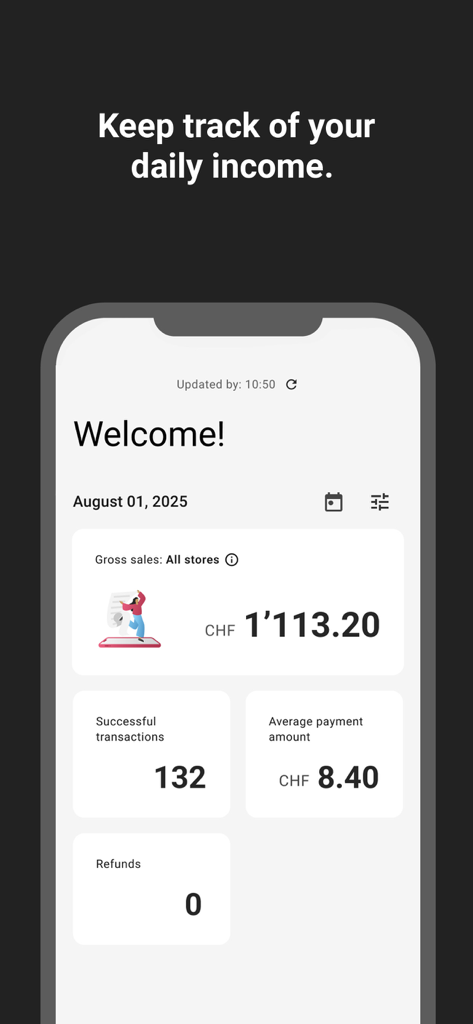
Dashboard of the TWINT Business Portal app showing daily gross sales and transaction statistics for a merchant
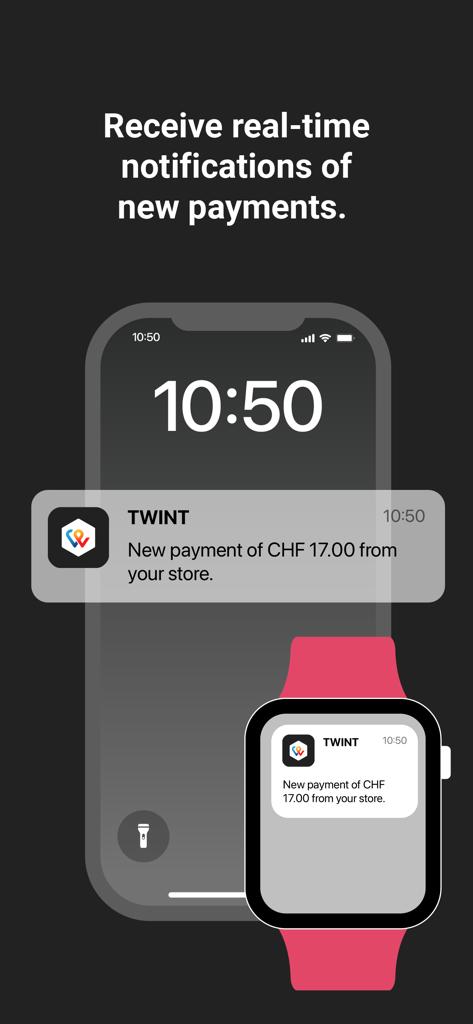
real time payment notifications on a smartphone and smartwatch for twint business portal
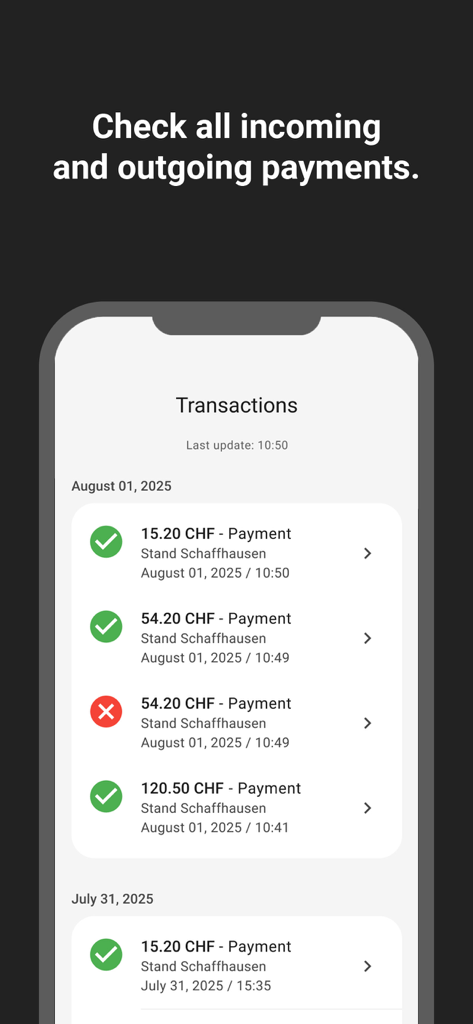
Screenshot of the TWINT Business Portal app transaction history page showing successful and cancelled payments in CHF.
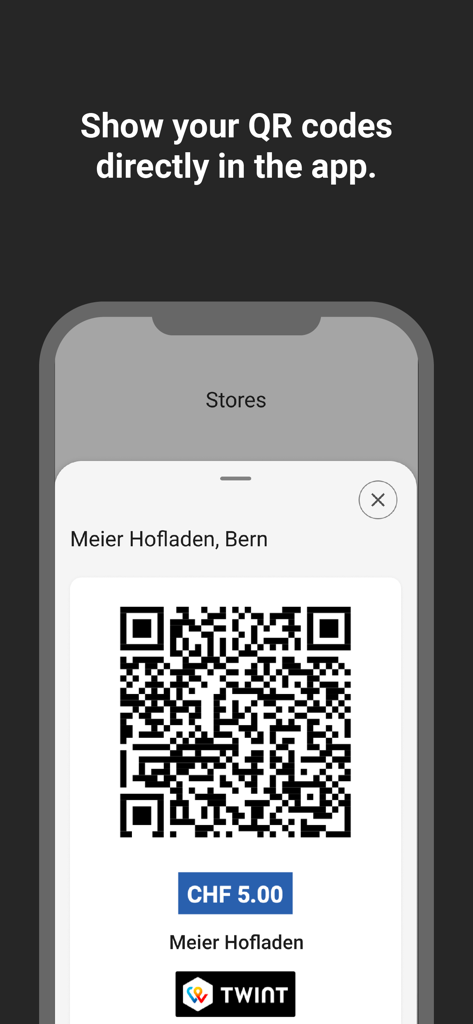
TWINT Business Portal app screen displaying a payment QR code for a small business
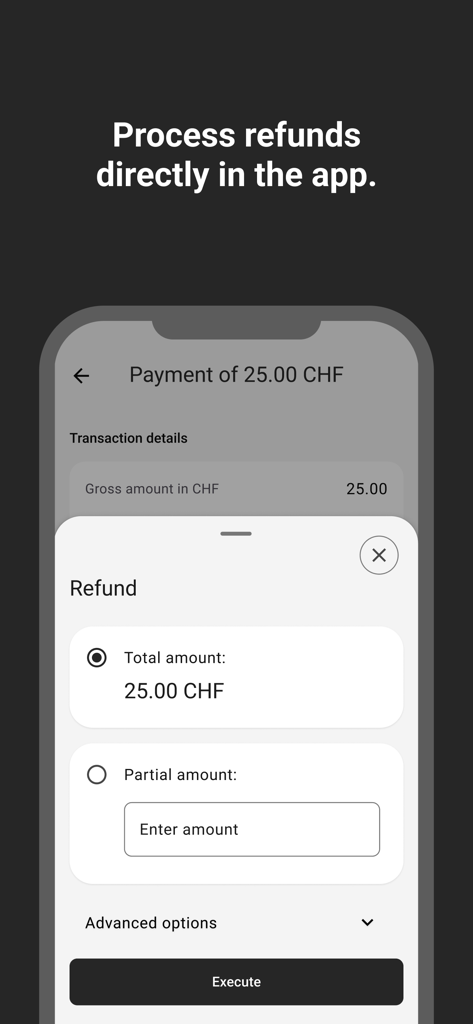
A mobile interface from the TWINT Business Portal showing options to process a full or partial refund for a transaction.
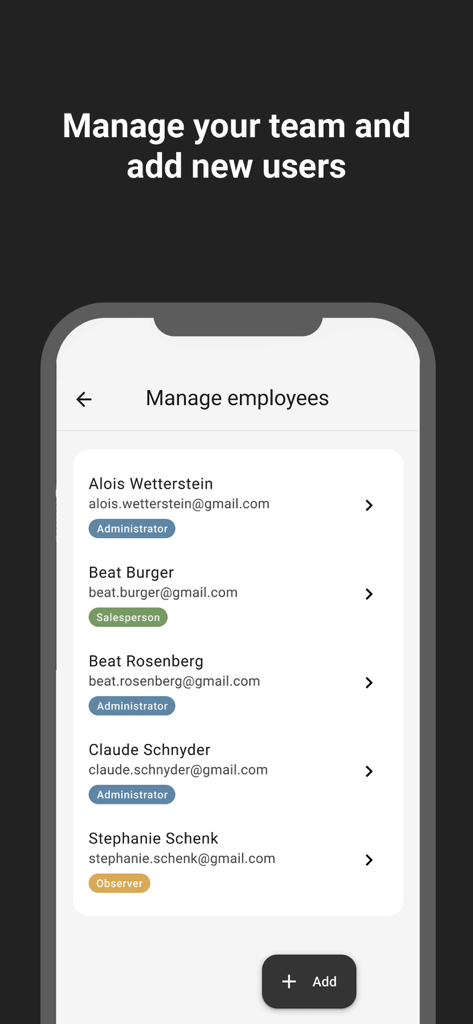
Interface for managing team members and assigning roles in the TWINT Business Portal app
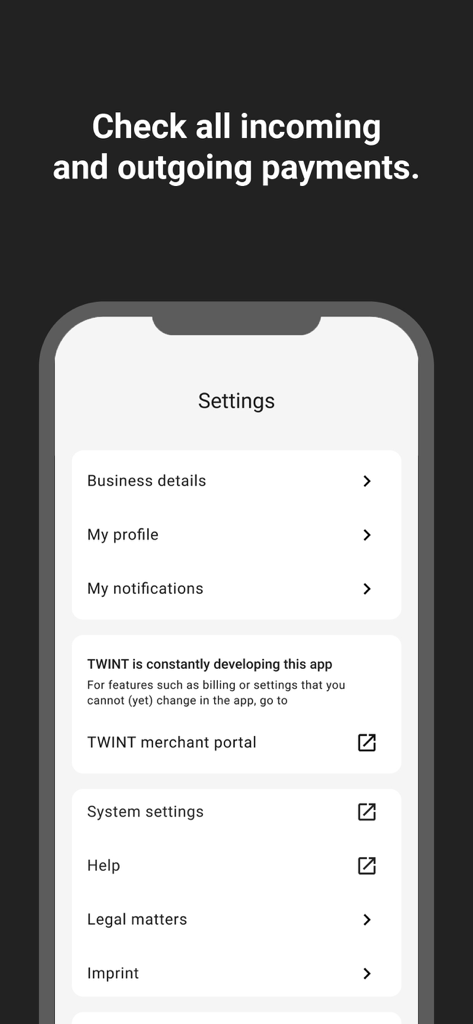
Mobile app screenshot of the TWINT Business Portal settings menu showing business details and profile options

Graphic with the text Simply TWINT it and an illustration of a woman holding a puzzle piece
Description
Download
More Like This
Top-ranked apps in the same category

电子税务局
State Administration of Taxation

UnionPay APP
China Unionpay Co.,Ltd.

养基宝 - 年轻人的养基神器
Shenzhen Xiaoduotou Information Technology Co.,Ltd.

PayPal - Pay, Send, Save
PayPal, Inc.

中国农业银行
AGRICULTURAL BANK OF CHINA LIMITED

Mercado Pago: cuenta digital
MercadoLibre S.A.

Kalshi: Trade on the Big Game
KALSHI INC.

中国工商银行
Industrial and Commercial Bank of China

个人所得税
State Administration of Taxation
This page is not an official page of the app or its developer, but an independent editorial publication created for informational and commentary purposes. Unless expressly stated otherwise, neither the app nor its developer is affiliated with, endorsed by, sponsored by, authorized by, or otherwise officially connected with MWM, Apple, Google Play, the app publisher, or the app's developer, and nothing on this page implies that the app was developed using MWM's services. Any trademarks, logos, screenshots, and other content remain the property of their respective owners.