
This page is not an official page of the app or its developer, but an independent editorial publication created for informational and commentary purposes. Unless expressly stated otherwise, neither the app nor its developer is affiliated with, endorsed by, sponsored by, authorized by, or otherwise officially connected with MWM, Apple, Google Play, the app publisher, or the app's developer, and nothing on this page implies that the app was developed using MWM's services. Any trademarks, logos, screenshots, and other content remain the property of their respective owners.


Unroll.Me - Email Cleanup
Instantly identify every subscription flooding your mail. Swipe to block unwanted spam and combine the newsletters you love into one beautiful daily digest.
Downloads
3M+User Rating
Total Ratings
128K+Publisher
Category
ProductivityLocales
1Latest Version
3.3.27Size
28.5 MBFirst Released
Nov 5, 2015Reclaim Your Focus and Your Inbox
Stop wasting time on digital clutter. Unroll.Me empowers you to declutter your subscriptions and organize your digital life in minutes.
One-Tap Unsubscribe
Instantly block unwanted newsletters and spam with a simple swipe. No more digging for tiny unsubscribe links.
The Daily Rollup
Combine the emails you actually like into a single, beautiful daily digest. Keep the content, lose the clutter.
Frequently Asked Questions
Everything you need to know about Unroll.Me - Email Cleanup
What is Unroll.Me and what does it do?
Unroll.Me is an email cleanup application designed to help users manage and organize their subscription emails. It provides tools to block, keep, or consolidate newsletters into a convenient daily digest.
How can I block unwanted emails using Unroll.Me?
Yes, Unroll.Me allows you to block unwanted subscription emails directly. You can block them individually from your inbox or utilize the bulk action feature to manage multiple subscriptions simultaneously.
Does Unroll.Me support managing multiple email accounts?
Yes, Unroll.Me supports multiple email accounts. Users can add various email addresses and manage subscriptions across all linked accounts, easily switching between them within the app.
Which email providers are compatible with Unroll.Me?
Unroll.Me is compatible with several major email providers, including Gmail, iCloud, Yahoo!, AOL, Outlook, and Google Apps. The app aims to expand support for additional providers in the future.
What is the 'Rollup' feature in Unroll.Me?
The 'Rollup' feature in Unroll.Me collects chosen subscription emails into a single daily digest. This keeps them out of your primary inbox while ensuring they remain accessible for review each day.
Can I view the content of emails before managing them in Unroll.Me?
Yes, Unroll.Me offers rich text viewing, allowing users to inspect the content of their subscription emails. This enables informed decisions before choosing to keep, block, or roll up a subscription.
How can I manage multiple email subscriptions at once with Unroll.Me?
Unroll.Me enables bulk management of subscriptions. Users can select multiple items from their inbox and apply 'Keep', 'Block', or 'Rollup' actions to all selected subscriptions simultaneously.
Is it possible to undo or change a subscription action in Unroll.Me?
Yes, you can edit any changes made to your subscriptions in Unroll.Me. The app allows users to modify previous 'keep', 'block', or 'rollup' decisions within the dedicated 'Subscriptions' tab.
Where can I view all my managed subscriptions within Unroll.Me?
Yes, Unroll.Me organizes all your managed subscriptions. You can find a comprehensive list of your 'Kept', 'Blocked', and 'Rolled Up' subscriptions within the 'Subscriptions' tab of the app.
The following screenshots and description are sourced directly from the app's official store listing and are the property of the app developer.
App Store
Screenshots
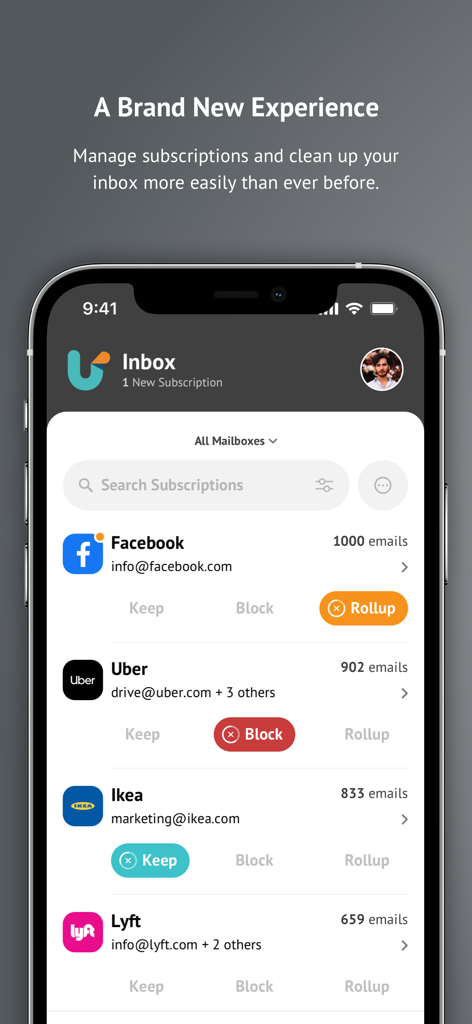
Mobile app interface for managing email subscriptions with Keep Block and Rollup buttons
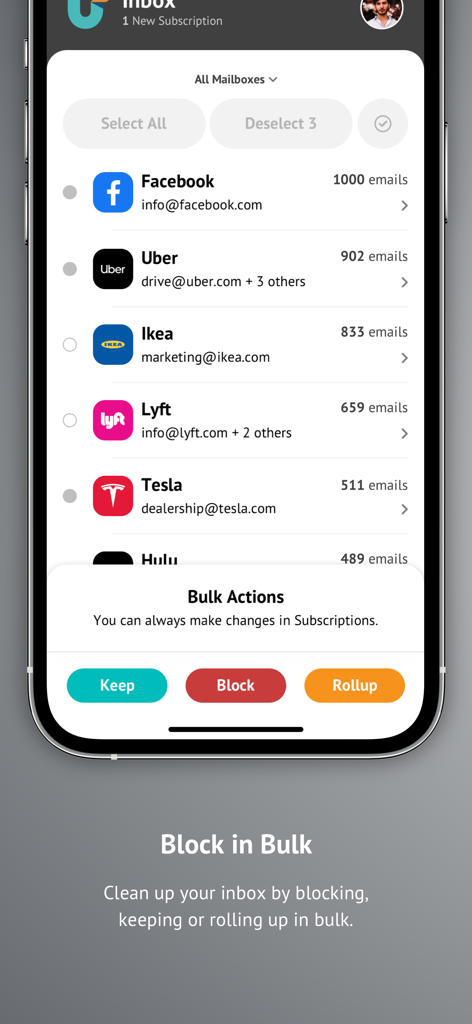
Unroll Me mobile app showing bulk actions to keep block or rollup email subscriptions
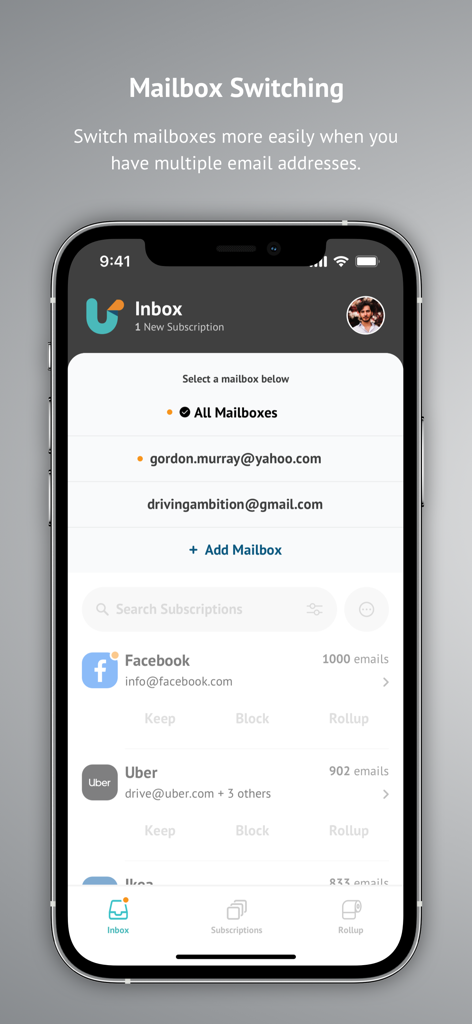
Interface of Unroll.Me app showing the mailbox switching feature for multiple email accounts.
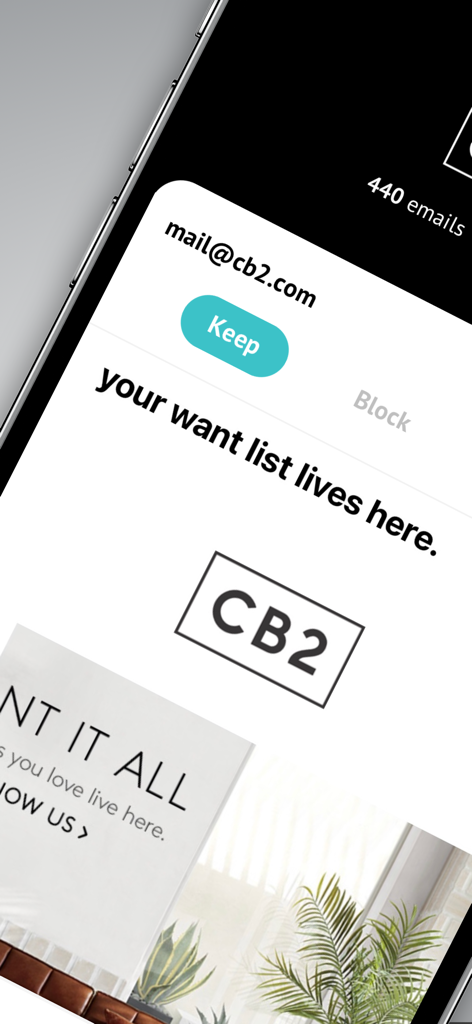
Close up of Unroll.Me app interface showing the option to keep a subscription from CB2.
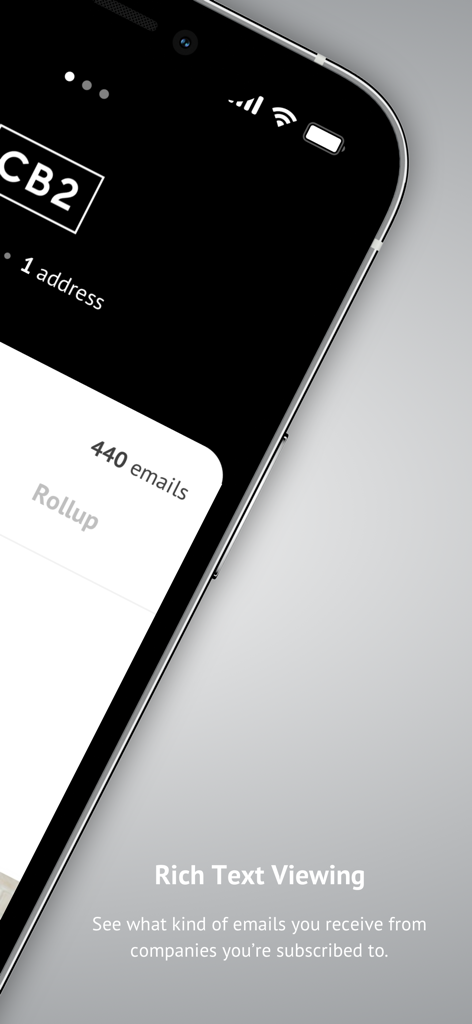
Unroll.Me app screenshot showing rich text viewing feature for subscription emails
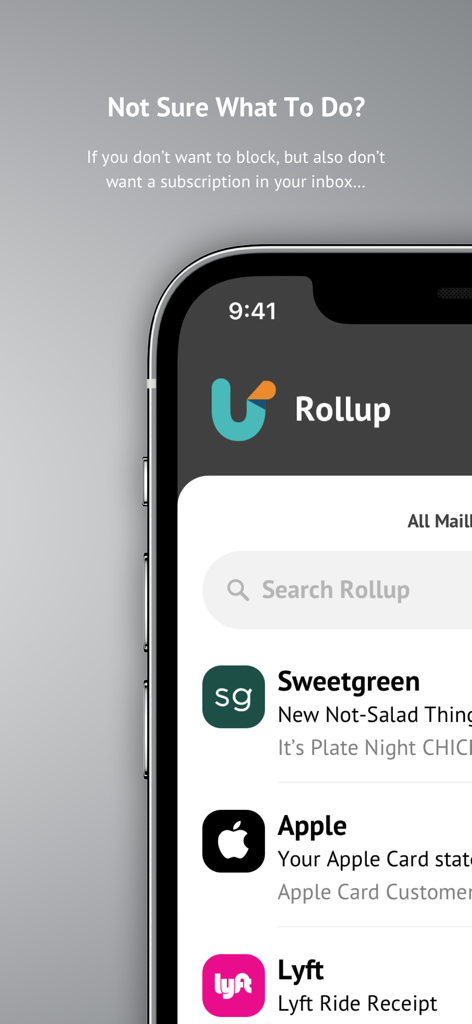
Unroll.Me app interface showing the email rollup feature to organize subscriptions
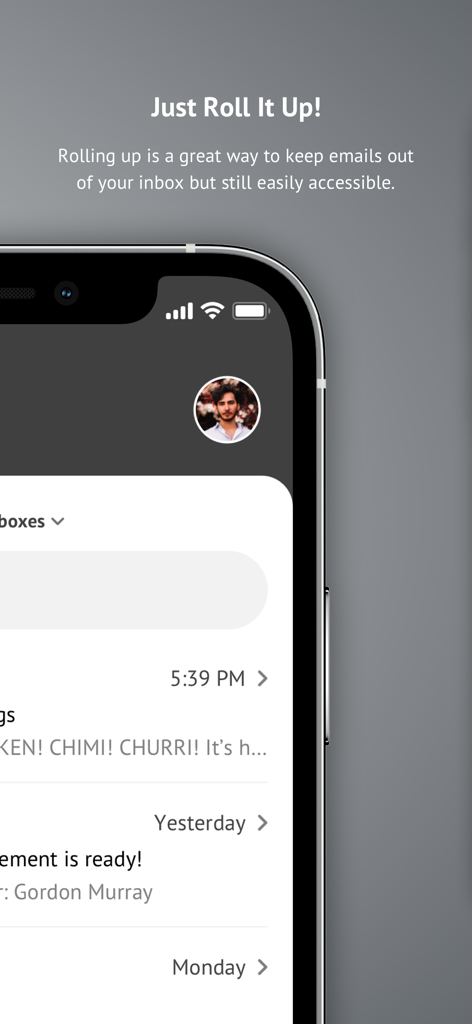
Unroll.Me app screen displaying the rollup feature for organizing email subscriptions
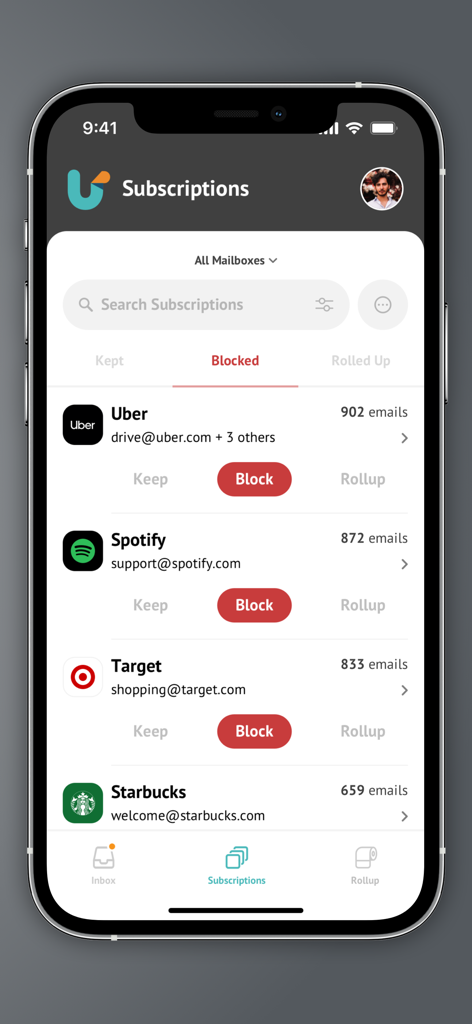
Unroll.Me app interface showing a list of email subscriptions with options to block keep or rollup
Description
Download
More Like This
Apps with similar features and user experience



This page is not an official page of the app or its developer, but an independent editorial publication created for informational and commentary purposes. Unless expressly stated otherwise, neither the app nor its developer is affiliated with, endorsed by, sponsored by, authorized by, or otherwise officially connected with MWM, Apple, Google Play, the app publisher, or the app's developer, and nothing on this page implies that the app was developed using MWM's services. Any trademarks, logos, screenshots, and other content remain the property of their respective owners.