
This page is not an official page of the app or its developer, but an independent editorial publication created for informational and commentary purposes. Unless expressly stated otherwise, neither the app nor its developer is affiliated with, endorsed by, sponsored by, authorized by, or otherwise officially connected with MWM, Apple, Google Play, the app publisher, or the app's developer, and nothing on this page implies that the app was developed using MWM's services. Any trademarks, logos, screenshots, and other content remain the property of their respective owners.
USmartCart
Plan smarter and shop faster with barcode scanning and instant subtotals. No account required—keep your data private while you eliminate checkout surprises.
Downloads
1K+User Rating
Total Ratings
0Publisher
Category
ShoppingLocales
1Latest Version
1.0.4Size
22.6 MBFirst Released
Jan 6, 2026Take Control of Your Grocery Run
Plan with precision, shop with confidence, and stay perfectly on budget with a privacy-first tool designed for the modern American household.
Real-Time Budget Tracking
Watch your total update instantly as you add items. Never experience 'sticker shock' at the checkout counter again.
Rapid Barcode Scanning
Turn your phone into a personal scanner. Add products to your cart in seconds and sync them automatically with your shopping list.
The following screenshots and description are sourced directly from the app's official store listing and are the property of the app developer.
App Store
Screenshots
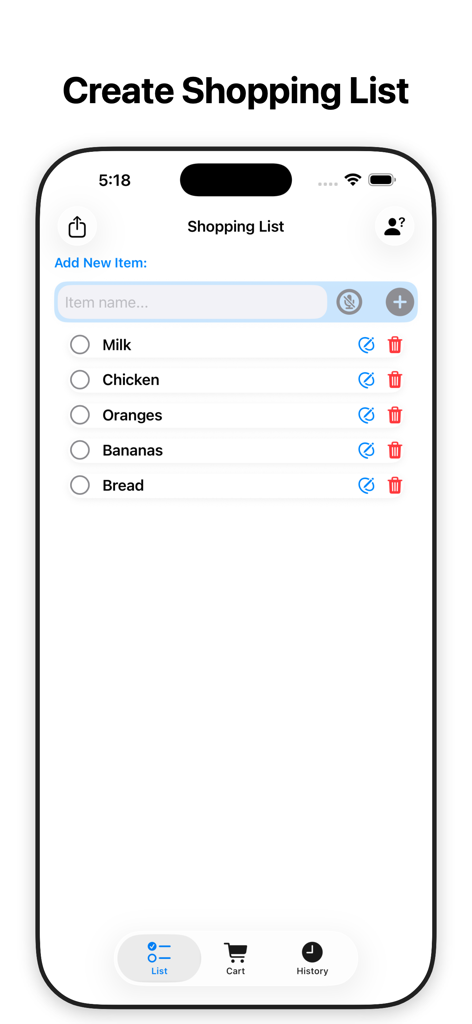
A screenshot of the USmartCart app interface showing a grocery shopping list with items like milk chicken and fruit
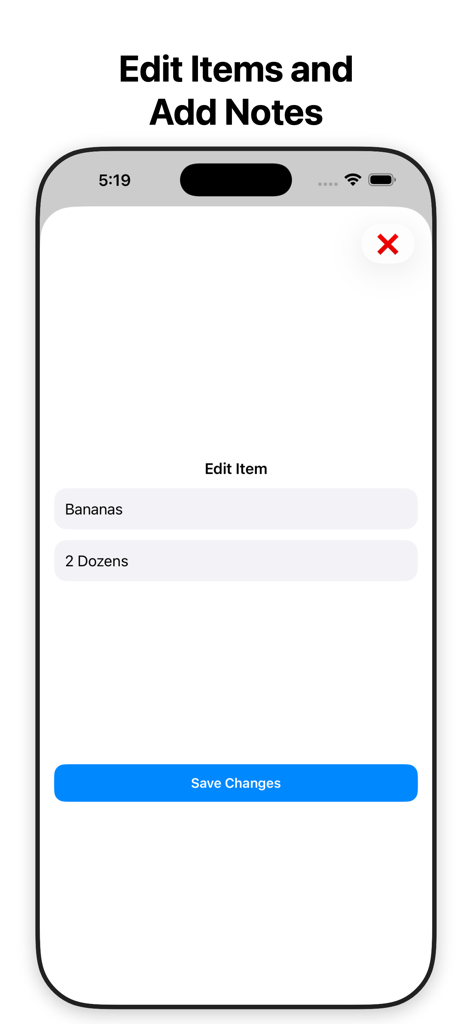
Interface of the USmartCart app showing the edit item screen with fields for name and quantity notes
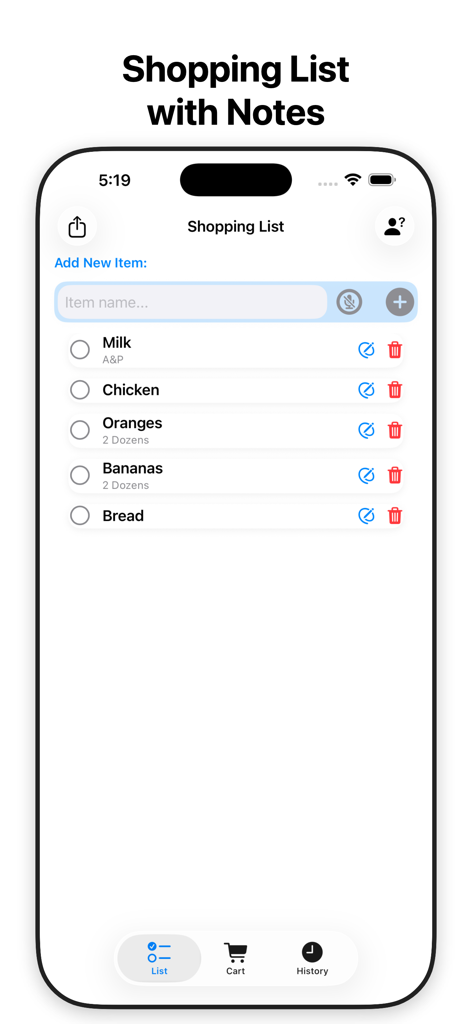
Interface of the USmartCart app showing a grocery shopping list with items and custom notes
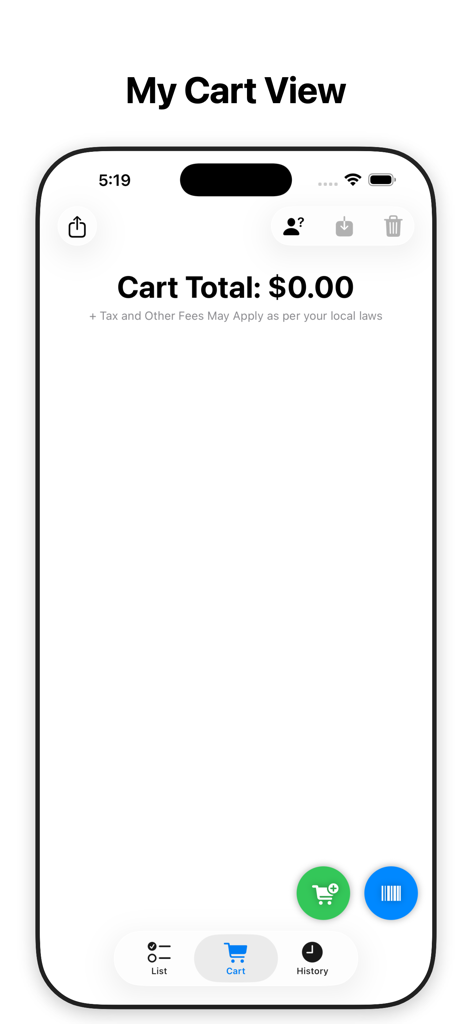
USmartCart app screen showing the My Cart View with a zero dollar subtotal and shortcut buttons for scanning barcodes and adding items.
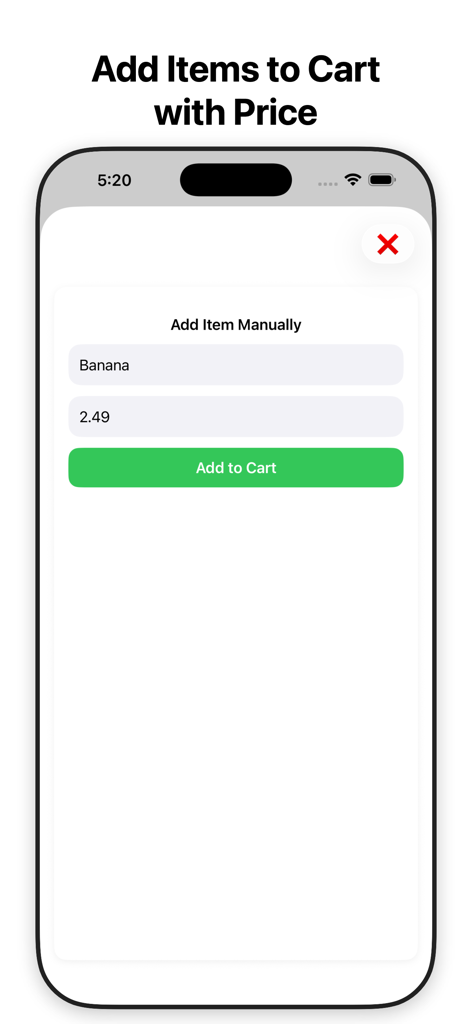
USmartCart app screen for manual grocery item entry with price
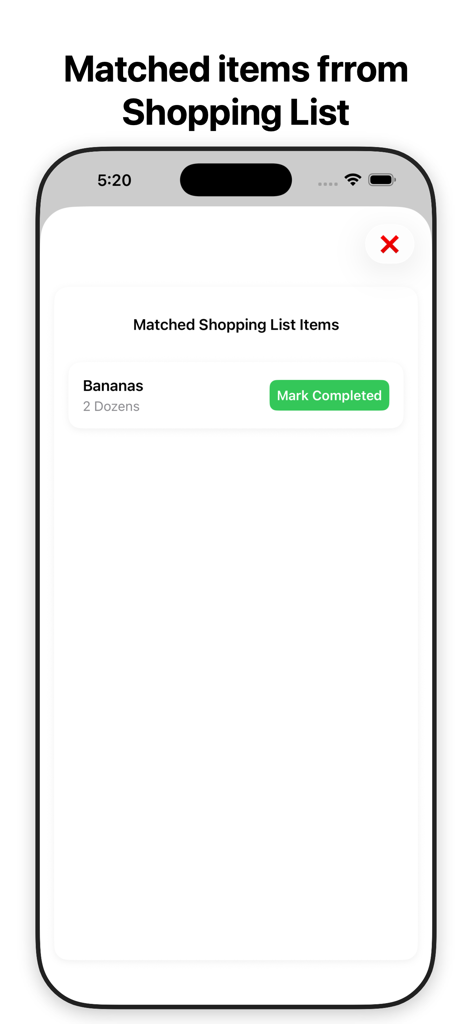
USmartCart app screen showing matched items from the shopping list with a mark completed button
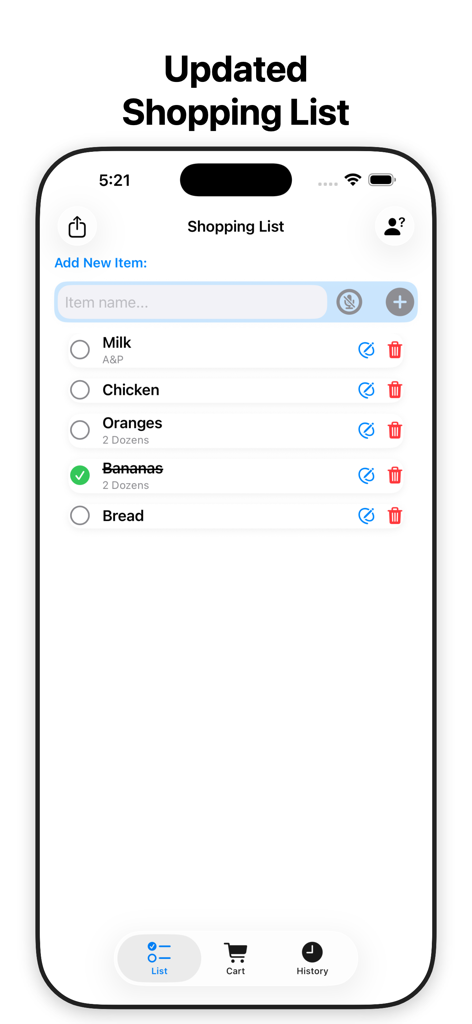
USmartCart app screen displaying an updated shopping list with items like milk chicken and oranges
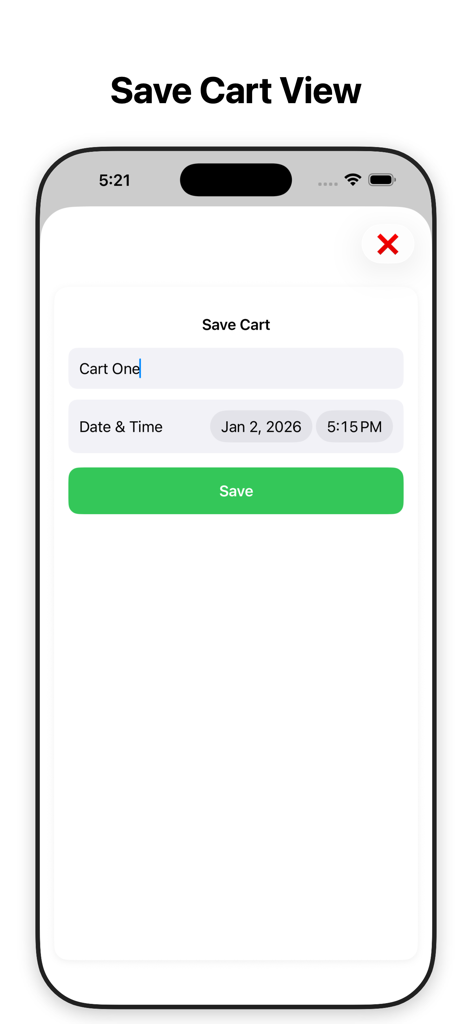
USmartCart app interface for saving a shopping cart with a custom name and date.
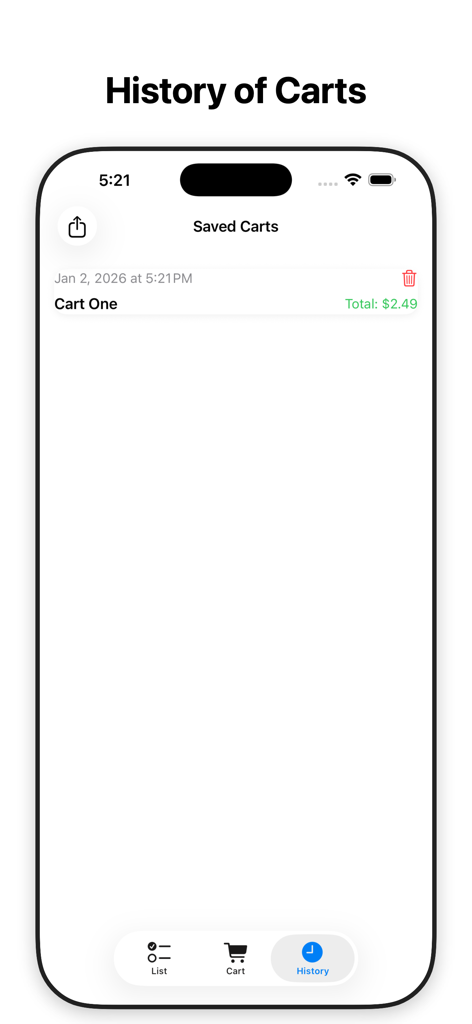
Mobile screen showing the USmartCart history of saved shopping carts with total costs and dates
Description
Download
More Like This
Top-ranked apps in the same category

Temu: Shop Like a Billionaire
Whaleco Inc.

SHEIN - Shopping Online
ROADGET BUSINESS PTE. LTD.

拼多多 - 多多买菜,百亿补贴
Shanghai Xunmeng Information Technology Co., Ltd.

Mercado Libre: Compras Online
MercadoLibre S.A.

Taobao - Online Shopping App
Zhejiang Taobao Network Co.,Ltd

京东-又好又便宜
Beijing Jingdong Century Trading Co., Ltd.

闲鱼 - 神奇的闲鱼!
Zhejiang Alibaba Xianyu Network Technology Co., Ltd.

Amazon Shopping
AMZN Mobile LLC

Shop: All your favorite brands
Shopify Inc.
This page is not an official page of the app or its developer, but an independent editorial publication created for informational and commentary purposes. Unless expressly stated otherwise, neither the app nor its developer is affiliated with, endorsed by, sponsored by, authorized by, or otherwise officially connected with MWM, Apple, Google Play, the app publisher, or the app's developer, and nothing on this page implies that the app was developed using MWM's services. Any trademarks, logos, screenshots, and other content remain the property of their respective owners.