
This page is not an official page of the app or its developer, but an independent editorial publication created for informational and commentary purposes. Unless expressly stated otherwise, neither the app nor its developer is affiliated with, endorsed by, sponsored by, authorized by, or otherwise officially connected with MWM, Apple, Google Play, the app publisher, or the app's developer, and nothing on this page implies that the app was developed using MWM's services. Any trademarks, logos, screenshots, and other content remain the property of their respective owners.
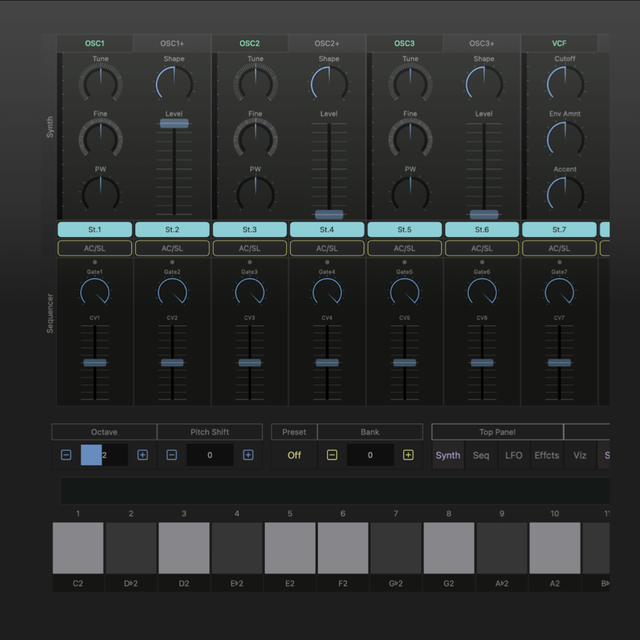

VAPolyLoop
Harness the warmth of a diode-modeled filter and an analog-style step sequencer. Built for the modern producer, VAPolyLoop delivers high-end sound design to your mobile studio with AUv3, MIDI 2.0, and seamless iCloud sync.
Downloads
0User Rating
Total Ratings
0Publisher
Category
MusicLocales
1Latest Version
1.0Size
16.0 MBFirst Released
Jan 27, 2026Elevate Your Sonic Architecture
A powerhouse polyphonic synthesizer and analog-style step sequencer designed to integrate seamlessly into your professional mobile or desktop workflow.
Authentic Virtual Analog Engine
Experience the legendary warmth of a diode ladder filter paired with three oscillators and distortion effects, designed to deliver rich, vintage textures in a digital environment.
Professional AUv3 Integration
Go beyond standalone with full AudioUnit v3 support. Load your sounds directly into Logic Pro or AUM, and enjoy industry-leading expression with MIDI 2.0 and Ableton Link.
The following screenshots and description are sourced directly from the app's official store listing and are the property of the app developer.
App Store
Screenshots
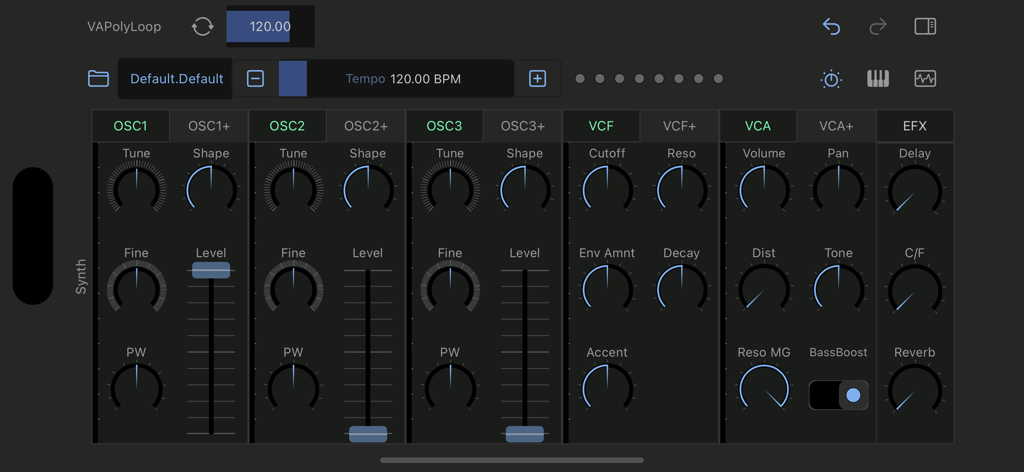
Interface of the VAPolyLoop virtual analog synthesizer showing oscillator and filter controls
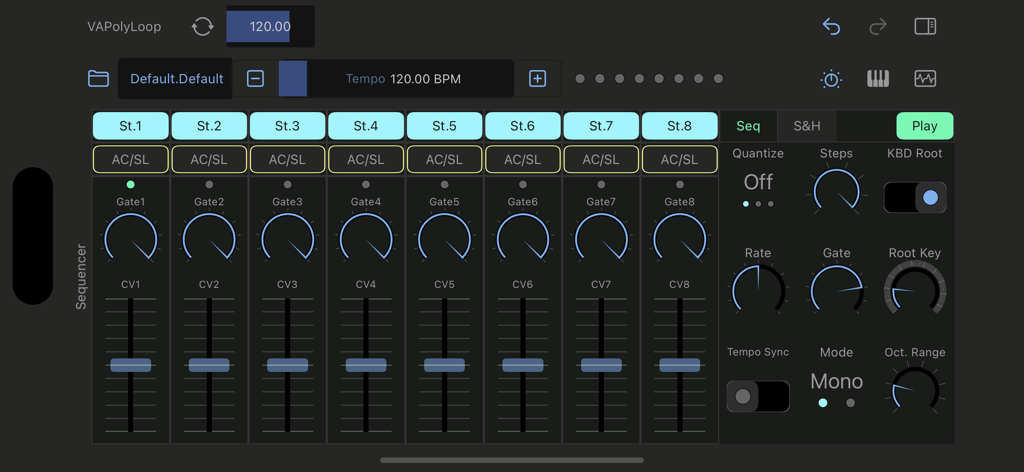
VAPolyLoop analog style step sequencer interface showing eight steps with gate and control voltage settings
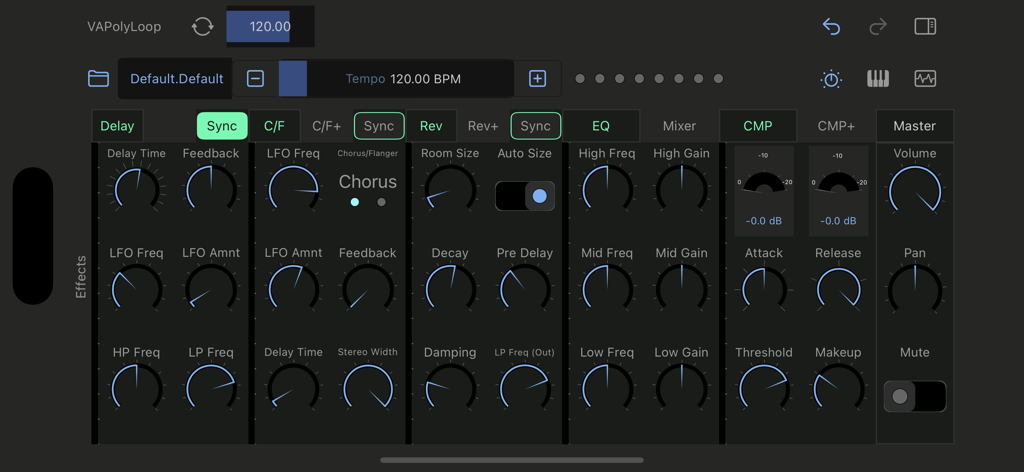
VAPolyLoop app showing the effects rack with controls for delay chorus reverb eq and compression
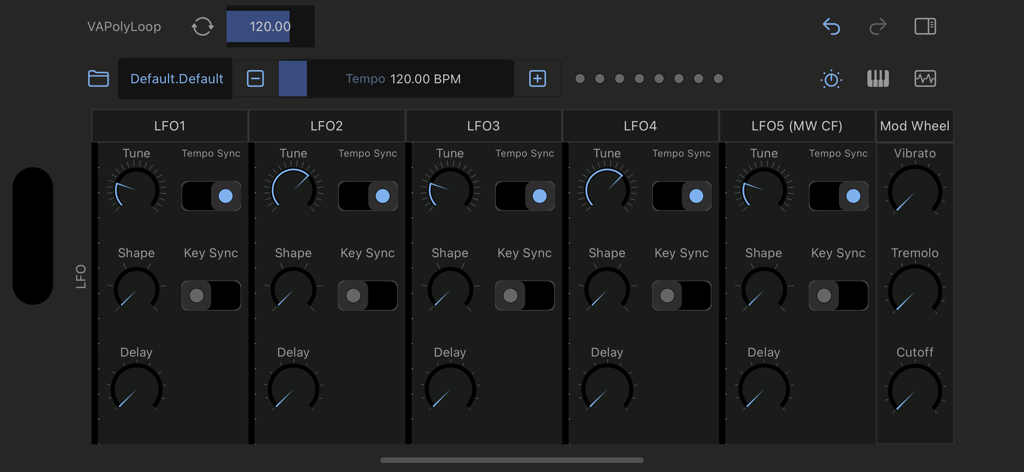
Interface of VAPolyLoop showing five LFO modulation settings and mod wheel controls
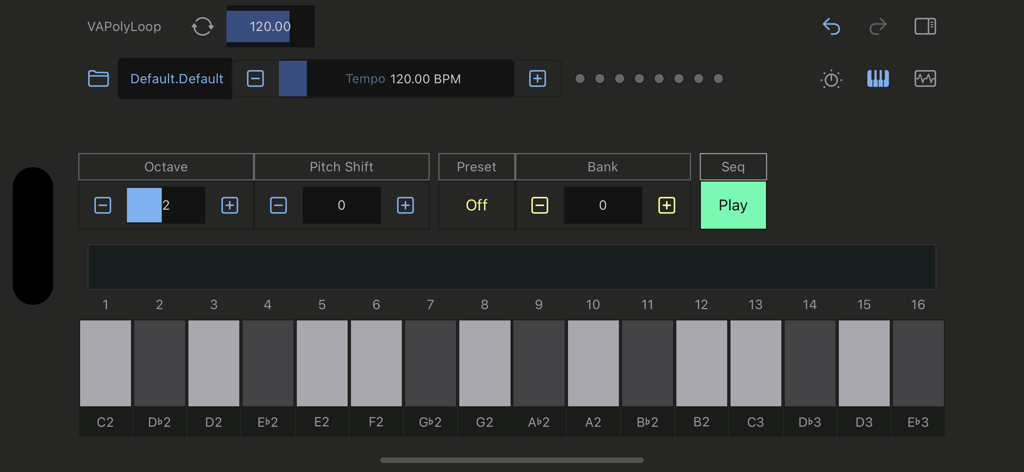
VAPolyLoop mobile synthesizer interface with virtual piano keyboard and sequence controls
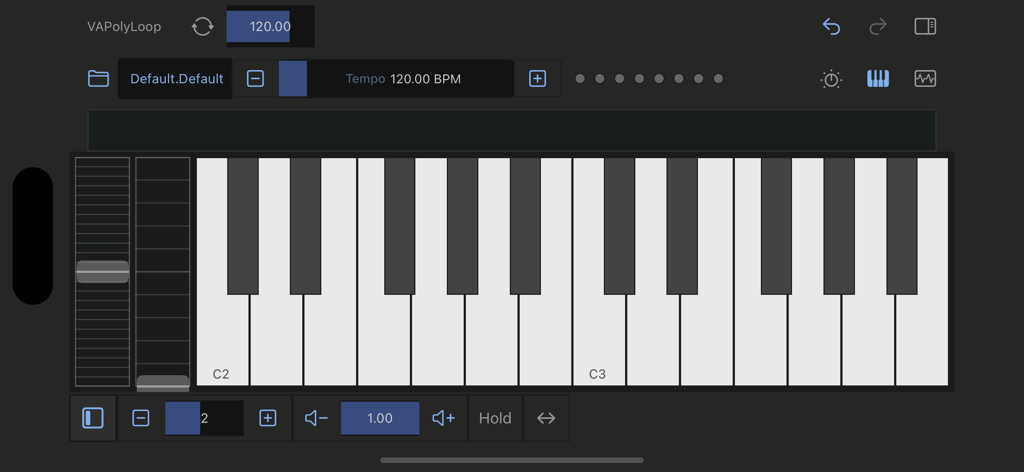
Mobile interface of VAPolyLoop synthesizer showing a virtual piano keyboard and tempo controls
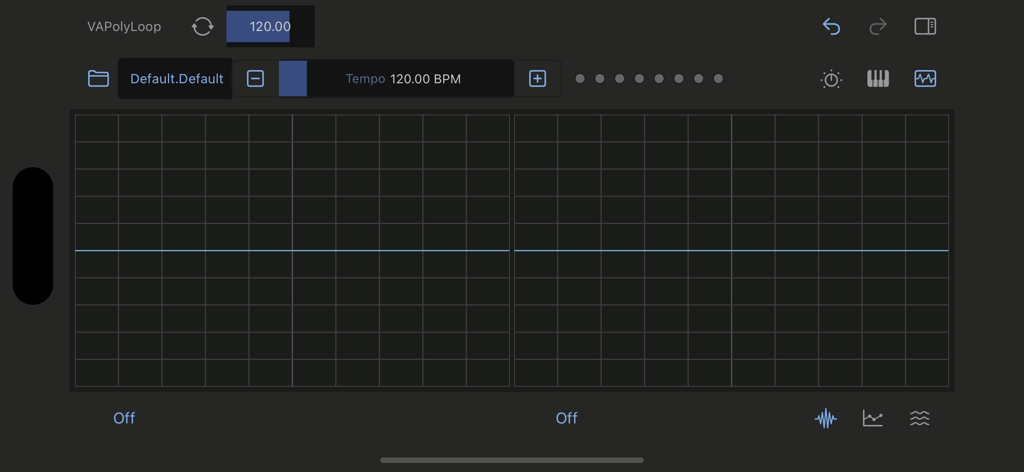
User interface of VAPolyLoop app showing an analog-style step sequencer grid and music production controls
Description
Download
More Like This
Top-ranked apps in the same category

Spotify: Music and Podcasts
Spotify

YouTube Music
Google LLC

Shazam: Find Music & Concerts
Apple Inc.

SoundCloud: The Music You Love
SoundCloud Global Limited & Co KG

Suno - AI Songs & Music
Suno Inc.

QQ音乐 - 听我想听
Tencent Technology (Shenzhen) Company Limited

Audiomack - Play Music Offline
Audiomack, Inc.

GuitarTuna: Tune & Play Guitar
Yousician Ltd

BandLab – Music Maker & Beats
BandLab Singapore Pte Ltd
This page is not an official page of the app or its developer, but an independent editorial publication created for informational and commentary purposes. Unless expressly stated otherwise, neither the app nor its developer is affiliated with, endorsed by, sponsored by, authorized by, or otherwise officially connected with MWM, Apple, Google Play, the app publisher, or the app's developer, and nothing on this page implies that the app was developed using MWM's services. Any trademarks, logos, screenshots, and other content remain the property of their respective owners.