
This page is not an official page of the app or its developer, but an independent editorial publication created for informational and commentary purposes. Unless expressly stated otherwise, neither the app nor its developer is affiliated with, endorsed by, sponsored by, authorized by, or otherwise officially connected with MWM, Apple, Google Play, the app publisher, or the app's developer, and nothing on this page implies that the app was developed using MWM's services. Any trademarks, logos, screenshots, and other content remain the property of their respective owners.


Viola Tuner – XTuner PRO
Master your intonation with studio-grade accuracy, chromatic modes, and full offline support. Designed for orchestral students and pros to deliver the perfect pitch in any practice room.
Downloads
200User Rating
Total Ratings
0Publisher
Category
MusicLocales
1Latest Version
1.0.24Size
53.8 MBFirst Released
Jun 5, 2025Master Your Intonation with Professional Precision
Designed specifically for the unique resonance of the viola, XTuner PRO combines studio-quality sound recognition with advanced customization for every level.
Superior Low-Frequency Accuracy
Stop struggling with your C-string. Our algorithm is specifically calibrated for the viola’s deep resonance, ensuring instant and pinpoint pitch detection.
Advanced Chromatic & Pro Modes
Go beyond basic tuning. Use the Chromatic mode to practice diapason and improve your intonation while playing scales or complex orchestral passages.
The following screenshots and description are sourced directly from the app's official store listing and are the property of the app developer.
App Store
Screenshots
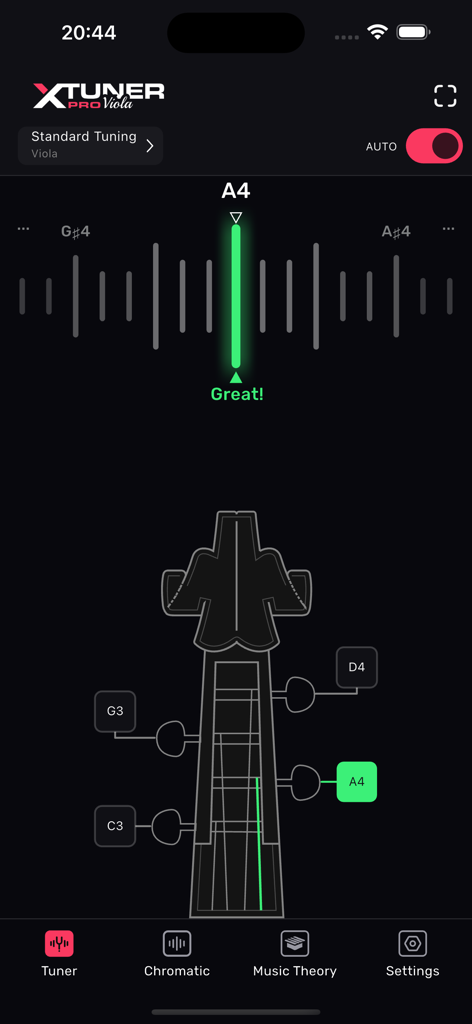
Viola Tuner XTuner PRO interface showing auto tuning for the A4 note with a visual instrument head guide.
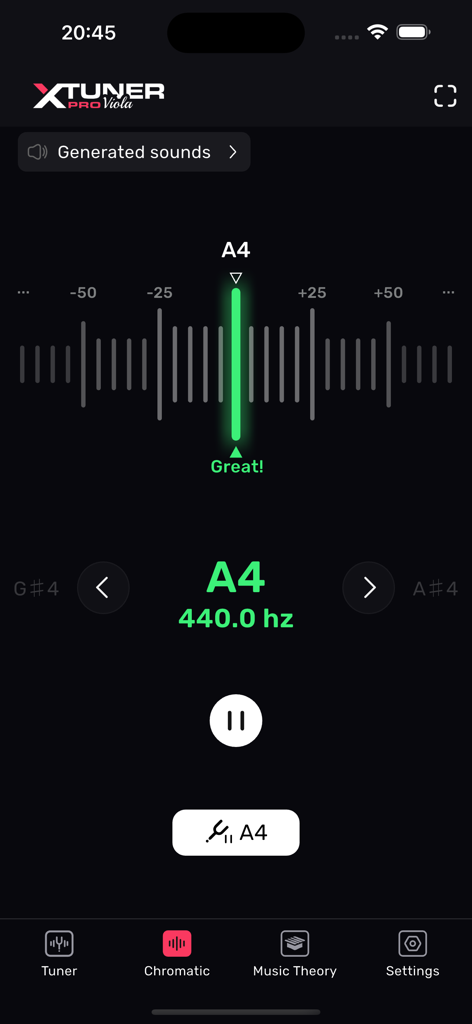
XTuner PRO viola tuner app interface showing a note tuned to 440 Hertz
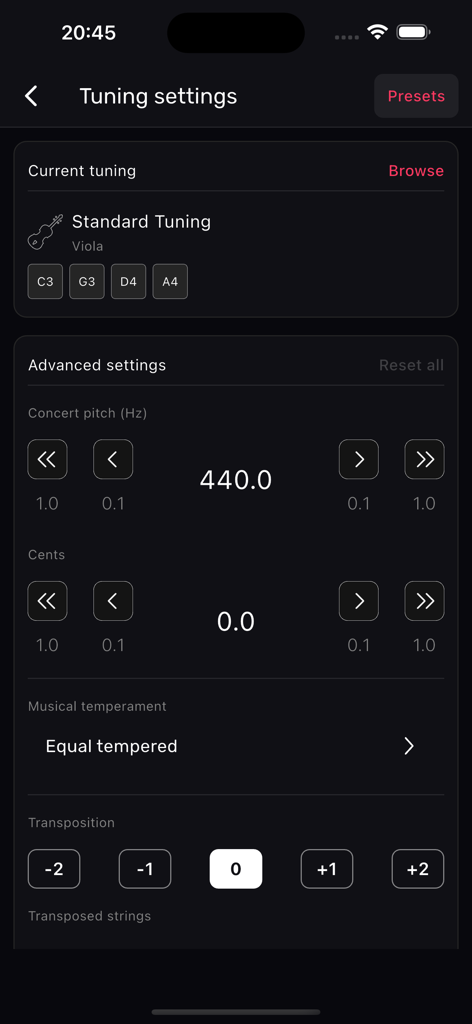
Advanced tuning settings interface for Viola Tuner XTuner PRO app showing concert pitch and temperament options
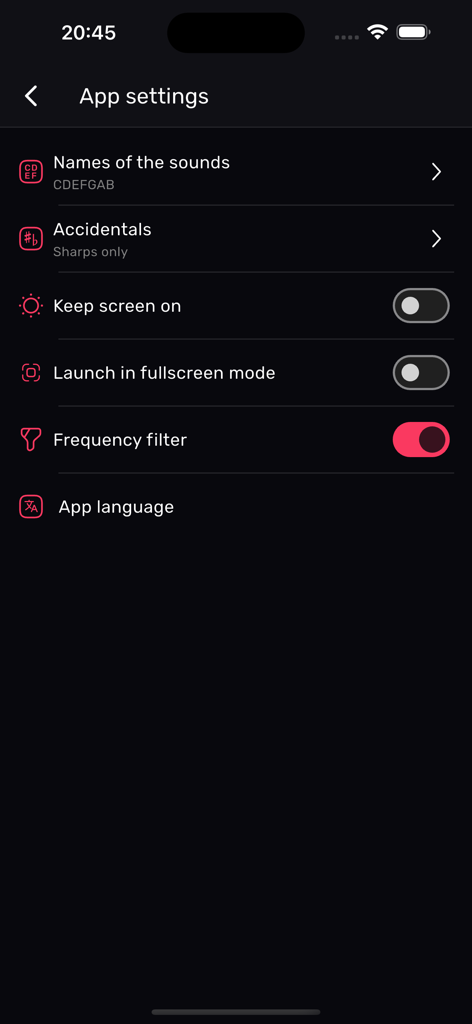
App settings menu for Viola Tuner XTuner PRO showing options for sound names accidentals and frequency filter
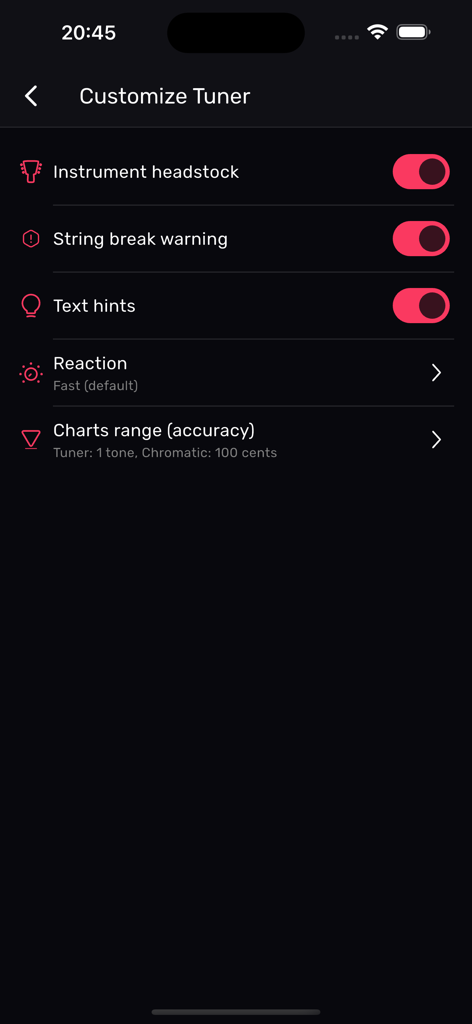
Customize settings screen in the Viola Tuner app with toggles for instrument headstock and string break warning
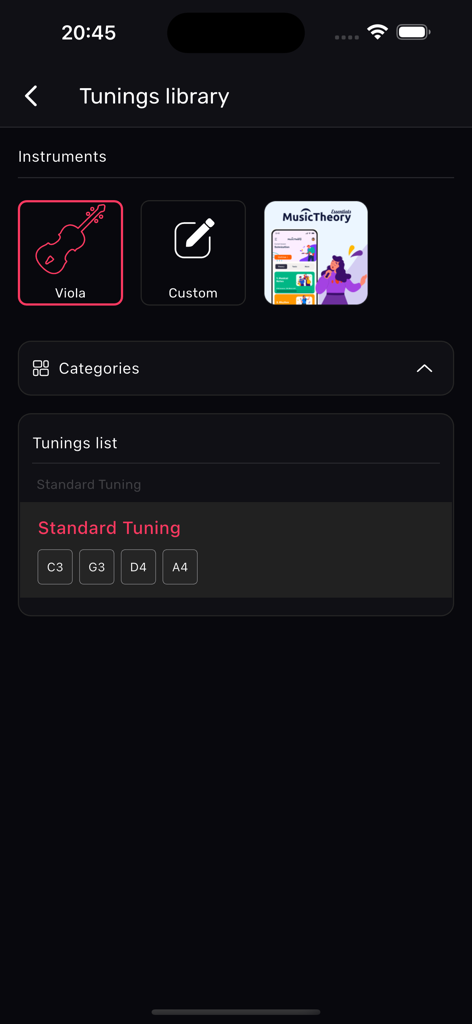
Viola Tuner XTuner PRO app screen showing the tunings library with standard tuning notes C3 G3 D4 and A4
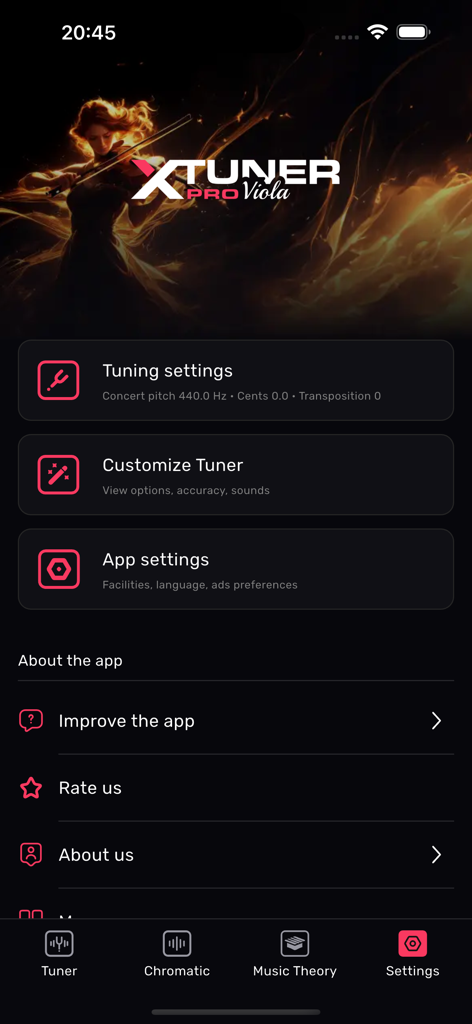
Settings menu of the XTuner PRO Viola app with tuning and configuration options
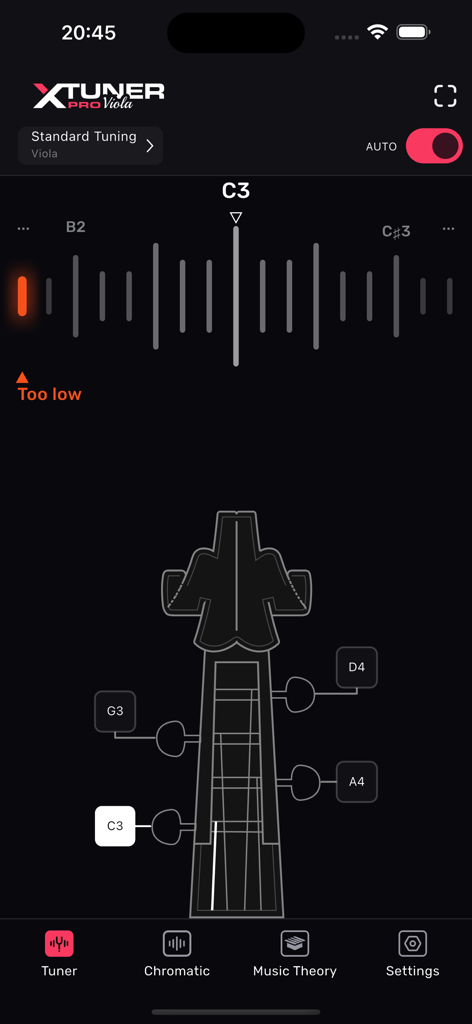
Viola Tuner XTuner PRO app interface showing auto tuning for a viola C3 string with a too low indicator and instrument peg diagram.
Description
Download
More Like This
Top-ranked apps in the same category

Spotify: Music and Podcasts
Spotify

YouTube Music
Google LLC

Shazam: Find Music & Concerts
Apple Inc.

SoundCloud: The Music You Love
SoundCloud Global Limited & Co KG

Suno - AI Songs & Music
Suno Inc.

QQ音乐 - 听我想听
Tencent Technology (Shenzhen) Company Limited

Audiomack - Play Music Offline
Audiomack, Inc.

BandLab – Music Maker & Beats
BandLab Singapore Pte Ltd

GuitarTuna: Tune & Play Guitar
Yousician Ltd
This page is not an official page of the app or its developer, but an independent editorial publication created for informational and commentary purposes. Unless expressly stated otherwise, neither the app nor its developer is affiliated with, endorsed by, sponsored by, authorized by, or otherwise officially connected with MWM, Apple, Google Play, the app publisher, or the app's developer, and nothing on this page implies that the app was developed using MWM's services. Any trademarks, logos, screenshots, and other content remain the property of their respective owners.