
This page is not an official page of the app or its developer, but an independent editorial publication created for informational and commentary purposes. Unless expressly stated otherwise, neither the app nor its developer is affiliated with, endorsed by, sponsored by, authorized by, or otherwise officially connected with MWM, Apple, Google Play, the app publisher, or the app's developer, and nothing on this page implies that the app was developed using MWM's services. Any trademarks, logos, screenshots, and other content remain the property of their respective owners.

Visual Freezer Inventory
Stop losing food in the chest freezer abyss. Use our unique X-ray locator to map your inventory, track freshness with color-coded alerts, and manage up to six freezers with ease.
Downloads
1K+User Rating
Total Ratings
0Publisher
Category
Food & DrinkLocales
1Latest Version
1.0Size
15.9 MBFirst Released
Nov 25, 2024Conquer the Freezer Abyss
Take full control of your food stock with a visual mapping system designed for bulk shoppers, hunters, and organized household managers.
Visual X-Ray Locator
Map exactly where items are buried. No more digging through the deep freeze—just look at your digital map and grab exactly what you need.
Freshness Color-Coding
Instantly see how long food has been stored with our intuitive traffic-light system. Prioritize older items and eliminate costly freezer burn.
The following screenshots and description are sourced directly from the app's official store listing and are the property of the app developer.
App Store
Screenshots
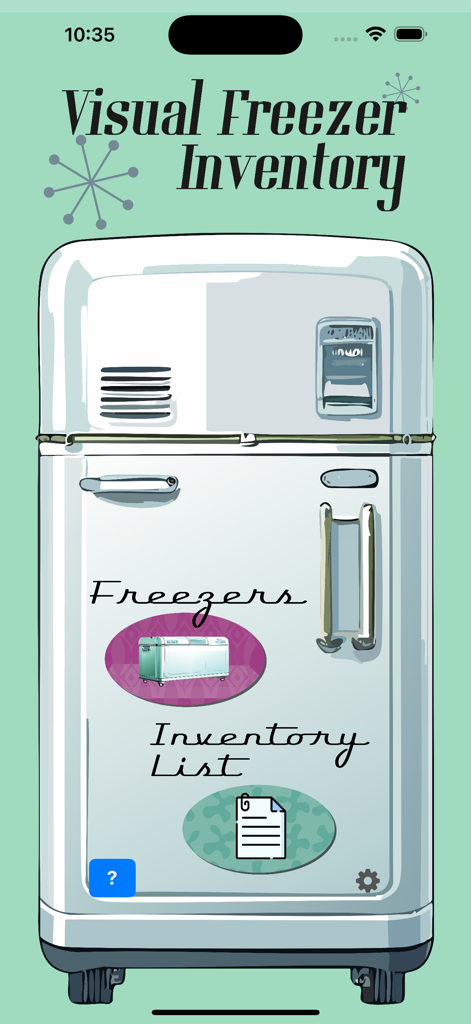
Main screen of the Visual Freezer Inventory app showing a retro refrigerator with links to freezer management and inventory lists.
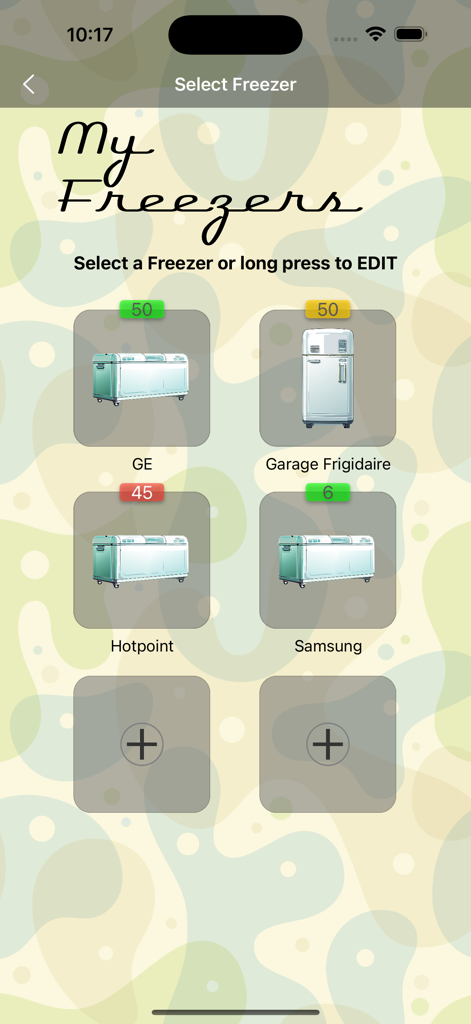
Visual Freezer Inventory app dashboard showing a list of managed freezers with item counts and color-coded status labels.
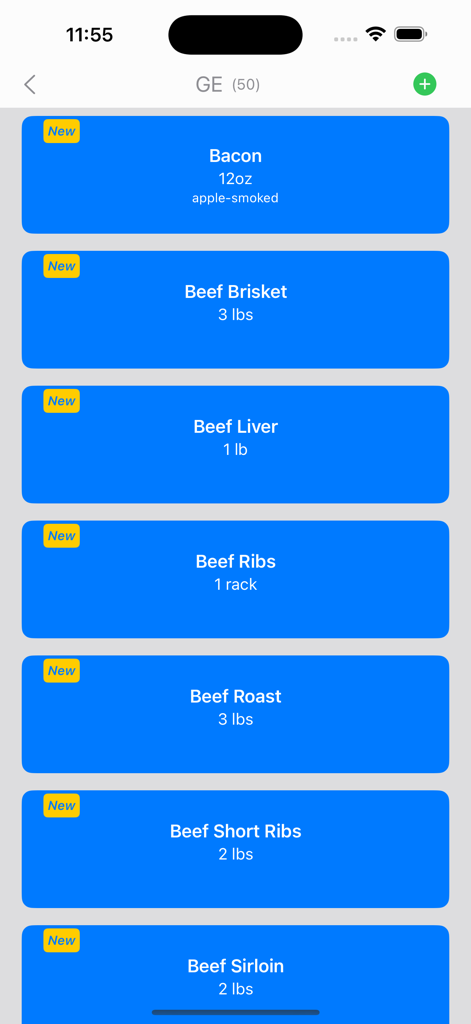
List of stored frozen meats including bacon and beef cuts in the Visual Freezer Inventory app.
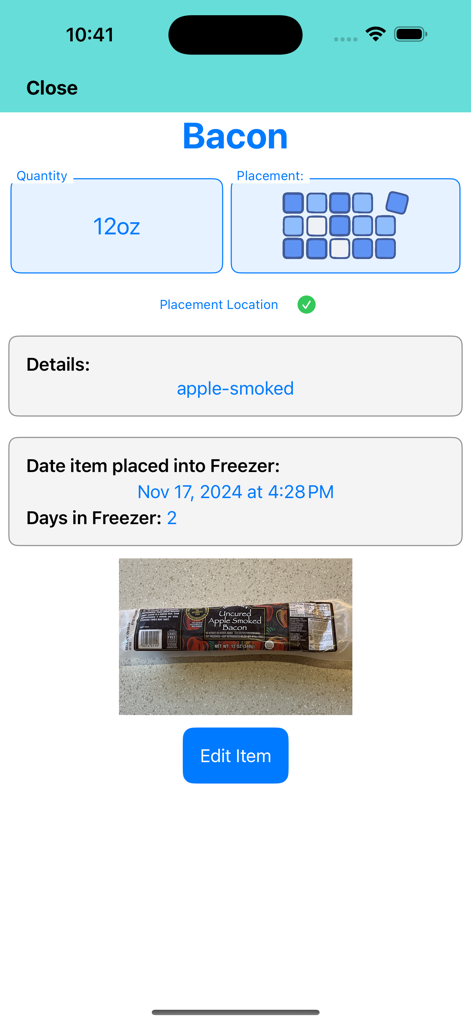
Screenshot of the Visual Freezer Inventory app showing details for a package of apple-smoked bacon including its quantity, grid placement location, and the date it was stored.
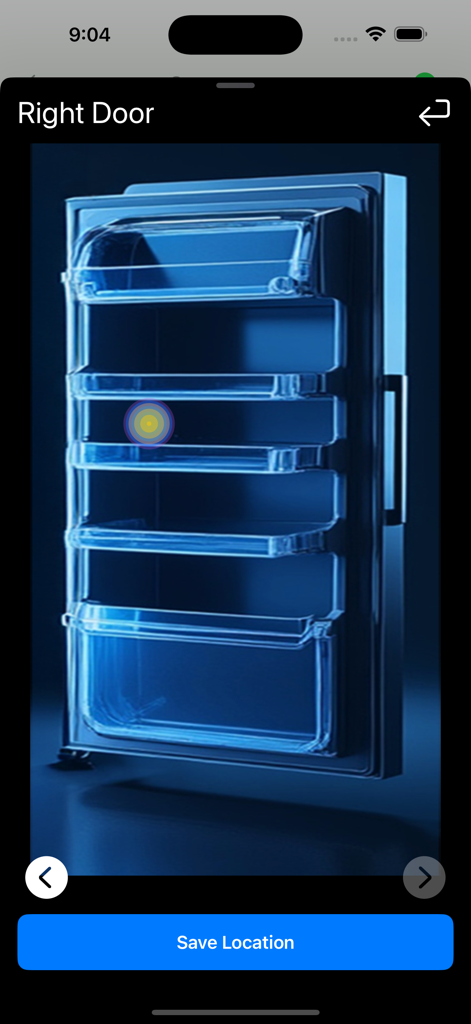
Visual locator interface for marking an item's position on a freezer door
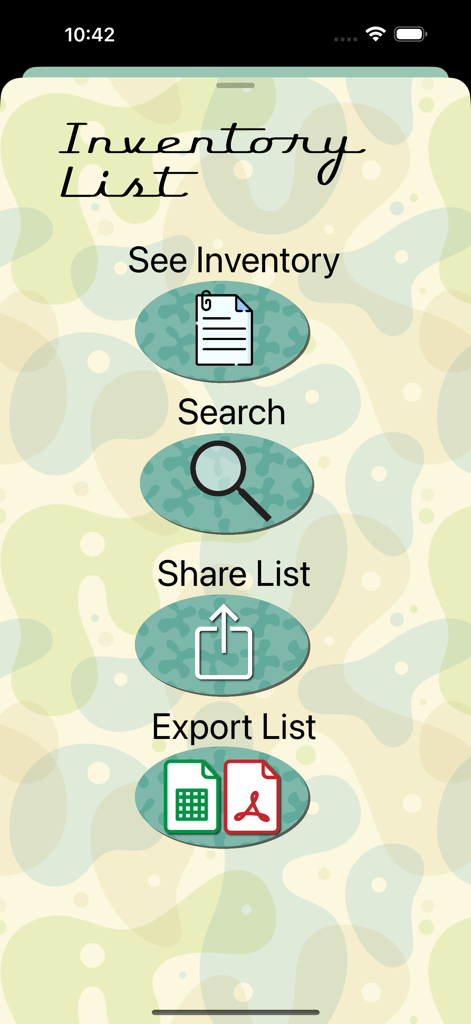
Main menu of the Visual Freezer Inventory app showing options for searching sharing and exporting inventory lists
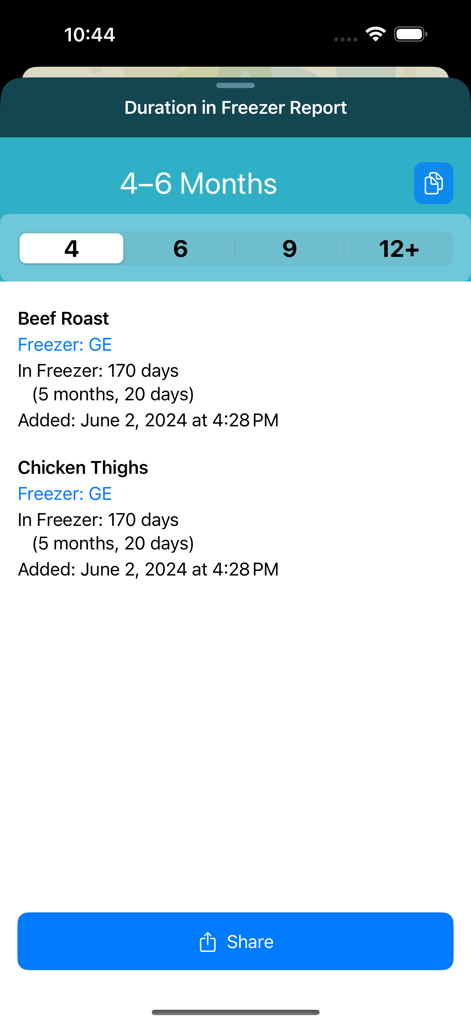
A duration report in the Visual Freezer Inventory app showing items stored for 4 to 6 months including beef roast and chicken thighs.
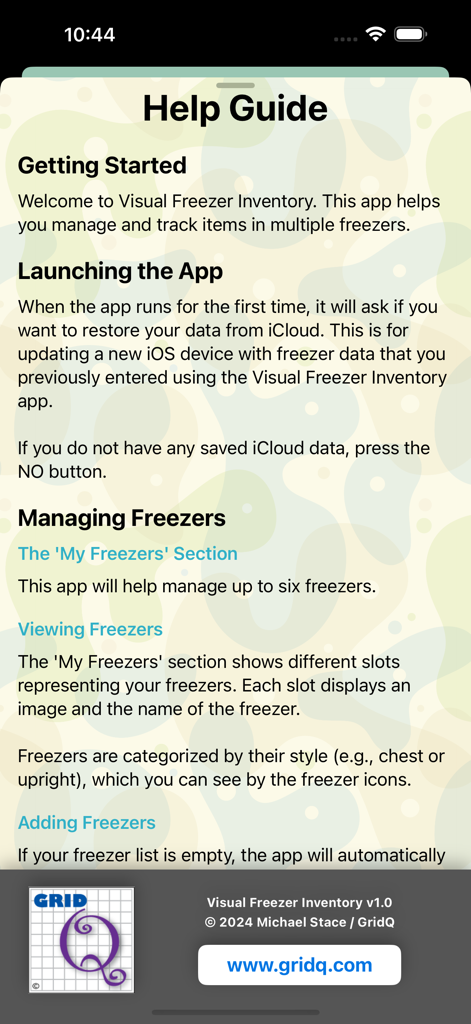
Help guide screen of the Visual Freezer Inventory app with instructions on getting started and managing freezers
Description
Download
More Like This
Top-ranked apps in the same category

DoorDash: Food, Grocery, More
DoorDash, Inc.

盒马 - 鲜美生活
Shanghai Heli Network Technical Service Co., Ltd.

Uber Eats: Food & Groceries
Uber Technologies, Inc.

Too Good To Go: End Food Waste
Too Good To Go ApS

Keeta - Food Delivery
Kangaroo Limited

麦当劳McDonald's - 到店取餐 麦咖啡 麦乐送
McDonald's (China) Co., Ltd.

McDonald’s
McDonald's Global Markets LLC

McDonald's
McDonalds USA LLC

美团外卖-外卖订餐,送啥都快
Sankuai Technology Co., Ltd.
This page is not an official page of the app or its developer, but an independent editorial publication created for informational and commentary purposes. Unless expressly stated otherwise, neither the app nor its developer is affiliated with, endorsed by, sponsored by, authorized by, or otherwise officially connected with MWM, Apple, Google Play, the app publisher, or the app's developer, and nothing on this page implies that the app was developed using MWM's services. Any trademarks, logos, screenshots, and other content remain the property of their respective owners.