Voice Reader + Text to Speech

Voice Reader + Text to Speech

Logo of Voice Reader + Text to Speech

Voice Reader: Turn Any Document into a Natural Voice Audiobook

Maximize your productivity with the ad-free text-to-speech app designed for students and professionals. Listen to PDFs, articles, and books at up to 5x speed while you commute, exercise, or multi-task.

Publisher

MONOPOLEAPPS K.K.

Category

Reference

Downloads

100+

User Rating

4.8/5

Total Ratings

0

Locales

11

A Glimpse of Productivity

Discover the interface used by 100+ users.
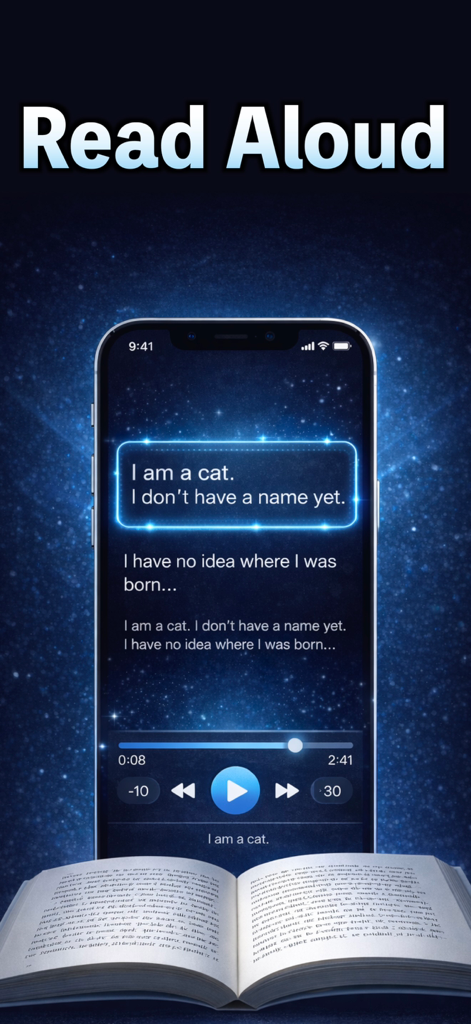
Voice Reader app interface reading text aloud with playback controls and an open book

Voice Reader app interface reading text aloud with playback controls and an open book

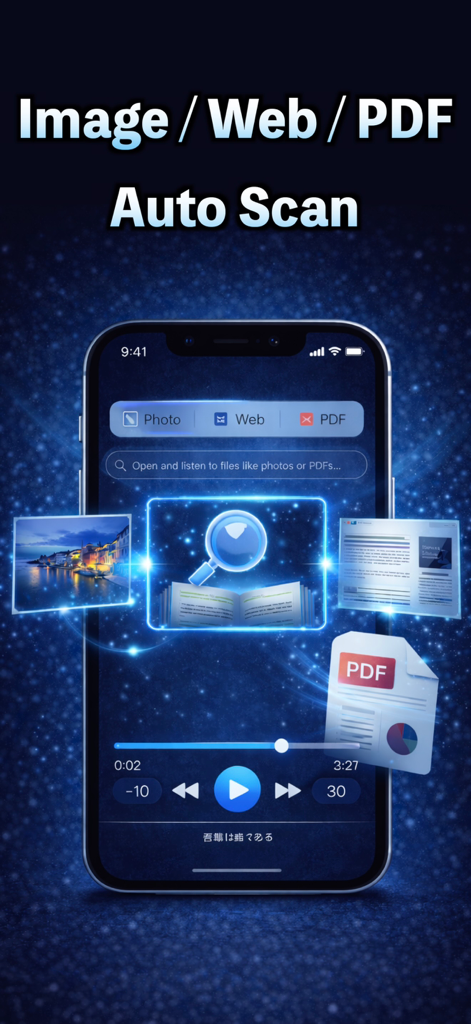
Voice Reader app interface displaying auto scan capabilities for images web content and PDF files

Voice Reader app interface displaying auto scan capabilities for images web content and PDF files

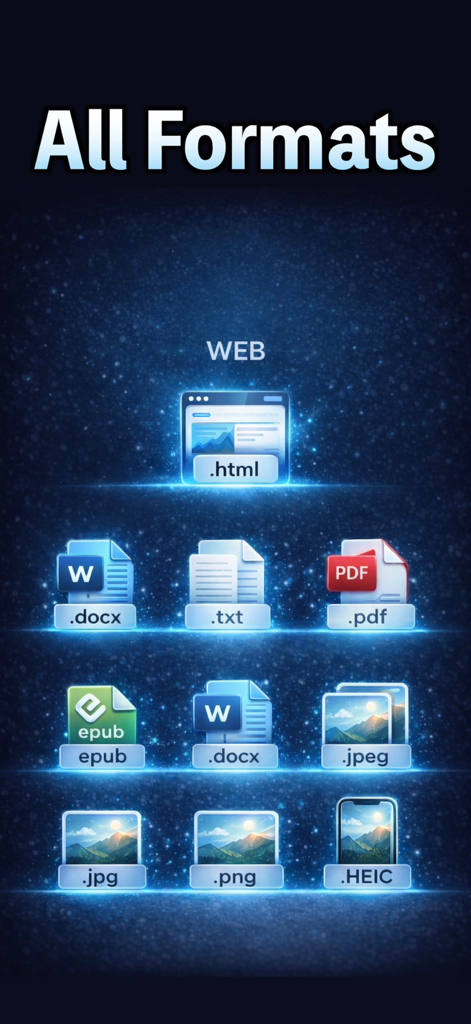
A list of supported file formats for text-to-speech including PDF, Word, EPUB, and images.

A list of supported file formats for text-to-speech including PDF, Word, EPUB, and images.

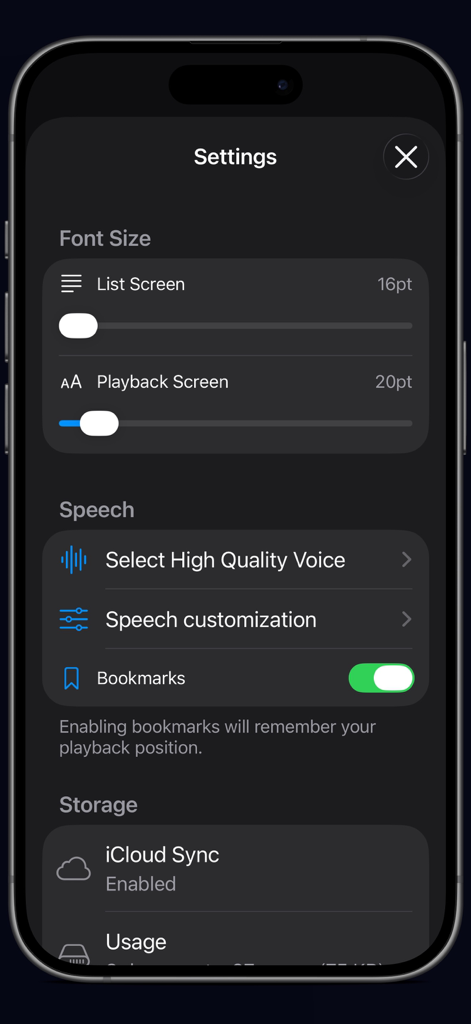
Settings screen of the Voice Reader app displaying options for font size speech customization and storage management

Settings screen of the Voice Reader app displaying options for font size speech customization and storage management

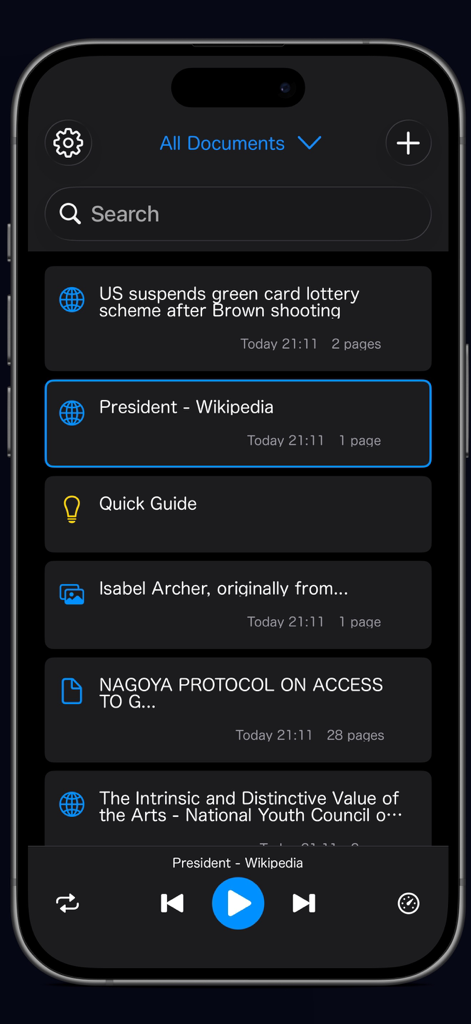
Main screen of the Voice Reader app showing a list of saved documents and audio playback controls.

Main screen of the Voice Reader app showing a list of saved documents and audio playback controls.

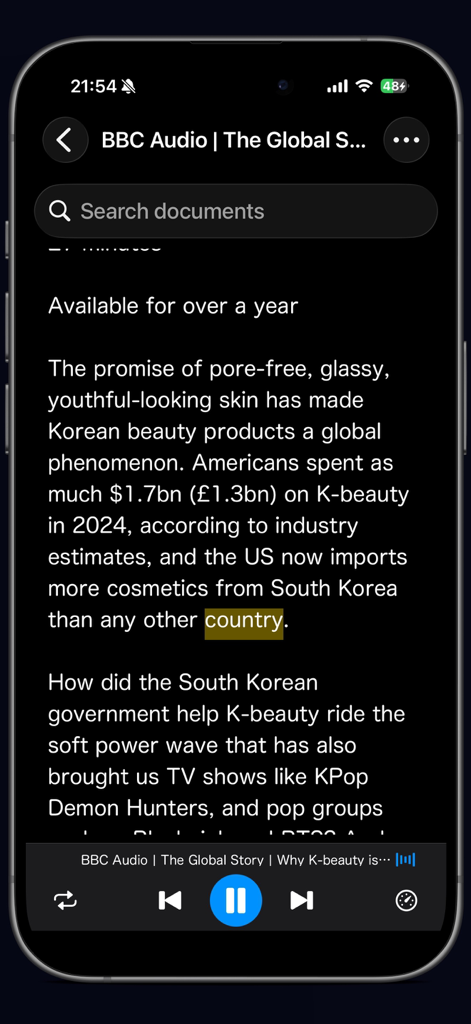
iPhone screen showing the Voice Reader app interface reading a news article with highlighted text and audio playback controls

iPhone screen showing the Voice Reader app interface reading a news article with highlighted text and audio playback controls

Maximize Your Productivity with Hands-Free Reading

The tools that make this app stand out, trusted by 100+ users.

Hyper-Speed Learning

Listen to PDFs and articles at up to 5x speed. Power through your weekly reading list and clear your queue faster than ever before.

📸

Scan and Speak Anything

From digital EPUBs and Word docs to physical textbook pages via OCR, transform any text into natural speech with just one tap.

Built for Your Busy Lifestyle

Control playback from your Apple Watch or lock screen. Enjoy a seamless, ad-free experience while commuting, walking, or at the gym.

About the app

Everything you need to know about Voice Reader + Text to Speech.

Description

Voice Reader is a text-to-speech app that reads PDFs, books, and articles aloud in natural voice. Free with no ads. 【Import】 ・PDF / Image / Text file support ・Camera text recognition (OCR) ・Import from browser or other apps ・Supported formats: .txt, .pdf, .epub, .docx, .jpeg, .png 【Playback】 ・Speed up to 5x ・Background playback ・Control from Apple Watch / Lock screen 【Management】 ・Playlists for organizing content ・Bookmark to resume where you left off ・Marker / Skip functions ・Sleep timer 【Perfect For】 ・Listen to books during commute ・Listen to PDFs and documents ・Enjoy novels read aloud Terms of Use: https://monopoleapps.studio.site/service Privacy Policy: https://monopoleapps.studio.site/privacypolicy

Latest Version

1.3

Size

25.6 MB

First Released

Dec 23, 2025

Turn Your Reading List into Your Daily Podcast

Stop struggling with long PDFs and documents. Join thousands of productive students and professionals using the most powerful ad-free text-to-speech reader for free.

App information, icons, screenshots, and descriptions displayed on this page are sourced from the Apple App Store and are the property of their respective developers. Download estimates and rankings are based on MWM's proprietary models and may not reflect actual figures. This page is provided for informational and analytical purposes only.

Believe this page infringes your intellectual property? File a dispute