
This page is not an official page of the app or its developer, but an independent editorial publication created for informational and commentary purposes. Unless expressly stated otherwise, neither the app nor its developer is affiliated with, endorsed by, sponsored by, authorized by, or otherwise officially connected with MWM, Apple, Google Play, the app publisher, or the app's developer, and nothing on this page implies that the app was developed using MWM's services. Any trademarks, logos, screenshots, and other content remain the property of their respective owners.


waifu2x
Transform low-res illustrations and photos into crystal-clear masterpieces. Experience high-performance on-device AI processing with total privacy and zero ads.
Downloads
811K+User Rating
Total Ratings
11K+Publisher
Category
Graphics & DesignLocales
4Latest Version
7.2.12Size
212.7 MBFirst Released
Sep 19, 2017Professional AI Enhancement in Your Pocket
Upscale and denoise your favorite illustrations and photos using industry-leading AI models. Experience desktop-class performance with total privacy and no advertisements.
Private On-Device Processing
Your images never leave your device. All AI calculations happen locally, ensuring your data stays private while leveraging Apple's Neural Engine for maximum speed.
Optimized for Anime & Art
Breathe new life into low-res fan art. Specialized Real-CUGAN and Real-ESRGAN models eliminate compression artifacts and sharpen lines with surgical precision.
The following screenshots and description are sourced directly from the app's official store listing and are the property of the app developer.
App Store
Screenshots
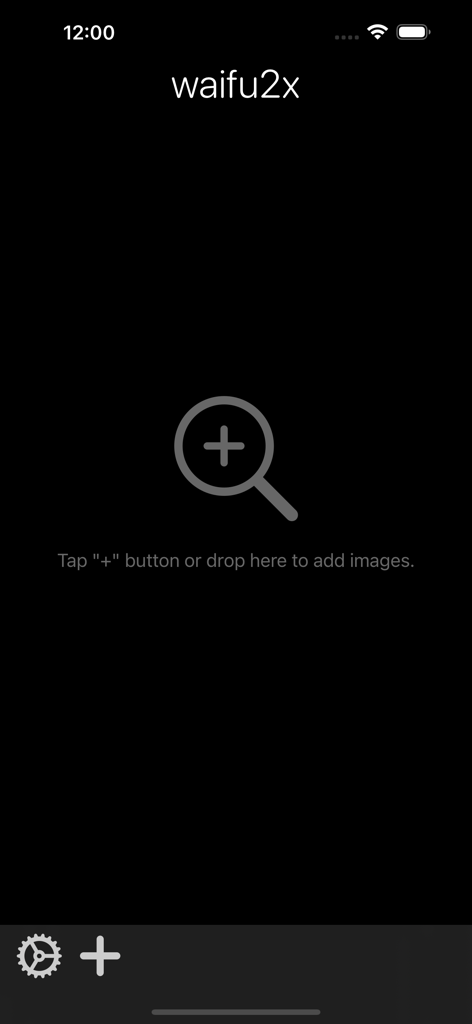
The main screen of the waifu2x app with a plus icon and instructions to add images for AI upscaling
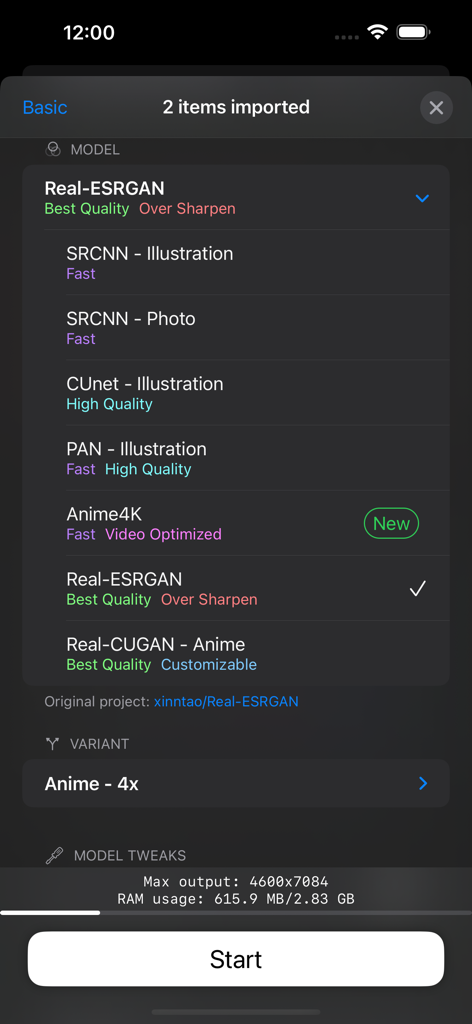
Interface of waifu2x app showing a list of AI models for image upscaling and denoising including Real-ESRGAN and Anime4K
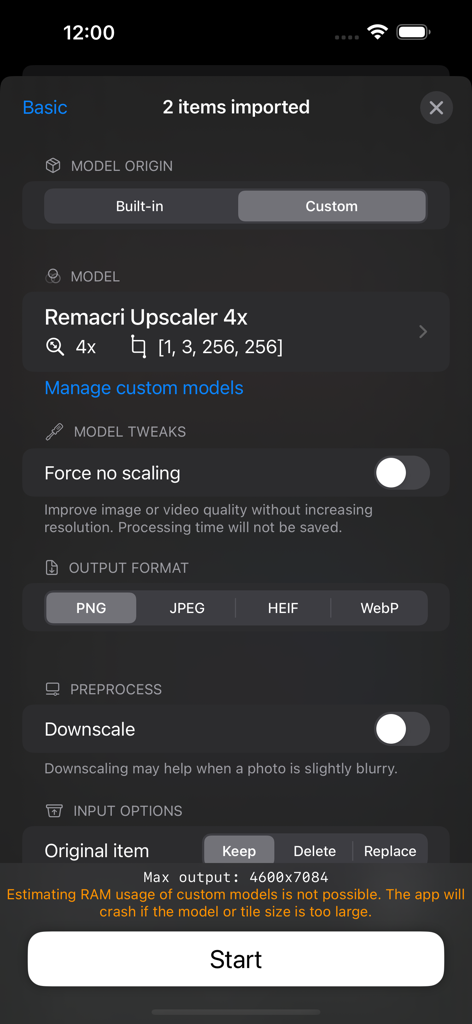
Screenshot of the waifu2x app showing image upscale settings and output formats
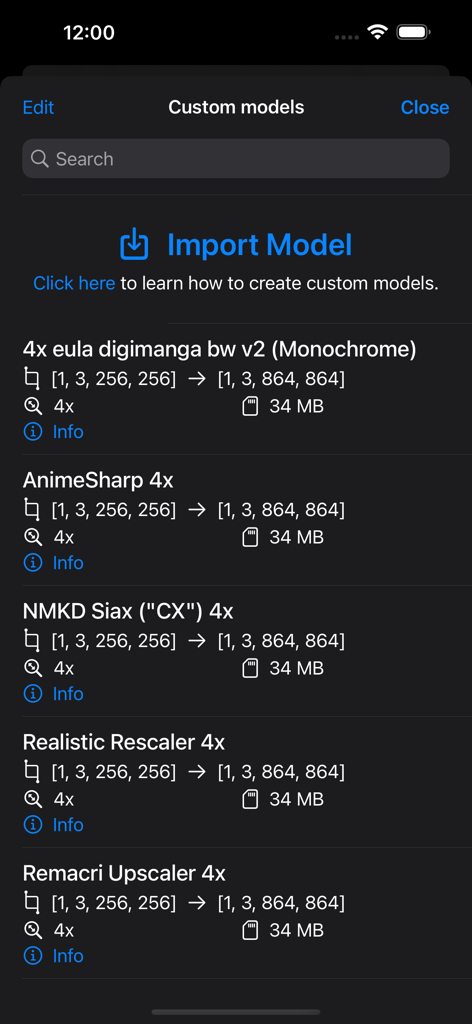
A list of custom AI upscaling models in the waifu2x app including AnimeSharp and Realistic Rescaler.
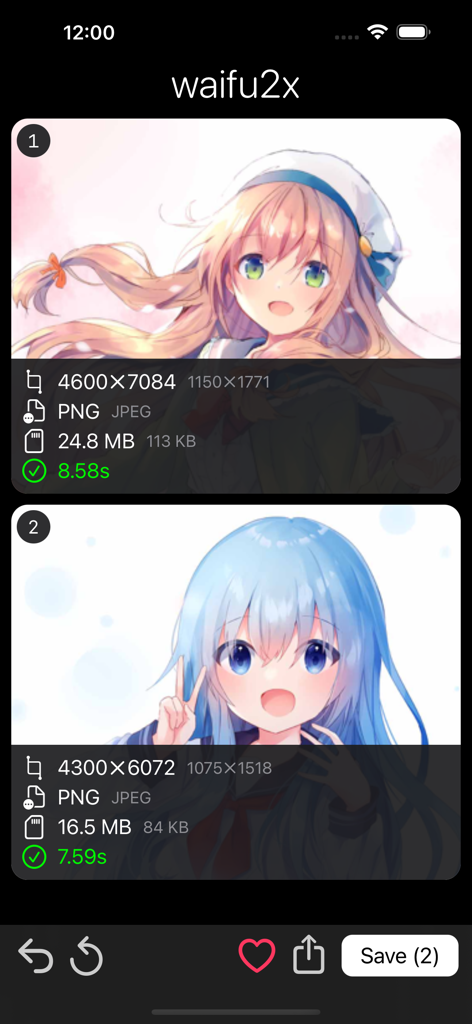
Screenshot of the waifu2x mobile app showing two upscaled anime illustrations with resolution and file size details.
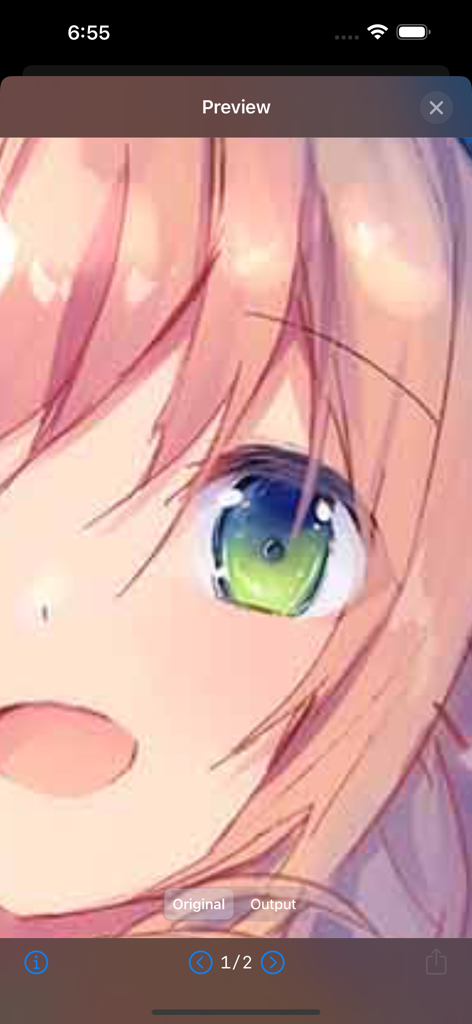
A close-up preview of an anime illustration's eye in the waifu2x app showing the upscaling result.
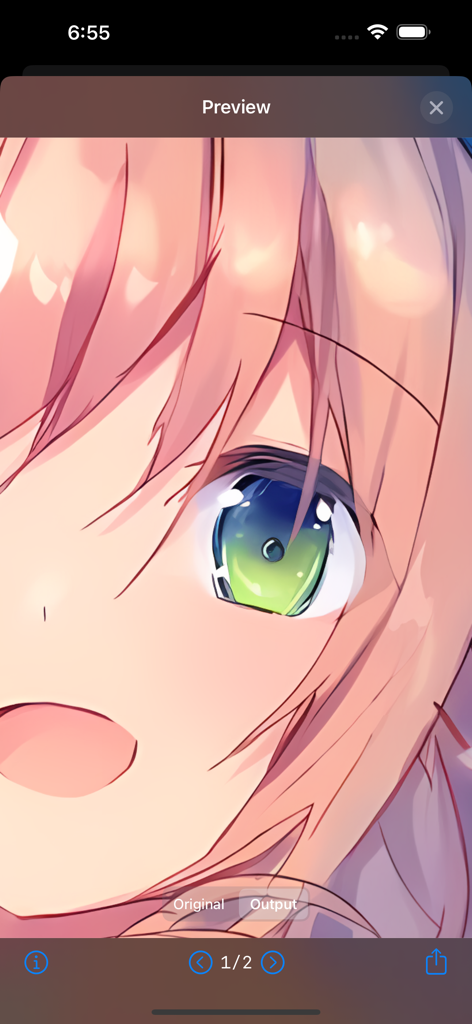
Preview of an upscaled anime character showing high resolution detail
Description
Download
More Like This
Top-ranked apps in the same category

Kling AI: AI Image&Video Maker
LOHAS GAMES PTE. LTD.

iScreen - Widgets & Wallpaper
Xiamen ShenZhuo Information Technology Co., Ltd.

Dreamina AI: Image&Video Maker
BYTEDANCE PTE. LTD.

Home AI - AI Interior Design
HUBX YAZILIM HIZMETLERI ANONIM SIRKETI

ibis Paint X
ibis inc.

ThemeKit: Widget & Icon Themes
Woohoo Tech. Ltd.

Sketchbook®
Sketchbook, Inc.

Colorful Widget- Widget&Themes
Guangzhou ZHIFENG Information Technology Co.,Ltd.

ReRoom AI: Interior Design
GM UniverseApps Limited
This page is not an official page of the app or its developer, but an independent editorial publication created for informational and commentary purposes. Unless expressly stated otherwise, neither the app nor its developer is affiliated with, endorsed by, sponsored by, authorized by, or otherwise officially connected with MWM, Apple, Google Play, the app publisher, or the app's developer, and nothing on this page implies that the app was developed using MWM's services. Any trademarks, logos, screenshots, and other content remain the property of their respective owners.