
This page is not an official page of the app or its developer, but an independent editorial publication created for informational and commentary purposes. Unless expressly stated otherwise, neither the app nor its developer is affiliated with, endorsed by, sponsored by, authorized by, or otherwise officially connected with MWM, Apple, Google Play, the app publisher, or the app's developer, and nothing on this page implies that the app was developed using MWM's services. Any trademarks, logos, screenshots, and other content remain the property of their respective owners.


Wallpapers, Widget & Theme App
Unlock total creative control with AI-generated art, dynamic live wallpapers, and custom widgets. Transform your Home Screen, Lock Screen, and Control Center to match your mood, every single day.
Downloads
84K+User Rating
Total Ratings
1K+Publisher
Category
Graphics & DesignLocales
27Latest Version
1.3.1Size
121.9 MBFirst Released
Oct 2, 2025Elevate Your Digital Aesthetic
The ultimate toolkit to customize your iPhone with AI-generated art, matching widgets, and stunning live wallpapers designed for your unique mood.
Create with AI Magic
Type any vibe or color and watch our AI transform your imagination into exclusive, high-quality wallpapers you won't find anywhere else.
Perfectly Matched Themes
Ditch the mismatch. Apply curated sets of wallpapers and widgets for a cohesive, professional look across your entire device in seconds.
Frequently Asked Questions
Everything you need to know about Wallpapers, Widget & Theme App
What is the Wallpapers, Widget & Theme App and what does it do?
The Wallpapers, Widget & Theme App offers extensive personalization for your Lock screen, Home screen, and Control Center. It provides high-quality wallpapers, AI wallpaper generation, custom widgets, and curated themes to reflect your unique style.
Does Wallpapers, Widget & Theme App allow creation of AI-generated wallpapers?
Yes, Wallpapers, Widget & Theme App features an AI tool. You can type an idea, vibe, or color scheme, and the AI generates a unique wallpaper based on your input that you won't find anywhere else.
Can I use live wallpapers with the Wallpapers, Widget & Theme App?
Yes, Wallpapers, Widget & Theme App supports live wallpapers. It provides smooth, animated options to add subtle motion and depth to your lock screen and home screen, making your phone feel more dynamic.
How do I manage my subscription for Wallpapers, Widget & Theme App?
You manage your Wallpapers, Widget & Theme App subscriptions and auto-renewal from your iTunes Account Settings after purchase. Auto-renewal must be turned off at least 24 hours before the current period ends.
Does Wallpapers, Widget & Theme App offer customization for the Control Center?
Yes, Wallpapers, Widget & Theme App allows you to customize your iPhone's Control Center. You can change its background color, layout, and overall aesthetic to match your personalized style.
Is there a guide or tutorial for new users in Wallpapers, Widget & Theme App?
Yes, Wallpapers, Widget & Theme App includes a tutorial setting. It provides simple, clear, and visual step-by-step guidance for new users, helping them set up their desired screen configuration quickly.
The following screenshots and description are sourced directly from the app's official store listing and are the property of the app developer.
App Store
Screenshots
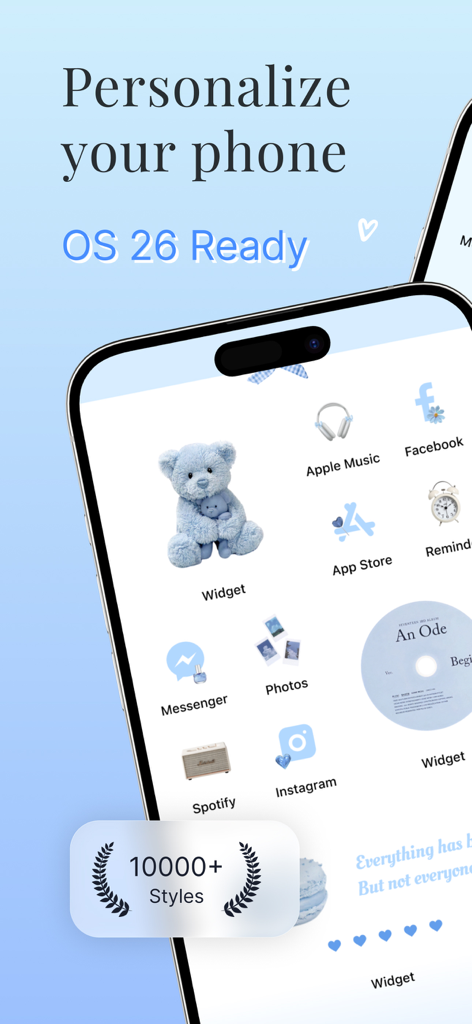
Aesthetic blue iPhone home screen with a cute teddy bear widget and custom app icons
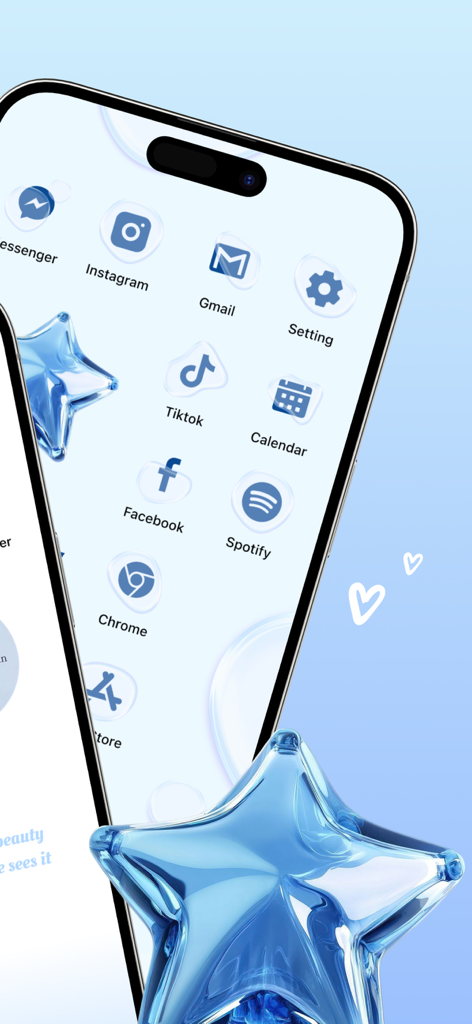
Aesthetic blue themed iPhone home screen with custom bubble icons and glass star decorations
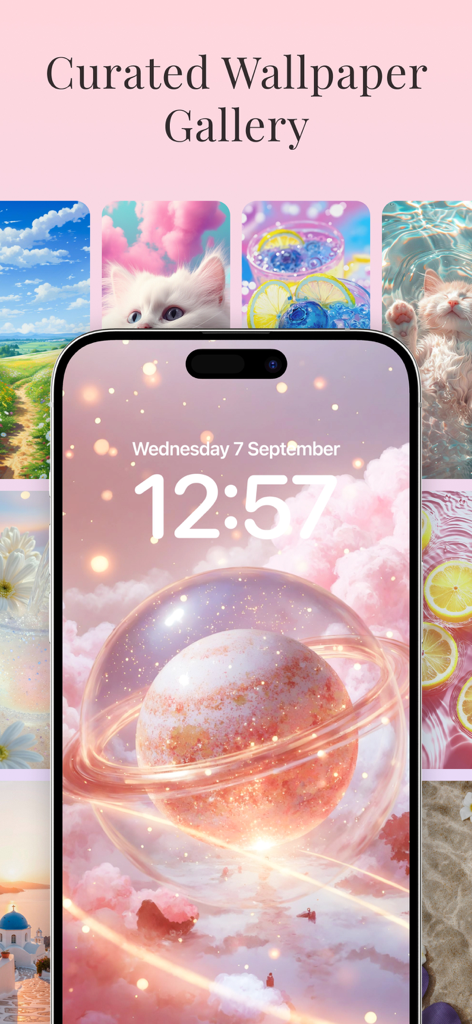
A gallery of curated aesthetic wallpapers featuring a dreamy pink planet and cute kittens for iPhone lock screens
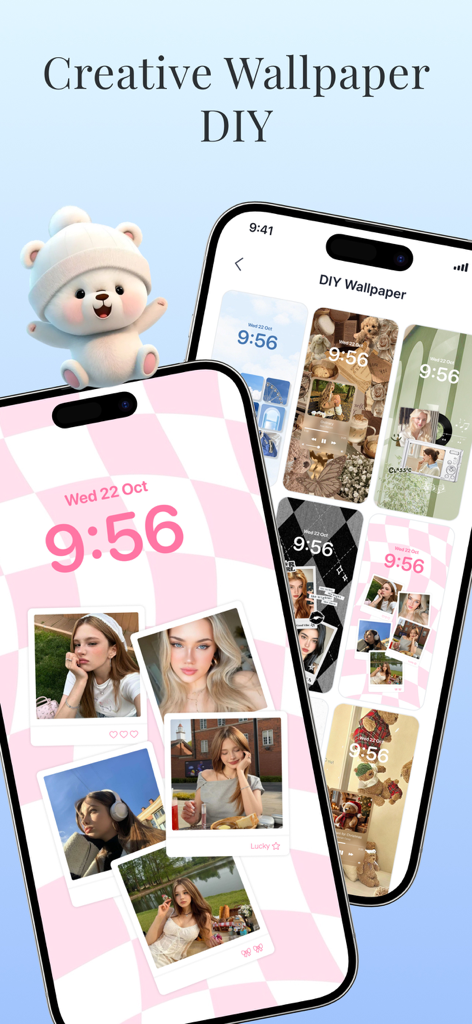
Two iPhones displaying a DIY wallpaper customization interface with pink checkered themes and photo polaroids.
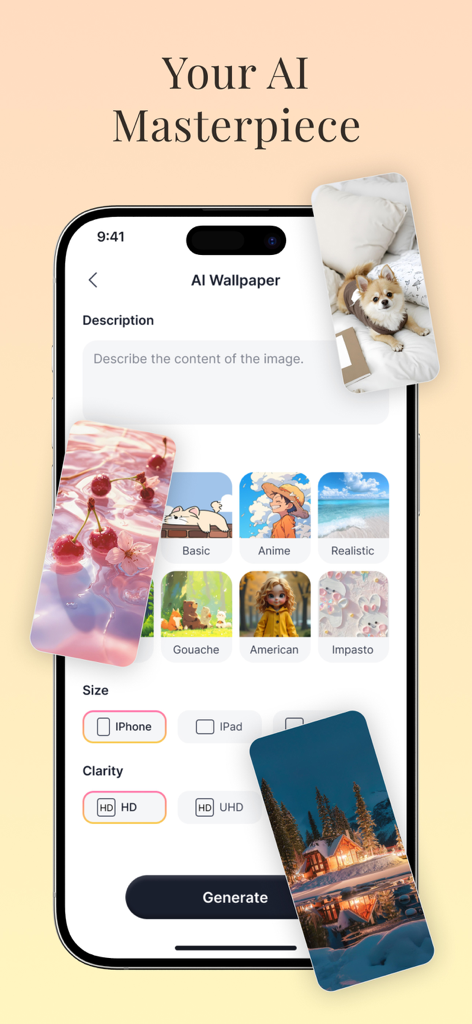
Interface of the AI wallpaper generator showing prompt input and various art styles like Anime and Realistic
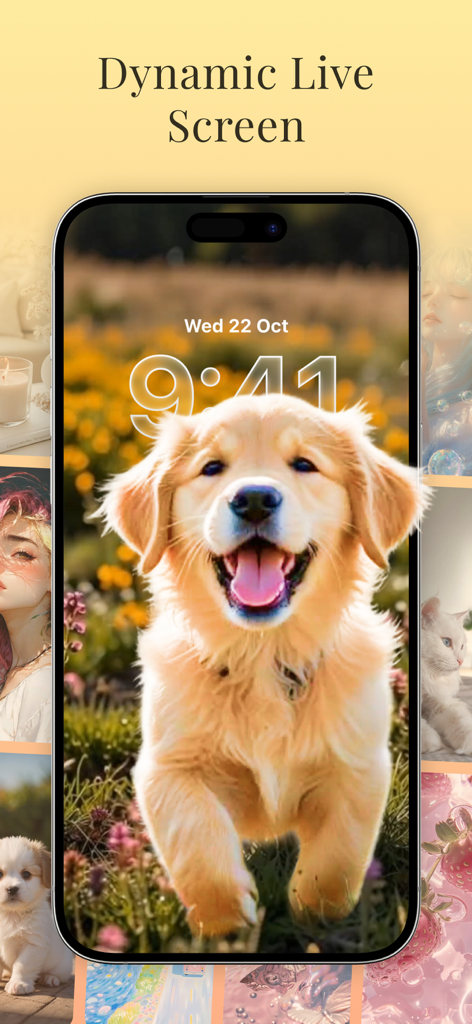
iPhone lock screen featuring a happy golden retriever puppy live wallpaper
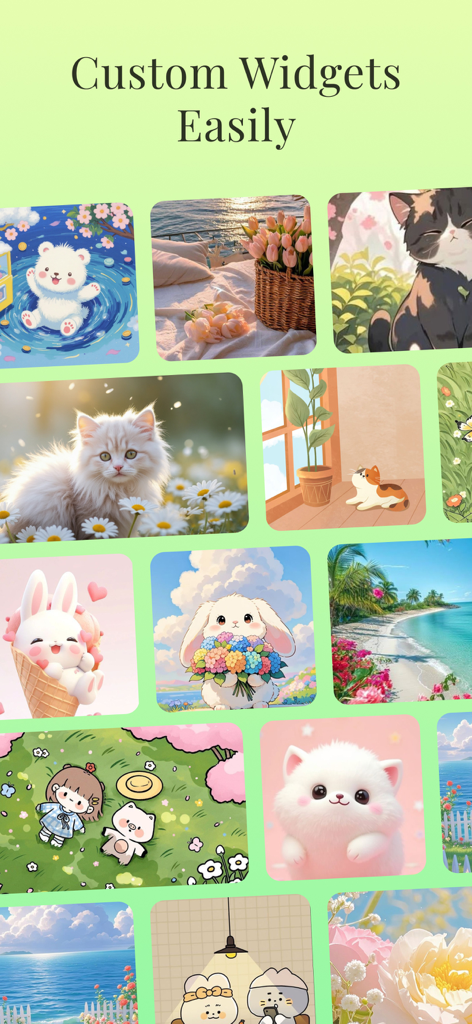
A collection of cute and aesthetic illustrations for mobile widget customization including cats bunnies and scenic views
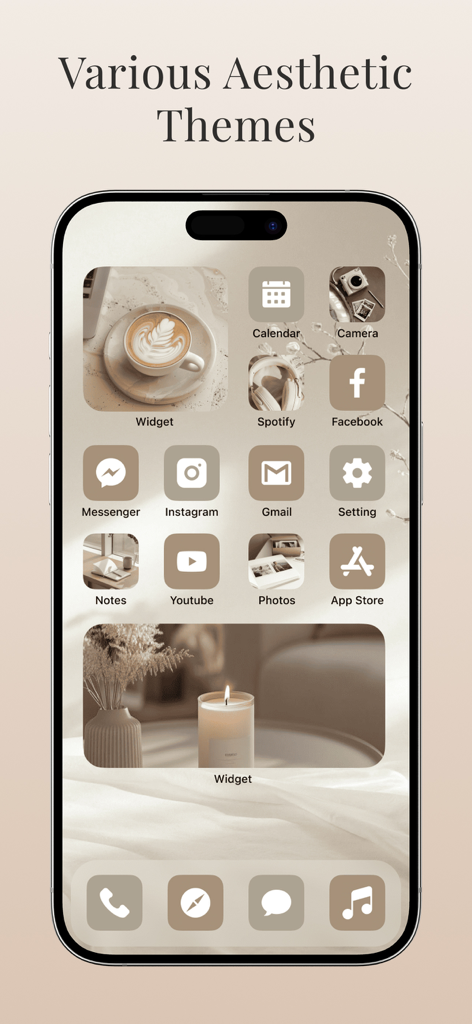
iPhone home screen featuring a cohesive beige aesthetic theme with custom minimalist icons and decorative coffee and candle widgets.
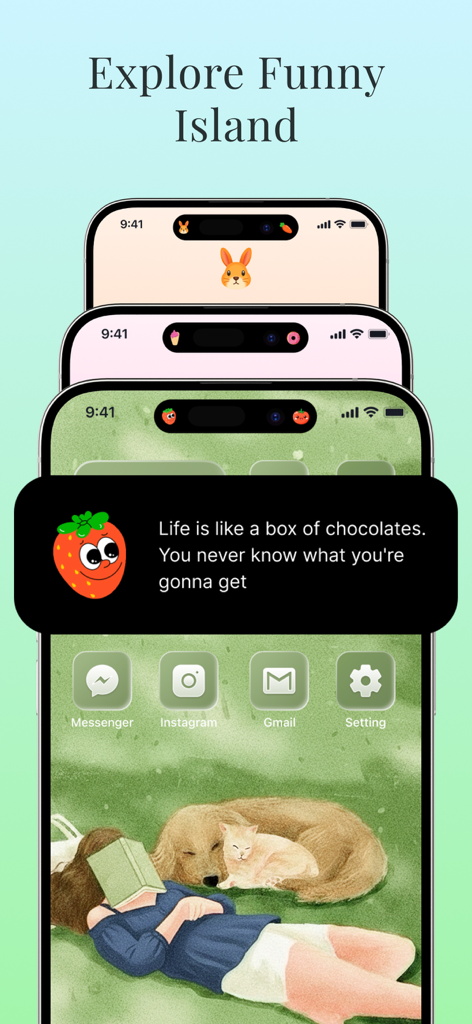
iPhone screens showing customizable dynamic island designs and aesthetic home screen themes
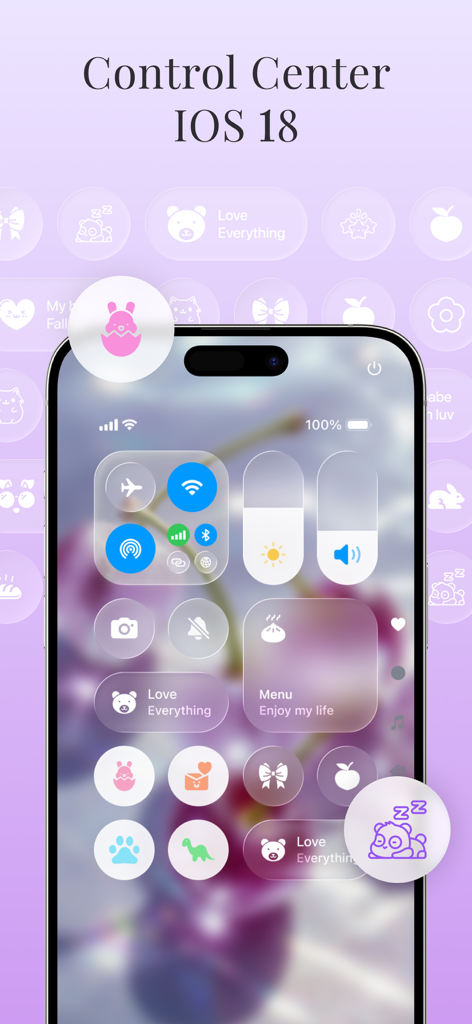
Customized iOS 18 Control Center with cute aesthetic icons and purple floral theme
Description
Download
More Like This
Apps with similar features and user experience

Radiance Wallpapers
Asher Dipprey

Clarity Wallpaper
Suzhou YuanJing Information Technology Co.,LTD

Art Blast - Wallpapers 4K
Saz Games LLC
Themerella: Wallpaper & Widget
QUANTUMIRL LIMITED
Wallpapers・Dynamic Island
Jason Peters
Wallpapers for Dynamic Island・
POL - BUD LTD

iland - 4K Wallpapers
Pal Patel
Spark: Pro Screensavers
Danute Noreika
Icon Theme - Aesthetic Kit
小丽 严
This page is not an official page of the app or its developer, but an independent editorial publication created for informational and commentary purposes. Unless expressly stated otherwise, neither the app nor its developer is affiliated with, endorsed by, sponsored by, authorized by, or otherwise officially connected with MWM, Apple, Google Play, the app publisher, or the app's developer, and nothing on this page implies that the app was developed using MWM's services. Any trademarks, logos, screenshots, and other content remain the property of their respective owners.