
This page is not an official page of the app or its developer, but an independent editorial publication created for informational and commentary purposes. Unless expressly stated otherwise, neither the app nor its developer is affiliated with, endorsed by, sponsored by, authorized by, or otherwise officially connected with MWM, Apple, Google Play, the app publisher, or the app's developer, and nothing on this page implies that the app was developed using MWM's services. Any trademarks, logos, screenshots, and other content remain the property of their respective owners.


Watermark・Add Text on Photo
The all-in-one batch processing tool for solo-preneurs and influencers to safeguard their intellectual property with custom logos, professional typography, and QR codes.
Downloads
55K+User Rating
Total Ratings
1K+Publisher
Category
Graphics & DesignLocales
15Latest Version
1.5.7Size
30.5 MBFirst Released
Jan 31, 2017Protect Your Content, Grow Your Brand
Everything you need to secure your visual intellectual property and maintain a professional brand identity across all social platforms in seconds.
Instant Batch Processing
Apply your custom watermark to dozens of photos and videos simultaneously. Save hours of manual editing and stay focused on your business.
Smart QR Branding
Transform every share into a lead. Automatically generate QR codes that link viewers directly to your portfolio, shop, or social media profile.
The following screenshots and description are sourced directly from the app's official store listing and are the property of the app developer.
App Store
Screenshots
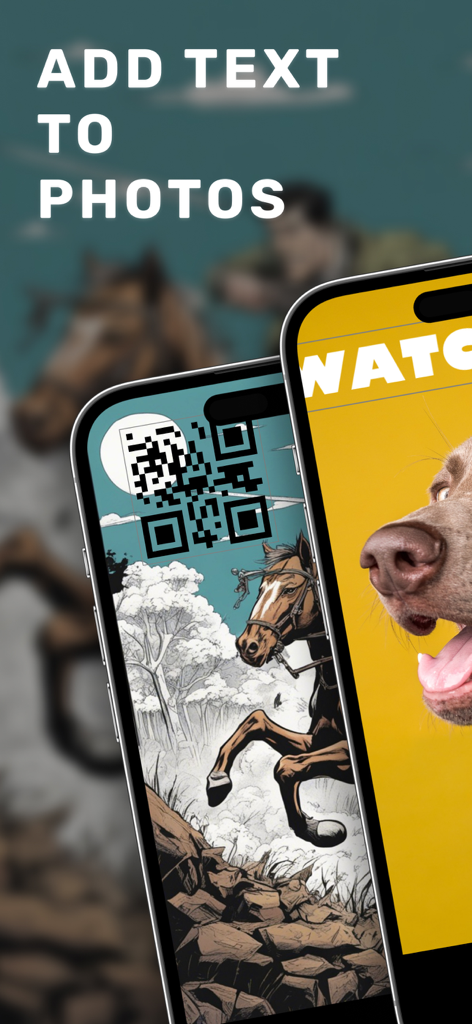
Mobile app interface showing text and QR code watermarks added to photos
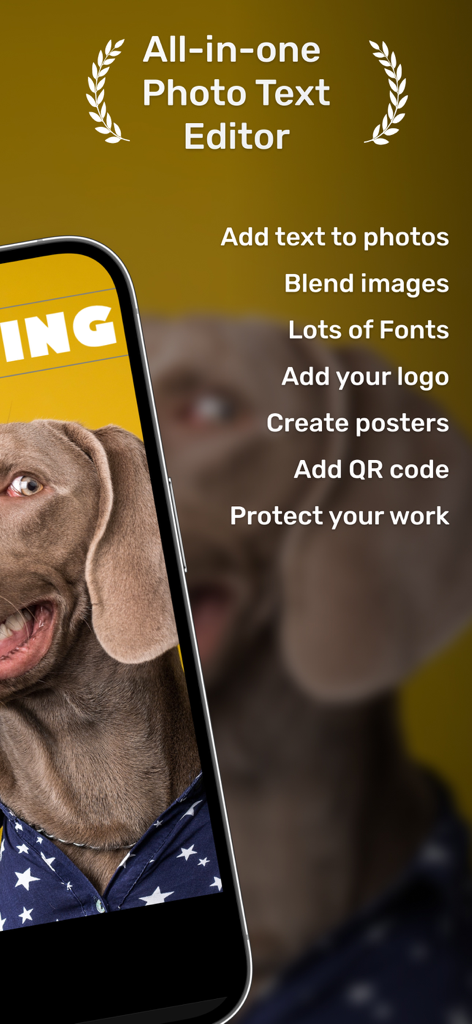
All-in-one photo text editor app interface highlighting features for branding and protecting content.
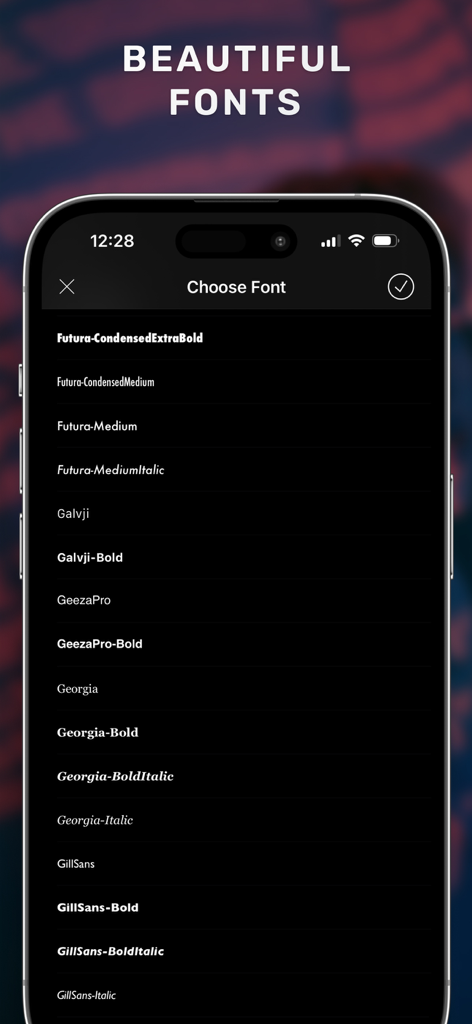
A smartphone screen showing a variety of professional font options for adding text to photos in the Watermark app.
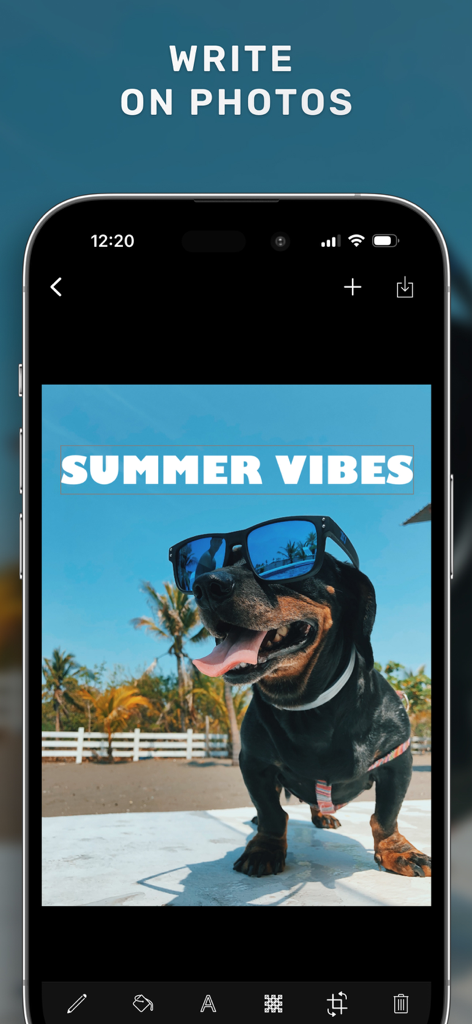
Smartphone screen showing the Watermark app interface with the text Summer Vibes added to a photo of a dog wearing sunglasses.
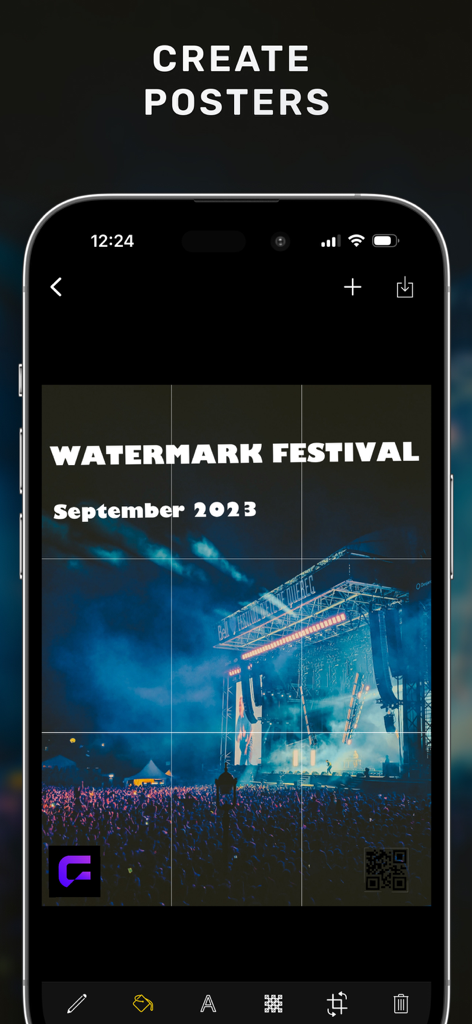
A mobile app interface displaying a concert poster with custom text and QR code watermarks
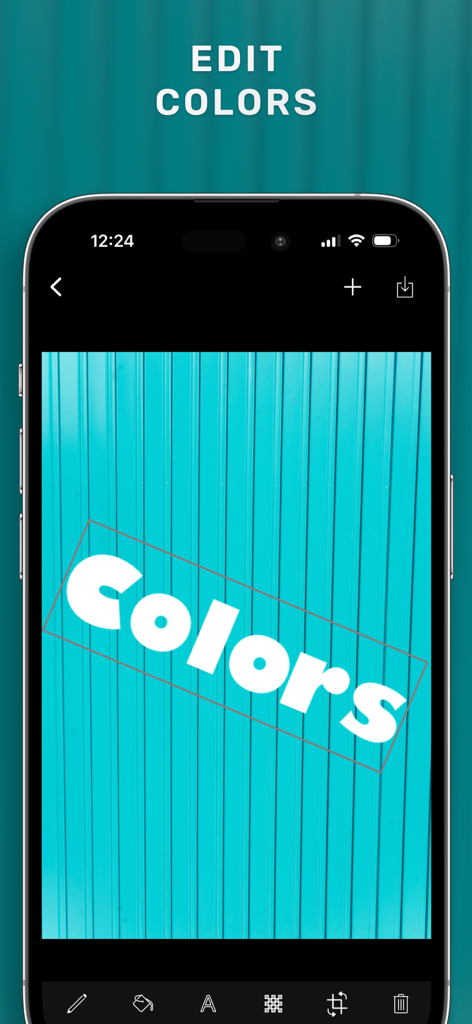
Smartphone interface showing the Watermark app's text color editing feature on a photo
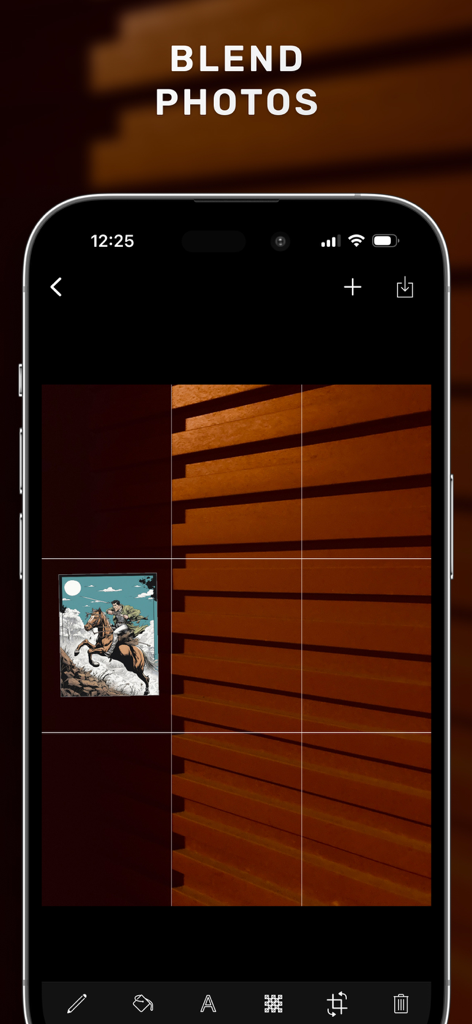
Mobile interface of the Watermark app showing the blend photos feature on an iPhone screen.
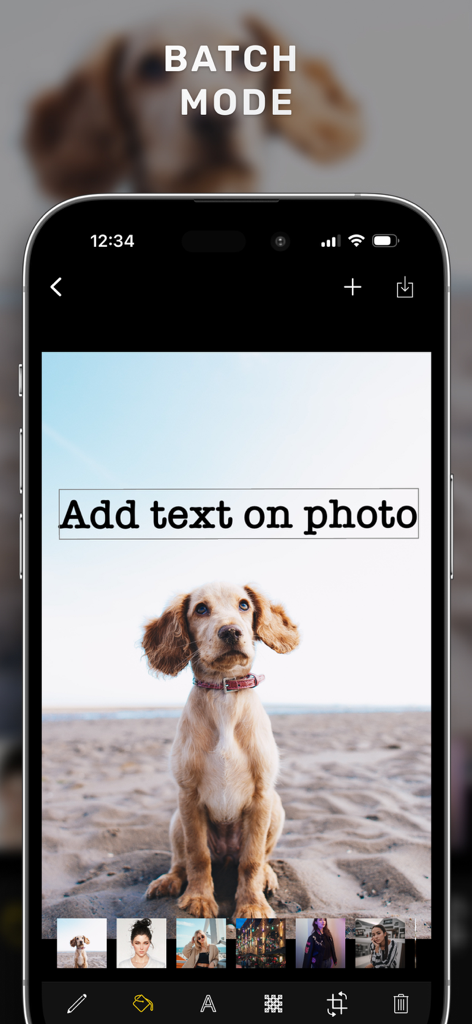
Interface of the Watermark app showing the batch mode feature for adding text to multiple photos
Description
Download
More Like This
Top-ranked apps in the same category

Kling AI: AI Image&Video Maker
LOHAS GAMES PTE. LTD.

iScreen - Widgets & Wallpaper
Xiamen ShenZhuo Information Technology Co., Ltd.

Dreamina AI: Image&Video Maker
BYTEDANCE PTE. LTD.

Home AI - AI Interior Design
HUBX YAZILIM HIZMETLERI ANONIM SIRKETI

ibis Paint X
ibis inc.

ThemeKit: Widget & Icon Themes
Woohoo Tech. Ltd.

Sketchbook®
Sketchbook, Inc.

Colorful Widget- Widget&Themes
Guangzhou ZHIFENG Information Technology Co.,Ltd.

ReRoom AI: Interior Design
GM UniverseApps Limited
This page is not an official page of the app or its developer, but an independent editorial publication created for informational and commentary purposes. Unless expressly stated otherwise, neither the app nor its developer is affiliated with, endorsed by, sponsored by, authorized by, or otherwise officially connected with MWM, Apple, Google Play, the app publisher, or the app's developer, and nothing on this page implies that the app was developed using MWM's services. Any trademarks, logos, screenshots, and other content remain the property of their respective owners.