
This page is not an official page of the app or its developer, but an independent editorial publication created for informational and commentary purposes. Unless expressly stated otherwise, neither the app nor its developer is affiliated with, endorsed by, sponsored by, authorized by, or otherwise officially connected with MWM, Apple, Google Play, the app publisher, or the app's developer, and nothing on this page implies that the app was developed using MWM's services. Any trademarks, logos, screenshots, and other content remain the property of their respective owners.


Wireless Audio Multiroom : Pad
Transform your iPad into a high-end dashboard to manage music across every room. Effortlessly stream your favorite services and curate the perfect ambiance throughout your home with Samsung's seamless wireless ecosystem.
Downloads
26K+User Rating
Total Ratings
2K+Publisher
Category
MusicLocales
14Latest Version
4167Size
57.7 MBFirst Released
Sep 8, 2016Your Home's Audio Command Center
Transform your iPad into a centralized dashboard to curate the perfect ambiance. Manage every speaker in every room with a single tap, creating a seamless soundscape for your entire home.
Whole-Home Synchronization
Fill every corner of your house with music. Play the same track everywhere for a party or choose different vibes for each room to suit everyone's needs.
Centralized Pad Dashboard
Take advantage of the larger screen to oversee your entire audio ecosystem at once. Easily drag and drop sources to different speakers with an intuitive visual interface.
The following screenshots and description are sourced directly from the app's official store listing and are the property of the app developer.
App Store
Screenshots
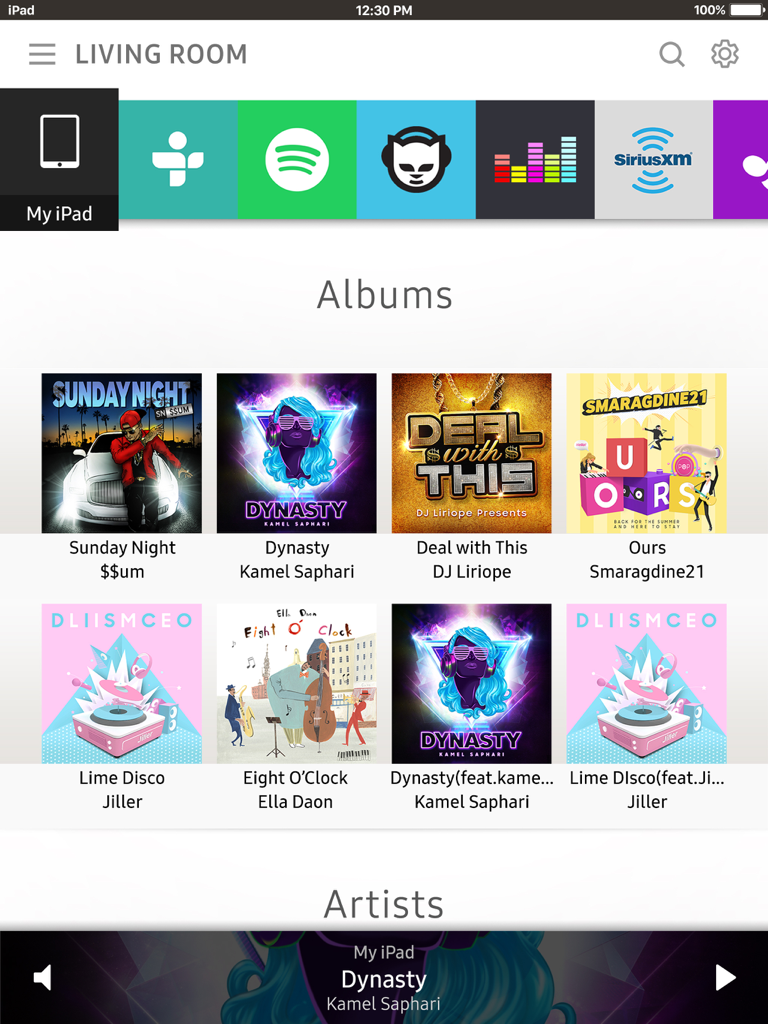
Samsung Multiroom Pad app interface showing music albums and streaming services on an iPad.
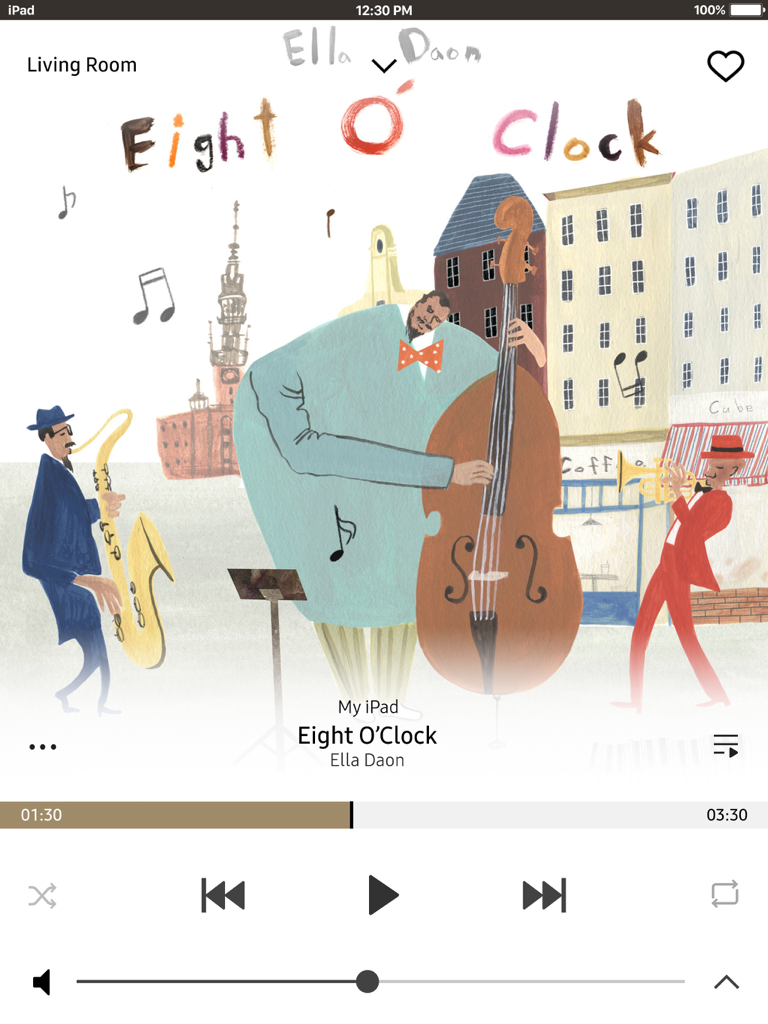
Samsung Wireless Audio Multiroom iPad app music player screen showing playback controls and jazz album art for the living room.
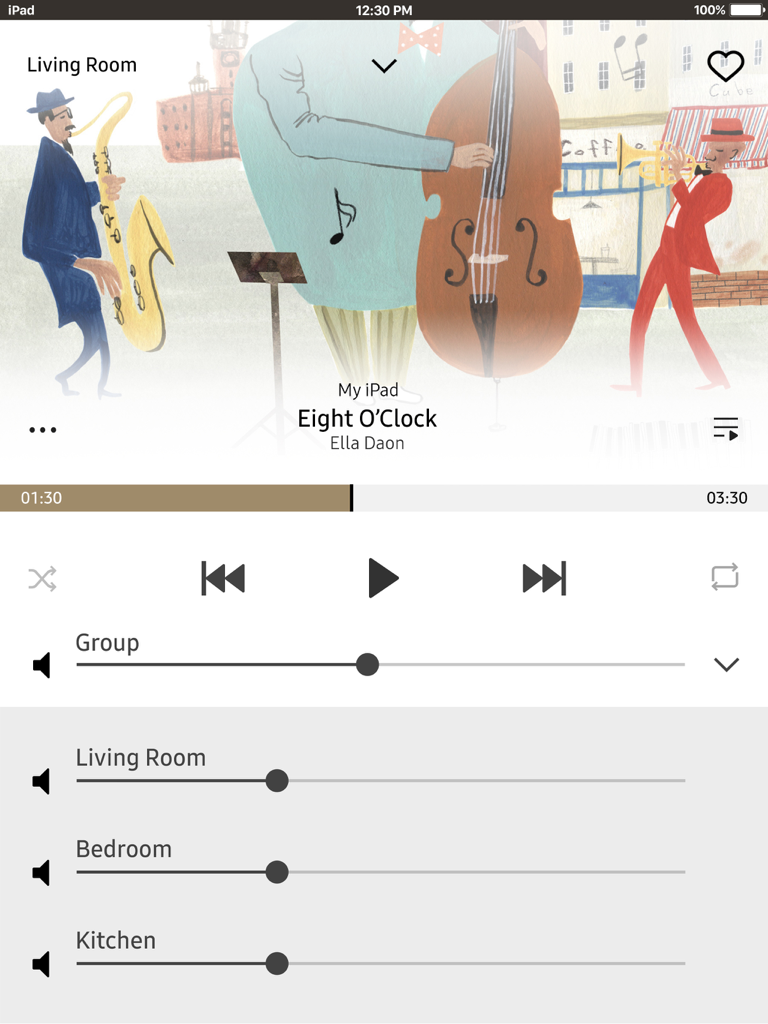
Samsung Wireless Audio Multiroom iPad app music player and multiroom volume controls
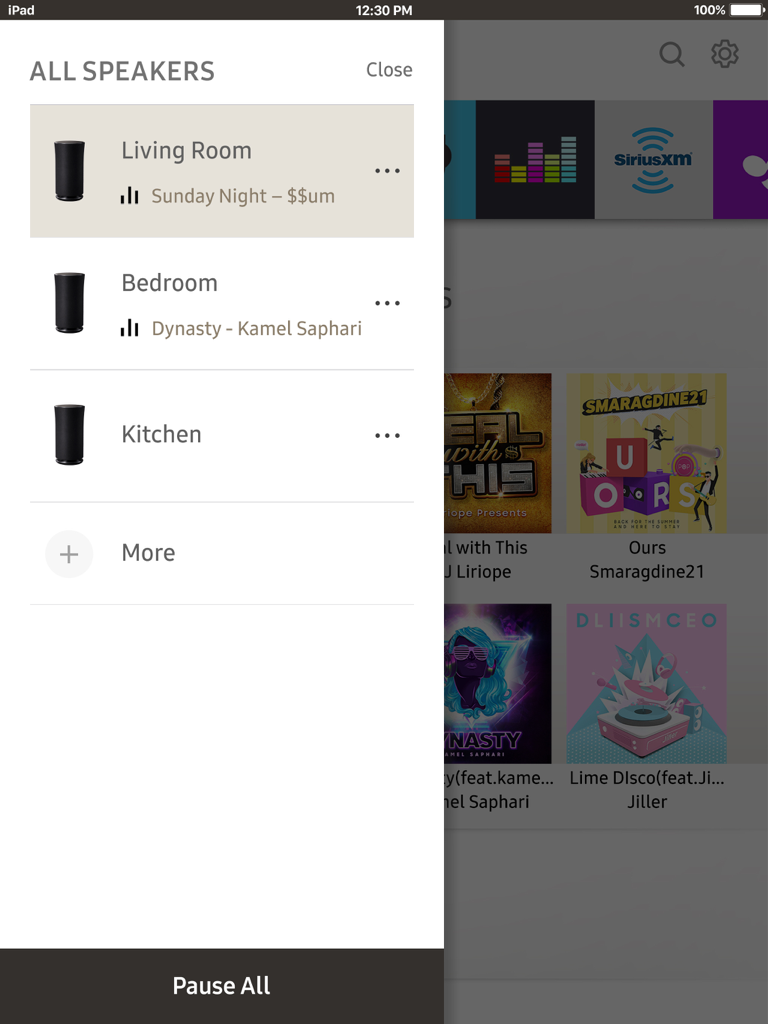
Interface of the Samsung Wireless Audio Multiroom iPad app showing speaker controls for different rooms including living room, bedroom, and kitchen.
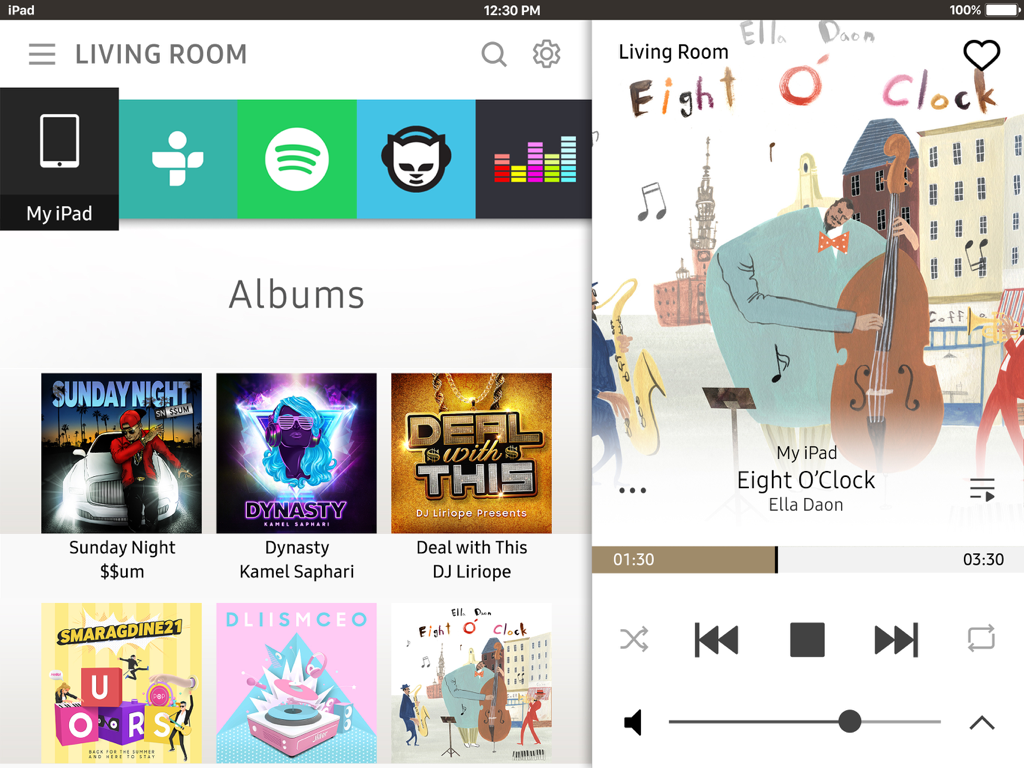
Samsung Wireless Audio Multiroom iPad app interface showing the album library and music playback controls for the living room
Description
Download
More Like This
Top-ranked apps in the same category

Spotify: Music and Podcasts
Spotify

YouTube Music
Google LLC

Shazam: Find Music & Concerts
Apple Inc.

SoundCloud: The Music You Love
SoundCloud Global Limited & Co KG

Suno - AI Songs & Music
Suno Inc.

QQ音乐 - 听我想听
Tencent Technology (Shenzhen) Company Limited

Audiomack - Play Music Offline
Audiomack, Inc.

BandLab – Music Maker & Beats
BandLab Singapore Pte Ltd

GuitarTuna: Tune & Play Guitar
Yousician Ltd
This page is not an official page of the app or its developer, but an independent editorial publication created for informational and commentary purposes. Unless expressly stated otherwise, neither the app nor its developer is affiliated with, endorsed by, sponsored by, authorized by, or otherwise officially connected with MWM, Apple, Google Play, the app publisher, or the app's developer, and nothing on this page implies that the app was developed using MWM's services. Any trademarks, logos, screenshots, and other content remain the property of their respective owners.