
This page is not an official page of the app or its developer, but an independent editorial publication created for informational and commentary purposes. Unless expressly stated otherwise, neither the app nor its developer is affiliated with, endorsed by, sponsored by, authorized by, or otherwise officially connected with MWM, Apple, Google Play, the app publisher, or the app's developer, and nothing on this page implies that the app was developed using MWM's services. Any trademarks, logos, screenshots, and other content remain the property of their respective owners.


Workcloud My Work
Streamline your workday with consolidated task management, real-time communication, and intuitive tools built for the modern deskless workforce.
Downloads
0User Rating
Total Ratings
0Publisher
Category
ProductivityLocales
1Latest Version
26.1.0Size
85.0 MBFirst Released
May 4, 2022Master Every Shift with Confidence
Zebra Workcloud My Work consolidates your tasks, forms, and communications into one mobile-first hub, designed specifically for the pace of the modern frontline worker.
Instant Task Visibility
Get a clear, prioritized list of your daily responsibilities the second you clock in. No more hunting for paper lists or waiting for manager briefings.
Interruption-Proof Workflow
Customer need help? Drop everything without worry. Our smart auto-save technology ensures your progress is waiting for you when you return.
The following screenshots and description are sourced directly from the app's official store listing and are the property of the app developer.
App Store
Screenshots
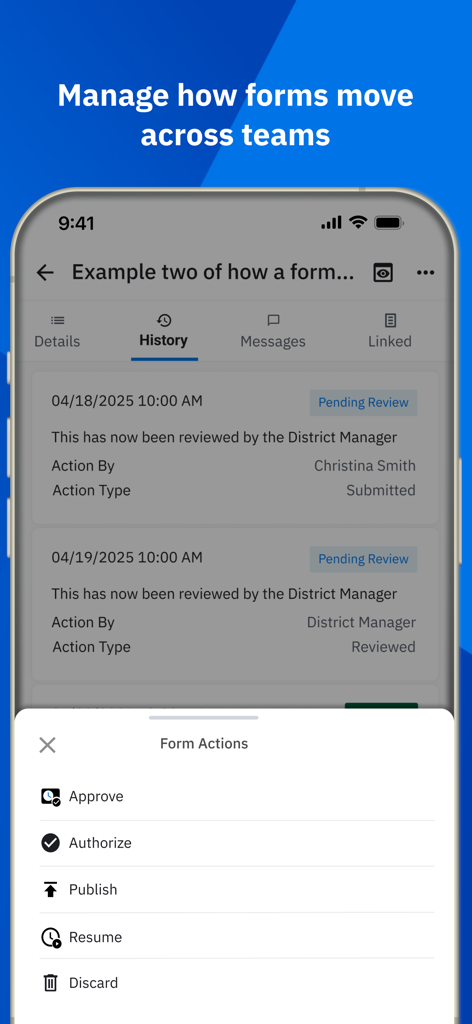
Zebra Workcloud My Work app screen displaying form history and a menu for management actions.
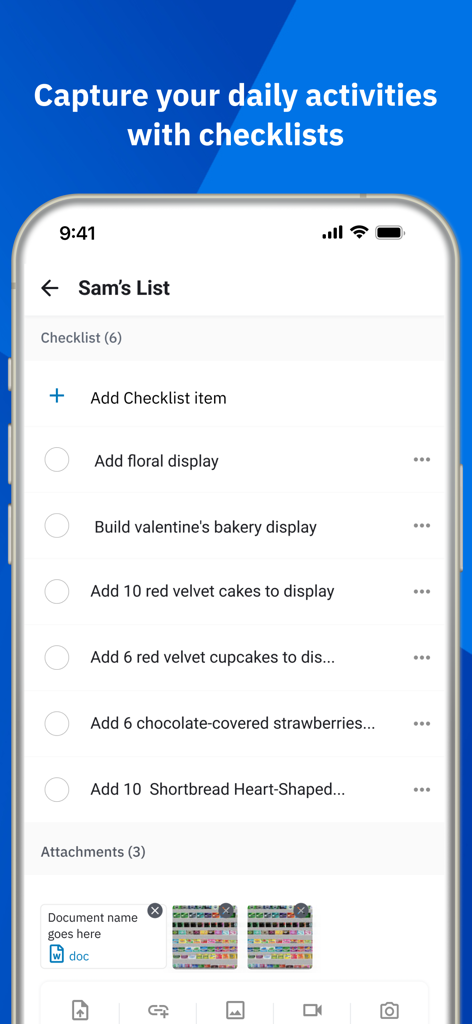
Mobile app screenshot of Zebra Workcloud My Work showing a retail employee task checklist for bakery and floral displays
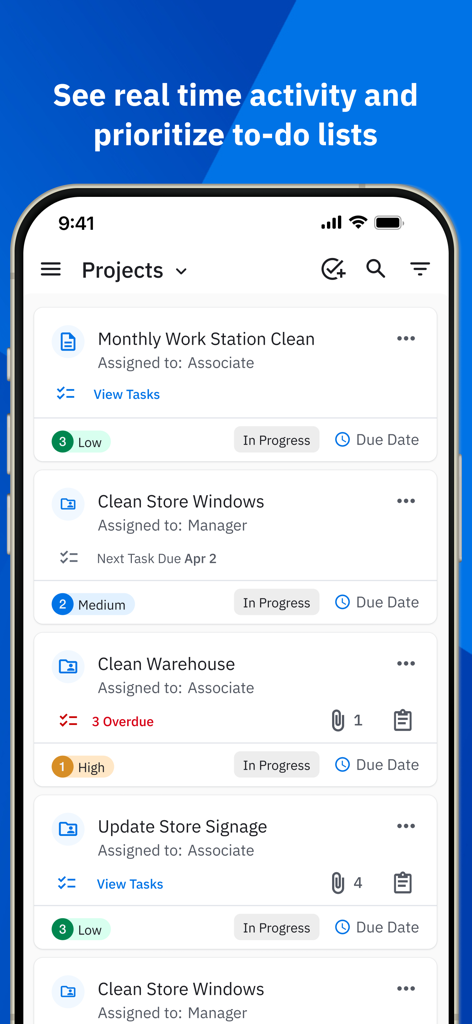
Zebra Workcloud My Work app interface showing a list of assigned projects with priority levels and task statuses
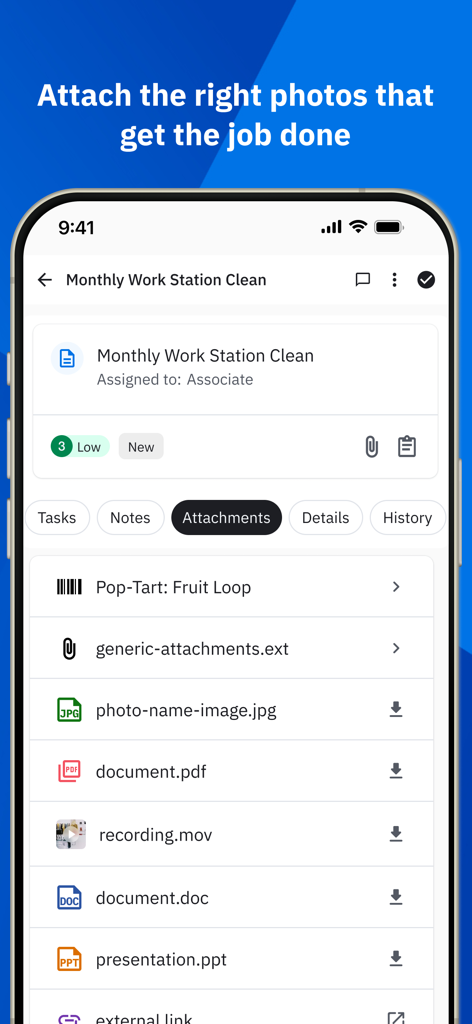
Zebra Workcloud My Work app interface showing a list of file attachments including photos and documents for a monthly cleaning task
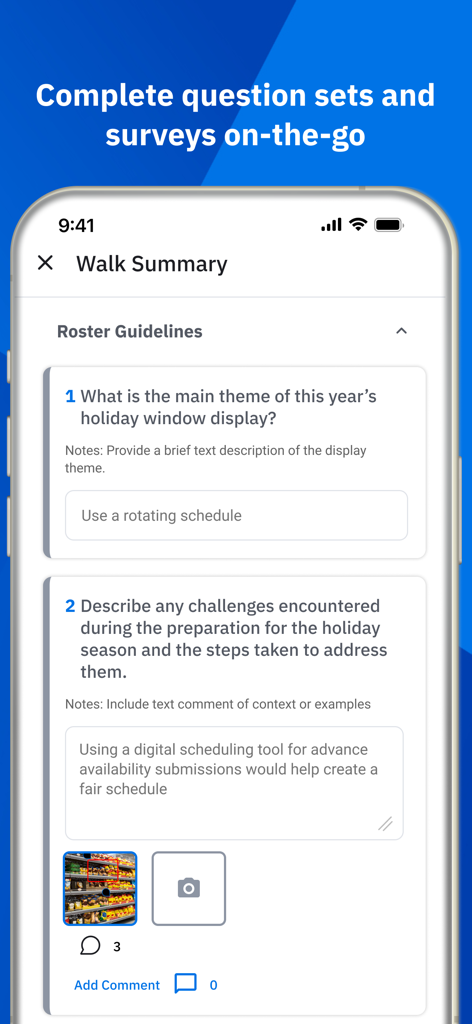
Zebra Workcloud My Work app screen showing a Walk Summary with retail task survey questions and photo upload
Description
Download
More Like This
Apps with similar features and user experience

PeopleStrong
PeopleStrong Technologies Pvt Ltd

Now Mobile
ServiceNow Inc.

Beekeeper - Digital Workplace
Beekeeper AG

Axonify Mobile
Axonify Inc

Minha Azul
Azul Linhas Aereas Brasileiras S/A.

MEUSOC
AGE Desenvolvimento de Sistemas Ltda.

FEED Mobile
The Kroger Co.

Blink - The Frontline App
Super Smashing Ltd

サイボウズ Office
Cybozu, Inc.
This page is not an official page of the app or its developer, but an independent editorial publication created for informational and commentary purposes. Unless expressly stated otherwise, neither the app nor its developer is affiliated with, endorsed by, sponsored by, authorized by, or otherwise officially connected with MWM, Apple, Google Play, the app publisher, or the app's developer, and nothing on this page implies that the app was developed using MWM's services. Any trademarks, logos, screenshots, and other content remain the property of their respective owners.