
This page is not an official page of the app or its developer, but an independent editorial publication created for informational and commentary purposes. Unless expressly stated otherwise, neither the app nor its developer is affiliated with, endorsed by, sponsored by, authorized by, or otherwise officially connected with MWM, Apple, Google Play, the app publisher, or the app's developer, and nothing on this page implies that the app was developed using MWM's services. Any trademarks, logos, screenshots, and other content remain the property of their respective owners.


Wx for iPad
No fluff, no ads—just raw NWS data and professional-grade forecasts. Get high-resolution point accuracy, NEXRAD radar, and detailed data graphs in a fast, low-overhead interface built for precision.
Downloads
22K+User Rating
Total Ratings
100Publisher
Category
WeatherLocales
1Latest Version
3.2.1Size
5.0 MBFirst Released
Oct 17, 2010Professional Weather Intelligence for Serious Watchers
Eliminate the fluff and access high-fidelity National Weather Service data with a no-nonsense interface designed for technical precision and operational reliability.
High-Resolution Point Forecasts
Get hyper-local data based on your exact latitude and longitude, providing accuracy in coastal and mountainous regions where standard zone forecasts fail.
7-Day 'Pro' Technical Graphing
Visualize 10+ professional variables including dew point, wind gust speed, and liquid precipitation amounts through detailed, data-dense graphical forecasts.
The following screenshots and description are sourced directly from the app's official store listing and are the property of the app developer.
App Store
Screenshots
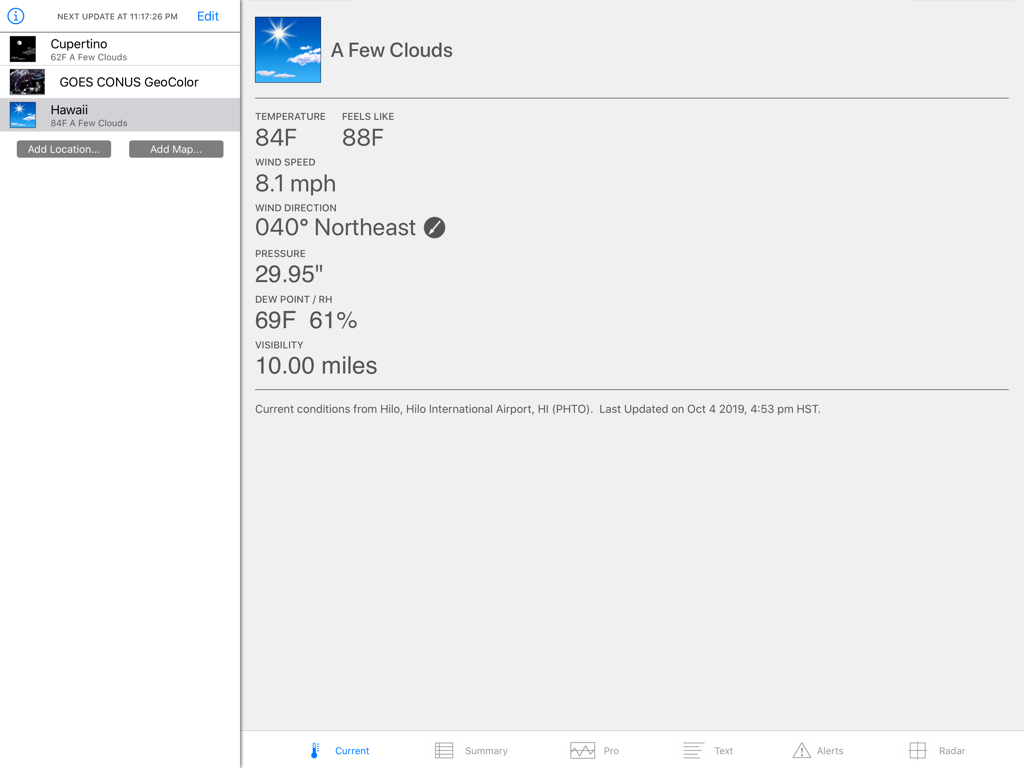
Wx for iPad app displaying detailed current weather conditions for Hawaii.
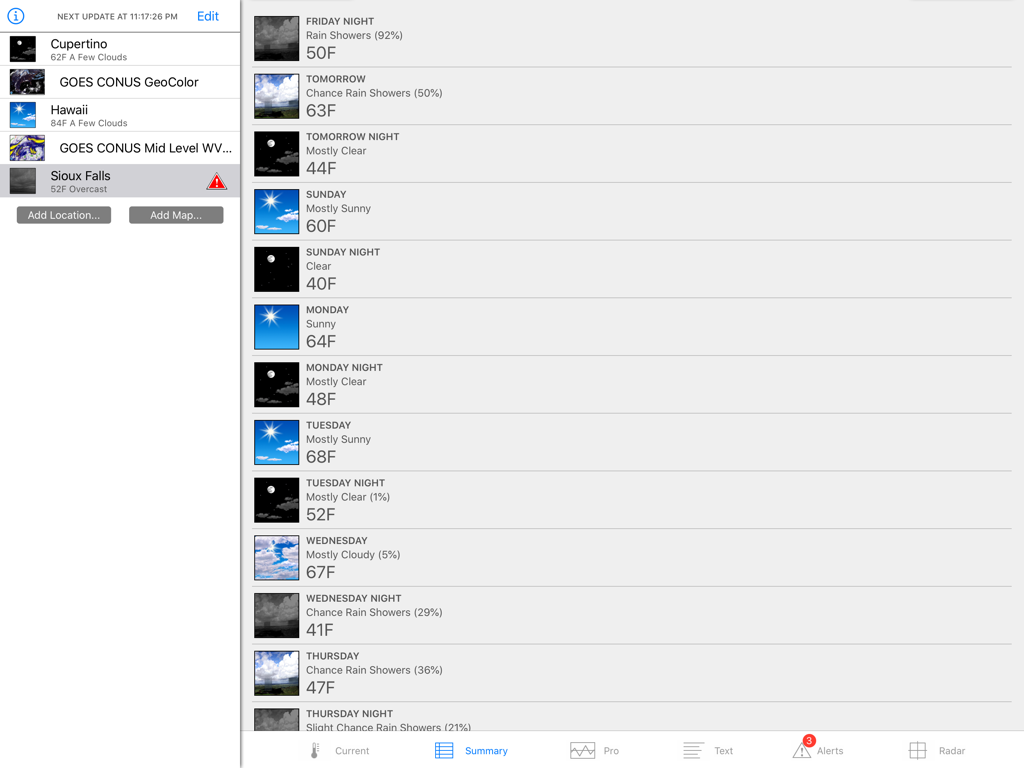
Wx for iPad weather app interface displaying a 7 day forecast summary with temperatures and conditions
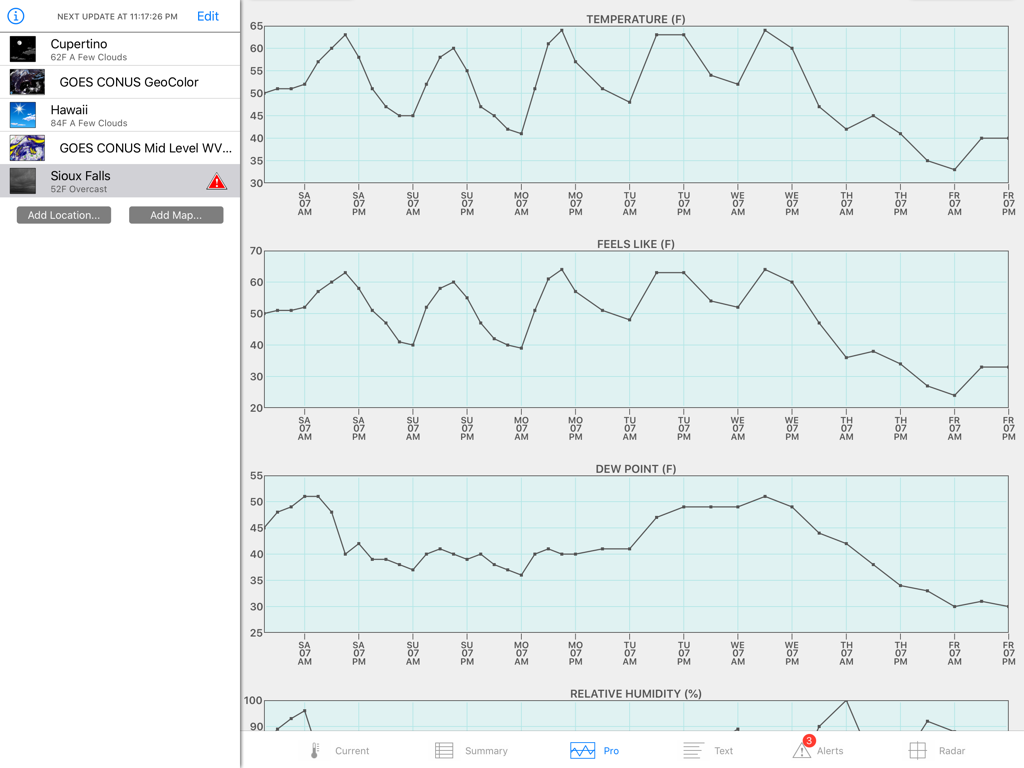
Wx for iPad showing professional weather graphs for temperature feels like and dew point
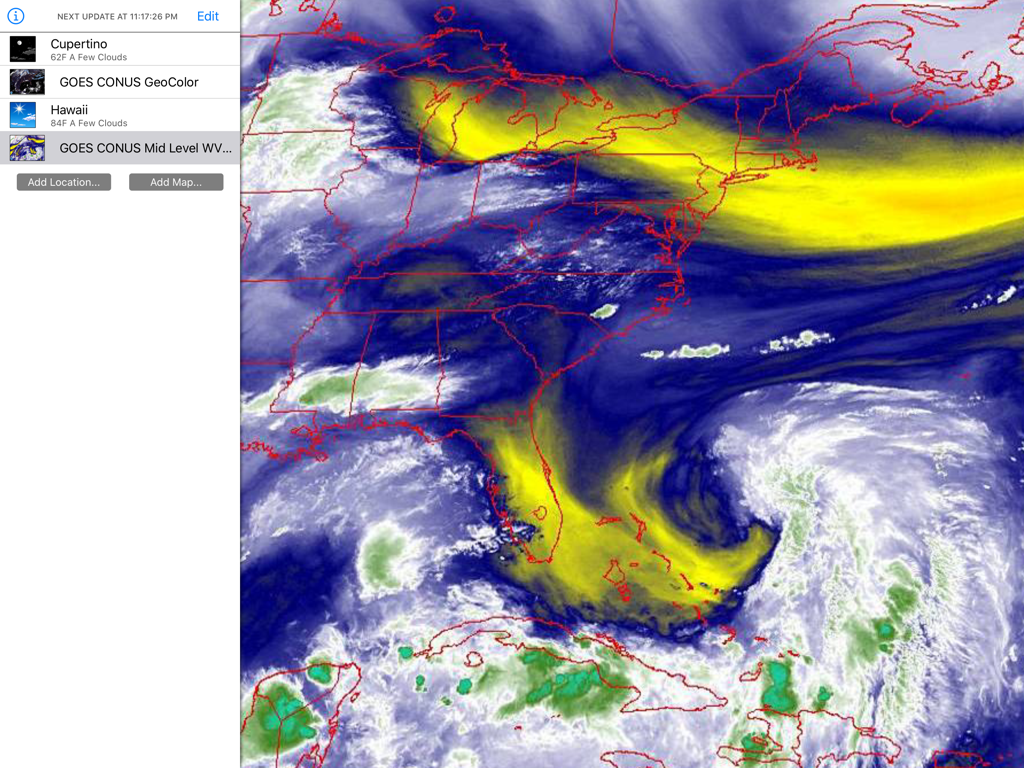
Satellite weather map of the United States displayed in the Wx for iPad app with color-coded atmospheric data and a location side menu.
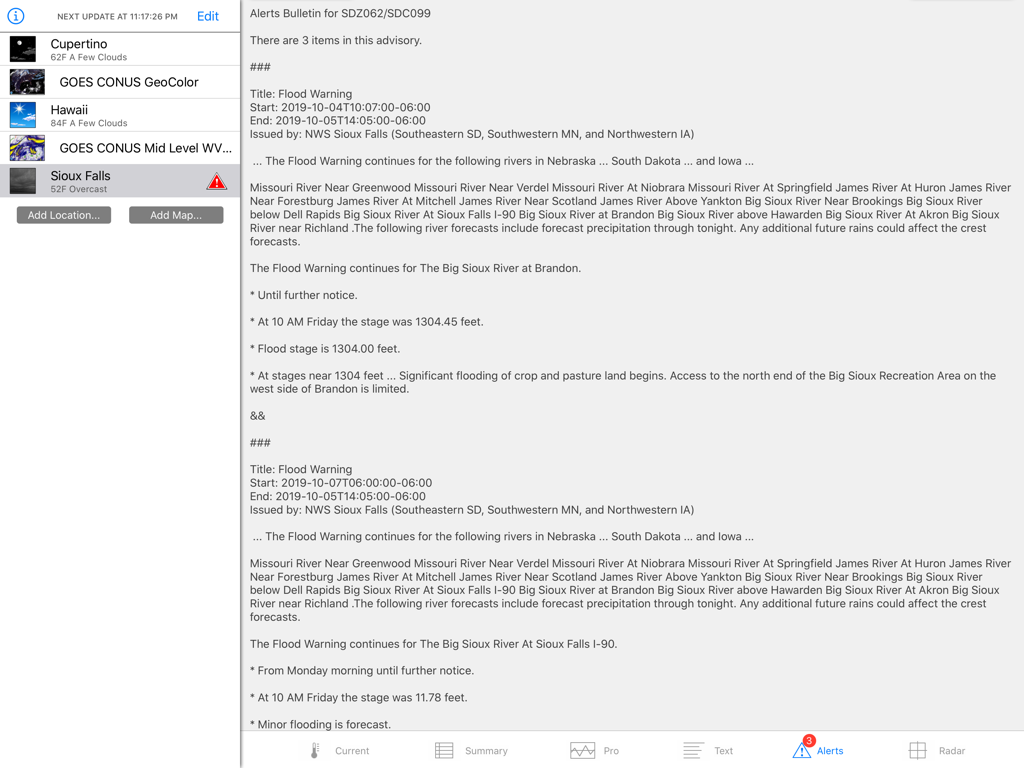
A screenshot of the Wx for iPad app displaying a text based flood warning alert bulletin from the National Weather Service
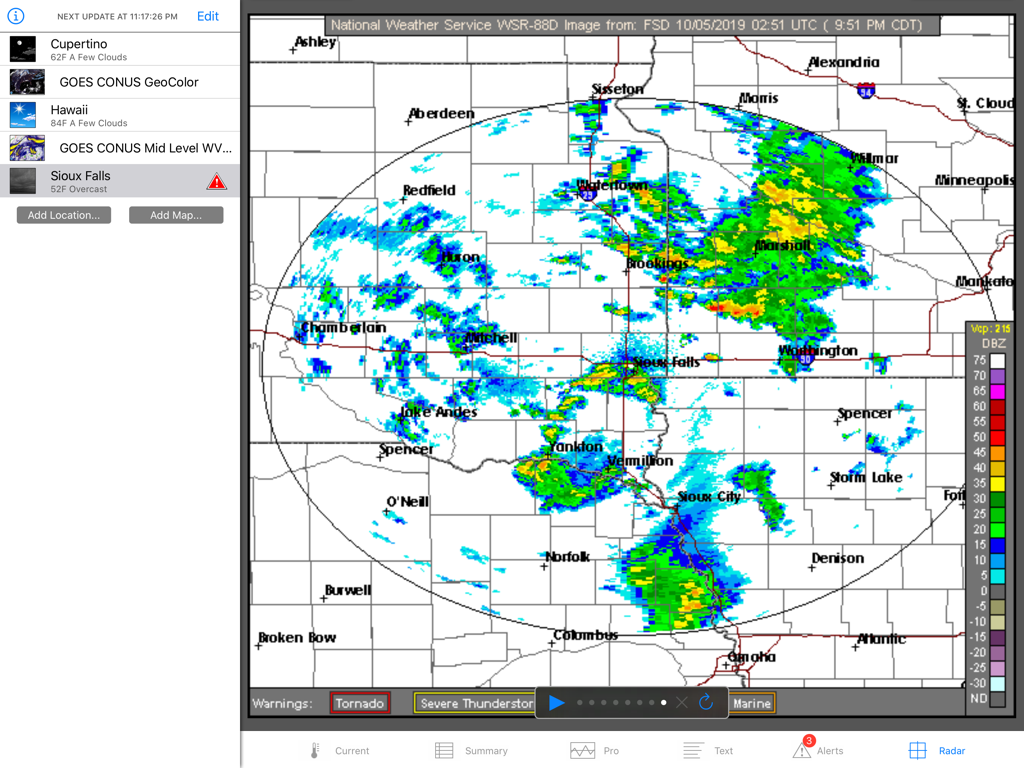
Technical NEXRAD radar display showing precipitation levels and weather alerts on Wx for iPad
Description
Download
More Like This
Top-ranked apps in the same category

墨迹天气-MojiWeather
Beijing MojiFengyun Technology Co.,Ltd.

The Weather Channel - Radar
The Weather Channel

Windy.com
Windyty, SE

天气预报-精准15日天气预报
Chongqing Caochen Technology Co., Ltd.

My Aurora Forecast & Alerts
JRustonApps B.V.

AccuWeather: Weather Forecast
AccuWeather International, Inc.

Weather & Radar - Storm radar
WetterOnline - Meteorologische Dienstleistungen GmbH

天气通
Weibo Internet Technology (China) Co.Ltd.

The Thermometer -Digital-
Vida Apps Incorporated
This page is not an official page of the app or its developer, but an independent editorial publication created for informational and commentary purposes. Unless expressly stated otherwise, neither the app nor its developer is affiliated with, endorsed by, sponsored by, authorized by, or otherwise officially connected with MWM, Apple, Google Play, the app publisher, or the app's developer, and nothing on this page implies that the app was developed using MWM's services. Any trademarks, logos, screenshots, and other content remain the property of their respective owners.