
This page is not an official page of the app or its developer, but an independent editorial publication created for informational and commentary purposes. Unless expressly stated otherwise, neither the app nor its developer is affiliated with, endorsed by, sponsored by, authorized by, or otherwise officially connected with MWM, Apple, Google Play, the app publisher, or the app's developer, and nothing on this page implies that the app was developed using MWM's services. Any trademarks, logos, screenshots, and other content remain the property of their respective owners.


Young's Literal Bible (YLT)
Uncover the original Hebrew and Greek idioms with Robert Young's legendary translation. Designed for serious students who demand accuracy, featuring offline access, unlimited study tabs, and precision navigation for deep scriptural analysis.
Downloads
5K+User Rating
Total Ratings
0Publisher
Category
BooksLocales
1Latest Version
1.6Size
106.0 MBFirst Released
Jun 24, 2017The Ultimate Reference for Serious Biblical Study
Go beyond modern interpretations. Access Robert Young’s word-for-word translation with professional-grade tools designed for pastors, teachers, and dedicated students.
Linguistic Precision
Understand the Bible’s original structure with a translation that preserves Hebrew and Greek idioms exactly as written.
Advanced Tab Management
Open unlimited tabs for seamless cross-referencing between books, making your sermon or lesson preparation more efficient.
The following screenshots and description are sourced directly from the app's official store listing and are the property of the app developer.
App Store
Screenshots
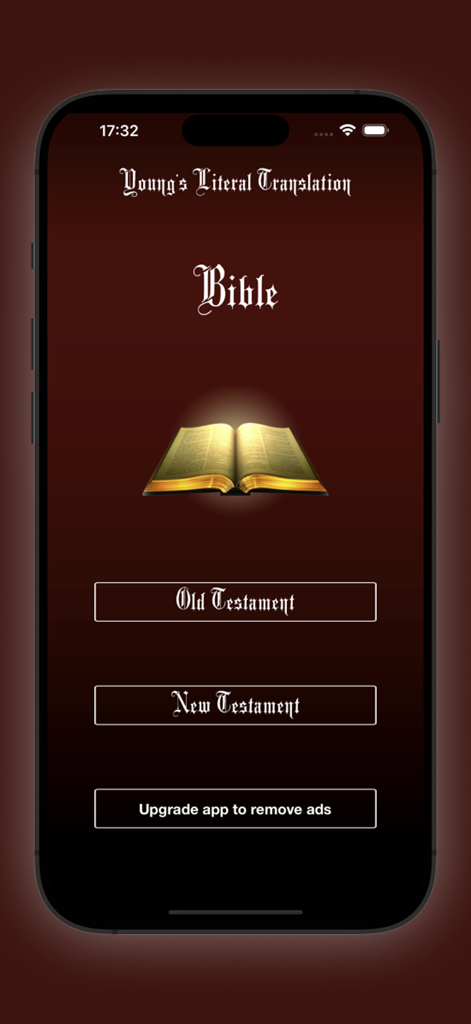
Main menu of the Young's Literal Bible app with buttons for the Old and New Testament
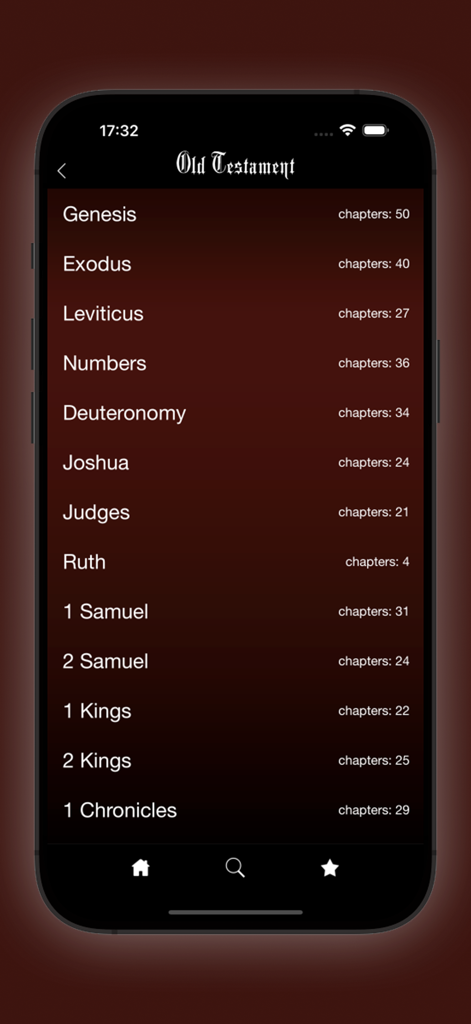
Table of contents showing Old Testament books like Genesis and Exodus with chapter counts in the Young's Literal Bible app.
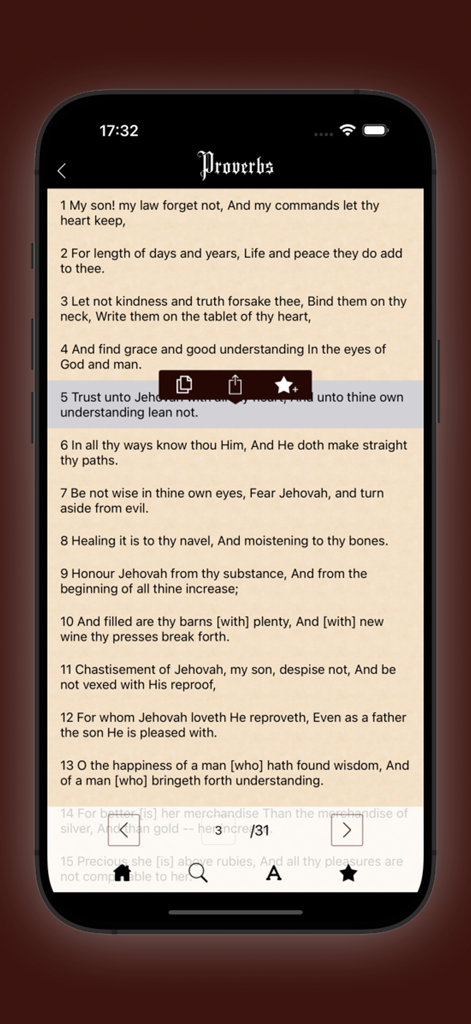
Reading the book of Proverbs in Young's Literal Bible app with verse selection and study tools
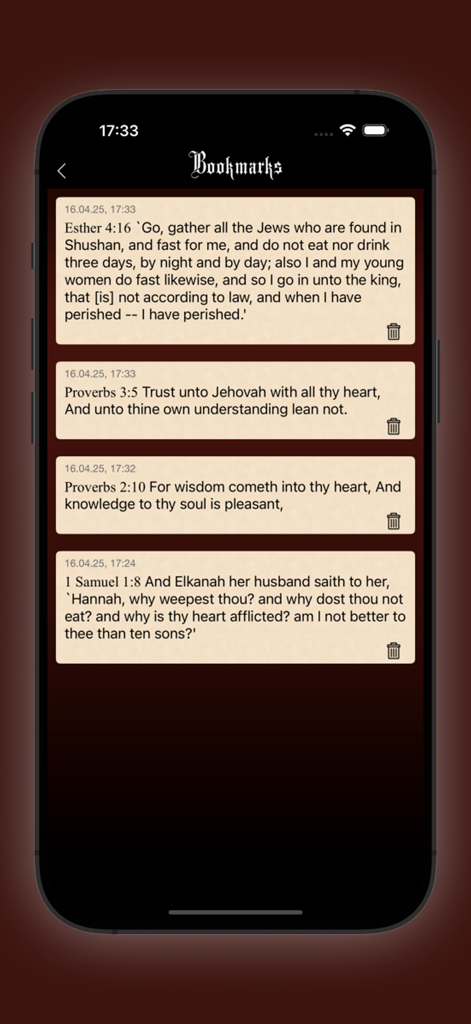
Bookmarks screen in the Young's Literal Bible app showing a list of saved verses from Esther, Proverbs, and 1 Samuel.
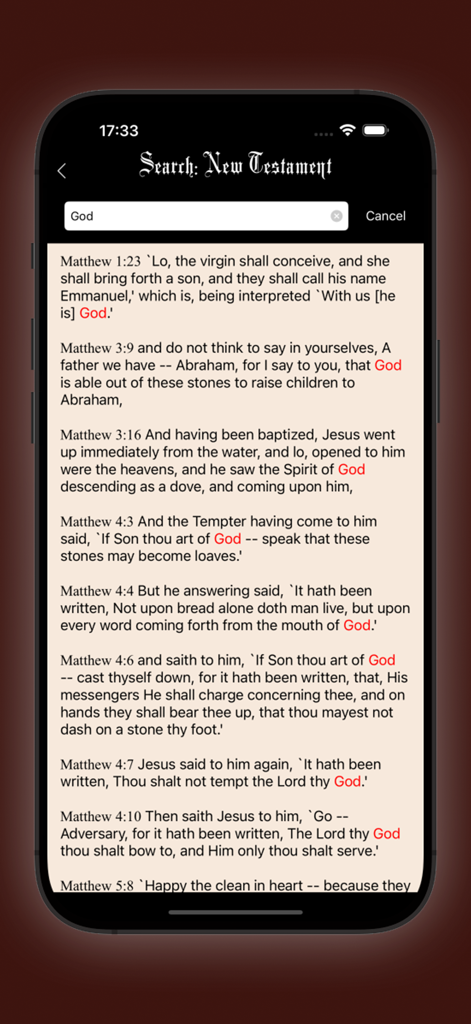
Search results for the word God in the New Testament section of the Youngs Literal Bible app
Description
Download
More Like This
Top-ranked apps in the same category

Amazon Kindle
AMZN Mobile LLC

Audible: Audiobooks & Podcasts
Audible, Inc.

七猫小说-看小说电子书的阅读神器
Shanghai Seven-Cat Culture Media Co.,Ltd.

QQ阅读
Shenzhen Tencent Computer Systems Company Limited

Wattpad - Read & Write Stories
Wattpad Corp

Libby, the library app
OverDrive, Inc.

微信读书
Tencent Technology (Shenzhen) Company Limited

起点读书-看小说听书的阅读神器
Shanghai Xuan Ting Entertainment Information & technology CO.,LTD

Goodreads: Book Reviews
Goodreads, Inc
This page is not an official page of the app or its developer, but an independent editorial publication created for informational and commentary purposes. Unless expressly stated otherwise, neither the app nor its developer is affiliated with, endorsed by, sponsored by, authorized by, or otherwise officially connected with MWM, Apple, Google Play, the app publisher, or the app's developer, and nothing on this page implies that the app was developed using MWM's services. Any trademarks, logos, screenshots, and other content remain the property of their respective owners.