
This page is not an official page of the app or its developer, but an independent editorial publication created for informational and commentary purposes. Unless expressly stated otherwise, neither the app nor its developer is affiliated with, endorsed by, sponsored by, authorized by, or otherwise officially connected with MWM, Apple, Google Play, the app publisher, or the app's developer, and nothing on this page implies that the app was developed using MWM's services. Any trademarks, logos, screenshots, and other content remain the property of their respective owners.

YouTube Studio
Every creator knows growth demands insight. The app delivers granular performance data and direct audience interaction, equipping users to navigate YouTube's algorithms and build a dedicated following.
Downloads
50M+User Rating
Total Ratings
85.8KPublisher
Category
Photo & VideoLocales
75Latest Version
26.13Size
133.8 MBFirst Released
Jul 13, 2014YouTube Studio: Key Mobile Features for Creators
An analytical breakdown of essential functionalities enabling channel management, performance tracking, and monetization on the go.
Monetization Access & Partner Program
It allows users to apply for the YouTube Partner Program, enabling access to monetization features and the opportunity to start a business on YouTube.
Comprehensive Performance Analytics
The app provides detailed analytics, allowing users to understand the performance of their channel and various content types.
Content & Channel Editor
This tool features capabilities to make changes to the channel's look and feel, and to manage individual content pieces by updating information for videos, shorts, and livestreams.
Advanced Comment Management
It allows users to cultivate a deep relationship with their audience through the ability to sort and filter comments, helping them identify important conversations within their community.
Frequently Asked Questions
Everything you need to know about YouTube Studio
What is the YouTube Studio app?
The YouTube Studio app is the official tool for creators to manage their YouTube channel, monitor content performance, and engage with their community directly from their mobile device.
How can I monitor channel performance using YouTube Studio?
The YouTube Studio app provides a Channel Dashboard for a quick overview and detailed Analytics to track channel and content performance. It shows views, subscribers, watch time, and more.
Does the YouTube Studio app allow comment management?
Yes, the YouTube Studio app enables creators to cultivate audience relationships by sorting and filtering comments. This helps in identifying and engaging with important conversations within the community.
Can YouTube Studio edit video details?
Yes, YouTube Studio allows users to manage individual content pieces, including videos, shorts, and livestreams. Users can update their information and make changes to the channel's look and feel.
How do I monetize my content with the YouTube Studio app?
You can apply for the YouTube Partner Program directly through the YouTube Studio app. This program grants access to monetization features, allowing creators to start earning revenue from their content.
Does YouTube Studio show estimated earnings?
Yes, the YouTube Studio app displays estimated revenue. It provides creators with key performance indicators like watch time, views, and comments, helping them track their channel's financial performance.
The following screenshots and description are sourced directly from the app's official store listing and are the property of the app developer.
App Store
Screenshots
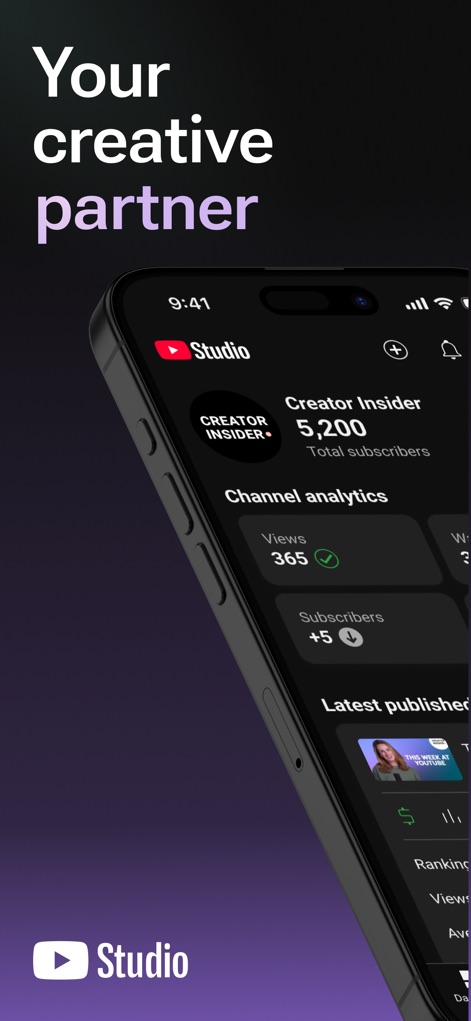
Channel Dashboard Overview
This tool provides a quick overview of channel performance, featuring prominent channel analytics and a display of latest published content.
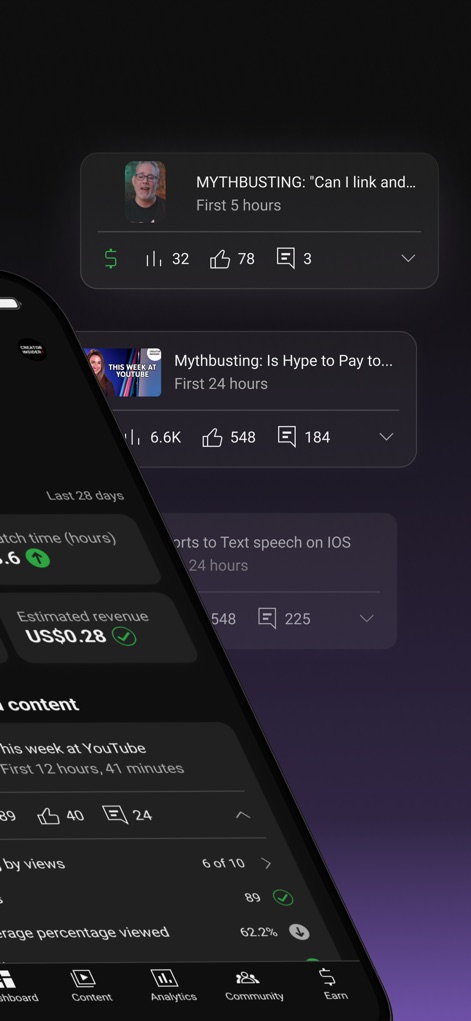
Performance Tracking & Revenue
Users can monitor estimated revenue and detailed content performance metrics, accessible via the intuitive bottom navigation bar.
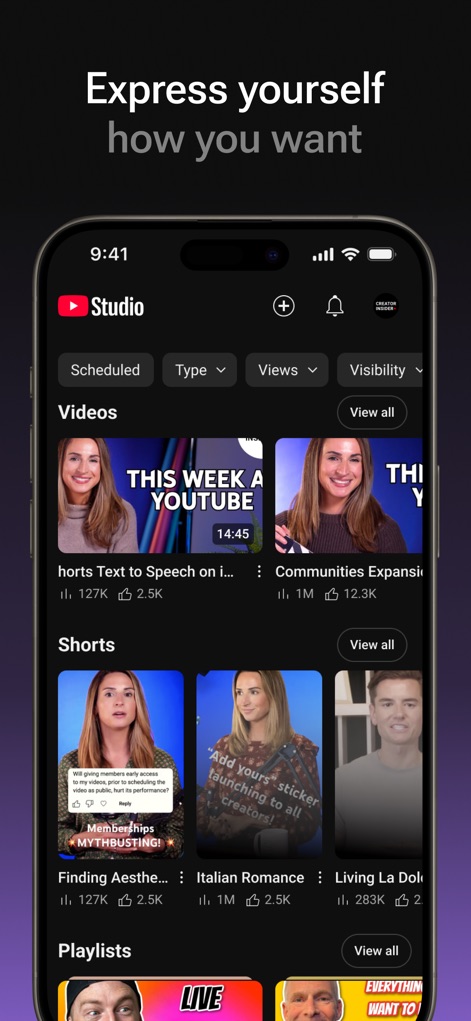
Content Management Hub
The app offers comprehensive content management, allowing users to organize videos and shorts with powerful filtering options.
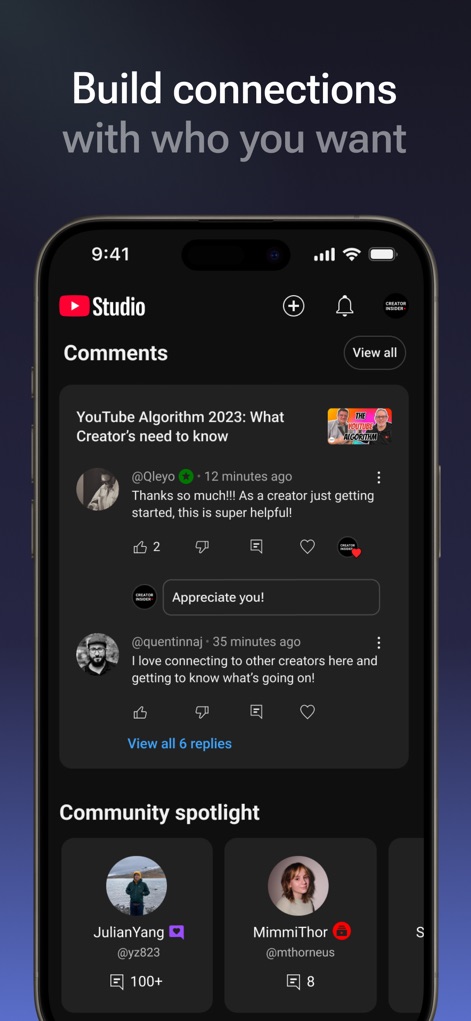
Audience Engagement Toolkit
This tool facilitates deep audience engagement, showcasing detailed comments and a dedicated community spotlight section.
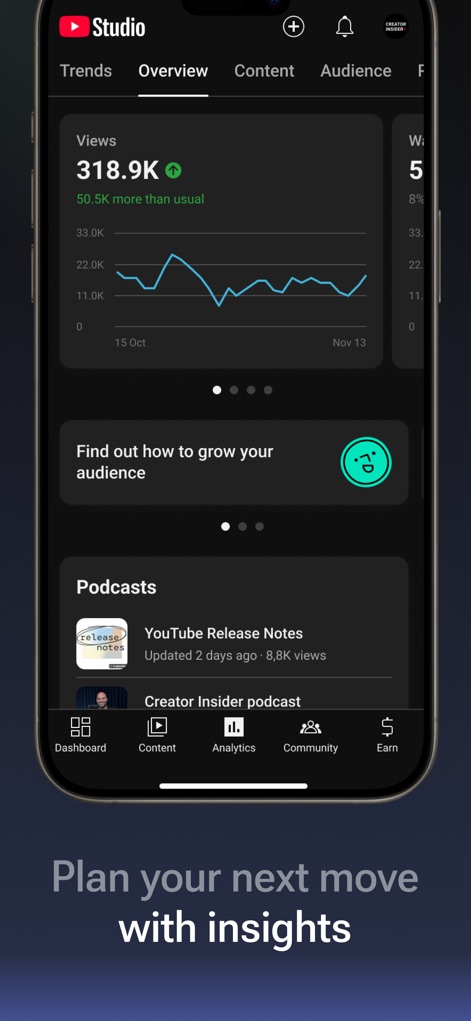
In-Depth Analytics
The app delivers critical performance analytics, including a trends overview graph and insights into podcasts.

Grow & Monetize
Users can leverage advanced audience growth recommendations and access the 'Earn' tab for monetization opportunities.
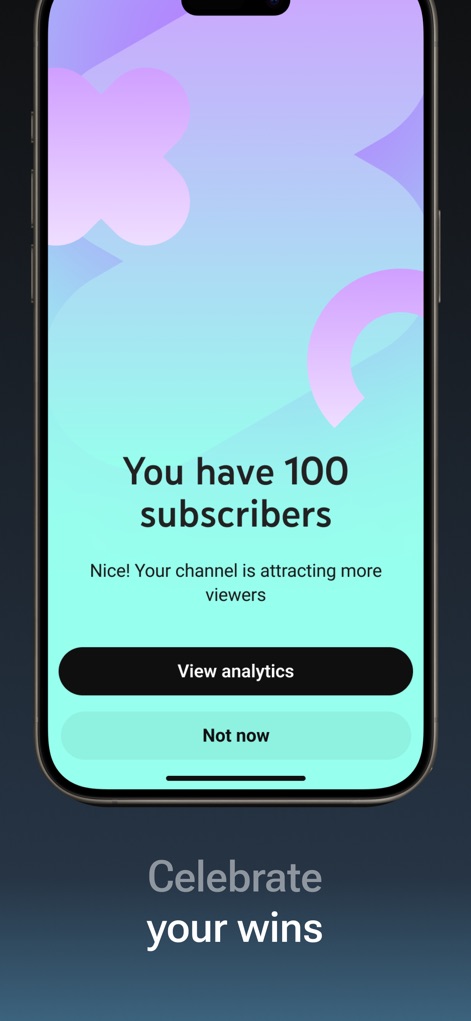
Milestone Celebrations
The app acknowledges creator milestones, such as subscriber counts, and provides direct access to view analytics.
Description
Download
More Like This
Apps with similar features and user experience


This page is not an official page of the app or its developer, but an independent editorial publication created for informational and commentary purposes. Unless expressly stated otherwise, neither the app nor its developer is affiliated with, endorsed by, sponsored by, authorized by, or otherwise officially connected with MWM, Apple, Google Play, the app publisher, or the app's developer, and nothing on this page implies that the app was developed using MWM's services. Any trademarks, logos, screenshots, and other content remain the property of their respective owners.