
This page is not an official page of the app or its developer, but an independent editorial publication created for informational and commentary purposes. Unless expressly stated otherwise, neither the app nor its developer is affiliated with, endorsed by, sponsored by, authorized by, or otherwise officially connected with MWM, Apple, Google Play, the app publisher, or the app's developer, and nothing on this page implies that the app was developed using MWM's services. Any trademarks, logos, screenshots, and other content remain the property of their respective owners.


Zenzap: Professional Work Chat
Streamline your team communication, turn messages into actionable tasks, and reclaim your personal life with the secure platform that keeps work and home separate.
Downloads
21K+User Rating
Total Ratings
200Publisher
Category
BusinessLocales
2Latest Version
1.0.169Size
144.2 MBFirst Released
Apr 6, 2023Reclaim Control Over Your Team’s Communication
Stop the chaos of personal messaging apps. Zenzap provides a secure, professional space to align your team, track tasks, and protect your personal time.
Protect Your Personal Peace
Set custom working hours so notifications automatically pause when the workday ends. Keep your team focused and your home life private.
Turn Conversations Into Action
Stop losing track of requests in messy group chats. Convert any message into a trackable task or checklist to ensure every project gets finished.
The following screenshots and description are sourced directly from the app's official store listing and are the property of the app developer.
App Store
Screenshots
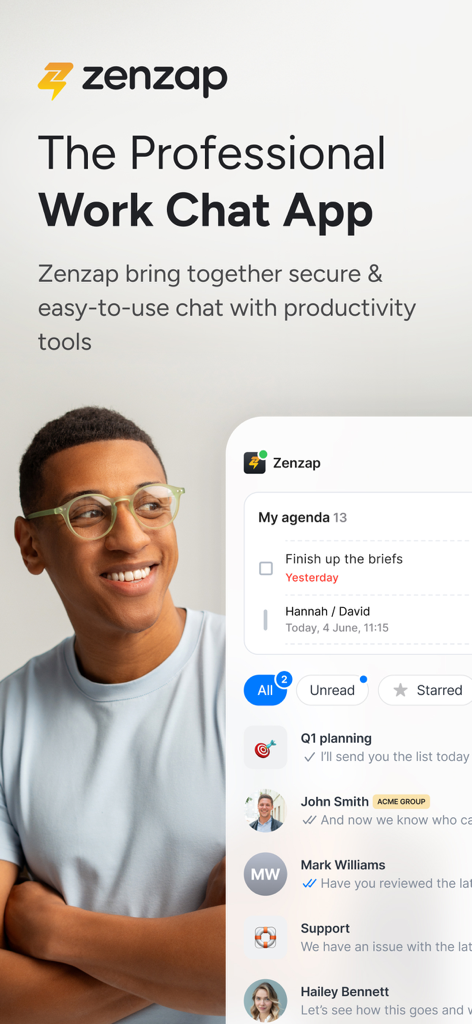
Zenzap mobile app interface displaying professional work chat lists and a daily agenda with tasks

A smartphone screen showing the Zenzap app interface with a list of professional chats organized by topics like product development and sales.
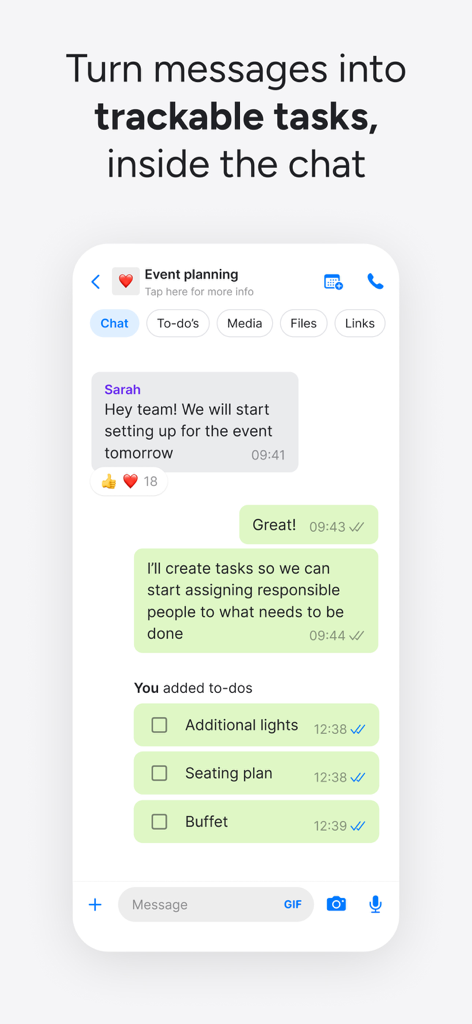
Zenzap app interface showing a team chat with integrated trackable tasks and checklists
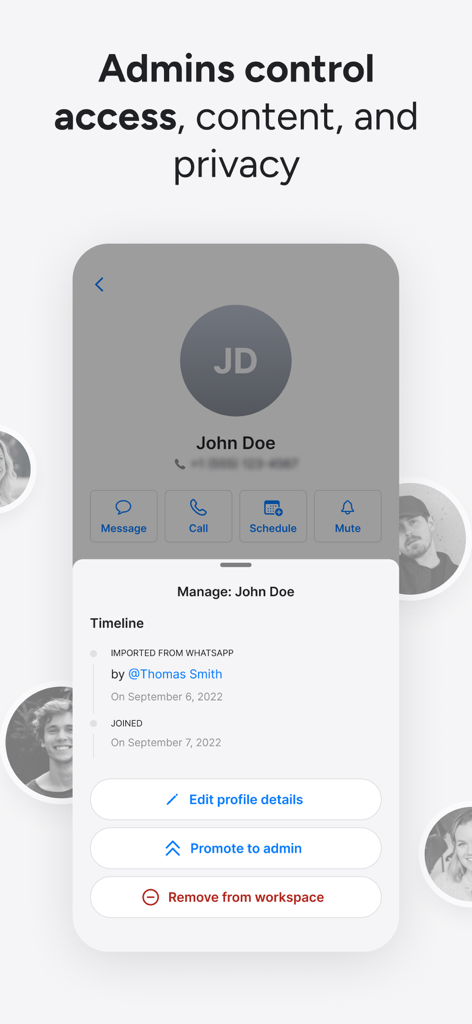
Administrative interface in the Zenzap app showing user management and workspace control options
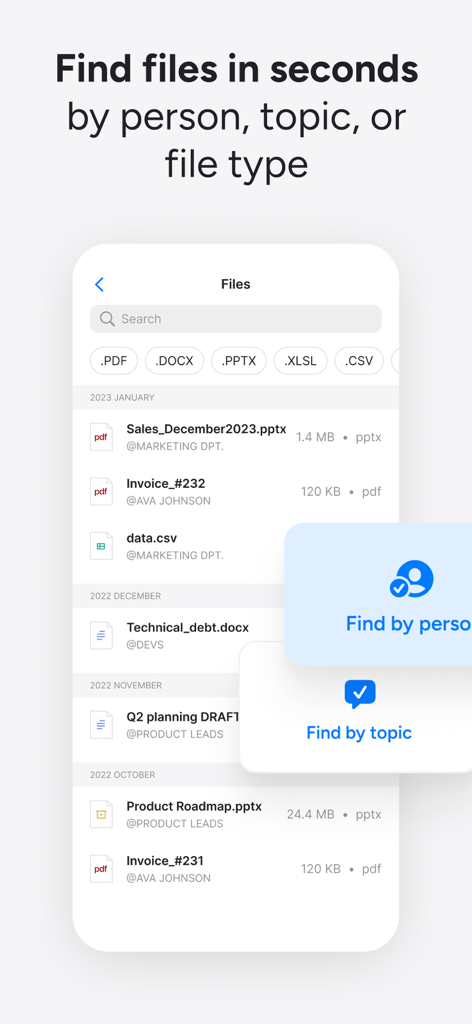
Mobile app interface showing how to search for business files by person, topic, and file type in Zenzap.
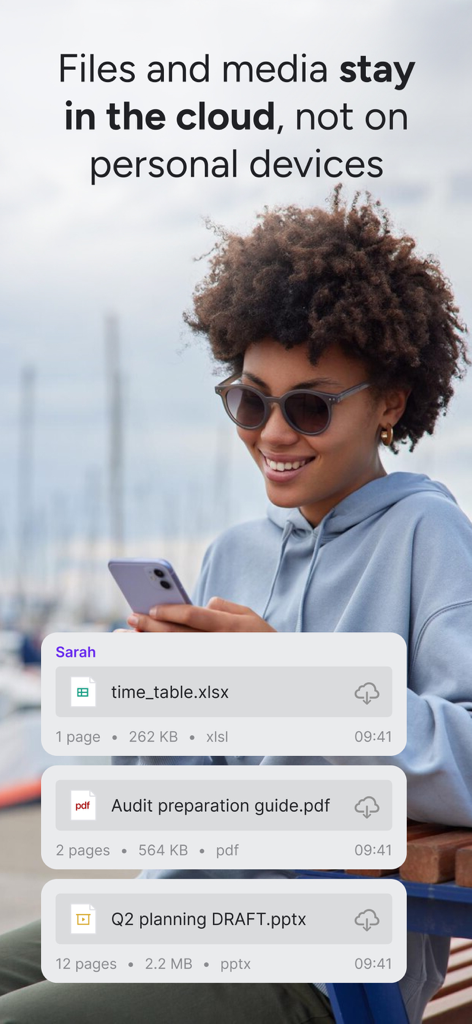
A woman using the Zenzap app with an overlay showing business documents stored in the cloud
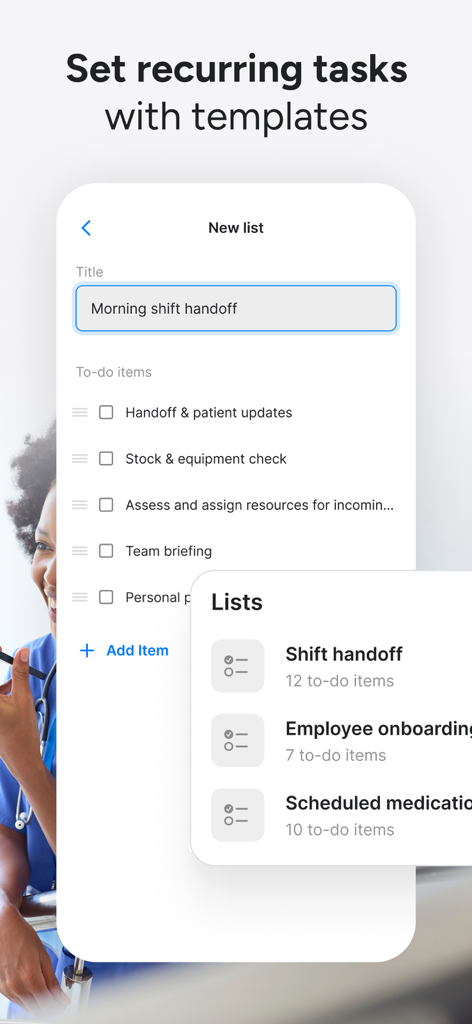
Zenzap app interface showing a recurring task list for a morning shift handoff with a menu of pre-made templates.
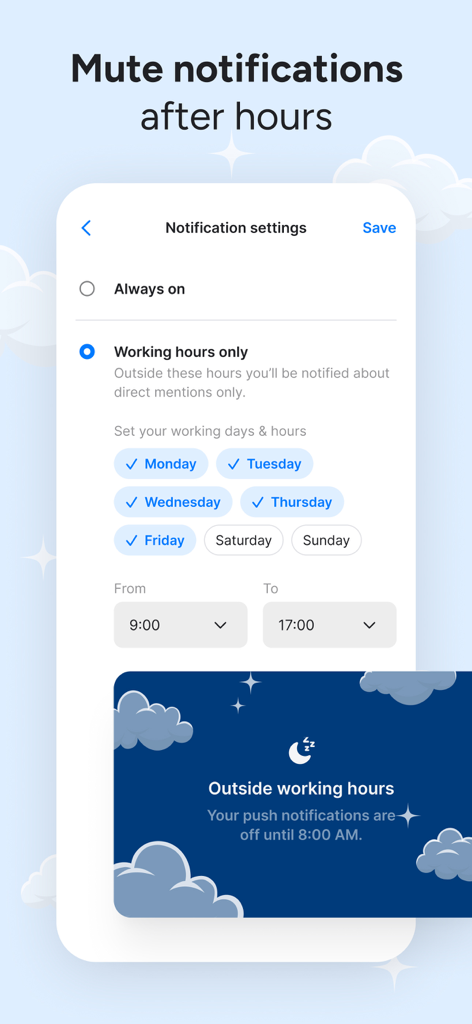
Zenzap app screen showing settings to mute notifications outside of professional working hours
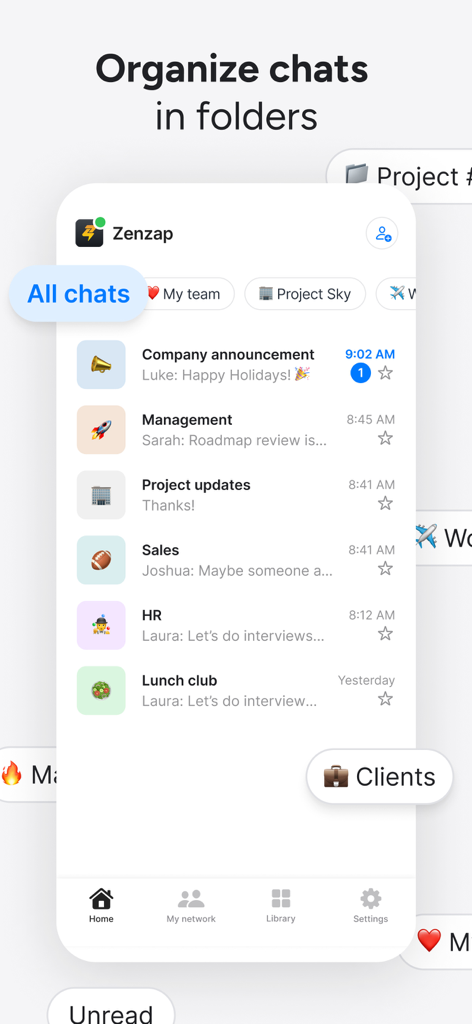
Zenzap mobile app interface showing business chats organized into folders such as management sales and hr

Graphic showing Zenzap logo surrounded by icons of integrated business tools like Microsoft Teams, Salesforce, and Google Calendar
Description
Download
More Like This
Top-ranked apps in the same category

Microsoft Teams
Microsoft Corporation

Zoom Workplace
Zoom Communications, Inc.

WhatsApp Business
WhatsApp Inc.

Indeed Job Search
Indeed Inc.

LinkedIn: Network & Job Finder
LinkedIn Corporation

Adobe Acrobat Reader: Sign PDF
Adobe Inc.

WeCom-Work Communication&Tools
Tencent Technology (Shenzhen) Company Limited

BOSS直聘-招聘求职找工作神器
Beijing China Product Bo Farce Network Technology Co., Ltd.

DingDing - Redefine Work in AI
DingTalk Technology Co., Ltd.
This page is not an official page of the app or its developer, but an independent editorial publication created for informational and commentary purposes. Unless expressly stated otherwise, neither the app nor its developer is affiliated with, endorsed by, sponsored by, authorized by, or otherwise officially connected with MWM, Apple, Google Play, the app publisher, or the app's developer, and nothing on this page implies that the app was developed using MWM's services. Any trademarks, logos, screenshots, and other content remain the property of their respective owners.