
This page is not an official page of the app or its developer, but an independent editorial publication created for informational and commentary purposes. Unless expressly stated otherwise, neither the app nor its developer is affiliated with, endorsed by, sponsored by, authorized by, or otherwise officially connected with MWM, Apple, Google Play, the app publisher, or the app's developer, and nothing on this page implies that the app was developed using MWM's services. Any trademarks, logos, screenshots, and other content remain the property of their respective owners.


zFuse - Video Player
Stop converting files and start streaming. From seamless NAS integration to studio-grade subtitle rendering and encrypted privacy, take total control of your media library on iOS.
Downloads
147K+User Rating
Total Ratings
9K+Publisher
Category
EntertainmentLocales
7Latest Version
1.12.118Size
140.1 MBFirst Released
Nov 23, 2015Pro-Level Media Management & Playback
Stop converting files and start watching. zFuse gives you the freedom to stream, sync, and secure your media with a desktop-class engine built for power users.
Limitless Network Streaming
Access your PC or NAS directly via SMB, FTP, or DLNA. Stream your entire 4K library without wasting device storage space.
Advanced Format & Subtitle Engine
Play any video format with support for high-end ASS/SSA effect subtitles. Experience pixel-perfect HDR rendering and custom font styles.
The following screenshots and description are sourced directly from the app's official store listing and are the property of the app developer.
App Store
Screenshots
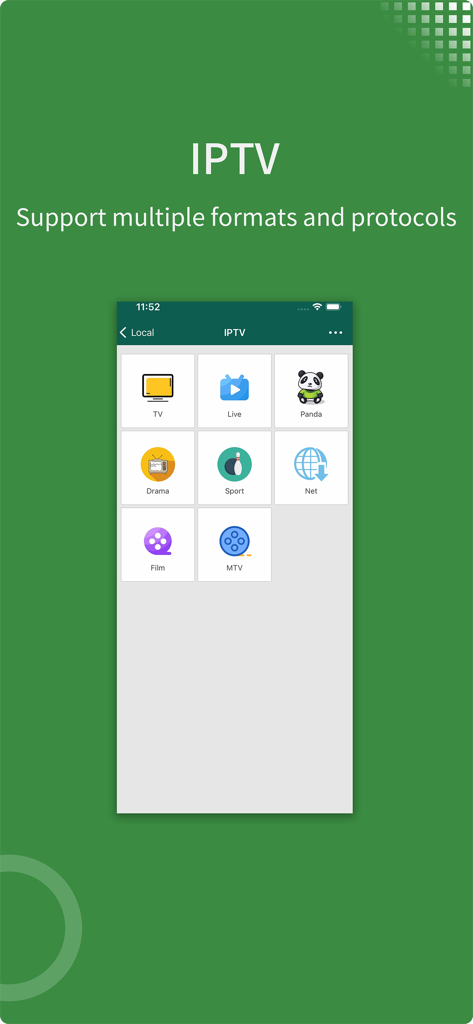
zFuse video player app screenshot showing IPTV support with categories for Live TV, Sport, and Film
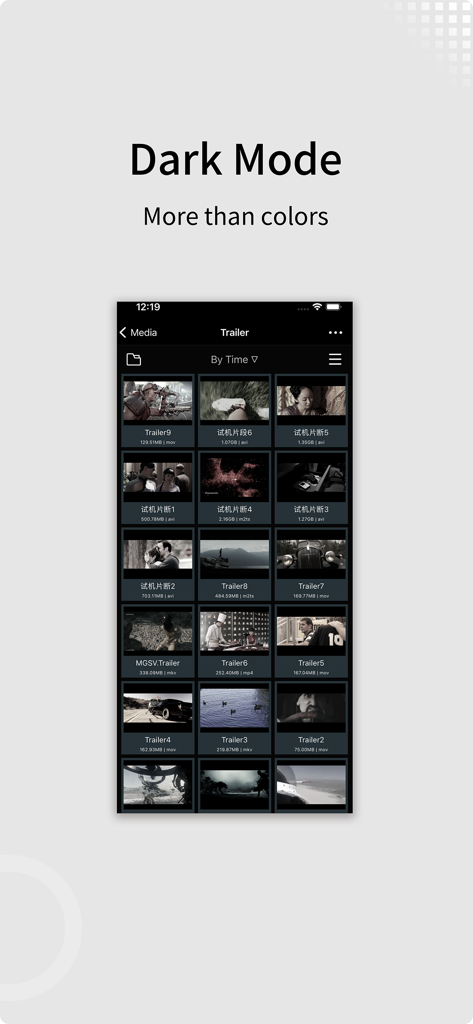
zFuse Video Player app screenshot showing the dark mode interface and video library grid
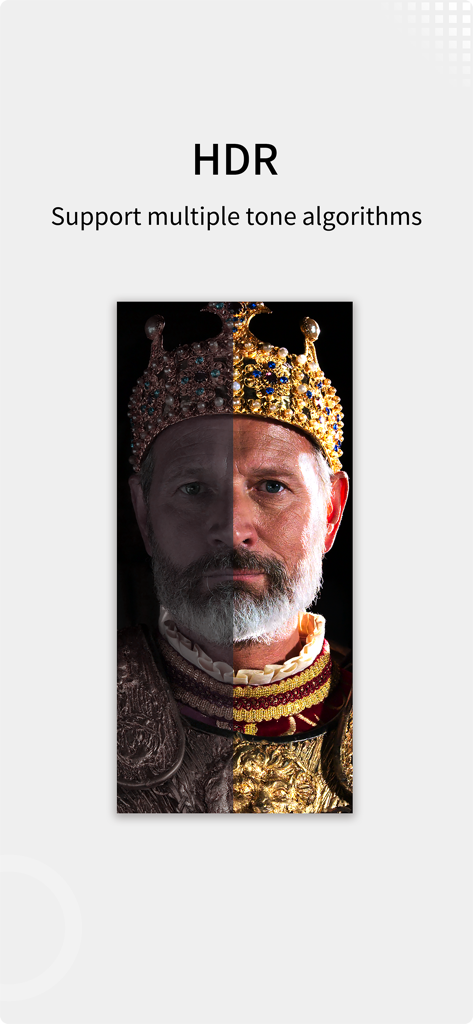
zFuse video player showing a split screen comparison of HDR tone mapping on a king portrait
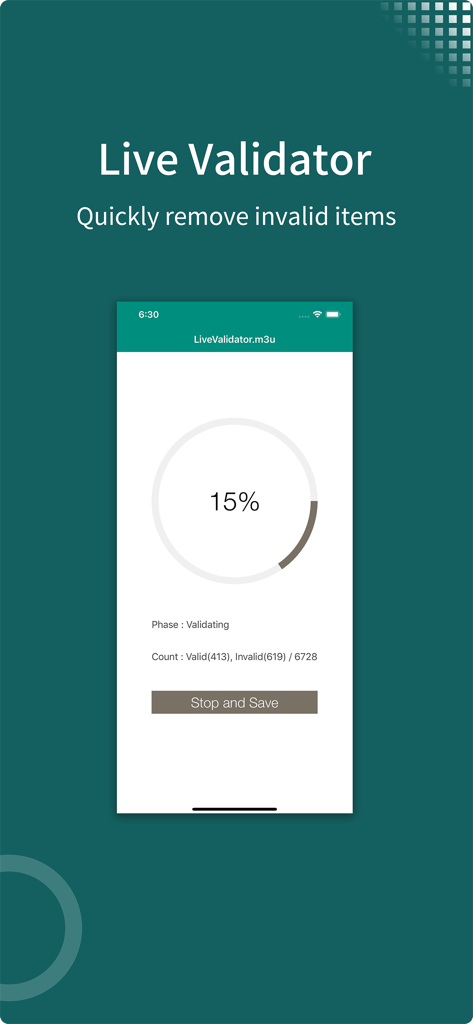
The zFuse Live Validator interface showing the progress of validating an m3u playlist to remove invalid items.
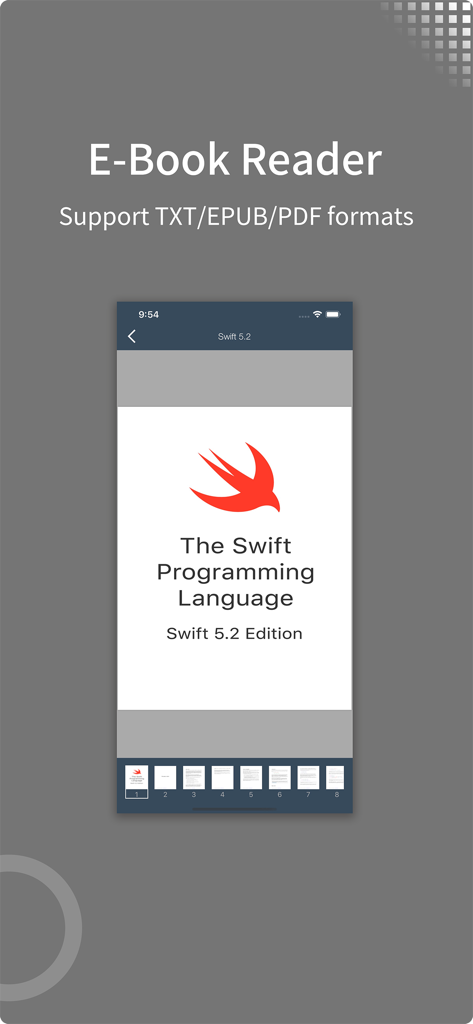
zFuse app e-book reader interface displaying a Swift programming language PDF document
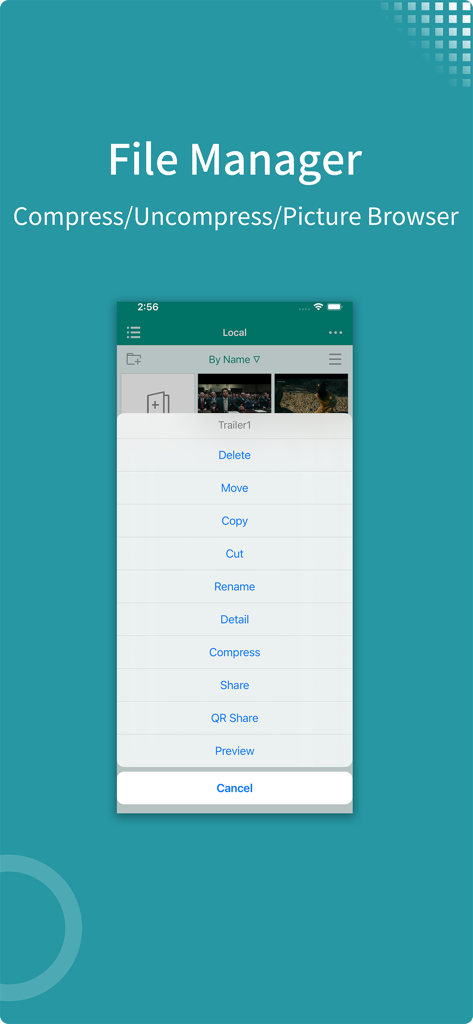
zFuse app file manager interface showing file compression and management options
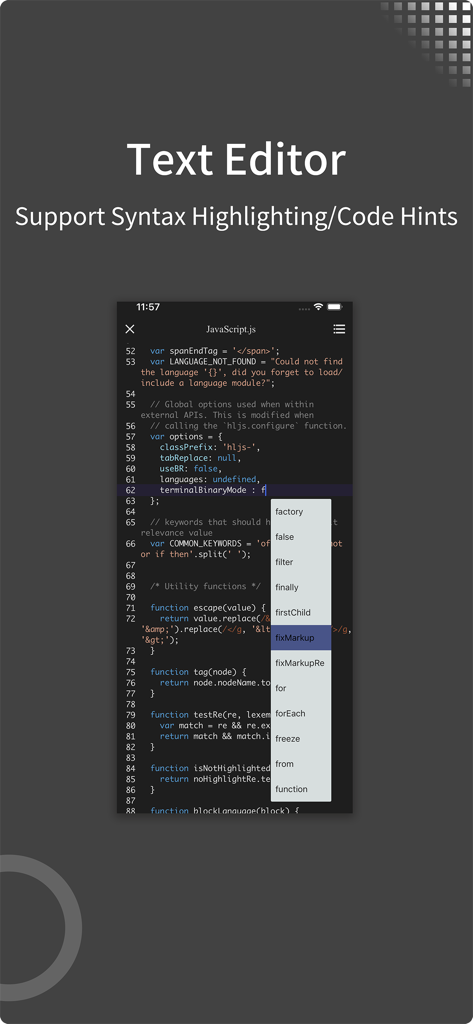
zFuse app text editor showing JavaScript syntax highlighting and code hints
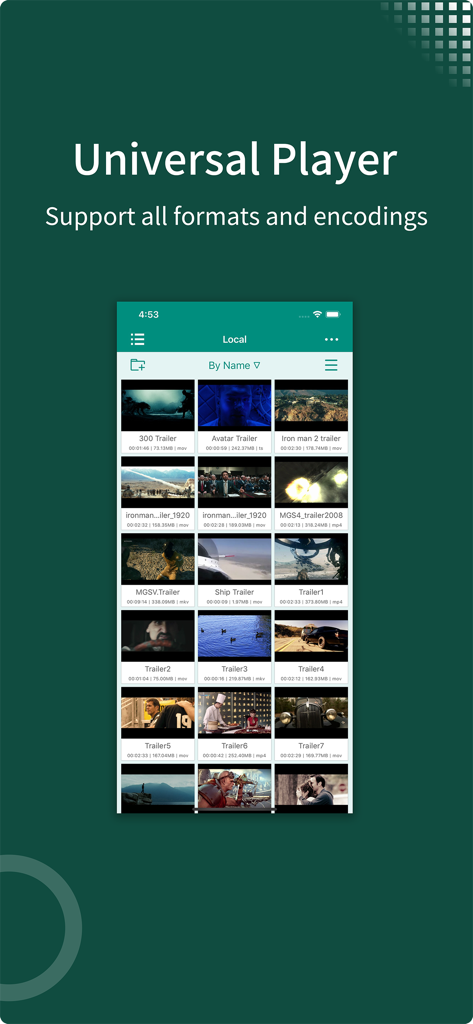
Screenshot of zFuse app library displaying a grid of local video files and movie trailers
Description
Download
More Like This
Top-ranked apps in the same category

TikTok - Videos, Shop & LIVE
TIKTOK PTE. LTD.

Netflix
Netflix, Inc.

Freecash - Get Paid Real Money
256 REWARDS LTD

DramaBox - Stream Drama Shorts
STORYMATRIX PTE. LTD

HBO Max: Stream Movies & TV
WarnerMedia Global Digital Services, LLC

Amazon Prime Video
AMZN Mobile LLC

NetShort - Popular Dramas & TV
NETSTORY PTE. LTD.

ReelShort - Stream Drama & TV
New Leaf Publishing, Inc.

Disney+
Disney Electronic Content, Inc.
This page is not an official page of the app or its developer, but an independent editorial publication created for informational and commentary purposes. Unless expressly stated otherwise, neither the app nor its developer is affiliated with, endorsed by, sponsored by, authorized by, or otherwise officially connected with MWM, Apple, Google Play, the app publisher, or the app's developer, and nothing on this page implies that the app was developed using MWM's services. Any trademarks, logos, screenshots, and other content remain the property of their respective owners.