ZoomOn Home Security Camera
Download on App Store

This page is not an official page of the app or its developer, but an independent editorial publication created for informational and commentary purposes. Unless expressly stated otherwise, neither the app nor its developer is affiliated with, endorsed by, sponsored by, authorized by, or otherwise officially connected with MWM, Apple, Google Play, the app publisher, or the app's developer, and nothing on this page implies that the app was developed using MWM's services. Any trademarks, logos, screenshots, and other content remain the property of their respective owners.


Logo of ZoomOn Home Security Camera
Download on App Store

ZoomOn Home Security Camera

Connect your old devices, HomeKit, and IP cameras into one secure hub. Monitor your home, pets, or baby with HD live streams and smart notifications directly on your Apple Watch, Mac, or iPad.

Key Figures

Downloads

737K+

User Rating

3.8/5

Total Ratings

3K+

Publisher

Master Home Security s.r.o.

Category

Lifestyle

Locales

28

Latest Version

5.4.45

Size

1.0 GB

First Released

Sep 28, 2017
Features

Smart Security, Reimagined for Your Home

Professional-grade surveillance using the Apple devices you already own. Secure, sustainable, and seamlessly integrated into your digital lifestyle.

Repurpose Your Spare Tech

Save hundreds by transforming old iPhones or iPads into high-definition security cameras. It is the most sustainable way to protect your home.

One Hub for Every Camera

Stop switching between apps. Effortlessly sync HomeKit, ONVIF, and IP cameras into a single, unified dashboard on all your devices.

The following screenshots and description are sourced directly from the app's official store listing and are the property of the app developer.

App Store

Screenshots
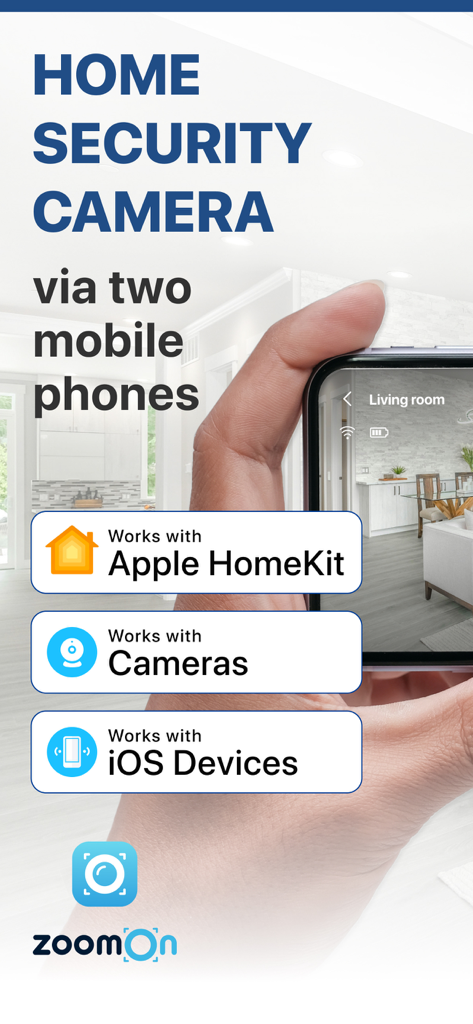
ZoomOn Home Security Camera - ZoomOn home security camera app showing compatibility with Apple HomeKit and iOS devices on a smartphone screen
ZoomOn home security camera app showing compatibility with Apple HomeKit and iOS devices on a smartphone screen

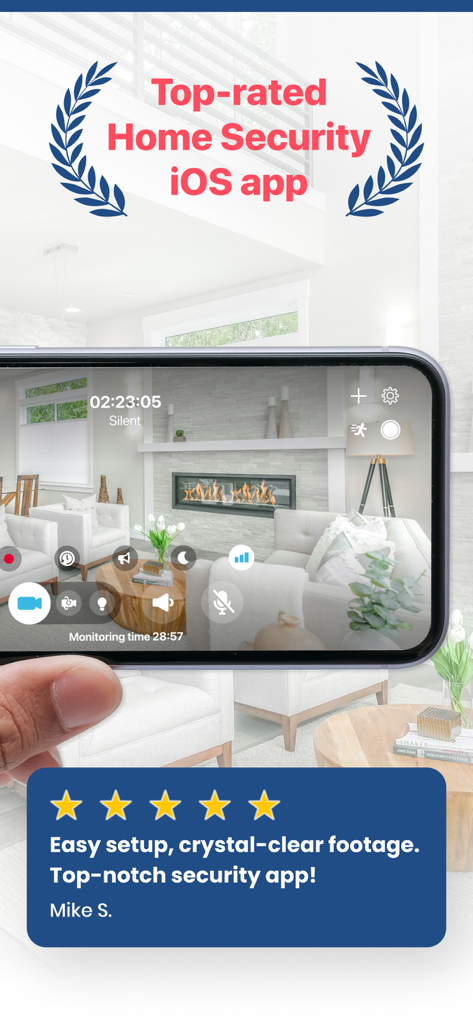
ZoomOn Home Security Camera - iPhone displaying the ZoomOn Home Security app live feed of a living room with a five star user review
iPhone displaying the ZoomOn Home Security app live feed of a living room with a five star user review

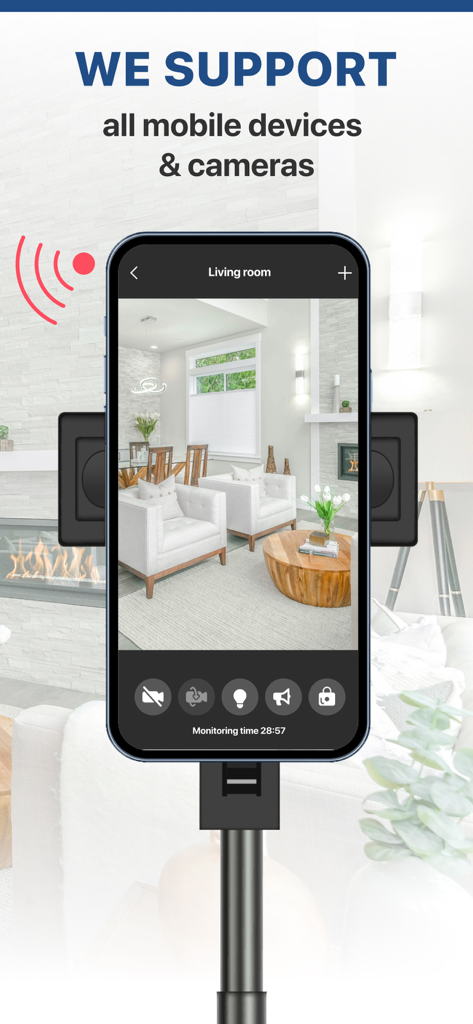
ZoomOn Home Security Camera - Smartphone displaying a live living room feed in the ZoomOn Home Security Camera app
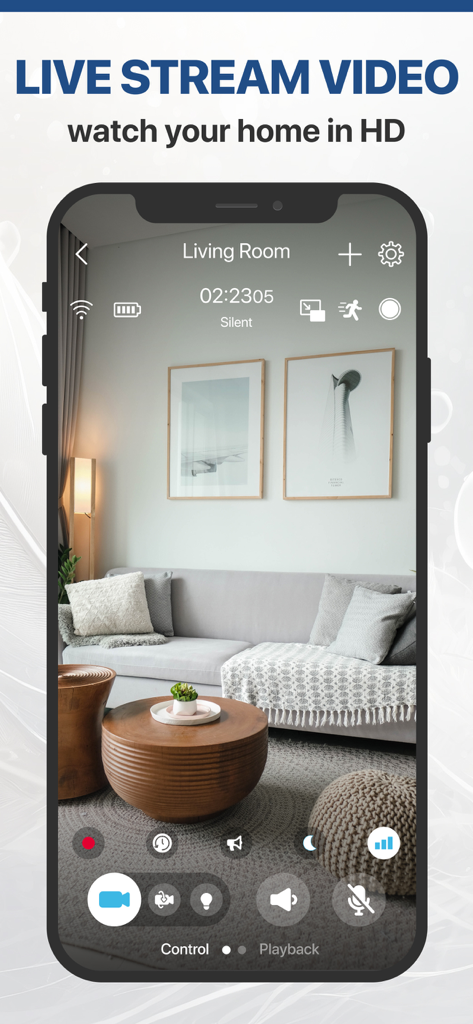
Smartphone displaying a live living room feed in the ZoomOn Home Security Camera app

ZoomOn Home Security Camera - iPhone displaying a high definition live video feed of a living room on the ZoomOn app
iPhone displaying a high definition live video feed of a living room on the ZoomOn app

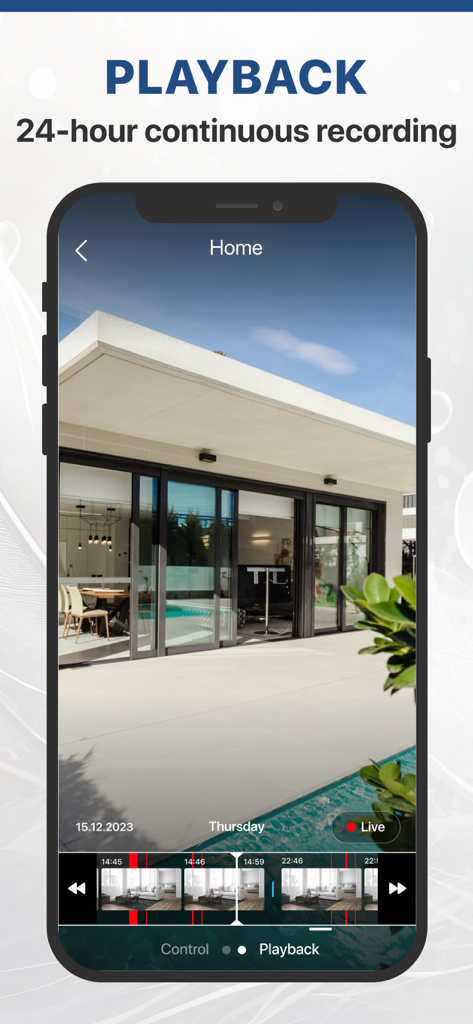
ZoomOn Home Security Camera - ZoomOn app interface for 24-hour continuous recording playback with a video timeline
ZoomOn app interface for 24-hour continuous recording playback with a video timeline

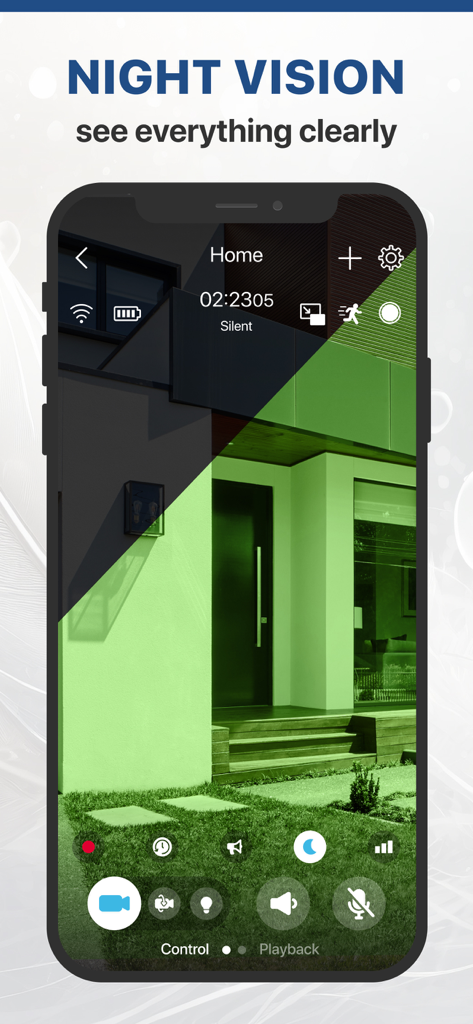
ZoomOn Home Security Camera - A smartphone showing the night vision feature of the ZoomOn security camera app monitoring a house exterior
A smartphone showing the night vision feature of the ZoomOn security camera app monitoring a house exterior

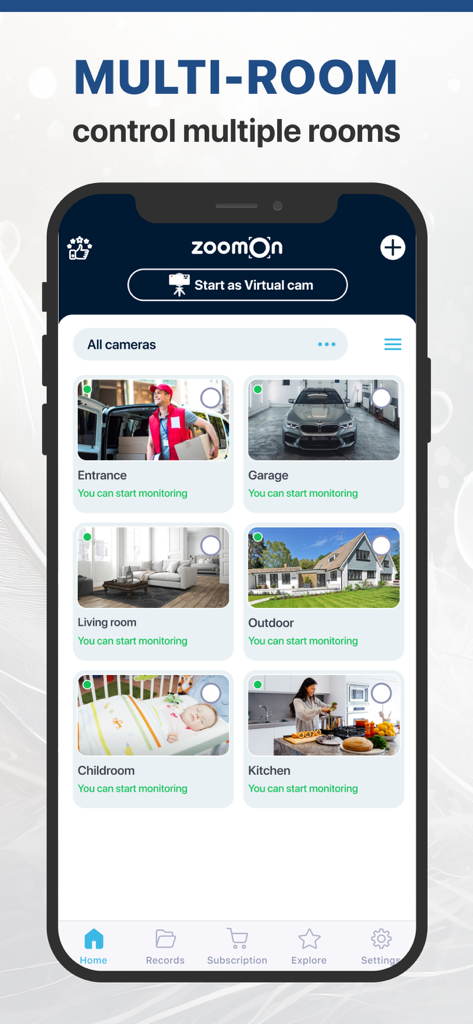
ZoomOn Home Security Camera - ZoomOn app interface showing a multi-room dashboard with security camera feeds for the entrance, garage, living room, and childroom.
ZoomOn app interface showing a multi-room dashboard with security camera feeds for the entrance, garage, living room, and childroom.

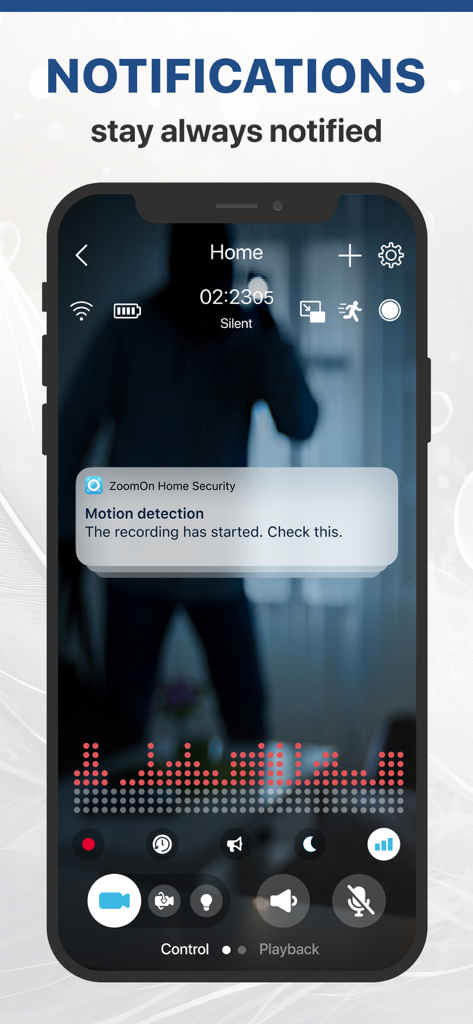
ZoomOn Home Security Camera - iPhone screen displaying a motion detection notification from the ZoomOn Home Security Camera app

iPhone screen displaying a motion detection notification from the ZoomOn Home Security Camera app
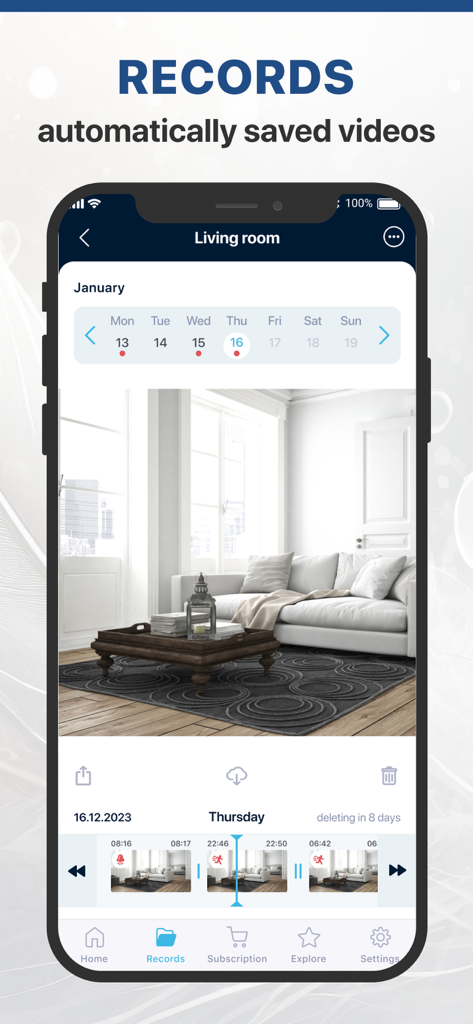
ZoomOn Home Security Camera - ZoomOn Home Security Camera app interface showing saved video recordings and motion events timeline
ZoomOn Home Security Camera app interface showing saved video recordings and motion events timeline

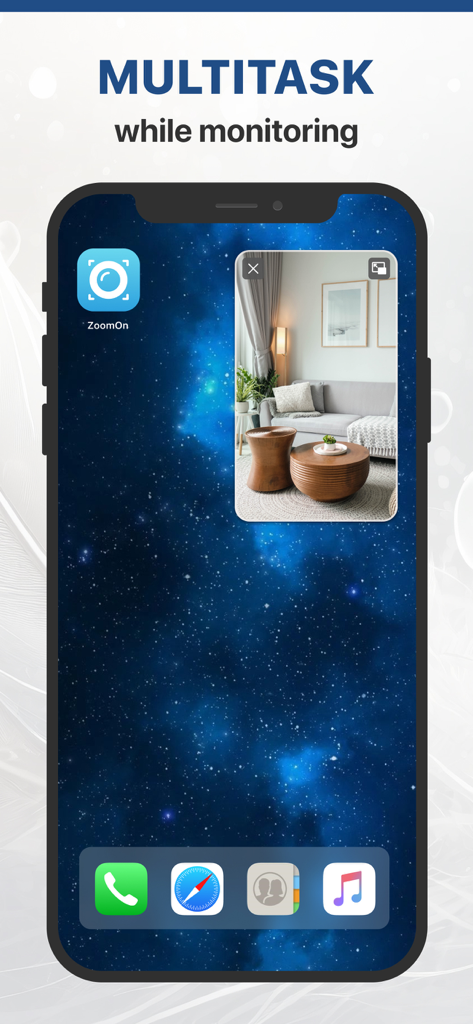
ZoomOn Home Security Camera - iPhone home screen displaying a live security camera feed in picture-in-picture mode using the ZoomOn app.

iPhone home screen displaying a live security camera feed in picture-in-picture mode using the ZoomOn app.

Description

ZOOMON - A RELIABLE HOME SECURITY CAMERA Do you want to create a home security system via mobile phones? OR Are you looking for a reliable application for HomeKit or IP camera? ZoomOn is the only home security app that supports the most common types of security cameras (HomeKit, ONVIF, and other IP cameras - RTSP, MJPEG, and HLS protocol) and mobile phones (WebRTC). USE ZOOMON APP AS A: - phone/phone security system - IP / CCTV camera - app for your HomeKit / ONVIF cameras - house surveillance system - live cam monitor - pet / baby / elderly monitor - home alarm Turn your mobile devices (one serving as a camera and the other one as a viewer) into a simle security camera system with ZoomOn app. On the other hand, you can use ZoomOn app as a viewer for your hardware cameras. DEVICES YOU CAN USE AS A CAMERA: iPhone (iOS 12 and higher), iPad, Mac, HomeKit or IP ONVIF camera, other IP cameras (RTSP, MJPEG, or HLS protocols) DEVICES YOU CAN USE AS A VIEWER: iPhone (iOS 12 and higher), iPad, Mac, Apple Watch --- KEY FEATURES: - HomeKit/ IP ONVIF cameras compatible - other IP cameras (RTSP, MJPEG or HLS protocols) compatible - pan/tilt/zoom control - live HD video stream - smart notifications - 2-way video & sound - motion detection recordings - noise detection - night mode - zooming in/out - mic sensitivity adjustment - low battery warning - multi-home and multi-owner units - picture-in-picture - Siri voice control - iCloud sync - unlimited reach (3G, 4G, 5G, LTE, Wi-Fi) A SECURITY CAMERA To create a custom surveillance system in your home, all you need is at least 2 devices with ZoomOn app. Connect them and transform them into the perfect IP camera. ADD YOUR HARDWARE CAMERAS ZoomOn app can check the availability of your HomeKit/ONVIF cameras on your network so you can add them to the app. And it goes without saying that camera functions (e.g. Night vision or Pan & Tilt) will also work in ZoomOn app. HIGH-QUALITY LIVE VIDEO & AUDIO You can see your house perfectly anywhere, anytime, thanks to the full-screen video. ZoomOn app uses the most modern technology to ensure crystal clear live stream video monitoring. UNLIMITED REACH The app switches seamlessly between Wi-Fi, 3G, 4G, 5G, and LTE based on where you are. Keep monitoring whether you are next door or on the other side of the planet. MONITOR MULTIPLE ROOMS AT ONCE Put one device in the living room, one in the kitchen, and one just above the main entrance of your home. See all your rooms at once on your screen. So you will always know your house is safe. ALL FAMILY MEMBERS CAN MONITOR With ZoomOn app, the whole family can keep track of what's going on at home. You can log in to countless mobile phones under one ZoomOn account. SECURITY CAMERA WITH NIGHT VISION The night vision mode lets you see what is going on in the room even in the dark. Works both with the front and the back camera. The back camera uses the flashlight, the front camera uses the screen brightness. GET NOTIFIED WHEN THERE IS NOISE/MOTION Adjust the noise sensitivity in the app settings. You will receive a notification every time the sound in the room surpasses the set threshold. You will also be alerted to any movement at home. SECURE CONNECTION All communication between the phones operating as a security IP camera is securely encrypted. Industry-standard encryption is used to ensure that only owners have access to the home surveillance video and audio stream. --- TRY ZOOMON APP FOR FREE Go ahead and explore the app within 3 days with our FREE TRIAL! (as part of a yearly subscription) If you're happy with the service provided, you can buy a subscription – monthly, yearly, or lifetime, depending on how long you plan to use the app. Download ZoomOn app and stay calm wherever you are! Terms of Use: https://www.zoomon.camera/terms-of-service Privacy Policy: https://www.zoomon.camera/privacy-policy

Download

Download on App Store

This page is not an official page of the app or its developer, but an independent editorial publication created for informational and commentary purposes. Unless expressly stated otherwise, neither the app nor its developer is affiliated with, endorsed by, sponsored by, authorized by, or otherwise officially connected with MWM, Apple, Google Play, the app publisher, or the app's developer, and nothing on this page implies that the app was developed using MWM's services. Any trademarks, logos, screenshots, and other content remain the property of their respective owners.