
This page is not an official page of the app or its developer, but an independent editorial publication created for informational and commentary purposes. Unless expressly stated otherwise, neither the app nor its developer is affiliated with, endorsed by, sponsored by, authorized by, or otherwise officially connected with MWM, Apple, Google Play, the app publisher, or the app's developer, and nothing on this page implies that the app was developed using MWM's services. Any trademarks, logos, screenshots, and other content remain the property of their respective owners.

zTranslate - Translate Youtube
Break the language barrier with dual subtitles for over 110 languages. Turn every YouTube video into an interactive classroom with instant dictionary lookups and built-in shadowing tools for effortless fluency.
Downloads
706K+User Rating
Total Ratings
400Publisher
Category
UtilitiesLocales
1Latest Version
1.0.31Size
67.8 MBFirst Released
Dec 30, 2021Master Any Language with YouTube
Turn your favorite videos into interactive language lessons with real-time translations and advanced fluency tools.
Dual Subtitle Learning
View original and translated subtitles simultaneously to map new vocabulary to your native language in real-time.
Instant Dictionary Lookup
Never break your focus—simply tap any word within the subtitles to get an immediate definition without leaving the app.
The following screenshots and description are sourced directly from the app's official store listing and are the property of the app developer.
App Store
Screenshots
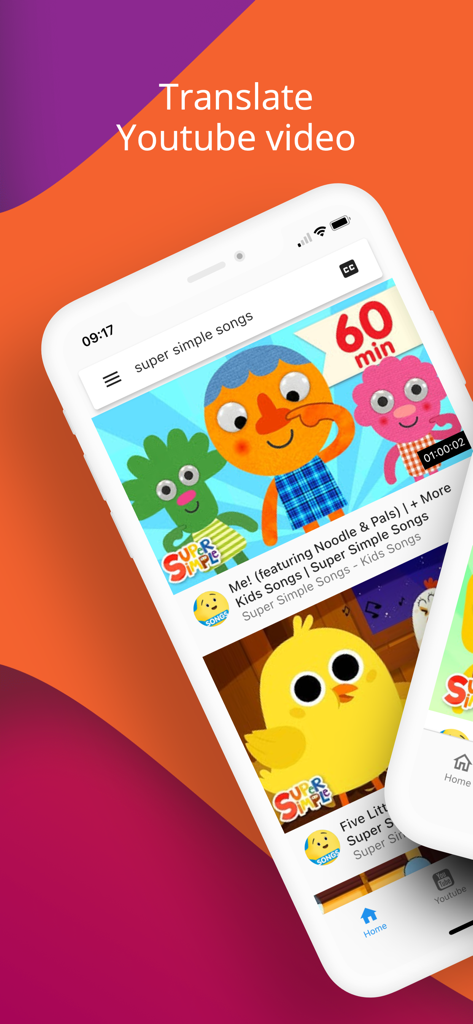
Promotional screen for zTranslate app showing the interface to translate YouTube videos
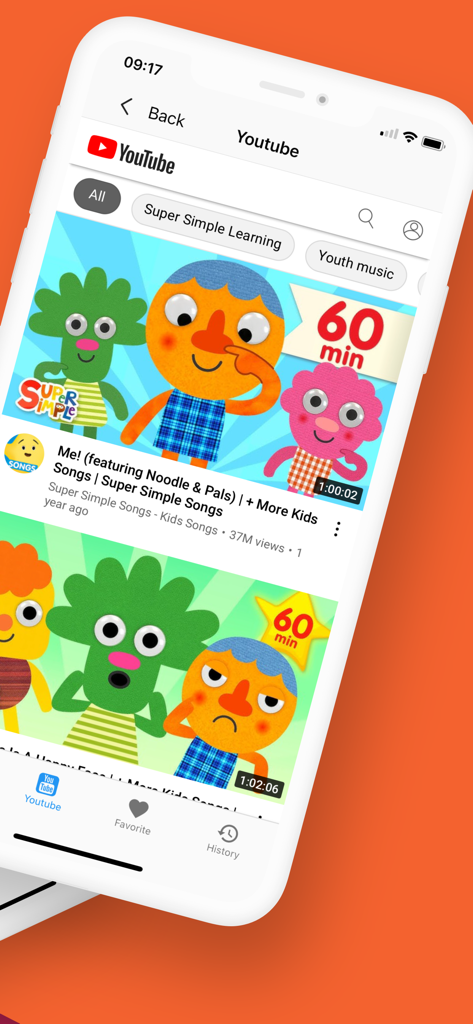
Mobile app interface showing a list of YouTube videos with search and navigation options
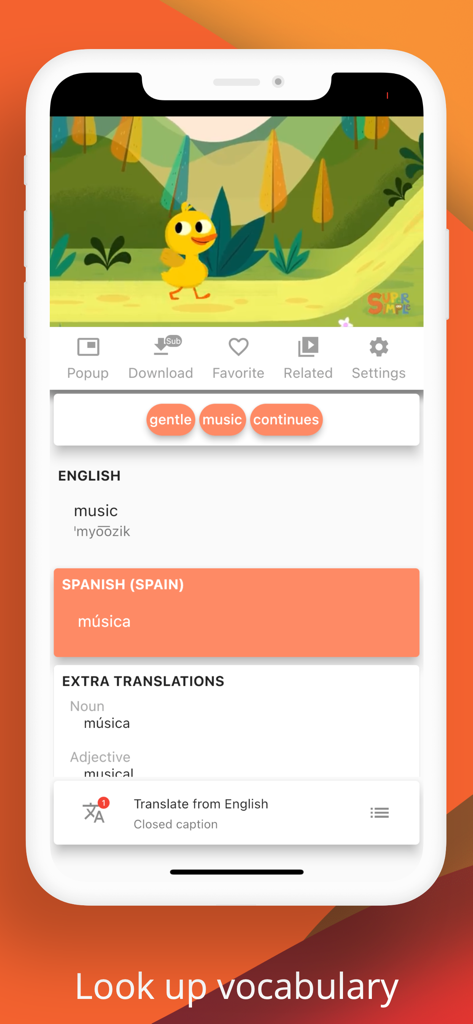
Screenshot of zTranslate app showing a video with an integrated dictionary lookup for English to Spanish translation
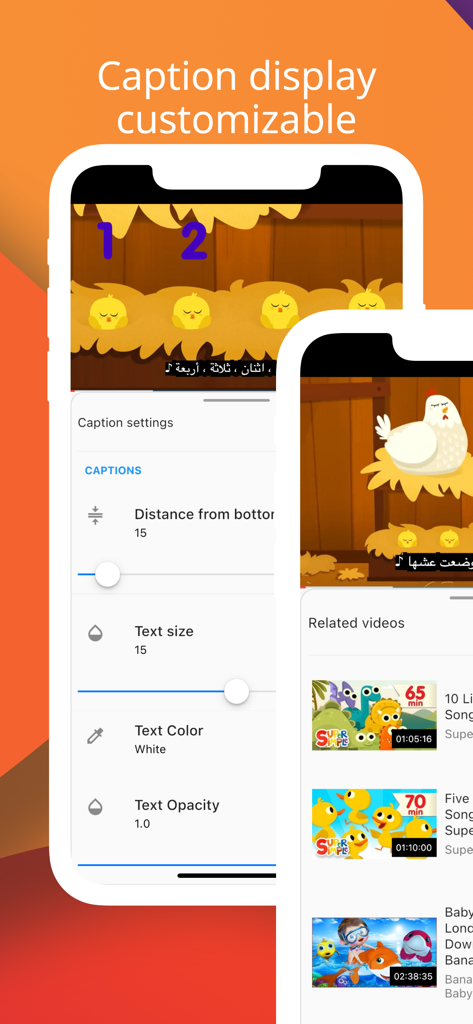
User interface showing customizable caption settings for YouTube subtitles in the zTranslate app
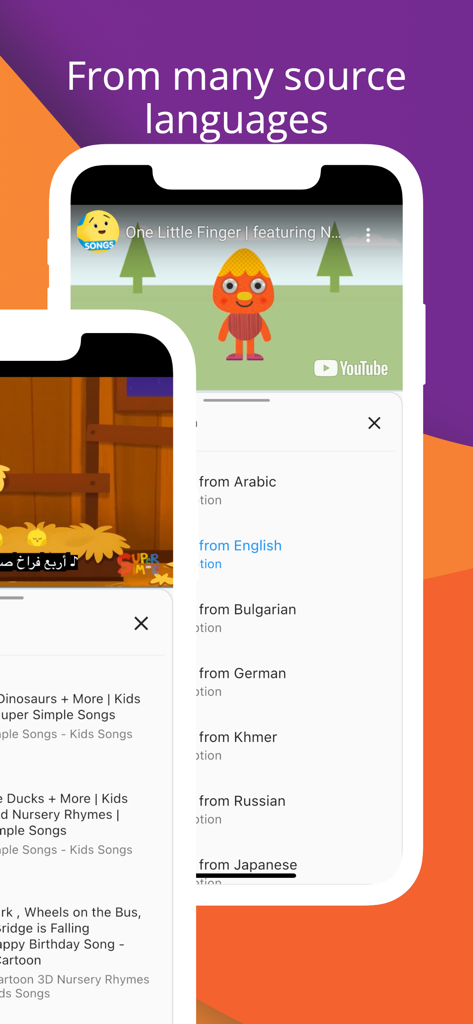
Interface of zTranslate app showing a list of available source languages for YouTube subtitle translation
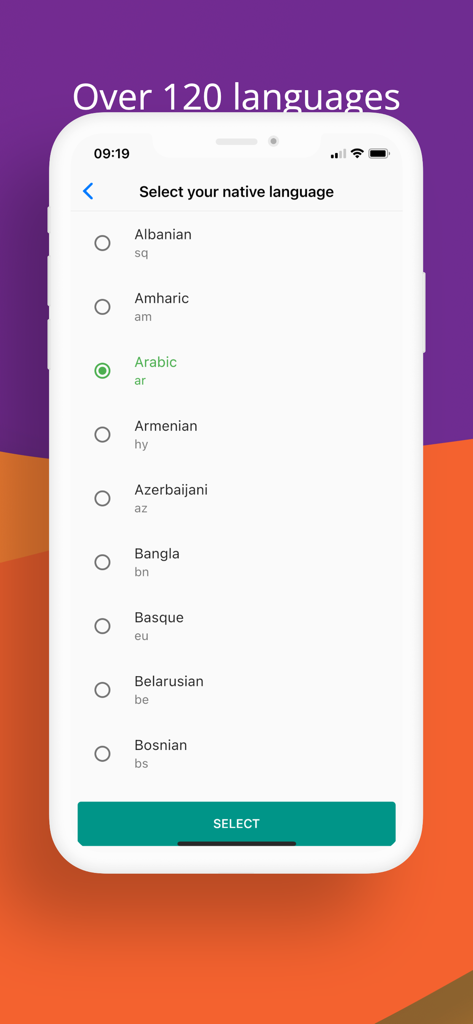
Interface of zTranslate app showing a list of over 120 languages to select as native language
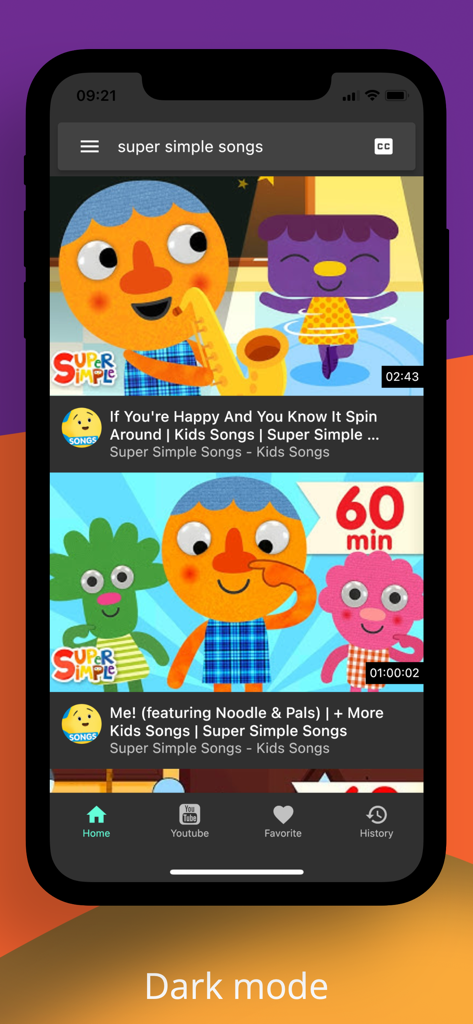
zTranslate app interface in dark mode displaying YouTube search results for educational songs
Description
Download
More Like This
Apps with similar features and user experience

不背单词-真实语境学英语单词
Beijing Is-Cool Technology Co., Ltd
每日英语听力-每天更新的英语泛听资源库
QianYan Network

Cake - Learn English & Korean
Cake Company Limited

Miraa - AI transcribe & shadow
Myoland, Inc.

ListenLeap – Learn English
INSPIRED AI PTE. LTD.

Pollykann - Ultra Media Player
亮富 罗

Singit: Learn English & Music
SINGIT TLV LTD

扇贝阅读- 全球热文、英文原版书轻松读
Nanjing Beiwan Information & Tech Ltd.

LingoClip
Elasthink S.L.
This page is not an official page of the app or its developer, but an independent editorial publication created for informational and commentary purposes. Unless expressly stated otherwise, neither the app nor its developer is affiliated with, endorsed by, sponsored by, authorized by, or otherwise officially connected with MWM, Apple, Google Play, the app publisher, or the app's developer, and nothing on this page implies that the app was developed using MWM's services. Any trademarks, logos, screenshots, and other content remain the property of their respective owners.