
Diese Seite ist keine offizielle Seite der App oder ihres Entwicklers, sondern eine unabhängige redaktionelle Veröffentlichung, die zu Informations- und Kommentarzwecken erstellt wurde. Sofern nicht ausdrücklich anders angegeben, sind weder die App noch ihr Entwickler mit MWM, Apple, Google Play, dem App-Herausgeber oder dem Entwickler der App verbunden, von ihnen unterstützt, gesponsert, autorisiert oder anderweitig offiziell verbunden, und nichts auf dieser Seite impliziert, dass die App unter Verwendung der Dienste von MWM entwickelt wurde. Alle Marken, Logos, Screenshots und andere Inhalte bleiben Eigentum ihrer jeweiligen Inhaber.

Adobe Illustrator: Graphic Art
Verwandeln Sie Ihre Skizzen mit der Präzision des Apple Pencil in skalierbare Vektorgrafiken. Erstellen Sie unterwegs beeindruckende Logos, Icons und Illustrationen mit nahtloser Creative Cloud-Synchronisierung.
Downloads
7M+Bewertung
Bewertungen gesamt
101K+Herausgeber
Kategorie
Graphics & DesignSprachen
5Neueste Version
3.0.10Größe
856.2 MBErstveröffentlichung
19. Okt. 2020Professionelle Leistung, mobile Freiheit
Das Industriestandard-Vektor-Tool, neu konzipiert für Ihr iPad. Erstellen Sie hochwertige Logos, Illustrationen und Typografie mit der Präzision eines Desktops und der Flexibilität eines Tablets.
Natürliche Stiftpräzision
Zeichnen Sie Vektorlinien und -kurven so natürlich wie mit einem Stift auf Papier. Nutzen Sie intuitive Gesten und den Apple Pencil, um mit punktgenauer Präzision zu gestalten, ohne an einen Schreibtisch gebunden zu sein.
Nahtloser Cloud-Workflow
Beginnen Sie auf Ihrem iPad und schließen Sie das Projekt auf Ihrem Desktop ab. Ihre Projekte werden automatisch auf allen Geräten synchronisiert, sodass Sie überall genau dort weitermachen können, wo Sie aufgehört haben.
Häufig gestellte Fragen
Alles, was Sie über wissen müssen Adobe Illustrator: Graphic Art
Ist Adobe Illustrator: Graphic Art kostenlos mit einem Creative Cloud-Abonnement?
Ja, Adobe Illustrator: Graphic Art ist für Creative Cloud-Mitglieder kostenlos, deren Plan Illustrator beinhaltet. Es ist Teil der Adobe Creative Cloud-Suite von Anwendungen.
Was kann man mit Adobe Illustrator: Graphic Art auf dem iPad erstellen?
Adobe Illustrator: Graphic Art ermöglicht es Benutzern, Logos, Illustrationen und verschiedene Grafiken zu erstellen. Es ermöglicht das Design mit Vektorlinien, Formen, Text, Verläufen und Effekten.
Unterstützt Adobe Illustrator: Graphic Art den Apple Pencil?
Ja, Adobe Illustrator auf dem iPad ist so konzipiert, dass es intuitiv mit dem Apple Pencil funktioniert. Dies ermöglicht präzises Zeichnen und eine natürliche Interaktion, ähnlich wie mit Stift und Papier.
Kann ich Adobe Illustrator: Graphic Art offline auf meinem iPad verwenden?
Ja, Sie können mit Adobe Illustrator: Graphic Art auf Ihrem iPad auch offline gestalten. Diese Funktion ermöglicht kreatives Arbeiten von jedem Ort aus ohne Internetverbindung.
Synchronisiert Adobe Illustrator: Graphic Art Designs mit der Cloud?
Ja, die auf dem iPad erstellten Illustrator-Arbeiten werden automatisch mit der Creative Cloud synchronisiert. Dies stellt sicher, dass Projekte für Sie und Ihr Team geräteübergreifend auf Desktop- und iPad-Geräten zugänglich sind.
Wie viele Schriftarten sind in Adobe Illustrator: Graphic Art verfügbar?
Adobe Illustrator: Graphic Art bietet Zugriff auf über 18.000 hochwertige Schriftarten aus der Adobe Fonts-Bibliothek. Benutzer können auch ihre eigenen lizenzierten Schriftarten hochladen und verwenden.
Kann Adobe Illustrator: Graphic Art Rasterbilder in Vektoren umwandeln?
Ja, Adobe Illustrator auf dem iPad enthält eine 'Vektorisieren'-Funktion, die Rasterbilder oder Skizzen in bearbeitbare Vektorgrafiken direkt in der App umwandelt.
Ist Adobe Illustrator: Graphic Art mit Photoshop-Dateien kompatibel?
Ja, Adobe Illustrator: Graphic Art ermöglicht den direkten Import von Photoshop-Bildern in ein Illustrator-Design. Es unterstützt einen nahtlosen Workflow zwischen Adobe Illustrator, Photoshop und Fresco.
Welche Export-Dateiformate unterstützt Adobe Illustrator: Graphic Art?
Adobe Illustrator: Graphic Art unterstützt den Export von Designs in gängige Dateiformate wie SVG, PDF, PNG und PSD. Dies gewährleistet Qualität und Kompatibilität über verschiedene Plattformen hinweg.
Bietet Adobe Illustrator: Graphic Art Livestreaming-Tutorials an?
Ja, Adobe Illustrator: Graphic Art bietet Livestreaming innerhalb der App. Benutzer können täglich von führenden Kreativen der Designbranche lernen und neue Trends entdecken.
Die folgenden Screenshots und die Beschreibung stammen direkt aus dem offiziellen Store-Eintrag der App und sind Eigentum des Entwicklers.
App Store
Screenshots
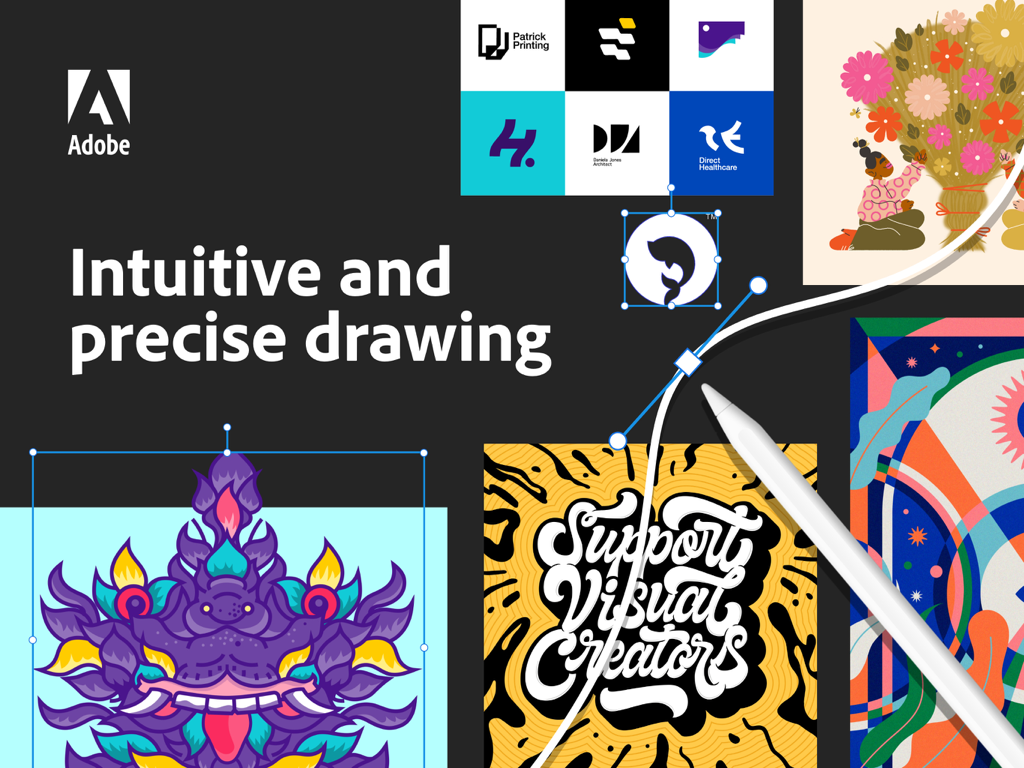
Adobe Illustrator auf dem iPad zeigt Vektorzeichnungen mit dem Apple Pencil und verschiedene Grafikdesign-Beispiele
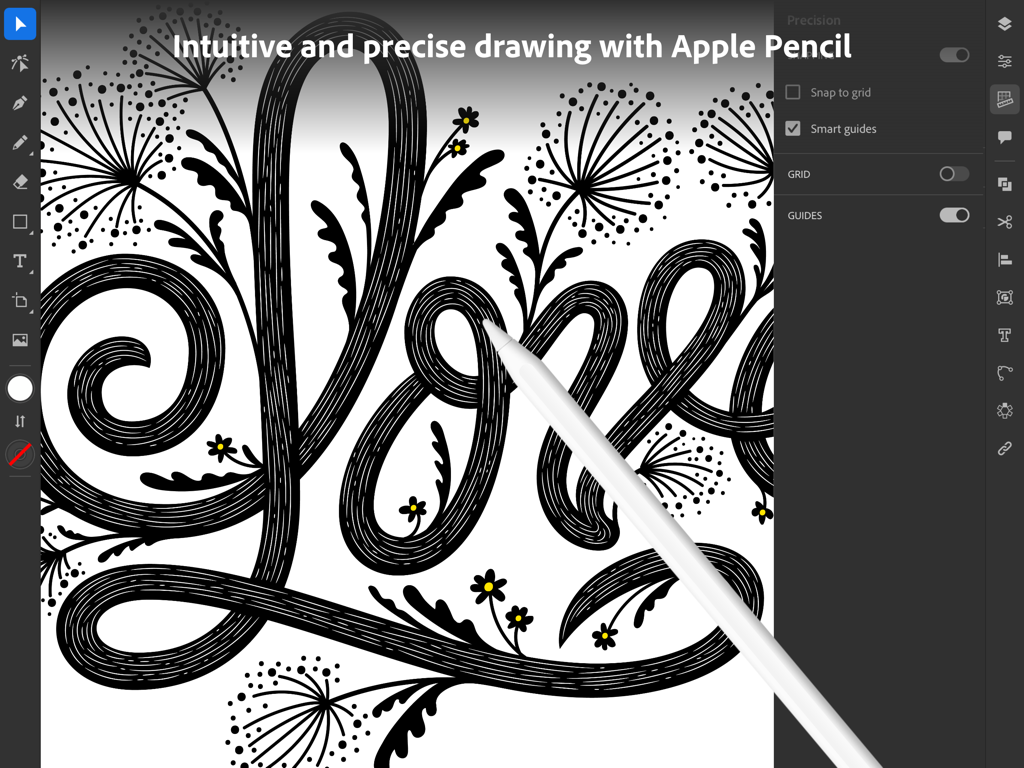
Grafikdesigner verwendet den Apple Pencil, um präzise Vektorgrafiken in Adobe Illustrator auf einem iPad zu erstellen.
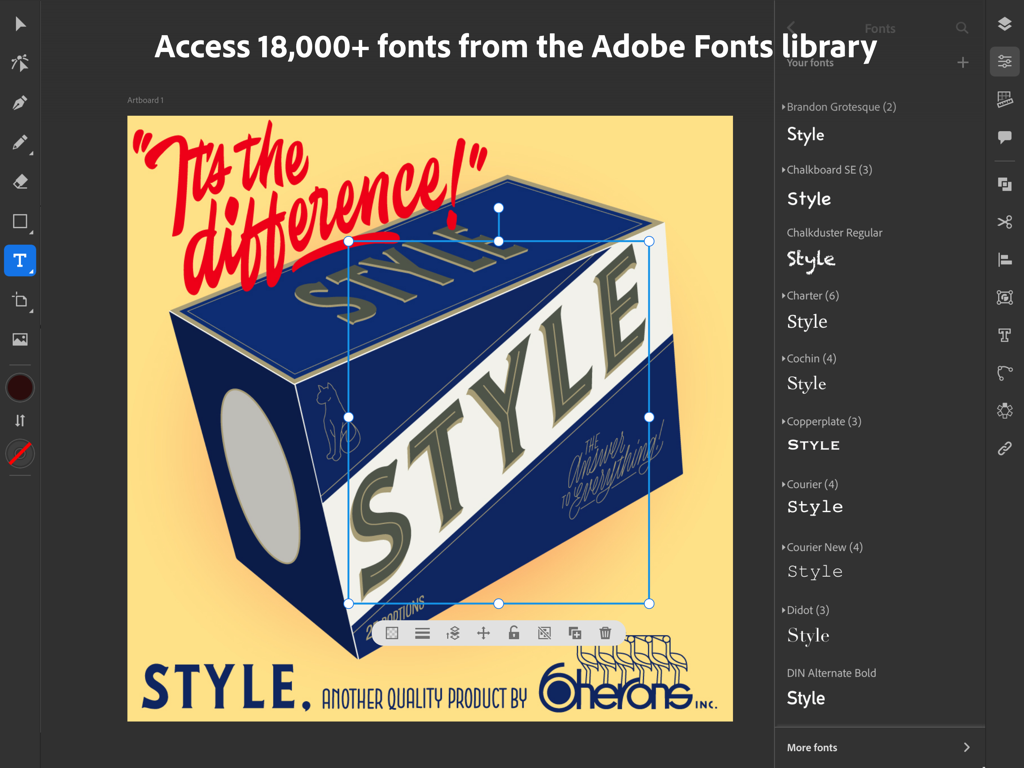
Benutzeroberfläche der Adobe Illustrator iPad-App mit dem Menü zur Schriftauswahl und einem Retro-Grafikdesign-Projekt
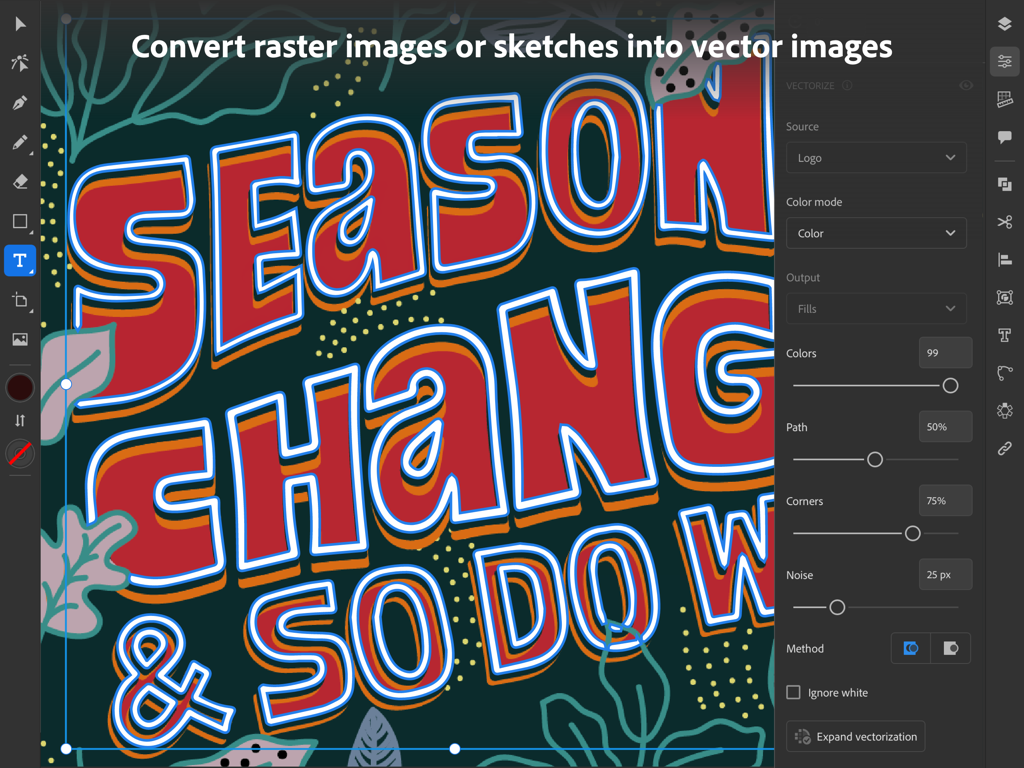
Adobe Illustrator auf dem iPad zeigt das Vektorisieren-Bedienfeld, das eine farbenfrohe handgezeichnete typografische Illustration in bearbeitbare Vektorgrafiken umwandelt.
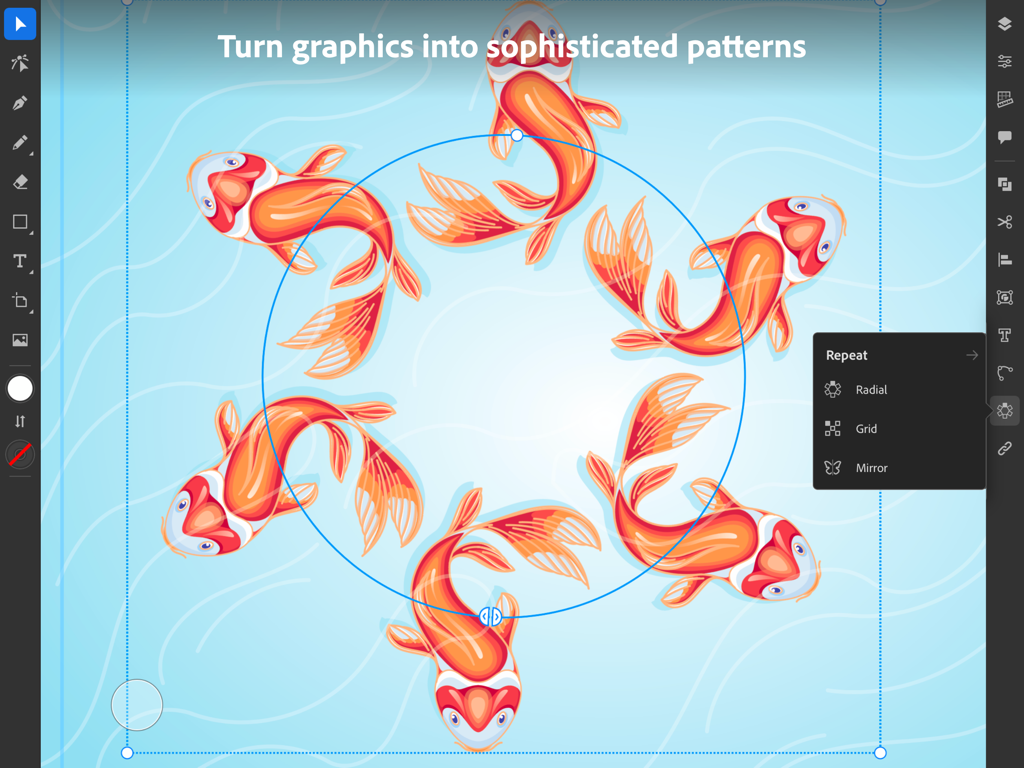
Adobe Illustrator iPad-App zeigt die Funktion „Radiale Wiederholung“ mit Koi-Fisch-Illustrationen
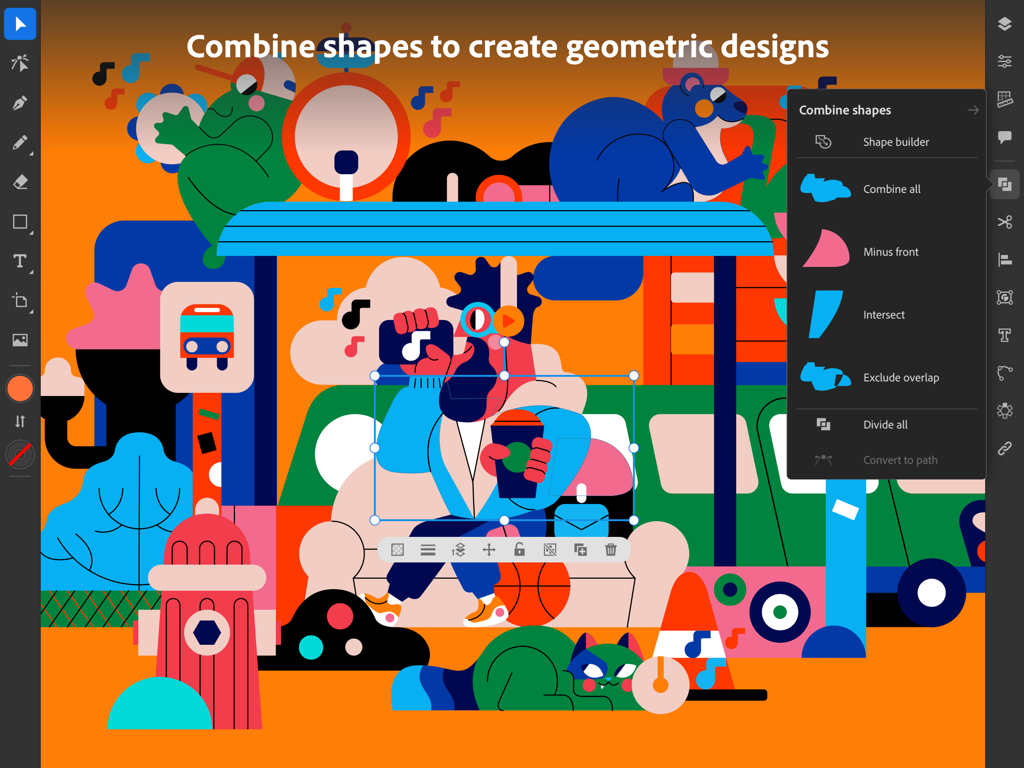
Benutzeroberfläche von Adobe Illustrator für das iPad zeigt eine farbenfrohe geometrische Illustration und das Menü „Formen kombinieren“.
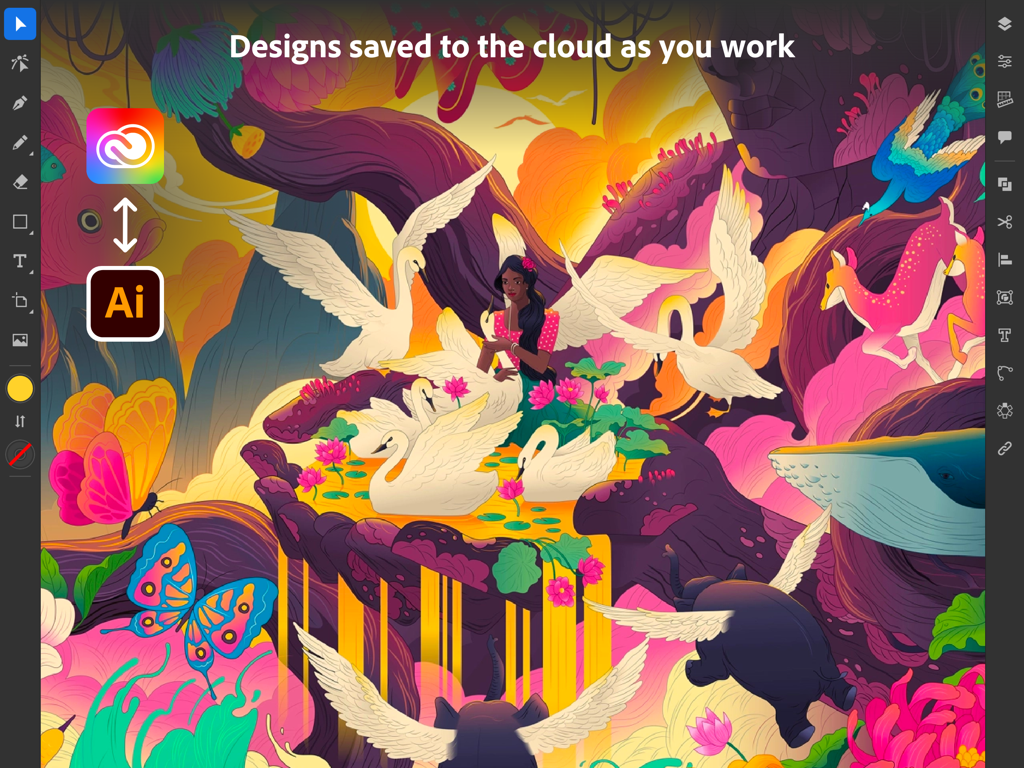
Adobe Illustrator iPad-Benutzeroberfläche zeigt eine surreale Illustration und Cloud-Synchronisierungs-Icons
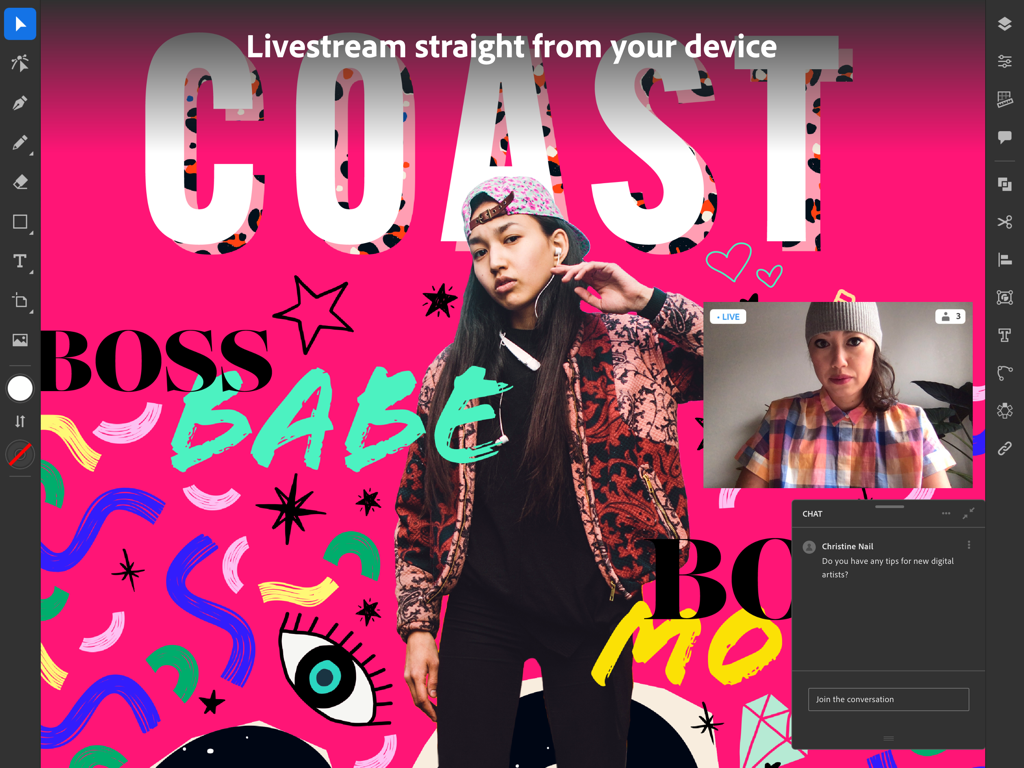
Adobe Illustrator iPad-App zeigt einen Livestream und Community-Chat.
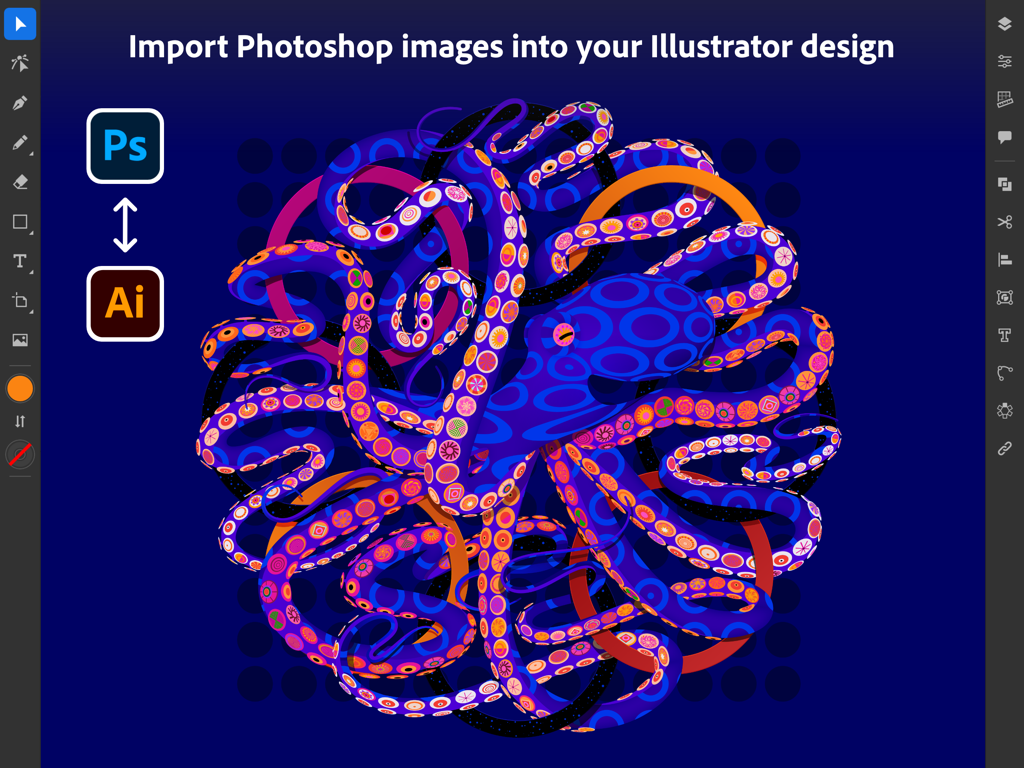
Adobe Illustrator iPad-Benutzeroberfläche zeigt den Import von Photoshop-Bildern mit einer bunten Oktopus-Grafik
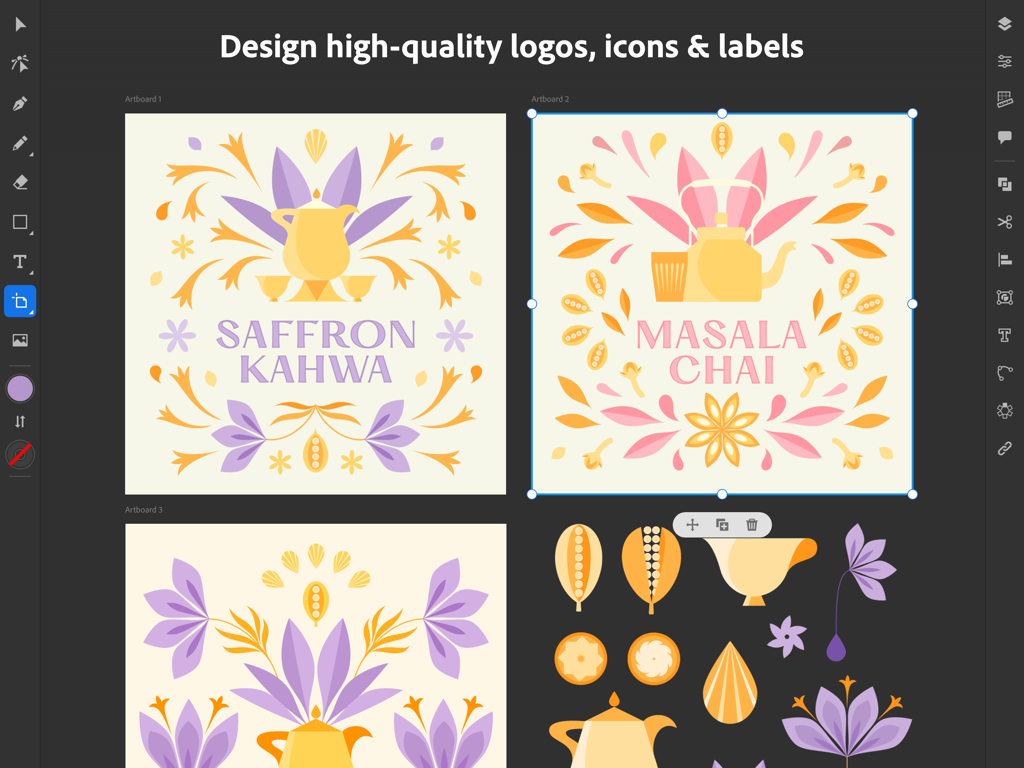
Adobe Illustrator iPad-Benutzeroberfläche zeigt Vektorlogo- und Etikettendesigns für Teemarken.
Beschreibung
Download
Ähnliche Apps
Apps mit ähnlichen Funktionen und Nutzererfahrung

Affinity Designer 2 for iPad
Serif (Europe) Ltd.

Vector & SVG Maker - Assembly
Pixite Inc.

Logoist 5
Synium Software GmbH

Infinite Zoom Art - Canvas Max
Appycron Interactive e.K.

Inkpad - Graphic Design
Envoza Ltd

Amadine: Vector Design and Art
Belight Software, ltd

Graphic for iPad
Picta, Inc

Vector Drawing & Logo Design
Jonathan OFarrow

iDesign
TouchAware Limited
Diese Seite ist keine offizielle Seite der App oder ihres Entwicklers, sondern eine unabhängige redaktionelle Veröffentlichung, die zu Informations- und Kommentarzwecken erstellt wurde. Sofern nicht ausdrücklich anders angegeben, sind weder die App noch ihr Entwickler mit MWM, Apple, Google Play, dem App-Herausgeber oder dem Entwickler der App verbunden, von ihnen unterstützt, gesponsert, autorisiert oder anderweitig offiziell verbunden, und nichts auf dieser Seite impliziert, dass die App unter Verwendung der Dienste von MWM entwickelt wurde. Alle Marken, Logos, Screenshots und andere Inhalte bleiben Eigentum ihrer jeweiligen Inhaber.