
Diese Seite ist keine offizielle Seite der App oder ihres Entwicklers, sondern eine unabhängige redaktionelle Veröffentlichung, die zu Informations- und Kommentarzwecken erstellt wurde. Sofern nicht ausdrücklich anders angegeben, sind weder die App noch ihr Entwickler mit MWM, Apple, Google Play, dem App-Herausgeber oder dem Entwickler der App verbunden, von ihnen unterstützt, gesponsert, autorisiert oder anderweitig offiziell verbunden, und nichts auf dieser Seite impliziert, dass die App unter Verwendung der Dienste von MWM entwickelt wurde. Alle Marken, Logos, Screenshots und andere Inhalte bleiben Eigentum ihrer jeweiligen Inhaber.

Amadine: Vector Design and Art
Entfesseln Sie Desktop-Power auf Ihrem iPad und iPhone. Erstellen Sie atemberaubende Logos, UI und Kunstwerke mit einer übersichtlichen Oberfläche, Apple Pencil-Präzision und ohne Abo-Aufwand.
Downloads
779K+Bewertung
Bewertungen gesamt
500Herausgeber
Kategorie
Graphics & DesignSprachen
3Neueste Version
1.7.2Größe
64.7 MBErstveröffentlichung
8. Dez. 2020Gestalten wie ein Profi, überall
Amadine liefert die Leistung von Desktop-Vektorsoftware in einer übersichtlichen, intuitiven Oberfläche, optimiert für Ihren mobilen kreativen Workflow.
Präzise Vektorwerkzeuge
Greifen Sie auf über 30 professionelle Werkzeuge zu, vom klassischen Zeichenstift-Werkzeug bis zum innovativen Fusion-Werkzeug für müheloses Formenbau.
Flüssiges iPad-Erlebnis
Nutzen Sie das volle Potenzial des Apple Pencil mit Drucksensitivität und nativen Gesten für einen wirklich taktilen kreativen Prozess.
Häufig gestellte Fragen
Alles, was Sie über wissen müssen Amadine: Vector Design and Art
Was ist Amadine?
Amadine ist eine intuitive Vektor-Design-, Zeichen- und Illustrations-App. Sie bietet eine übersichtliche Benutzeroberfläche zur Erstellung komplexer Designs wie Illustrationen, Logos, Icons, UI-Designs, Brandbooks und Kunstwerke, geeignet für aufstrebende Künstler und Profis gleichermaßen.
Was kann ich mit Amadine erstellen?
Mit Amadine können Benutzer Designs jeder Komplexität erstellen, einschließlich Illustrationen, Logos, Icons, UI-Designs, Brandbooks und Kunstwerke. Es bietet umfassende Vektorgestaltungsfunktionen in einer einzigen Anwendung.
Unterstützt Amadine den Apple Pencil?
Ja, Amadine für iPad unterstützt den Apple Pencil. Er ermöglicht das Zeichnen mit dem druckempfindlichen Apple Pencil und Apple Pencil 2 und bietet reaktionsschnelle und natürliche Pinsel für kreative Kunstwerke.
Welche Dateiformate unterstützt Amadine für Import und Export?
Amadine importiert SVG, PDF, AI, JPEG, TIFF, PNG und HEIC. Es exportiert Grafiken in die Dateiformate SVG, PDF, JPEG, TIFF, PNG oder PDF, was Flexibilität für den Austausch von Designs ermöglicht.
Ist Amadine kostenlos nutzbar?
Ja, die Amadine-App kann kostenlos heruntergeladen werden und ermöglicht das Ausprobieren aller Werkzeuge und Workflow-Spezifikationen. Exportfunktionen erfordern eine lebenslange Lizenz oder ein Abonnement über In-App-Käufe.
Welche leistungsstarken Vektorwerkzeuge sind in Amadine verfügbar?
Amadine bietet über 30 Werkzeuge zum Auswählen, Zeichnen, Bearbeiten und Tippen. Dazu gehören Stift, Zeichnen, Breite, Verlauf, Rechteck, Ellipse, Freie Transformation und Maskierung für umfassendes Vektordesign.
Kann Amadine Textbearbeitungsfunktionen verarbeiten?
Ja, Amadine bietet Textbearbeitung auf Profi-Niveau. Zu den Funktionen gehören das Textwerkzeug, das Werkzeug Text auf Pfad, das Werkzeug Text in Form, die In-Place-Bearbeitung, Formatierung, Ausrichtung, Verteilung und Unterstützung für nummerierte und Aufzählungslisten.
Verfügt Amadine über ein Fusion-Werkzeug?
Ja, Amadine verfügt über ein Fusion-Werkzeug. Dieses Werkzeug bietet einen einzigartigen Ansatz zur Erstellung von Vektorobjekten, indem es mehrere Objekte zu einer einzigen, zusammenhängenden Form innerhalb des Designs kombiniert.
Kann ich Amadine auf einem Mac-Computer verwenden?
Ja, Amadine ist für Mac verfügbar. Es gibt eine separate Version der Amadine-App für Mac, die sicherstellt, dass Benutzer ihre Vektorgestaltungsfähigkeiten auf verschiedenen Apple-Plattformen nutzen können.
Unterstützt Amadine den CMYK-Farbmodus?
Ja, Amadine unterstützt sowohl RGB- als auch CMYK-Farbmodi vollständig. Es enthält auch Unterstützung für Farbprofile, um eine genaue Farbwiedergabe auf verschiedenen Geräten für professionelle Designarbeiten zu gewährleisten.
Wie funktioniert das Amadine-Recolor-Panel?
Das Amadine-Recolor-Panel ermöglicht einfache, großflächige Farbänderungen an Kunstwerken. Benutzer können vorhandene Farbschemata schnell ändern und so effiziente Farbkorrekturen für Designs ermöglichen.
Kann ich benutzerdefinierte Vektor-Formbibliotheken in Amadine erstellen?
Ja, Amadine ermöglicht es Benutzern, benutzerdefinierte Vektor-Formbibliotheken zu erstellen. Obwohl es integrierte Bibliotheken enthält, können Sie Amadine-Formen in Ihren eigenen Bibliotheken speichern, um personalisierte Objektsets zu erstellen.
Die folgenden Screenshots und die Beschreibung stammen direkt aus dem offiziellen Store-Eintrag der App und sind Eigentum des Entwicklers.
App Store
Screenshots
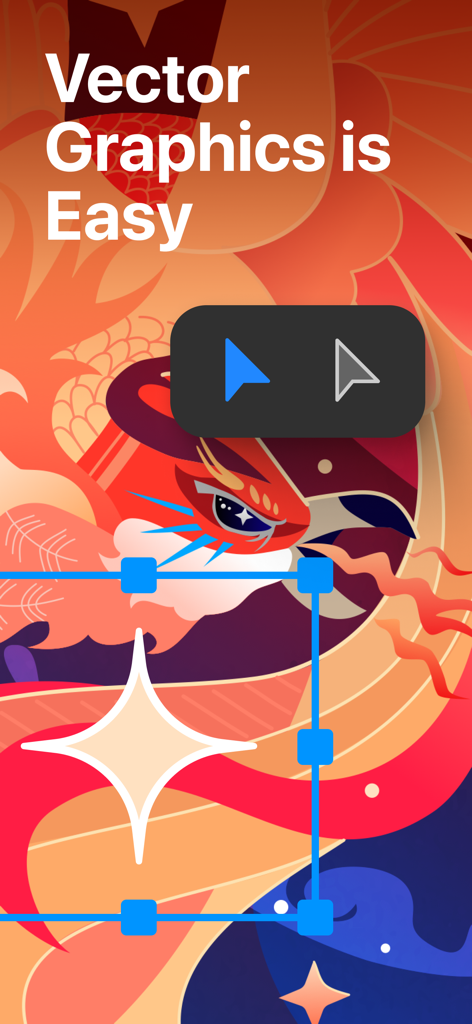
Eine farbenfrohe Vektorgrafik eines Vogels in der Amadine-App mit dem Text Vektorgrafik ist einfach und Design-Tools

Vektorgrafik, die das fantasievolle Farbverlaufswerkzeug in der Amadine-App zeigt
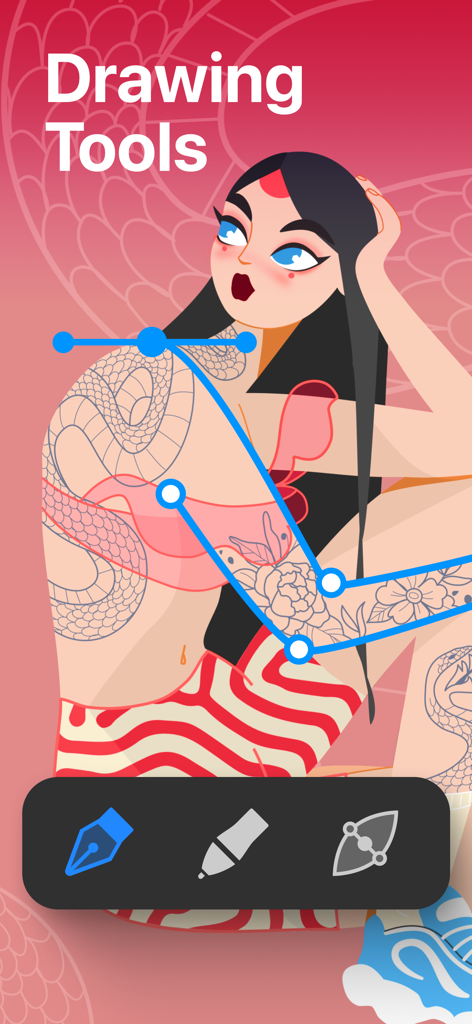
Amadine App-Oberfläche, die Vektorpfadbearbeitungswerkzeuge über einer Charakterillustration anzeigt
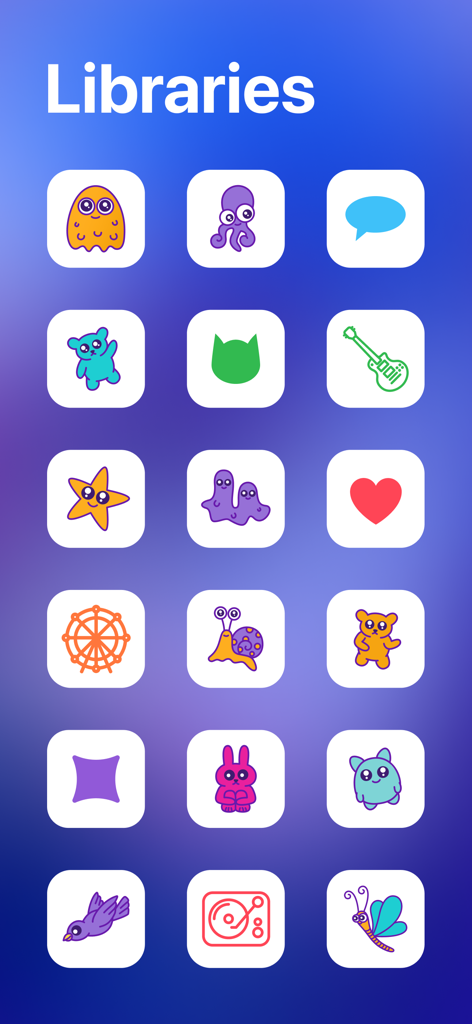
Amadine Vektor-Design-App-Bibliothek mit verschiedenen bunten Icons und Charakteren
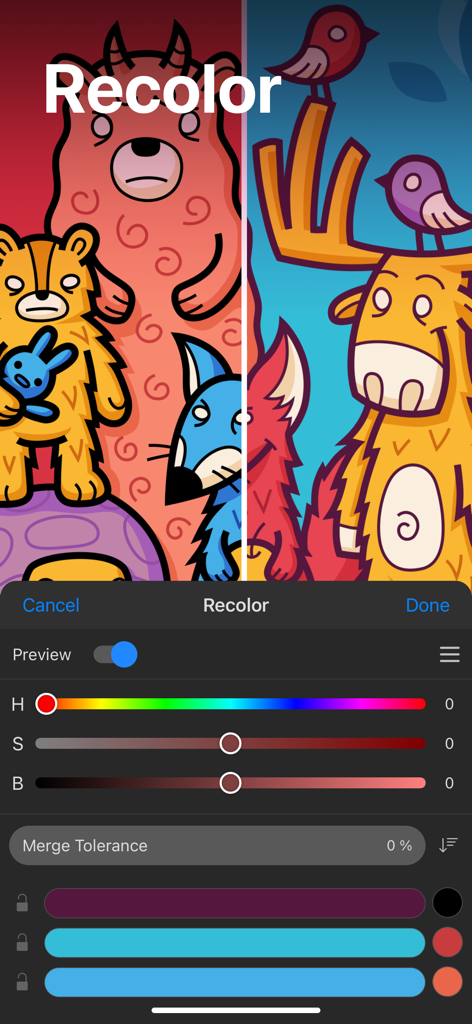
Recolor-Panel in der Amadine-App mit Farbreglern und einer Vektorgrafik von Zeichentricktieren in zwei verschiedenen Farbschemata
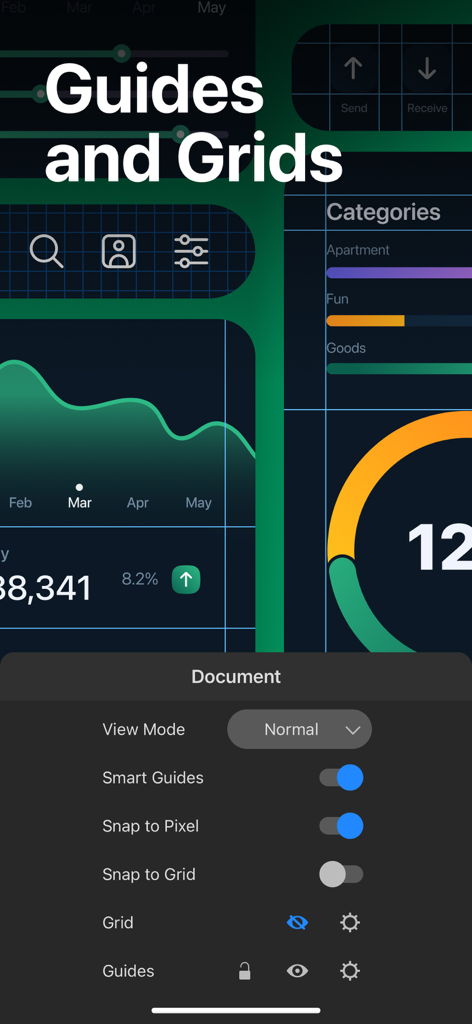
Amadine App-Oberfläche, die Einstellungen für Hilfslinien und Raster für das Vektor-UI-Design zeigt
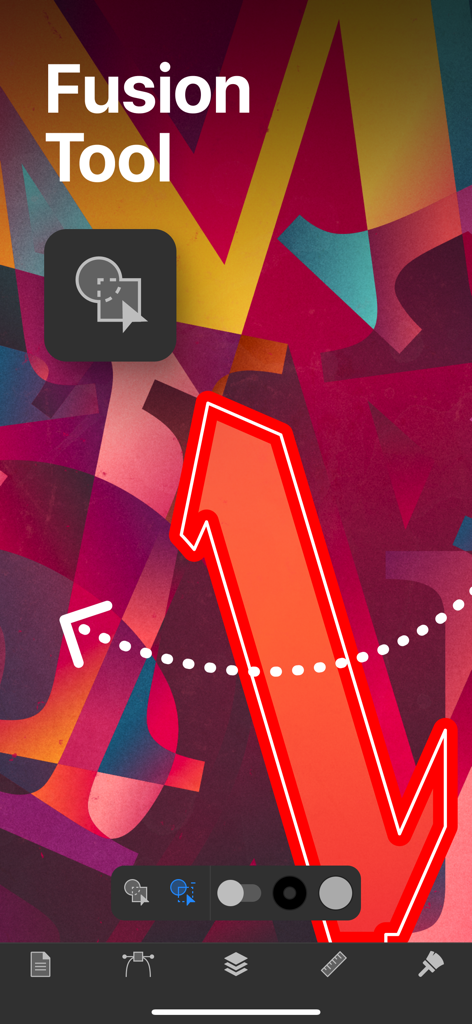
Amadine App-Oberfläche, die die Fusion-Tool-Funktion für Vektordesign zeigt
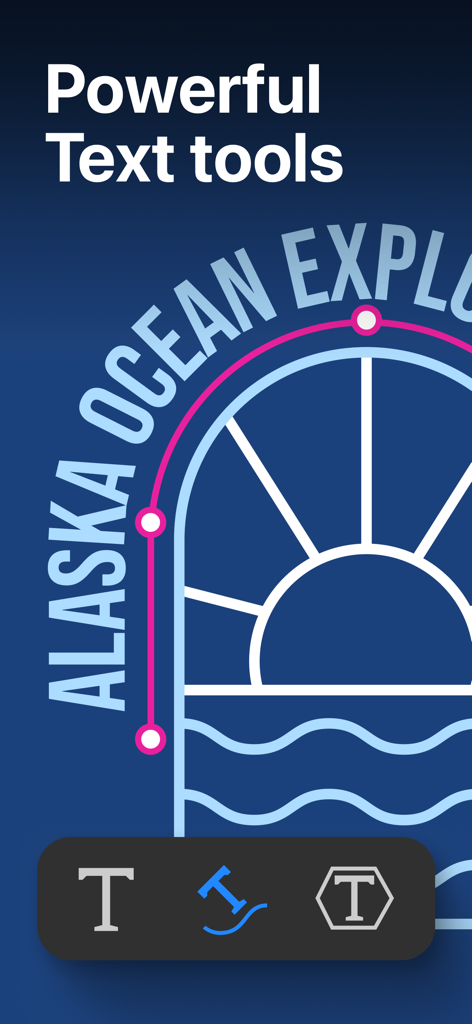
Amadine App-Screenshot, der eine Vektorgrafik mit Text auf Pfad und Textbearbeitungswerkzeugen zeigt
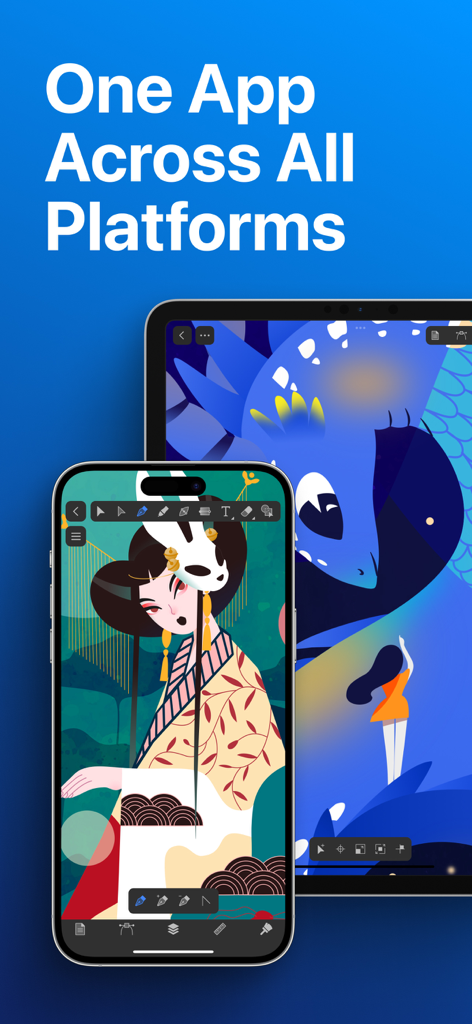
Amadine Vektor-Design-App auf einem iPhone und iPad mit Illustrationen auf den Bildschirmen
Beschreibung
Download
Ähnliche Apps
Apps mit ähnlichen Funktionen und Nutzererfahrung

Affinity Designer 2 for iPad
Serif (Europe) Ltd.

Vector & SVG Maker - Assembly
Pixite Inc.

Logoist 5
Synium Software GmbH

Adobe Illustrator: Graphic Art
Adobe Inc.

Infinite Zoom Art - Canvas Max
Appycron Interactive e.K.

Inkpad - Graphic Design
Envoza Ltd

Graphic for iPad
Picta, Inc

Vector Drawing & Logo Design
Jonathan OFarrow

iDesign
TouchAware Limited
Diese Seite ist keine offizielle Seite der App oder ihres Entwicklers, sondern eine unabhängige redaktionelle Veröffentlichung, die zu Informations- und Kommentarzwecken erstellt wurde. Sofern nicht ausdrücklich anders angegeben, sind weder die App noch ihr Entwickler mit MWM, Apple, Google Play, dem App-Herausgeber oder dem Entwickler der App verbunden, von ihnen unterstützt, gesponsert, autorisiert oder anderweitig offiziell verbunden, und nichts auf dieser Seite impliziert, dass die App unter Verwendung der Dienste von MWM entwickelt wurde. Alle Marken, Logos, Screenshots und andere Inhalte bleiben Eigentum ihrer jeweiligen Inhaber.