
Diese Seite ist keine offizielle Seite der App oder ihres Entwicklers, sondern eine unabhängige redaktionelle Veröffentlichung, die zu Informations- und Kommentarzwecken erstellt wurde. Sofern nicht ausdrücklich anders angegeben, sind weder die App noch ihr Entwickler mit MWM, Apple, Google Play, dem App-Herausgeber oder dem Entwickler der App verbunden, von ihnen unterstützt, gesponsert, autorisiert oder anderweitig offiziell verbunden, und nichts auf dieser Seite impliziert, dass die App unter Verwendung der Dienste von MWM entwickelt wurde. Alle Marken, Logos, Screenshots und andere Inhalte bleiben Eigentum ihrer jeweiligen Inhaber.


Affinity Designer 2 for iPad
Erwecken Sie Ihre kreativen Visionen zum Leben mit der leistungsstärksten, berührungsoptimierten Design-Suite. Von komplexen Illustrationen bis hin zu Markenidentitäten, erleben Sie Desktop-Präzision und Leistung, wohin Ihr iPad auch geht.
Downloads
1M+Bewertung
Bewertungen gesamt
11K+Herausgeber
Kategorie
Graphics & DesignSprachen
8Neueste Version
2.6.4Größe
1.7 GBErstveröffentlichung
9. Nov. 2022Professionelles Design, neu definiert für das iPad
Hören Sie auf, Kompromisse mit „Lite“-Apps einzugehen. Erleben Sie die volle Leistung einer Vektor- und Raster-Suite in Desktop-Qualität, speziell entwickelt für die Mobilität und Präzision des iPads.
Desktop-Leistung, null Verzögerung
Bearbeiten Sie komplexe Dokumente mühelos. Erleben Sie flüssige 120-fps-Leistung und zoomen Sie bis zu 1.000.000 % für absolute Präzision bei jedem Knoten.
Der ultimative Hybrid-Workflow
Wechseln Sie sofort zwischen professionellen Vektorwerkzeugen und hochwertigen Rasterpinseln. Malen, texturieren und maskieren Sie, ohne die App verlassen zu müssen.
Häufig gestellte Fragen
Alles, was Sie über wissen müssen Affinity Designer 2 for iPad
Was ist Affinity Designer 2 für iPad?
Affinity Designer 2 für iPad ist eine Grafikdesign-App, die für Touch-Bedienung und Apple Pencil optimiert ist. Sie ermöglicht Benutzern die Erstellung von Illustrationen, Branding, Logos, UI/UX-Designs, Druckprojekten und digitaler Kunst mit robusten Vektor- und Rasterwerkzeugen.
Unterstützt Affinity Designer 2 für iPad den Apple Pencil?
Ja, Affinity Designer 2 für iPad unterstützt den Apple Pencil vollständig. Er nutzt dessen Druck-, Neigungs- und Winkelabhängigkeit, um präzise Kontrolle für Zeichen- und Designaufgaben zu bieten.
Kann Affinity Designer 2 für iPad sowohl Vektor- als auch Rastergrafiken verarbeiten?
Ja, Affinity Designer 2 für iPad ermöglicht den nahtlosen Wechsel zwischen vollwertigen Vektor- und Rasterarbeitsbereichen. Benutzer können in Raster malen, zeichnen und skizzieren und dann benutzerdefinierte Vektorgrafiken erstellen.
Welche Dateiformate unterstützt Affinity Designer 2 für iPad?
Affinity Designer 2 für iPad unterstützt verschiedene Dateiformate, darunter Ai, PSD, PDF, EPS, SVG, JPG, JPEG XL, TIFF, EXR, DXF und DWG. Dies gewährleistet eine breite Kompatibilität für Projekte.
Wie optimiert Affinity Designer 2 für iPad die Leistung bei großen Dokumenten?
Affinity Designer 2 für iPad optimiert die Leistung bei großen Dokumenten durch die Integration des iOS16 Virtual Memory Swap. Dies erhöht die Effizienz dramatisch, selbst bei komplexen Designprojekten.
Verfügt Affinity Designer 2 für iPad über ein Messer-Werkzeug?
Ja, Affinity Designer 2 für iPad verfügt über ein Messer-Werkzeug. Benutzer können Formen, Kurven oder Text direkt in der Anwendung präzise durchtrennen, wie in der Benutzeroberfläche gezeigt.
Können Benutzer in Affinity Designer 2 für iPad nicht-destruktive Effekte anwenden?
Ja, Affinity Designer 2 für iPad unterstützt nicht-destruktive Anpassungen und Vektor-Verzerrungen. Dies ermöglicht es Benutzern, Änderungen vorzunehmen, ohne die ursprünglichen Bilddaten dauerhaft zu verändern, und gewährleistet eine flexible Bearbeitung.
Bietet Affinity Designer 2 für iPad erweiterte Typografie-Funktionen?
Ja, Affinity Designer 2 für iPad bietet hochentwickelte Typografie-Funktionen. Dazu gehören OpenType-Unterstützung, künstlerischer Text, Textrahmen, Zeichen-/Absatzformate und die Möglichkeit, Text entlang beliebiger Pfade fließen zu lassen.
Welche Farbmodelle unterstützt Affinity Designer 2 für iPad für die professionelle Ausgabe?
Affinity Designer 2 für iPad unterstützt professionelle Farbmodelle wie CMYK, LAB, RGB, PANTONE© und Graustufen. Es bietet außerdem vollständige 16-Bit-pro-Kanal-Bearbeitung und durchgängiges ICC-Farbmanagement.
Kann ich mit Affinity Designer 2 für iPad Logos und Branding erstellen?
Ja, Affinity Designer 2 für iPad ist ideal für die Erstellung von Logos und Branding. Es enthält leistungsstarke Vektorwerkzeuge wie das Zeichenstift-Werkzeug und den Form-Builder, die präzise Grafikdesignarbeiten ermöglichen.
Die folgenden Screenshots und die Beschreibung stammen direkt aus dem offiziellen Store-Eintrag der App und sind Eigentum des Entwicklers.
App Store
Screenshots
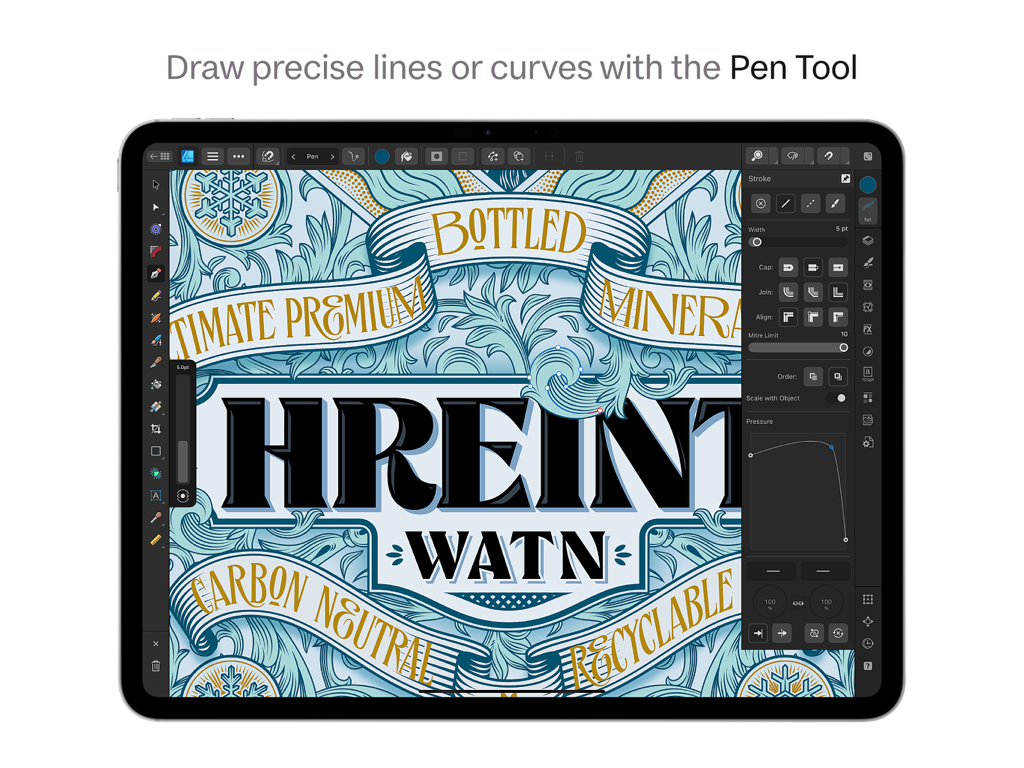
Zeichnen präziser Vektorkurven mit dem Zeichenstift-Werkzeug in Affinity Designer 2 für iPad.
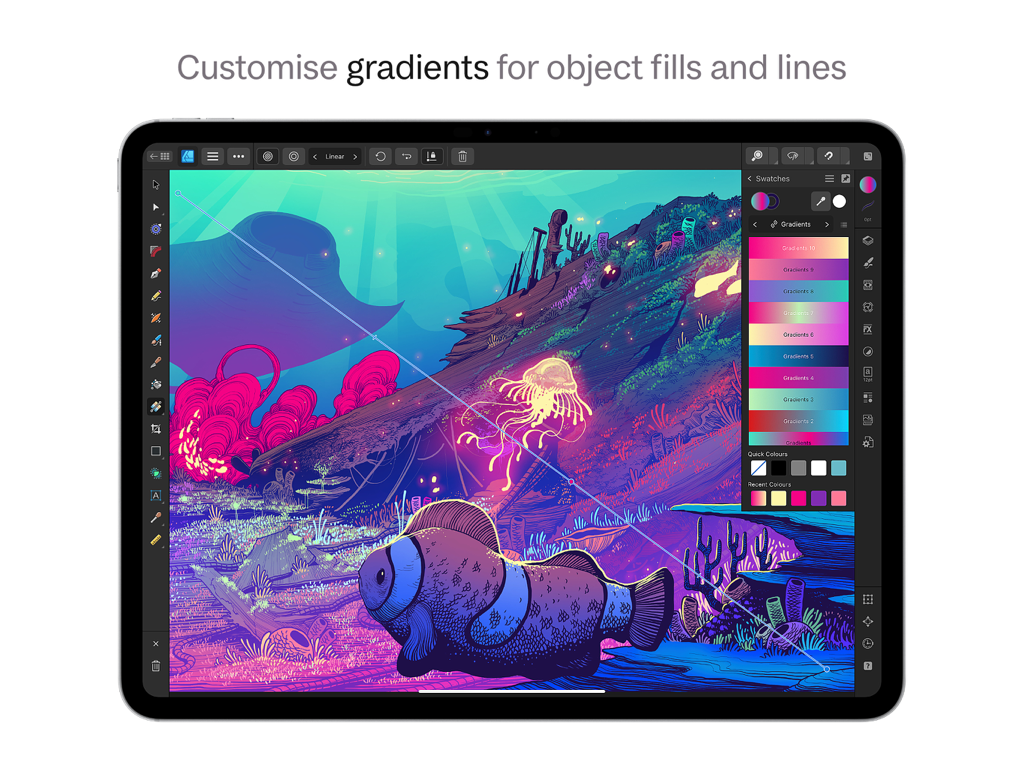
Oberfläche von Affinity Designer 2 für iPad, die die Anpassung von Farbverläufen auf einer digitalen Unterwasserillustration zeigt.
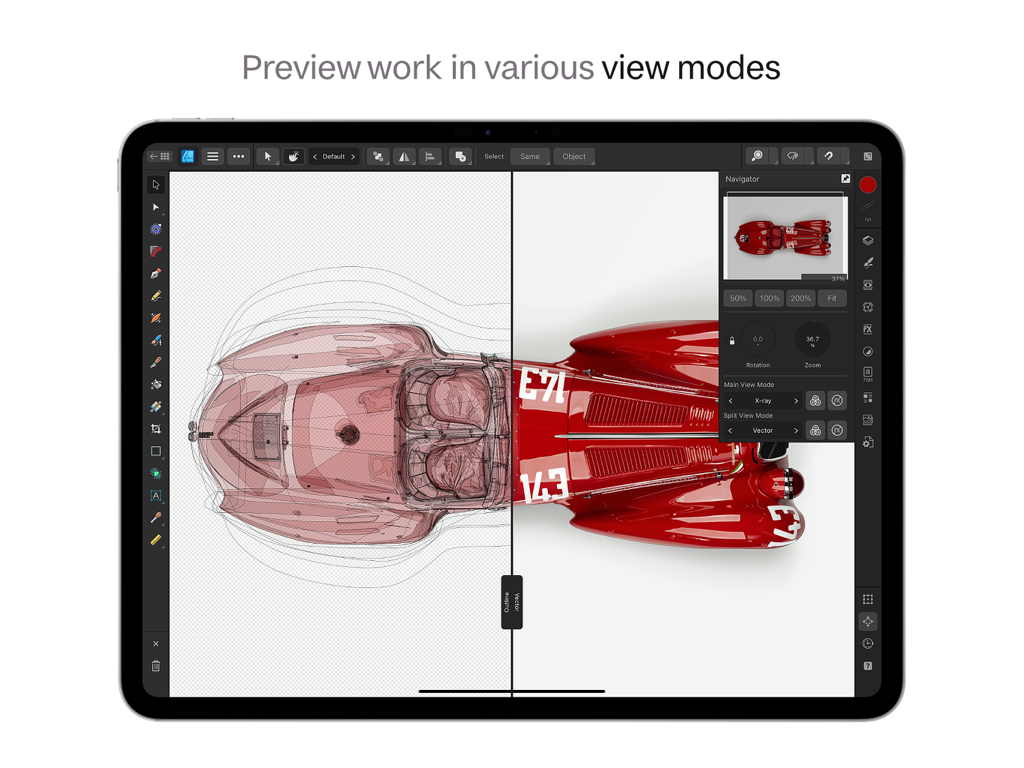
Affinity Designer 2 für iPad zeigt eine geteilte Ansicht mit Röntgen- und Vektormodi auf einem Autodesign.
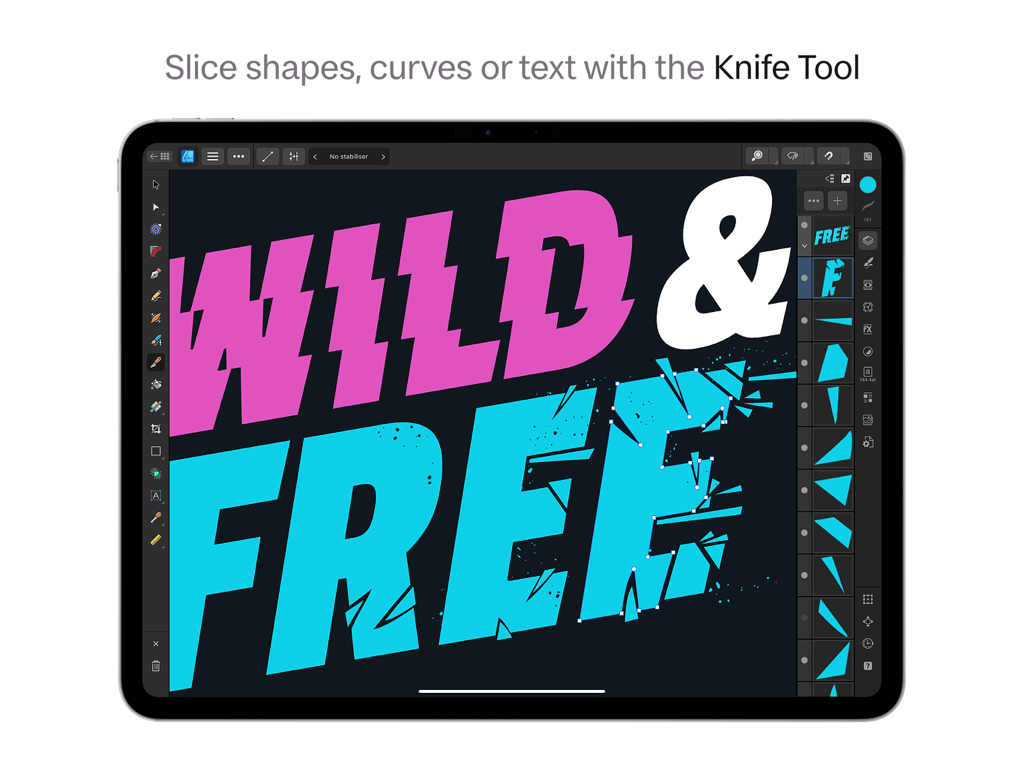
Verwenden des Messer-Werkzeugs zum Schneiden und Fragmentieren von Typografie in Affinity Designer 2 auf einem iPad.
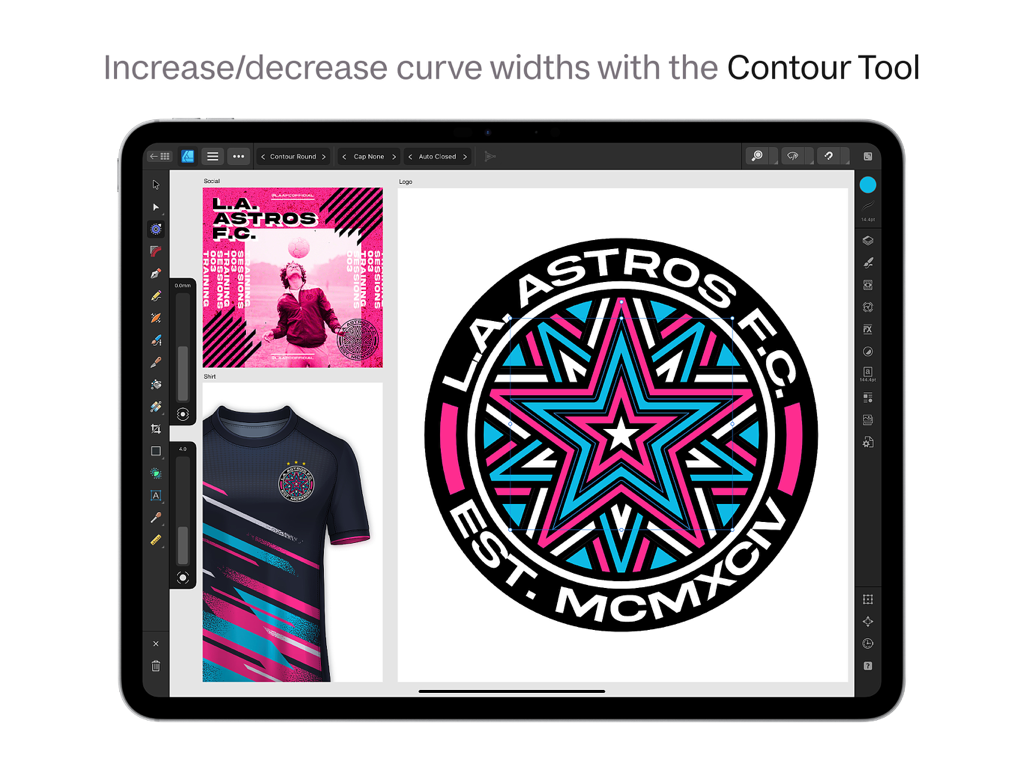
Grafikdesign eines Sportlogos mit dem Kontur-Werkzeug auf Affinity Designer 2 für iPad.
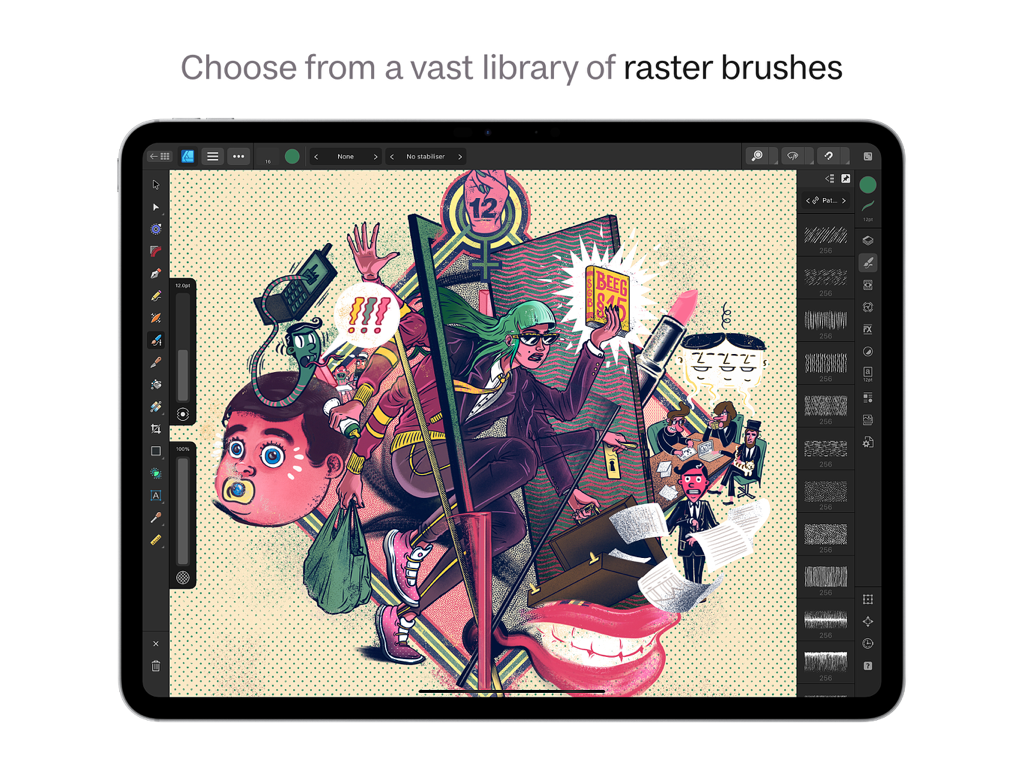
Die Benutzeroberfläche von Affinity Designer 2 für iPad zeigt die Bibliothek für Rasterpinsel und eine komplexe digitale Illustration.
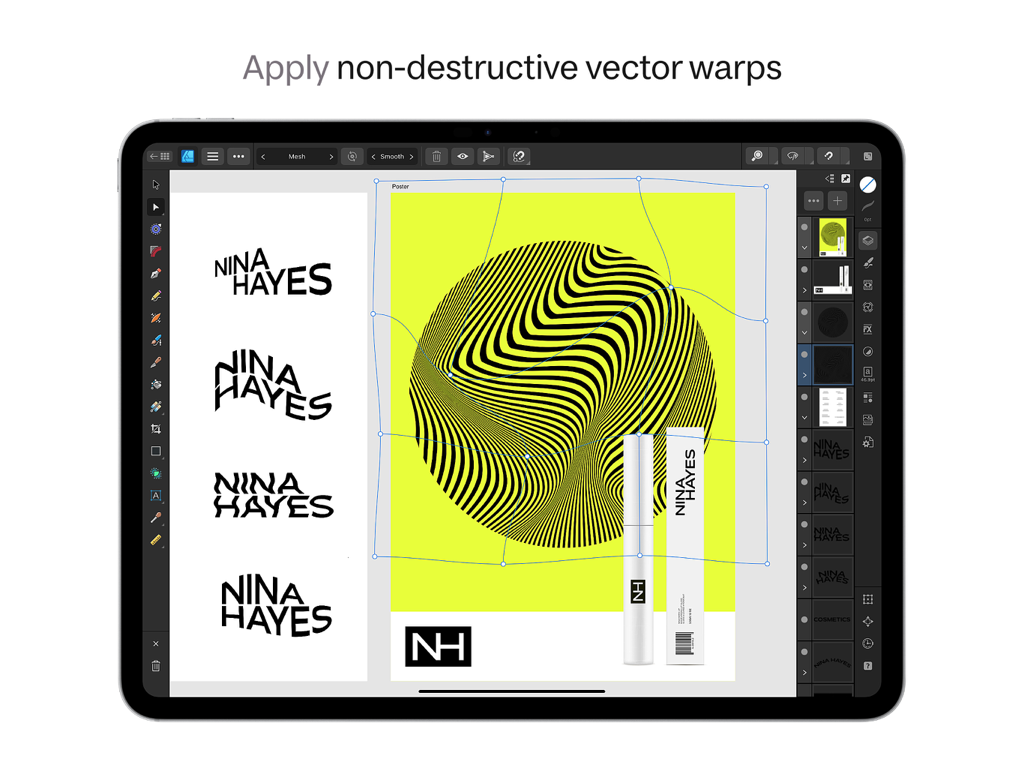
Die Benutzeroberfläche von Affinity Designer 2 für iPad zeigt das nicht-destruktive Vektor-Warp-Werkzeug auf einem Logodesign.
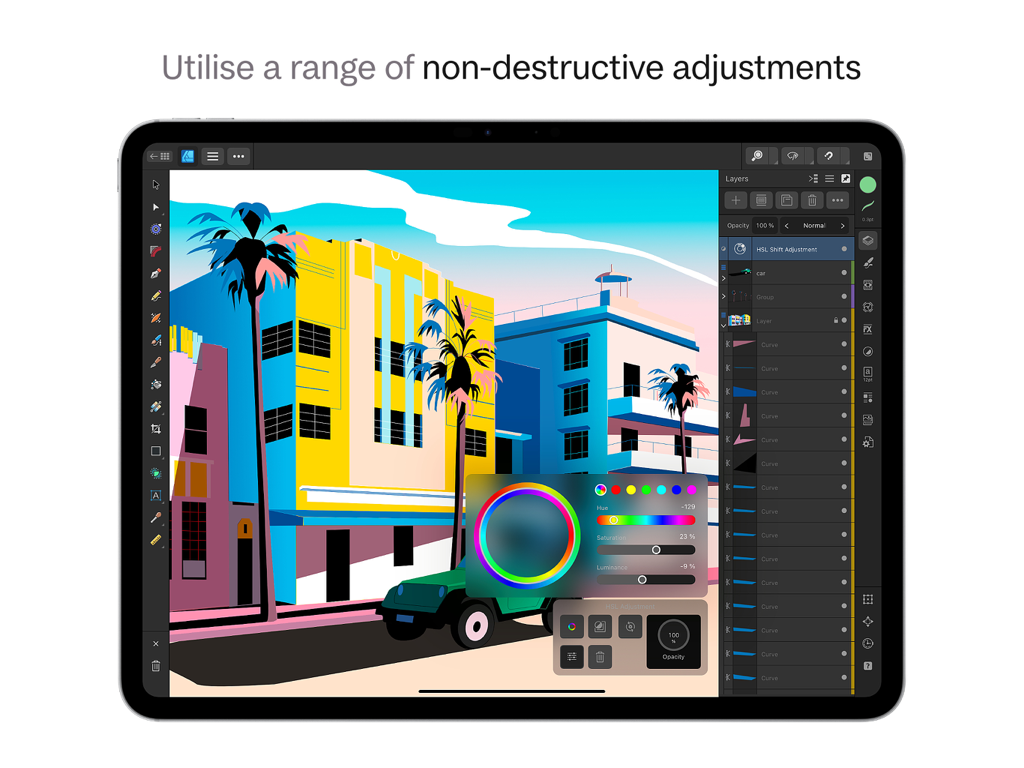
Bearbeitung einer Vektorillustration auf Affinity Designer 2 für iPad mit nicht-destruktiven HSL-Anpassungen.
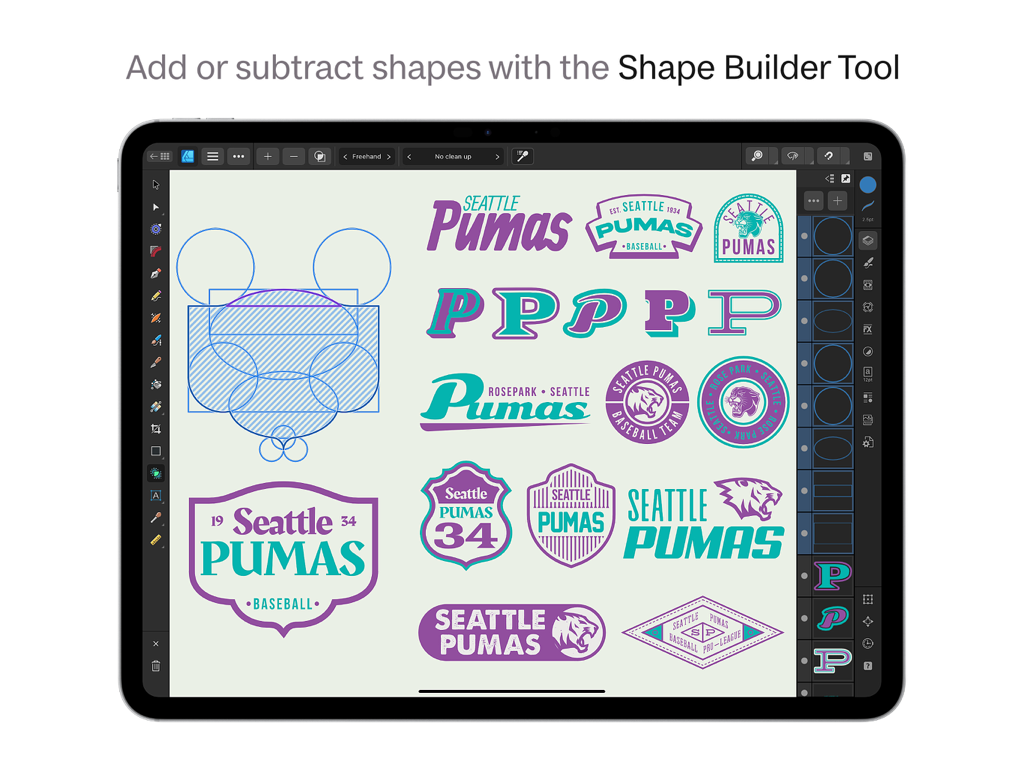
Grafikdesign auf dem iPad mit dem Shape Builder Werkzeug zur Erstellung von Seattle Pumas Logos in Affinity Designer 2.
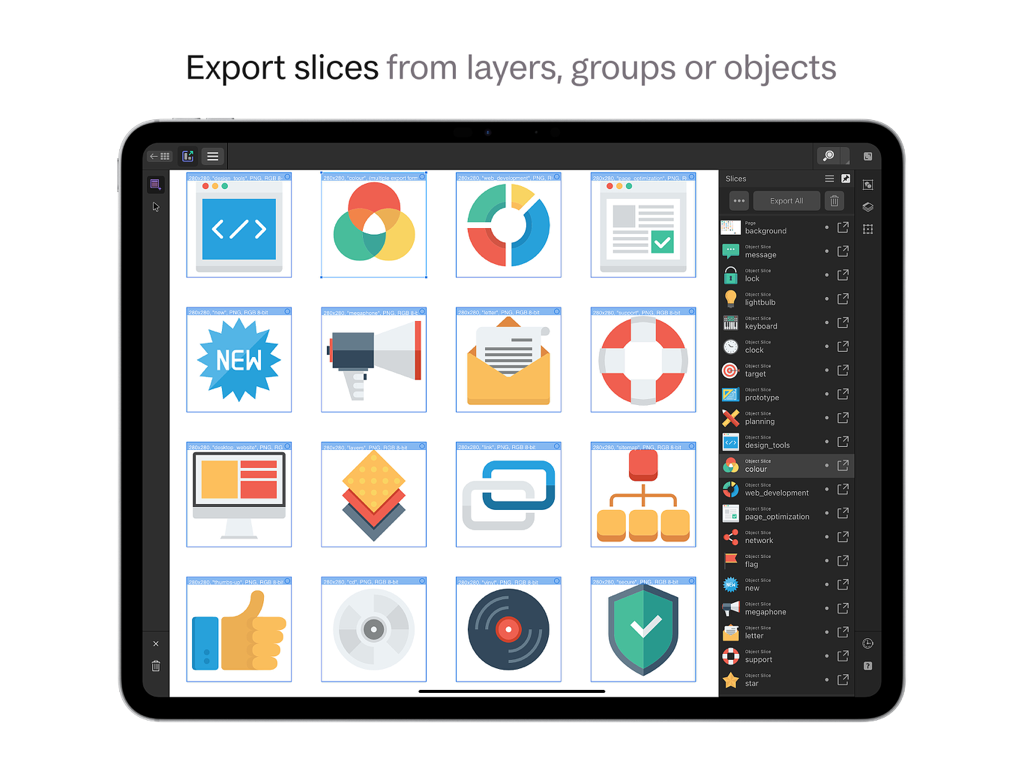
Oberfläche von Affinity Designer 2 für iPad, die die Export-Slices-Funktion für mehrere UI-Icons zeigt.
Beschreibung
Download
Ähnliche Apps
Apps mit ähnlichen Funktionen und Nutzererfahrung

Vector & SVG Maker - Assembly
Pixite Inc.

Logoist 5
Synium Software GmbH

Adobe Illustrator: Graphic Art
Adobe Inc.

Infinite Zoom Art - Canvas Max
Appycron Interactive e.K.

Inkpad - Graphic Design
Envoza Ltd

Amadine: Vector Design and Art
Belight Software, ltd

Graphic for iPad
Picta, Inc

Vector Drawing & Logo Design
Jonathan OFarrow

iDesign
TouchAware Limited
Diese Seite ist keine offizielle Seite der App oder ihres Entwicklers, sondern eine unabhängige redaktionelle Veröffentlichung, die zu Informations- und Kommentarzwecken erstellt wurde. Sofern nicht ausdrücklich anders angegeben, sind weder die App noch ihr Entwickler mit MWM, Apple, Google Play, dem App-Herausgeber oder dem Entwickler der App verbunden, von ihnen unterstützt, gesponsert, autorisiert oder anderweitig offiziell verbunden, und nichts auf dieser Seite impliziert, dass die App unter Verwendung der Dienste von MWM entwickelt wurde. Alle Marken, Logos, Screenshots und andere Inhalte bleiben Eigentum ihrer jeweiligen Inhaber.