
Diese Seite ist keine offizielle Seite der App oder ihres Entwicklers, sondern eine unabhängige redaktionelle Veröffentlichung, die zu Informations- und Kommentarzwecken erstellt wurde. Sofern nicht ausdrücklich anders angegeben, sind weder die App noch ihr Entwickler mit MWM, Apple, Google Play, dem App-Herausgeber oder dem Entwickler der App verbunden, von ihnen unterstützt, gesponsert, autorisiert oder anderweitig offiziell verbunden, und nichts auf dieser Seite impliziert, dass die App unter Verwendung der Dienste von MWM entwickelt wurde. Alle Marken, Logos, Screenshots und andere Inhalte bleiben Eigentum ihrer jeweiligen Inhaber.

Castify : Screen Mirroring App
Die ultimative Casting-Lösung für iPhone-Nutzer: Genießen Sie ultrahochauflösende Webvideos, Fotos und Live-Streams auf jedem Smart TV ohne zusätzliche Software oder Hardware.
Downloads
76K+Bewertung
Bewertungen gesamt
800Herausgeber
Kategorie
UtilitiesSprachen
1Neueste Version
7.8Größe
191.8 MBErstveröffentlichung
30. Juni 2022Werten Sie Ihr Home Entertainment auf
Übertragen Sie sofort alles von Ihrem iPhone auf jeden Smart TV – keine zusätzlichen Kabel, keine sperrige Hardware und keine komplizierte Einrichtung erforderlich.
Keine TV-Einrichtung erforderlich
Verabschieden Sie sich von der Apple-Ökosystem-Mauer. Streamen Sie direkt auf Ihren Samsung, LG oder Roku TV, ohne zusätzliche Software oder Empfänger-Apps installieren zu müssen.
Streamen Sie alles aus dem Web
Perfekt für Cord-Cutter. Nutzen Sie den integrierten Browser, um Live-Sport, Nischen-Webserien und Filme zu streamen, die nicht in Standard-TV-Apps verfügbar sind.
Die folgenden Screenshots und die Beschreibung stammen direkt aus dem offiziellen Store-Eintrag der App und sind Eigentum des Entwicklers.
App Store
Screenshots
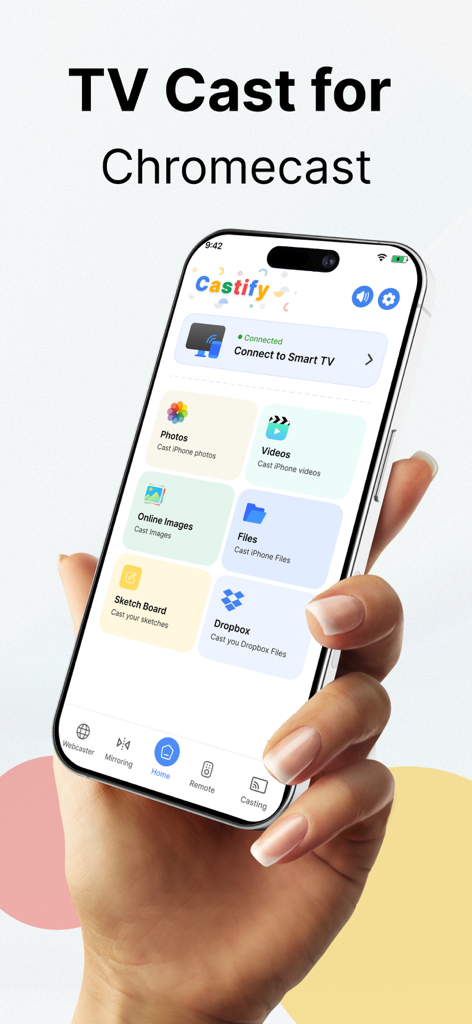
iPhone zeigt die Castify Screen Mirroring App-Oberfläche mit Casting-Optionen für Fotos und Videos
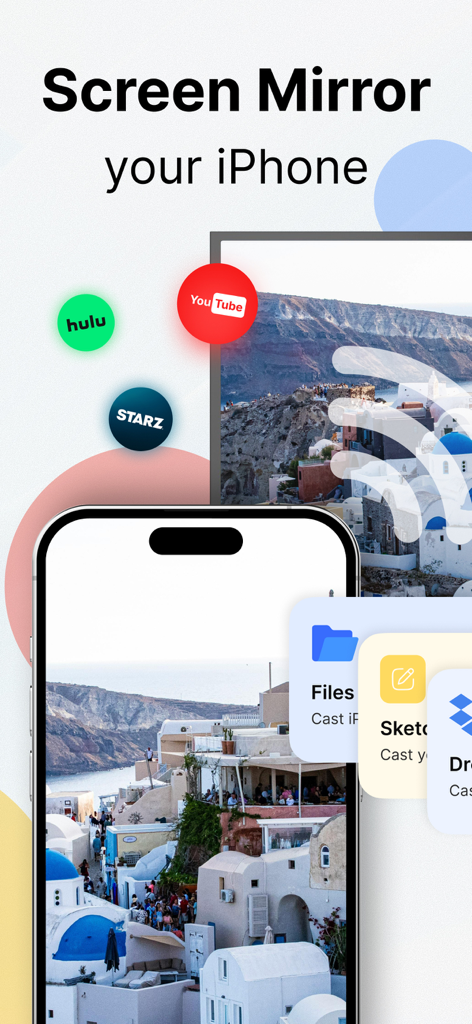
iPhone spiegelt Fotos und streamt Apps wie YouTube und Hulu mit der Castify App auf einen Smart TV
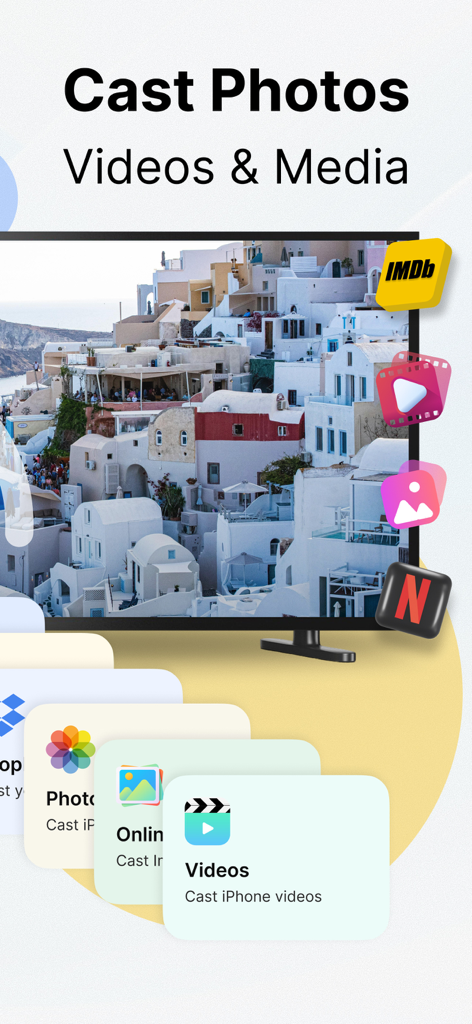
Castify App-Oberfläche zeigt Optionen zum Übertragen von Fotos, Videos und Medien vom iPhone auf den TV
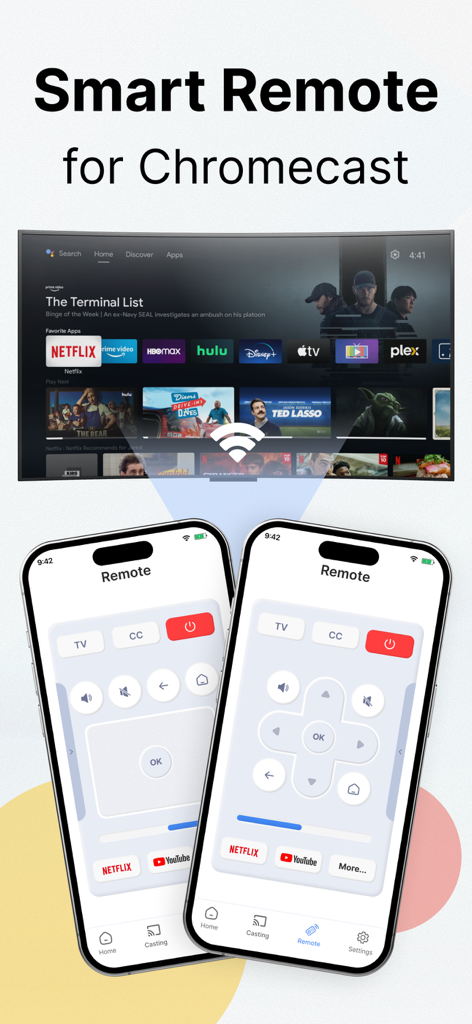
Ein iPhone zeigt die Smart Remote-Oberfläche von Castify zur Steuerung eines Chromecast-Fernsehers
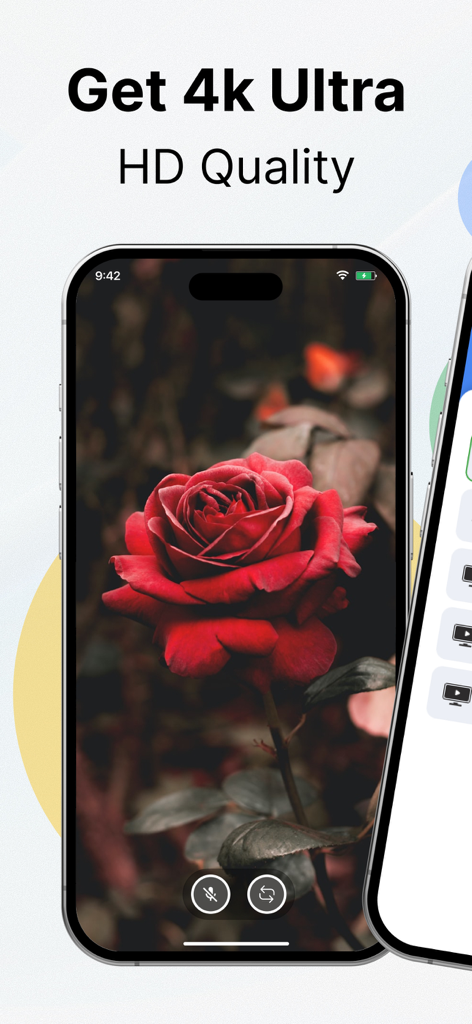
Smartphone zeigt ein hochauflösendes 4K-Bild einer roten Rose für Screen Mirroring
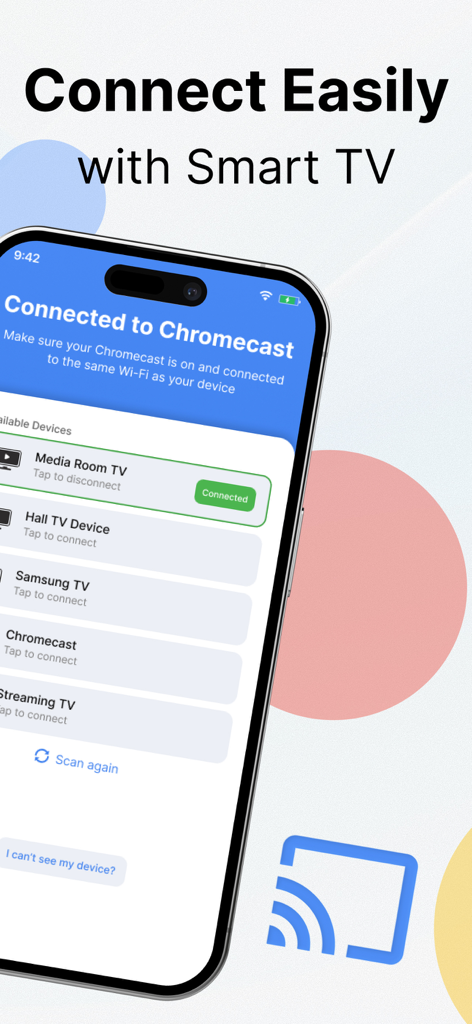
Oberfläche der Castify-App zeigt eine Liste verfügbarer Smart TVs und Chromecast-Geräte für Screen Mirroring
Beschreibung
Download
Ähnliche Apps
Apps mit ähnlichen Funktionen und Nutzererfahrung

Video Lite
Video Lite, Inc.

TV Cast Pro for Chromecast
Kraus und Karnath GbR 2Kit Consulting

TV Cast Pro for Google Cast
Kraus und Karnath GbR 2Kit Consulting

Chromecaster: Get Streaming TV
TV Cast Pte. Ltd.

TV Cast Pro for Samsung TV
Kraus und Karnath GbR 2Kit Consulting

TV Cast for LG webOS
Kraus und Karnath GbR 2Kit Consulting

TV Cast Pro for LG webOS
Kraus und Karnath GbR 2Kit Consulting

TV Cast Pro for Sony TV
Kraus und Karnath GbR 2Kit Consulting

Smart View - Cast Device to TV
EXTREME SOLUTIONS APPS SL
Diese Seite ist keine offizielle Seite der App oder ihres Entwicklers, sondern eine unabhängige redaktionelle Veröffentlichung, die zu Informations- und Kommentarzwecken erstellt wurde. Sofern nicht ausdrücklich anders angegeben, sind weder die App noch ihr Entwickler mit MWM, Apple, Google Play, dem App-Herausgeber oder dem Entwickler der App verbunden, von ihnen unterstützt, gesponsert, autorisiert oder anderweitig offiziell verbunden, und nichts auf dieser Seite impliziert, dass die App unter Verwendung der Dienste von MWM entwickelt wurde. Alle Marken, Logos, Screenshots und andere Inhalte bleiben Eigentum ihrer jeweiligen Inhaber.