
Diese Seite ist keine offizielle Seite der App oder ihres Entwicklers, sondern eine unabhängige redaktionelle Veröffentlichung, die zu Informations- und Kommentarzwecken erstellt wurde. Sofern nicht ausdrücklich anders angegeben, sind weder die App noch ihr Entwickler mit MWM, Apple, Google Play, dem App-Herausgeber oder dem Entwickler der App verbunden, von ihnen unterstützt, gesponsert, autorisiert oder anderweitig offiziell verbunden, und nichts auf dieser Seite impliziert, dass die App unter Verwendung der Dienste von MWM entwickelt wurde. Alle Marken, Logos, Screenshots und andere Inhalte bleiben Eigentum ihrer jeweiligen Inhaber.

Genki Studio
Nutze die Leistung deines iPads, um Konsolenspiele zu spielen, professionelle Kameras zu überwachen und hochwertige Videos direkt auf dein Gerät oder eine externe SSD aufzunehmen.
Downloads
120K+Bewertung
Bewertungen gesamt
0Herausgeber
Kategorie
UtilitiesSprachen
4Neueste Version
1.5.2Größe
7.3 MBErstveröffentlichung
19. Sept. 2023Entfessle das verborgene Potenzial deines iPads
Genki Studio schlägt die Brücke zwischen deinem iPad und deiner professionellen Ausrüstung und verwandelt es in eine vielseitige Zentrale für Gaming, Content-Erstellung und Live-Präsentationen.
Das ultimative tragbare Display
Schließe deine Nintendo Switch, Steam Deck oder deinen PC an, um ein erstklassiges, verzögerungsfreies Spielerlebnis auf dem besten Bildschirm zu genießen, den du besitzt – kein Fernseher erforderlich.
Professionelle Videoaufnahme
Überwache deinen Kamera-Feed mit professionellen Rasterüberlagerungen und nimm hochwertige Aufnahmen direkt auf dein iPad oder eine externe SSD auf, für einen nahtlosen Workflow.
Häufig gestellte Fragen
Alles, was Sie über wissen müssen Genki Studio
Was ist Genki Studio?
Genki Studio verwandelt Ihr iPad in einen tragbaren Monitor sowie ein fortschrittliches Gerät zur Videoaufnahme und Präsentation. Es verbindet sich mit UVC-Eingabegeräten wie Genki ShadowCast, um Videos von verschiedenen Quellen anzuzeigen und aufzuzeichnen.
Kann Genki Studio Videoeingaben aufzeichnen?
Ja, Genki Studio zeichnet UVC-Eingaben in maximaler Qualität, einschließlich Audio, auf. Benutzer können Mediendateien direkt auf dem Speicher ihres iPads oder auf einer externen SSD speichern.
Welche Geräte kann ich mit Genki Studio mit meinem iPad verbinden?
Genki Studio verbindet sich mit Genki ShadowCast oder jedem kompatiblen USB UVC-Eingabegerät. Dazu gehören Capture Cards, professionelle Kameras, Mikroskope, Spielekonsolen, PCs und kleine Boardcomputer.
Unterstützt Genki Studio externe Monitore?
Ja, Genki Studio unterstützt externe Monitore. Ihr iPad kann über AirPlay oder USB-C-zu-HDMI/DisplayPort-Adapter Vollbildinhalte ausgeben, auch während die Aufnahme auf dem iPad fortgesetzt wird.
Wird der Apple Pencil in Genki Studio unterstützt?
Ja, Genki Studio unterstützt den Apple Pencil. Benutzer können auf dem Bildschirm markieren oder kritzeln und so den Spiegelungsmodus für Präsentationen aktivieren, indem sie das iPad in ein tragbares Notizbuch verwandeln.
Welche iPad-Modelle sind mit Genki Studio für UVC-Eingaben kompatibel?
Genki Studio unterstützt UVC-Eingaben auf iPads mit einem USB-C-Anschluss, darunter verschiedene Generationen von iPad Pro, iPad Air, iPad mini (6. Gen und A17 Pro) sowie iPad (10. Gen und A16).
Kann Genki Studio mit Multitasking-Funktionen wie Stage Manager verwendet werden?
Ja, Genki Studio ist vollständig mit Stage Manager und den Multitasking-Funktionen des iPads kompatibel. Benutzer können Musik hören oder Video-Anleitungen ansehen, während sie gleichzeitig die App nutzen.
Wird ein Wasserzeichen angezeigt, wenn ich ein Nicht-Genki-ShadowCast-Gerät für die saubere Videoausgabe verwende?
Ja, die Verwendung eines Nicht-Genki-ShadowCast-Aufnahmegeräts fügt dem sauberen Videoausgabebild ein Genki-Logo-Wasserzeichen hinzu.
Welche Speicheroptionen gibt es für Aufnahmen in Genki Studio?
Genki Studio ermöglicht es Benutzern, Aufnahmen direkt auf dem internen Speicher ihres iPads oder auf einem externen Speichergerät wie einer tragbaren SSD zu speichern.
Kann Genki Studio für Präsentationen verwendet werden?
Ja, Genki Studio unterstützt Präsentationen. Benutzer können den Spiegelungsmodus und die Anmerkungen des Apple Pencil nutzen, um ihr iPad in ein tragbares Notizbuch zu verwandeln, das sich ideal für Live-Veranstaltungen eignet.
Die folgenden Screenshots und die Beschreibung stammen direkt aus dem offiziellen Store-Eintrag der App und sind Eigentum des Entwicklers.
App Store
Screenshots
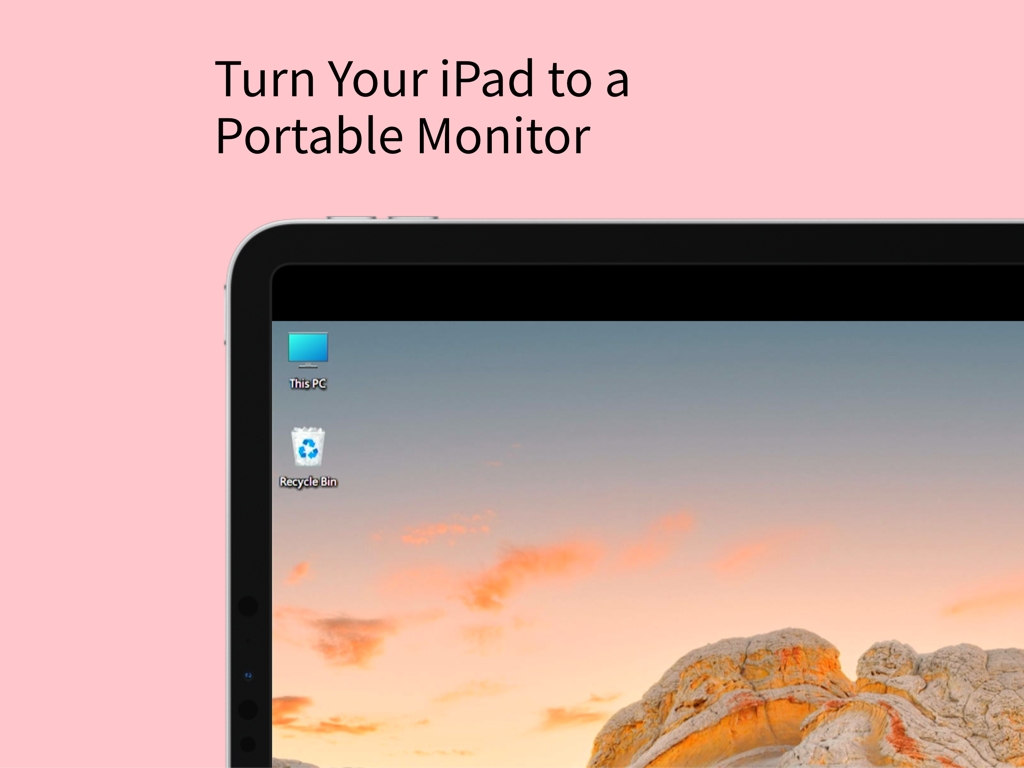
iPad-Bildschirm zeigt einen Windows-Desktop, der als tragbarer Monitor fungiert
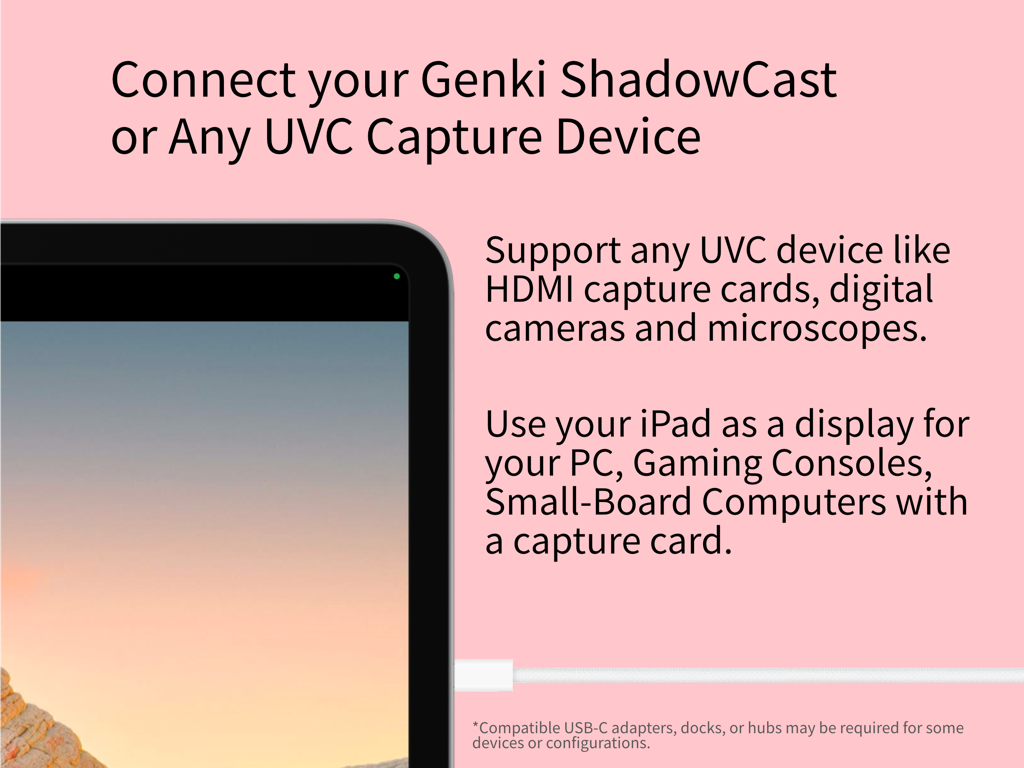
iPad-Display verbunden mit einem UVC-Capture-Gerät für Gaming und professionelle Nutzung
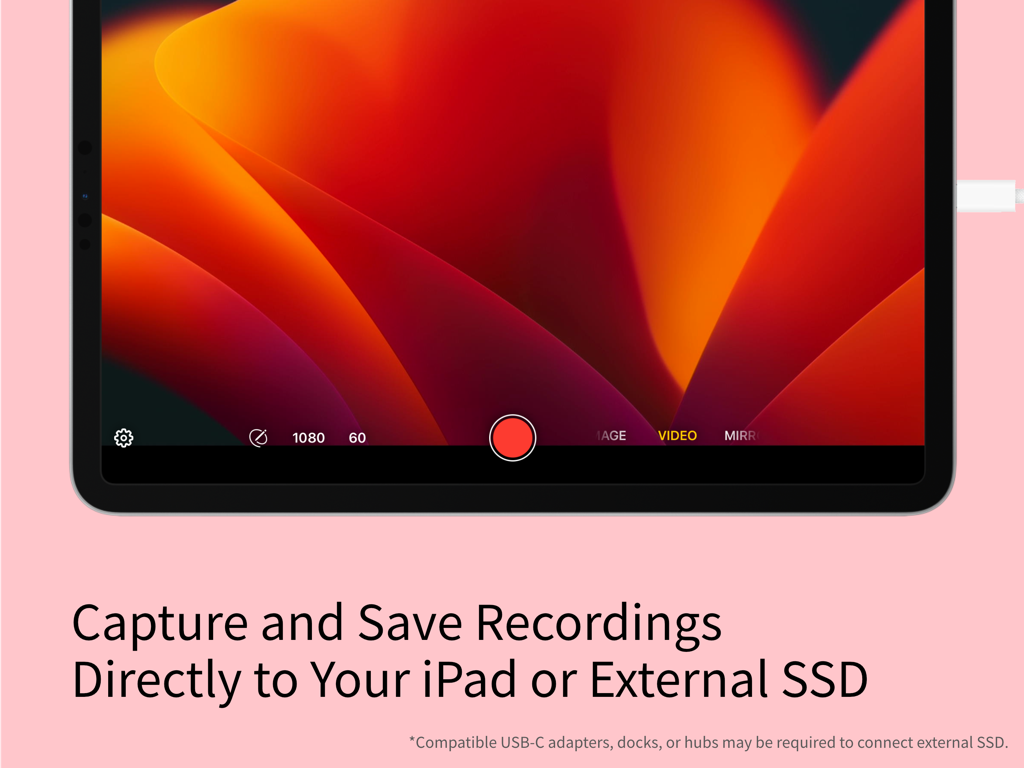
Genki Studio App-Oberfläche auf dem iPad zeigt die Videoaufnahmefunktion und externe Speicheroptionen.
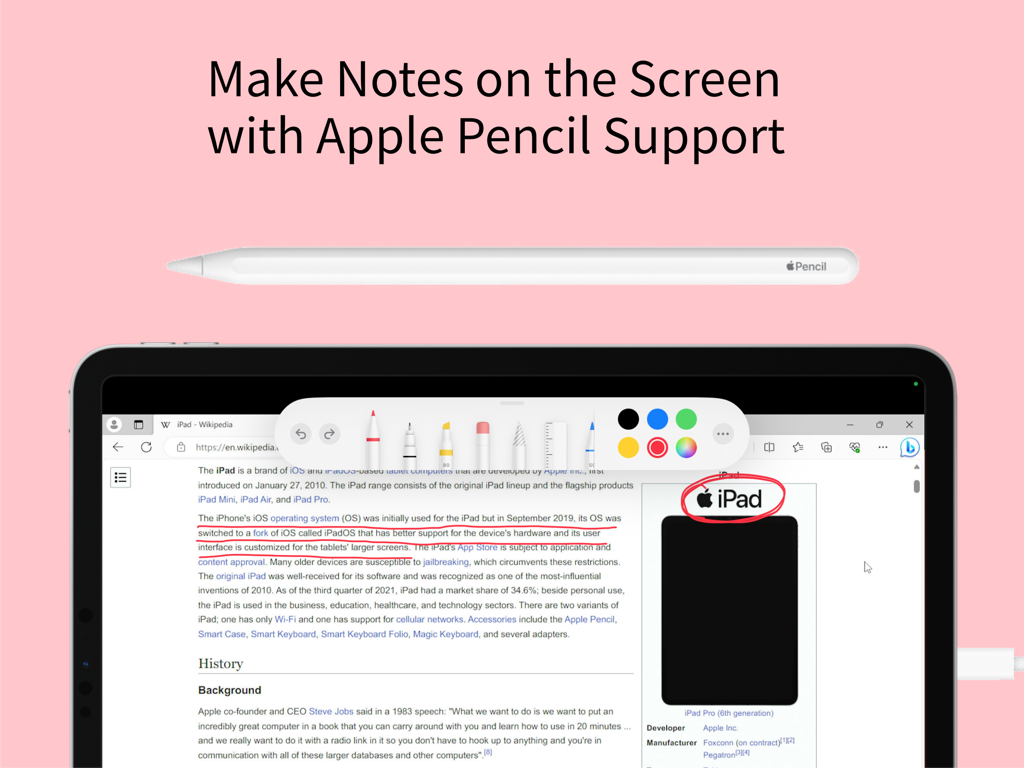
iPad-Bildschirm zeigt Apple Pencil-Unterstützung zum Erstellen von Notizen und Anmerkungen in der Genki Studio App
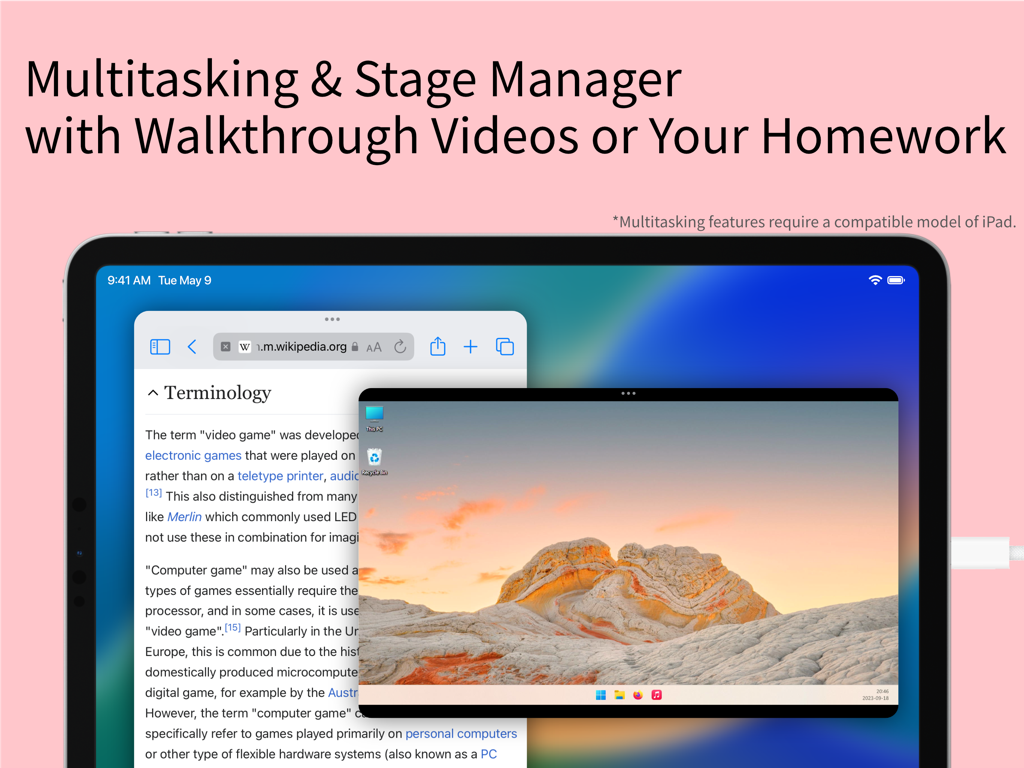
iPad-Bildschirm zeigt Genki Studio mit Stage Manager zum Multitasking mit einem Wikipedia-Artikel und einem Remote-PC-Desktop-Video-Feed
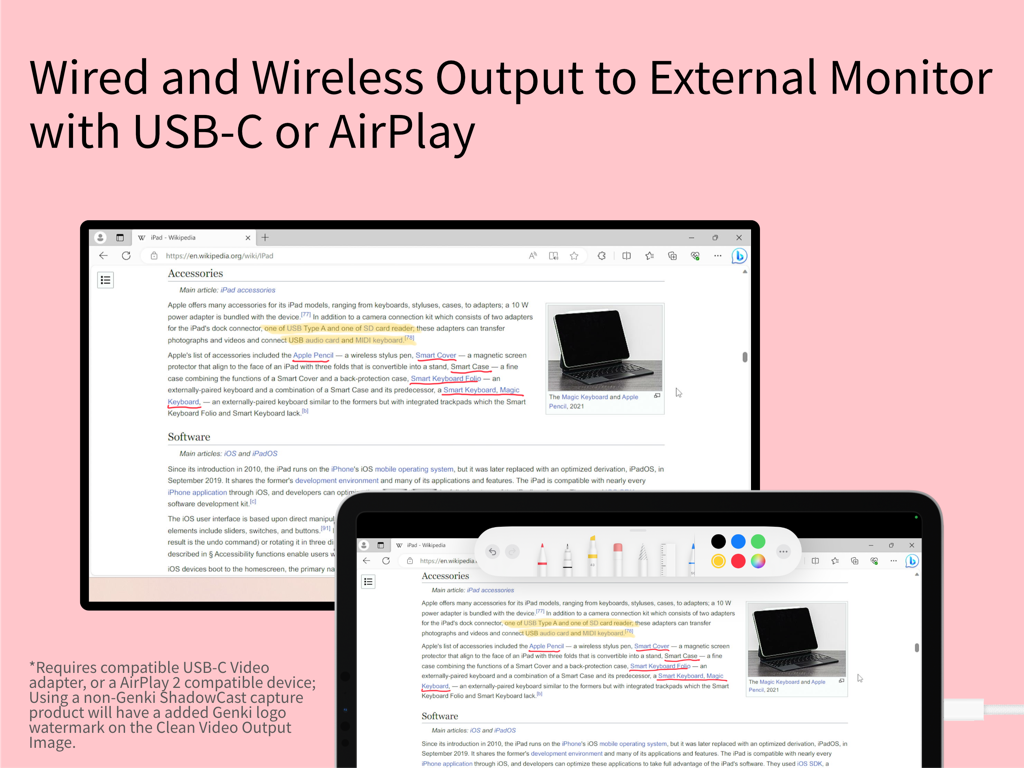
iPad-Bildschirm gespiegelt auf einem externen Monitor mit Markierungswerkzeugen
Beschreibung
Download
Ähnliche Apps
Apps mit ähnlichen Funktionen und Nutzererfahrung

Mouse · Keyboard
Remote Sunrise LTD

Camo Camera
Reincubate Ltd

DroidCam Webcam & OBS Camera
DEV47 APPS LTD.

spacedesk - USB Display for PC
datronicsoft Technology GmbH

iVCam Webcam
俊红 柴

Remote Mouse
耀 阮

CamX - USB Camera
Touchbits Inc.

Astropad Studio Drawing Tablet
Astro HQ LLC

Remote Mouse & Keyboard
horhe dor
Diese Seite ist keine offizielle Seite der App oder ihres Entwicklers, sondern eine unabhängige redaktionelle Veröffentlichung, die zu Informations- und Kommentarzwecken erstellt wurde. Sofern nicht ausdrücklich anders angegeben, sind weder die App noch ihr Entwickler mit MWM, Apple, Google Play, dem App-Herausgeber oder dem Entwickler der App verbunden, von ihnen unterstützt, gesponsert, autorisiert oder anderweitig offiziell verbunden, und nichts auf dieser Seite impliziert, dass die App unter Verwendung der Dienste von MWM entwickelt wurde. Alle Marken, Logos, Screenshots und andere Inhalte bleiben Eigentum ihrer jeweiligen Inhaber.