
Diese Seite ist keine offizielle Seite der App oder ihres Entwicklers, sondern eine unabhängige redaktionelle Veröffentlichung, die zu Informations- und Kommentarzwecken erstellt wurde. Sofern nicht ausdrücklich anders angegeben, sind weder die App noch ihr Entwickler mit MWM, Apple, Google Play, dem App-Herausgeber oder dem Entwickler der App verbunden, von ihnen unterstützt, gesponsert, autorisiert oder anderweitig offiziell verbunden, und nichts auf dieser Seite impliziert, dass die App unter Verwendung der Dienste von MWM entwickelt wurde. Alle Marken, Logos, Screenshots und andere Inhalte bleiben Eigentum ihrer jeweiligen Inhaber.


Music Studio Lite
Beherrschen Sie 11 im Studio aufgenommene Instrumente und einen 127-Spur-Sequenzer mit der legendären Audio-Engine von Steinberg. Erleben Sie Desktop-Produktionsqualität und geringe Latenz auf Ihrem iPad oder iPhone.
Downloads
1M+Bewertung
Bewertungen gesamt
10K+Herausgeber
Kategorie
MusicSprachen
2Neueste Version
2.11.1Größe
86.0 MBErstveröffentlichung
26. Juni 2010Professionelle Produktion für unterwegs
Verwandeln Sie Ihr iPad oder iPhone mit der Leistung und Präzision von Desktop-Audio-Engineering in ein Hochleistungs-Aufnahmestudio.
Authentische Studio-Sounds
Greifen Sie auf 11 sorgfältig gesampelte 16-Bit-Instrumente zu, die realistischen Klang in Profiqualität für jede gespielte Melodie liefern.
Latenzfreie Performance
Erleben Sie sofortige Reaktionsfähigkeit mit einer hochoptimierten Audio-Engine, die für professionelle Polyphonie und Zuverlässigkeit entwickelt wurde.
Häufig gestellte Fragen
Alles, was Sie über wissen müssen Music Studio Lite
Welche Funktionen sind in der Music Studio Lite App enthalten?
Music Studio Lite bietet eine 60-Tasten-Klaviatur, 11 Instrumente, einen 127-Spur-Sequenzer mit Notenbearbeitung, Hall und Echtzeiteffekten. Es unterstützt Mikrofonaufnahmen, Audio-Import und CoreMIDI für die Musikproduktion.
Kann ich Projekte in der Music Studio Lite-Version speichern?
Nein, Speicher-, Export- und Freigabefunktionen sind in Music Studio Lite deaktiviert. Benutzer können nur ein Songprojekt gleichzeitig erstellen und bearbeiten.
Wie viele Instrumente bietet Music Studio Lite?
Music Studio Lite bietet 11 im Studio aufgenommene Instrumente. Die Vollversion von Music Studio bietet eine erweiterte Auswahl von 124 Instrumenten für Benutzer.
Unterstützt Music Studio Lite Mehrspursequenzierung?
Ja, Music Studio Lite verfügt über einen voll funktionsfähigen 127-Spur-Sequenzer. Er ermöglicht Benutzern, Tempo, Taktart, Mute, Solo, Pan und Lautstärke für jede Spur mit umfangreicher Notenbearbeitung anzupassen.
Ist MIDI-Kompatibilität in Music Studio Lite verfügbar?
Ja, Music Studio Lite unterstützt CoreMIDI (Ein-/Ausgabe), Virtual MIDI und MIDI-Hardware. MIDI-Import- und Exportfunktionen sind jedoch in dieser Lite-Version deaktiviert.
Welche Audioaufnahmeoptionen sind in Music Studio Lite vorhanden?
Music Studio Lite unterstützt Mikrofonaufnahmen, AudioCopy & AudioPaste und den Import von Audio aus der iPod-Bibliothek oder verschiedenen Dateiformaten. Es bietet auch Wellenform- und Audio-Regionenbearbeitung.
Welche Effekte enthält die Music Studio Lite App?
Music Studio Lite enthält hochwertigen Hall, einen Resonanzfilter, einen Kompressor und einen Limiter. Zusätzliche Effekte wie Delay, EQ, Amp, Phaser, BitCrusher und StereoWidener sind der Vollversion vorbehalten.
Was ist der Oktavbereich der Tastatur in Music Studio Lite?
Music Studio Lite bietet eine konfigurierbare Tastatur, die auf 5 Oktaven beschränkt ist. Die Vollversion von Music Studio bietet einen erweiterten Bereich von 7 Oktaven mit 85 Tasten.
Was ist der Unterschied bei verfügbaren Drum-Loops zwischen Music Studio Lite und der Vollversion?
Music Studio Lite enthält 10 Drum-Loops. Die Vollversion erweitert dieses Angebot erheblich auf 100 Drum-Loops für eine umfangreichere Rhythmusgestaltung.
Bietet Music Studio Lite Echtzeit-Effektverarbeitung?
Ja, Music Studio Lite unterstützt Echtzeiteffekte. Dazu gehören hochwertiger Hall, ein Resonanzfilter, ein Kompressor und ein Limiter, die während der Musikproduktion angewendet werden können.
Die folgenden Screenshots und die Beschreibung stammen direkt aus dem offiziellen Store-Eintrag der App und sind Eigentum des Entwicklers.
App Store
Screenshots
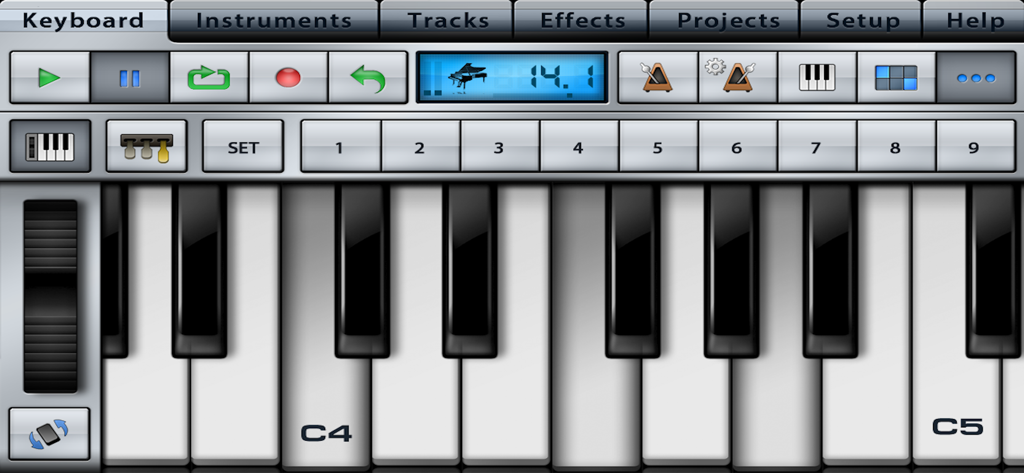
Fotorealistische Klaviertastatur-Oberfläche mit Studio-Bedienelementen in Music Studio Lite
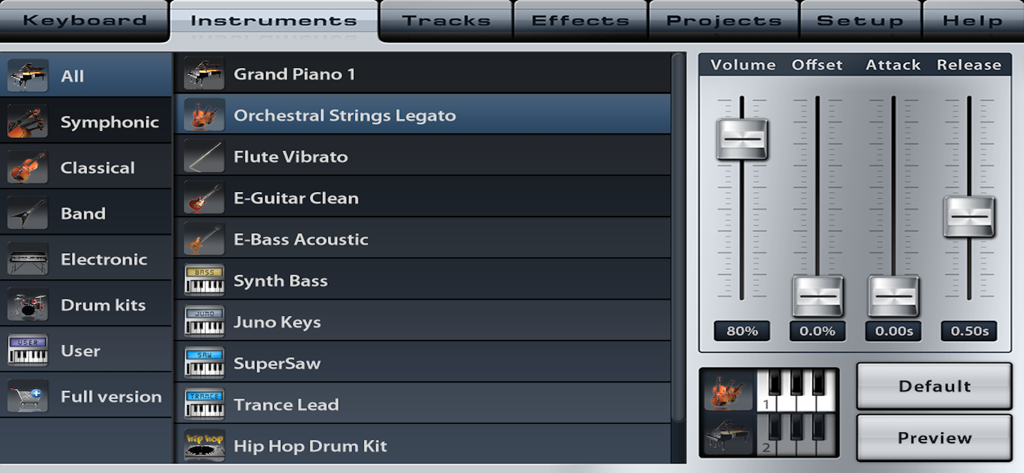
Instrumentenauswahlmenü von Music Studio Lite mit Soundparameter-Schiebereglern für Lautstärke, Attack und Release.
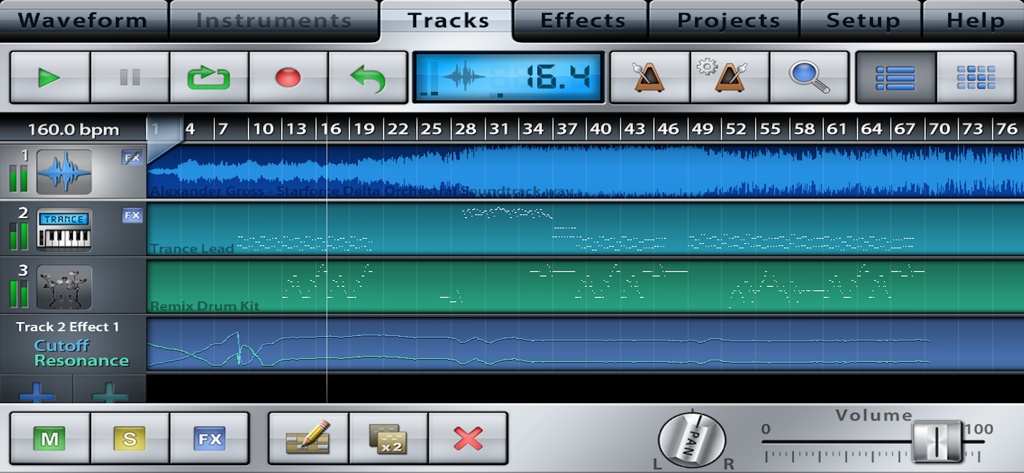
Oberfläche von Music Studio Lite, die einen Mehrspur-Sequenzer mit Audio- und Instrumentenspuren zeigt
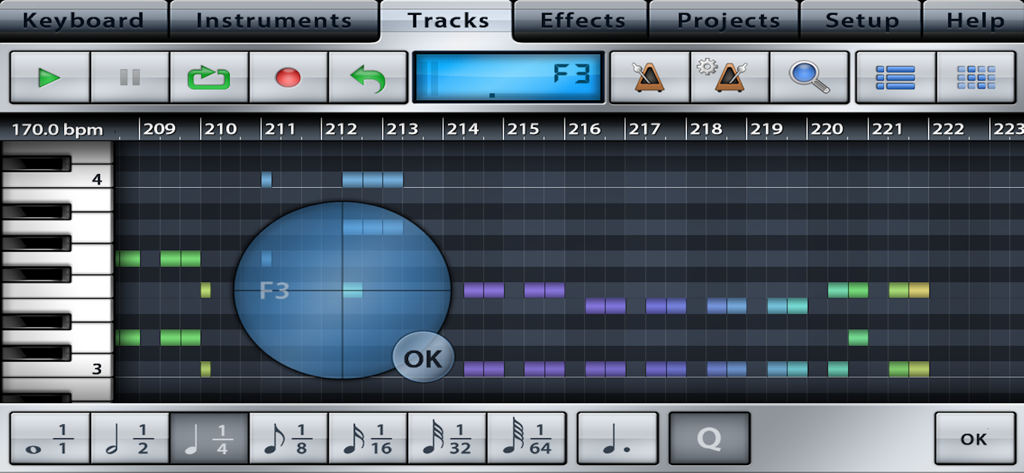
MIDI-Sequenzer und Track-Bearbeitungsoberfläche in Music Studio Lite
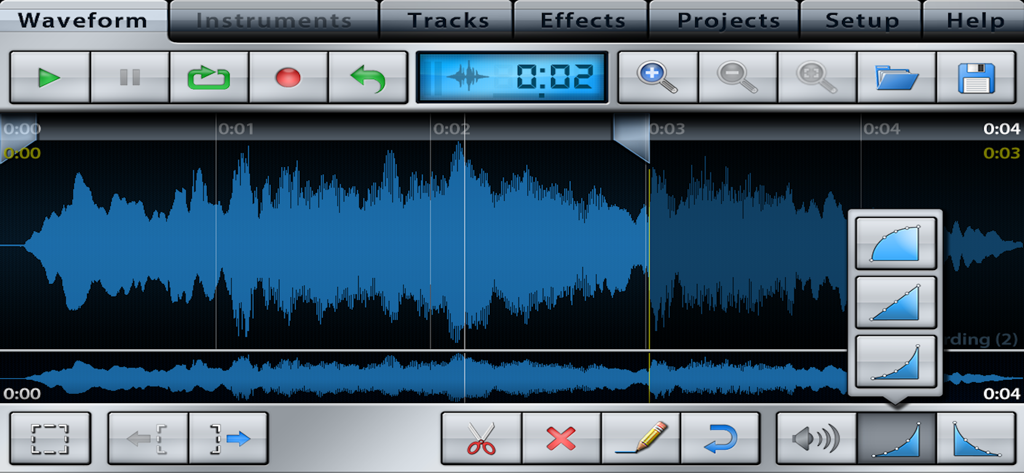
Bildschirm zur Bearbeitung von Audio-Wellenformen mit Spurenkontrollen und Bearbeitungswerkzeugen in Music Studio Lite
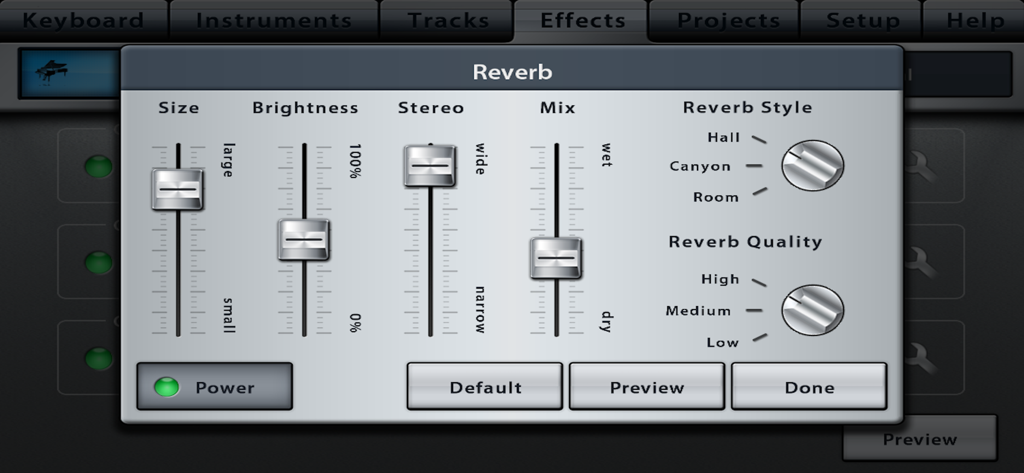
Reverb-Effekt-Oberfläche in Music Studio Lite mit Schiebereglern und Stilauswahl
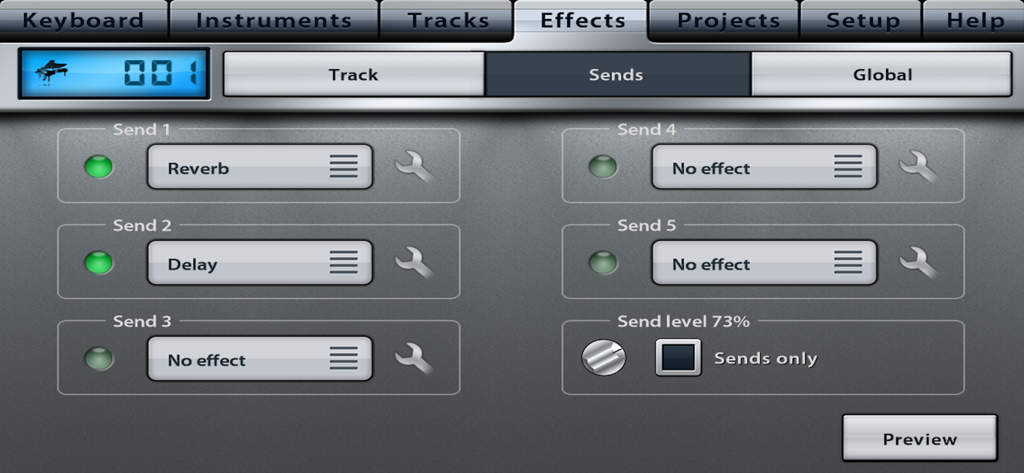
Oberfläche von Music Studio Lite, die den Reiter für Effektsendungen mit Reverb- und Delay-Optionen anzeigt.
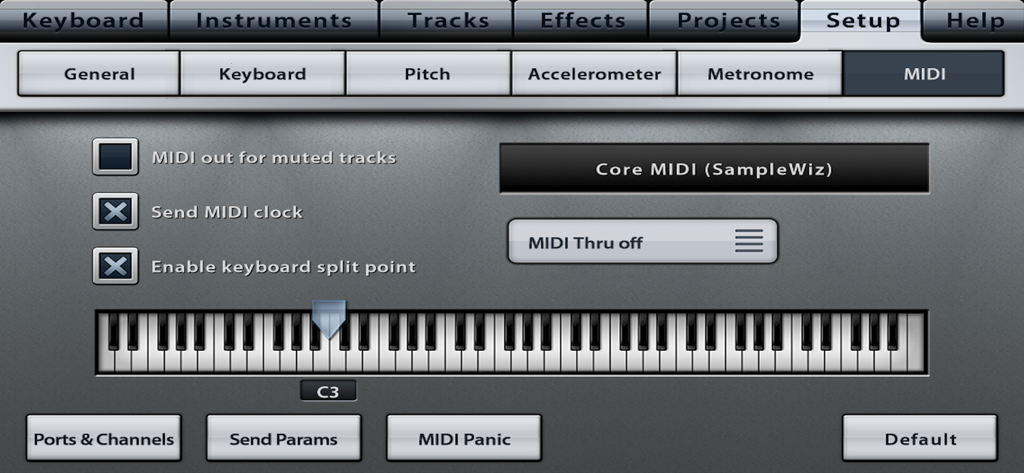
MIDI-Konfigurationsbildschirm der Music Studio Lite App mit Einstellungen für den Tastatur-Splitpunkt
Beschreibung
Download
Ähnliche Apps
Apps mit ähnlichen Funktionen und Nutzererfahrung

Loopy Pro: Looper DAW Sampler
A Tasty Pixel

AUM - Audio Mixer
Kymatica AB

Drambo
Jaroslaw Jacek

Groove Rider 2
Dmitrij Pavlov

BandLab – Music Maker & Beats
BandLab Singapore Pte Ltd

Medly
Medly Labs Inc.

Cubasis 3 - DAW & Music Studio
Steinberg Media Technologies GmbH

KORG Gadget 3
KORG INC.

iMPC Pro 2 for iPhone
Akai Professional
Diese Seite ist keine offizielle Seite der App oder ihres Entwicklers, sondern eine unabhängige redaktionelle Veröffentlichung, die zu Informations- und Kommentarzwecken erstellt wurde. Sofern nicht ausdrücklich anders angegeben, sind weder die App noch ihr Entwickler mit MWM, Apple, Google Play, dem App-Herausgeber oder dem Entwickler der App verbunden, von ihnen unterstützt, gesponsert, autorisiert oder anderweitig offiziell verbunden, und nichts auf dieser Seite impliziert, dass die App unter Verwendung der Dienste von MWM entwickelt wurde. Alle Marken, Logos, Screenshots und andere Inhalte bleiben Eigentum ihrer jeweiligen Inhaber.