
Diese Seite ist keine offizielle Seite der App oder ihres Entwicklers, sondern eine unabhängige redaktionelle Veröffentlichung, die zu Informations- und Kommentarzwecken erstellt wurde. Sofern nicht ausdrücklich anders angegeben, sind weder die App noch ihr Entwickler mit MWM, Apple, Google Play, dem App-Herausgeber oder dem Entwickler der App verbunden, von ihnen unterstützt, gesponsert, autorisiert oder anderweitig offiziell verbunden, und nichts auf dieser Seite impliziert, dass die App unter Verwendung der Dienste von MWM entwickelt wurde. Alle Marken, Logos, Screenshots und andere Inhalte bleiben Eigentum ihrer jeweiligen Inhaber.

Office Word Editor:Docs, Share
Meistern Sie Ihren Workflow auf iPhone und iPad mit leistungsstarken Formatierungswerkzeugen, Echtzeit-Kollaboration und nahtloser Multi-Cloud-Integration – auch offline.
Downloads
124K+Bewertung
Bewertungen gesamt
100Herausgeber
Kategorie
ProductivitySprachen
17Neueste Version
1.0.36Größe
233.7 MBErstveröffentlichung
8. Aug. 2023Meistern Sie Ihren Workflow unterwegs
Der leichte, leistungsstarke Textverarbeitungsprozessor für den modernen Profi. Erstellen, bearbeiten und synchronisieren Sie Ihre Dokumente geräteübergreifend ohne den Desktop-Ballast.
Nahtloser Multi-Cloud-Zugriff
Verbinden Sie Ihre Arbeit zwischen iCloud, Google Drive und Dropbox mit einer intuitiven Oberfläche, die auch offline funktioniert.
Professionelle Formatierungswerkzeuge
Erhalten Sie Präzision auf Desktop-Niveau auf Ihrem Mobilgerät. Passen Sie Layouts an, wenden Sie umfangreiche Stile an und verfolgen Sie Änderungen, um Ihre Projekte poliert aussehen zu lassen.
Häufig gestellte Fragen
Alles, was Sie über wissen müssen Office Word Editor:Docs, Share
Was ist Office Word Editor:Docs, Share?
Office Word Editor:Docs, Share ist eine iOS-App, die für die umfassende Bearbeitung von Word-Dokumenten entwickelt wurde. Sie ermöglicht es Benutzern, Word-Dateien direkt auf ihren Mobilgeräten zu erstellen, zu bearbeiten und mit anderen zusammenzuarbeiten.
Kann ich mit Office Word Editor:Docs, Share neue Word-Dokumente erstellen?
Ja, Office Word Editor:Docs, Share unterstützt die Erstellung neuer Word-Dokumente. Benutzer können auch vorhandene Dokumente aus Cloud-Speicherdiensten wie iCloud, Dropbox oder Google Drive importieren.
Unterstützt Office Word Editor:Docs, Share die Zusammenarbeit in Echtzeit?
Ja, Office Word Editor:Docs, Share ermöglicht die gemeinsame Bearbeitung in Echtzeit. Benutzer können Dokumente per E-Mail oder über Cloud-Dienste teilen, um gleichzeitig zusammenzuarbeiten und alle von Teamkollegen vorgenommenen Änderungen zu verfolgen.
Welche Dateiformate sind mit Office Word Editor:Docs, Share kompatibel?
Office Word Editor:Docs, Share unterstützt eine breite Palette von Word-Dokumentformaten. Es öffnet und bearbeitet nahtlos DOC-, DOCX- und RTF-Dateien und gewährleistet so die Kompatibilität mit verschiedenen Plattformen.
Kann ich mit Office Word Editor:Docs, Share Dokumente ohne Internetverbindung bearbeiten?
Ja, Office Word Editor:Docs, Share ermöglicht die Offline-Bearbeitung. Benutzer können an ihren Dokumenten ohne Internetverbindung arbeiten, und die App synchronisiert die Änderungen automatisch, sobald die Verbindung wiederhergestellt ist.
Bietet Office Word Editor:Docs, Share eine kostenlose Testversion an?
Ja, Office Word Editor:Docs, Share bietet eine 3-tägige kostenlose Testversion an. Diese Testphase ermöglicht es Benutzern, alle kostenpflichtigen Funktionen der Anwendung ohne vorherige Verpflichtung zu nutzen und zu erleben.
Was kostet das Abonnement für Office Word Editor:Docs, Share?
Nach der kostenlosen Testversion kostet Office Word Editor:Docs, Share 499 Rs/Monat für einen Monatsplan oder 2999 Rs/Jahr für einen Jahresplan. Abonnements werden über Ihr App Store-Konto abgerechnet.
Kann ich mit Office Word Editor:Docs, Share Änderungen verfolgen und Kommentare hinzufügen?
Ja, Office Word Editor:Docs, Share verfügt über robuste Dokumentenprüfungstools. Benutzer können Kommentare, Anmerkungen und Änderungen in Dokumenten hinzufügen, um einen effizienten Feedback- und Bearbeitungsprozess zu gewährleisten.
Ermöglicht Office Word Editor:Docs, Share den Export von Dateien als PDF?
Ja, Office Word Editor:Docs, Share ermöglicht es Benutzern, Dokumente als PDFs zu exportieren. Es unterstützt auch den Export von Dateien als Word-Dokumente oder HTML und deren gemeinsame Nutzung über E-Mail oder Messaging-Apps.
Bietet Office Word Editor:Docs, Share Dokumentvorlagen an?
Ja, Office Word Editor:Docs, Share bietet Dokumentvorlagen an. Benutzer können auf diese Vorlagen zugreifen, um schnell professionell aussehende Dokumente für verschiedene Zwecke zu erstellen.
Die folgenden Screenshots und die Beschreibung stammen direkt aus dem offiziellen Store-Eintrag der App und sind Eigentum des Entwicklers.
App Store
Screenshots
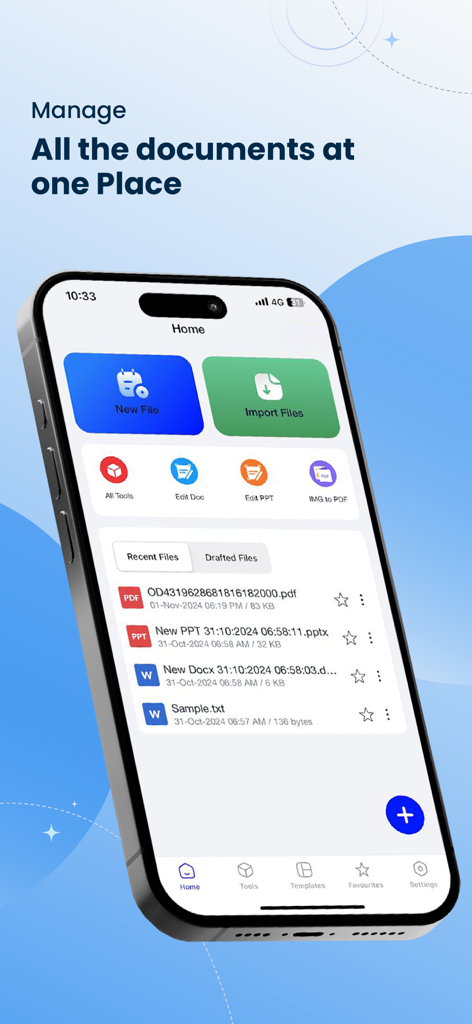
Startbildschirm der Office Word Editor-App mit Dateiverwaltung und Bearbeitungswerkzeugen auf einem iPhone
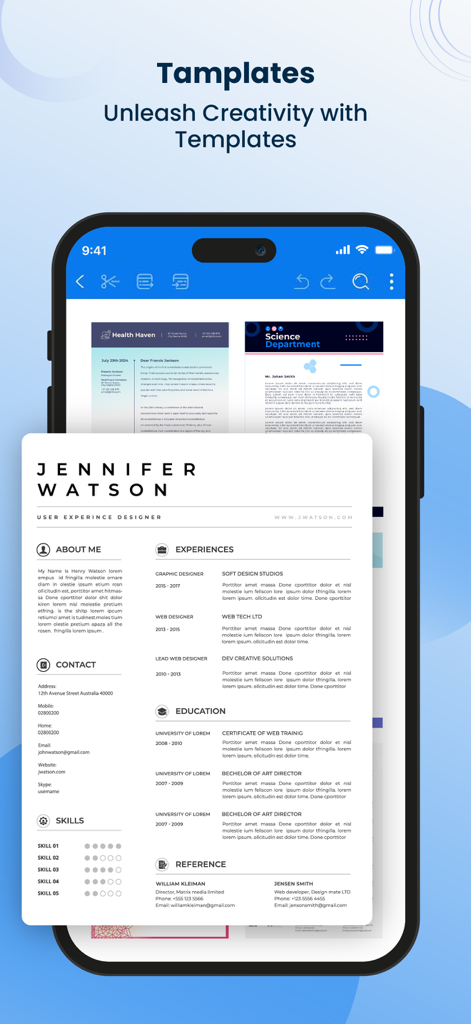
Mobile App-Oberfläche, die professionelle Dokumentenvorlagen anzeigt, darunter einen Lebenslauf und einen Newsletter.
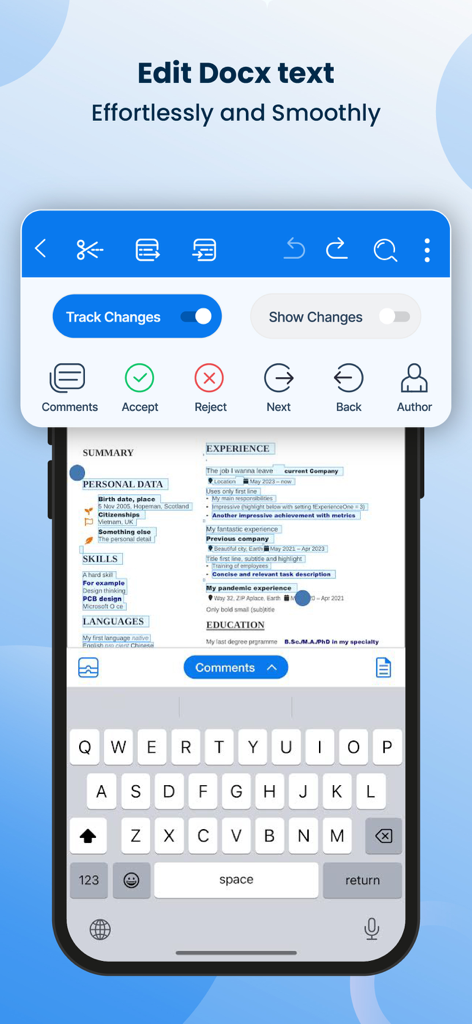
Mobile App-Oberfläche zur Bearbeitung von Word-Dokumenten mit Funktionen zur Nachverfolgung von Änderungen und Überprüfungstools
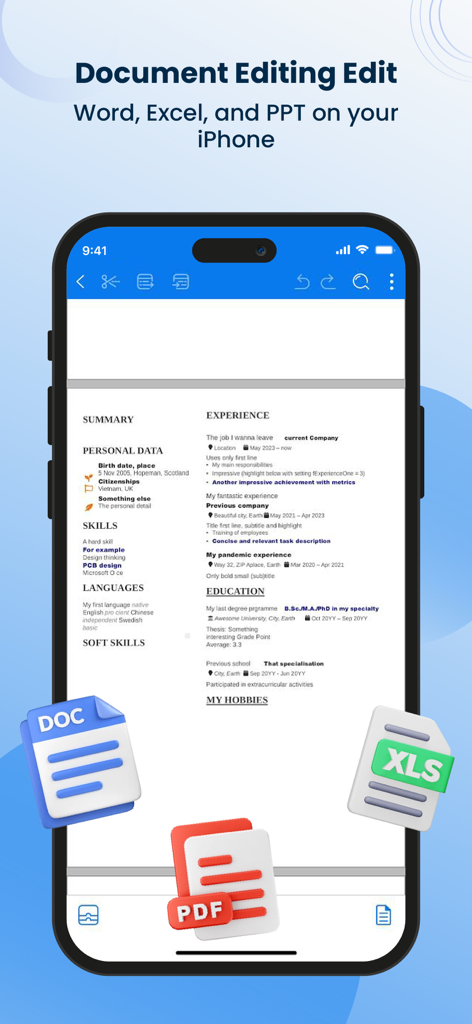
Ein iPhone-Bildschirm zeigt einen Lebenslauf, der in der Office Word Editor-App bearbeitet wird, mit DOC-, PDF- und XLS-Dateisymbolen.
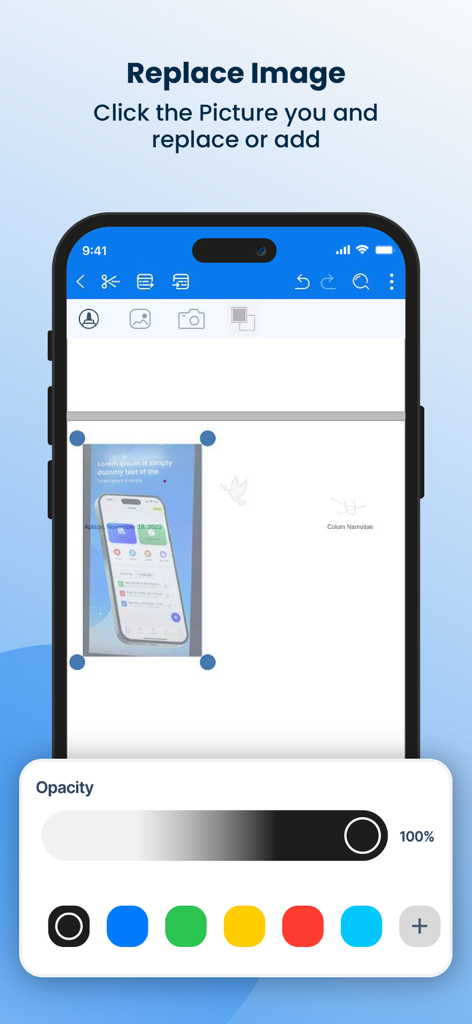
Oberfläche des Word-Dokumenteneditors, die Bildersetzungs- und Opazitätssteuerungen auf einem Smartphone anzeigt.
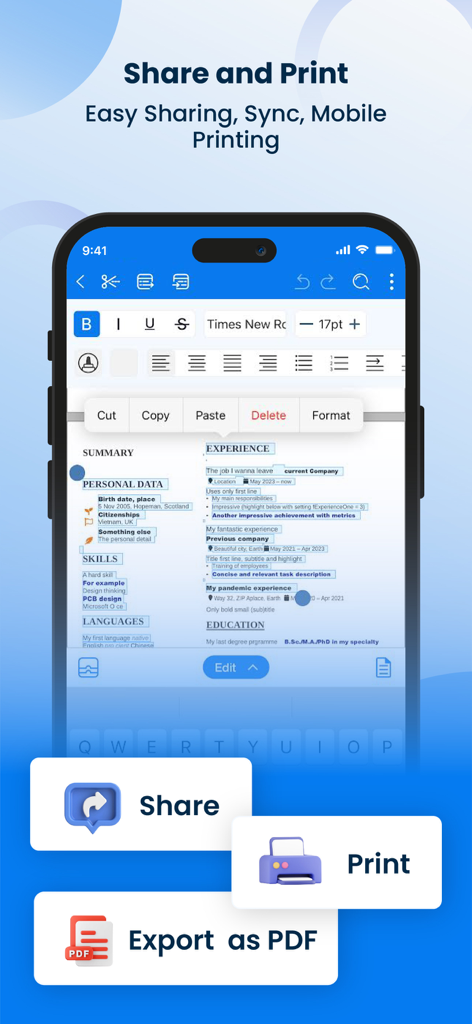
Office Word Editor App-Oberfläche mit Dokumentenbearbeitungswerkzeugen und Schaltflächen zum Teilen, Drucken und Exportieren als PDF.
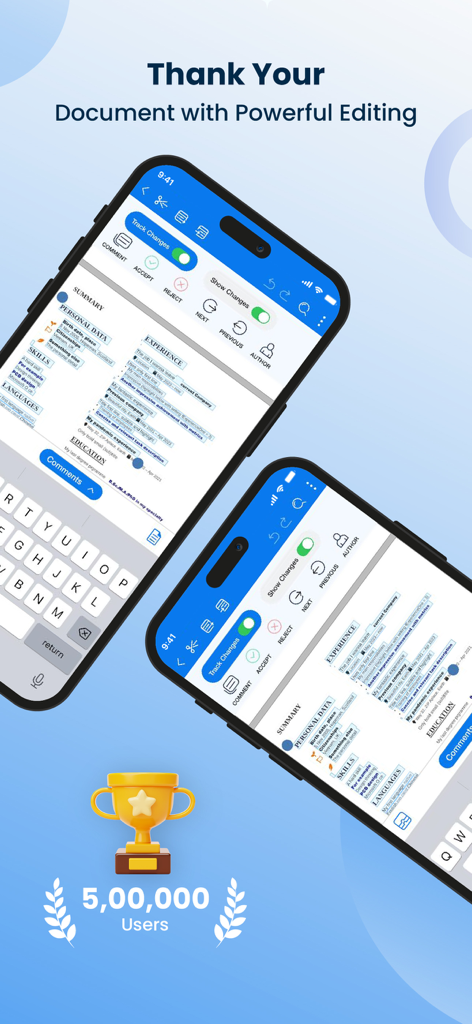
Mobile App-Oberfläche zur Bearbeitung von Word-Dokumenten mit Funktionen zur Nachverfolgung von Änderungen
Beschreibung
Download
Ähnliche Apps
Apps mit ähnlichen Funktionen und Nutzererfahrung

石墨文档 - 在线文档协作编辑和表格制作
ChuXin Tec Co., Ltd.

Documents - Create & Edit
Normal Vector Limited

全能办公文档-在线word文档手机版、在线文档编辑
亚敏 陈

表格手机版 -手机编辑表格文档
晶晶 姜

word文档手机版-在线文档编辑办公软件
根根 黄

OpenDocument Reader - view ODT
Stefl und Taschauer OG

xlsx表格手机版 -移动端表格编辑
华 杨

文档手机版-手机办公软件
卓臻 李

AO Office
Akikazu Yoshikawa
Diese Seite ist keine offizielle Seite der App oder ihres Entwicklers, sondern eine unabhängige redaktionelle Veröffentlichung, die zu Informations- und Kommentarzwecken erstellt wurde. Sofern nicht ausdrücklich anders angegeben, sind weder die App noch ihr Entwickler mit MWM, Apple, Google Play, dem App-Herausgeber oder dem Entwickler der App verbunden, von ihnen unterstützt, gesponsert, autorisiert oder anderweitig offiziell verbunden, und nichts auf dieser Seite impliziert, dass die App unter Verwendung der Dienste von MWM entwickelt wurde. Alle Marken, Logos, Screenshots und andere Inhalte bleiben Eigentum ihrer jeweiligen Inhaber.