
Diese Seite ist keine offizielle Seite der App oder ihres Entwicklers, sondern eine unabhängige redaktionelle Veröffentlichung, die zu Informations- und Kommentarzwecken erstellt wurde. Sofern nicht ausdrücklich anders angegeben, sind weder die App noch ihr Entwickler mit MWM, Apple, Google Play, dem App-Herausgeber oder dem Entwickler der App verbunden, von ihnen unterstützt, gesponsert, autorisiert oder anderweitig offiziell verbunden, und nichts auf dieser Seite impliziert, dass die App unter Verwendung der Dienste von MWM entwickelt wurde. Alle Marken, Logos, Screenshots und andere Inhalte bleiben Eigentum ihrer jeweiligen Inhaber.

Python3IDE
Verwandeln Sie Ihr iPad in eine leistungsstarke Workstation. Codieren, analysieren und visualisieren Sie mit integrierter NumPy-, Pandas- und Jupyter Notebook-Unterstützung – alles lokal und zu 100 % offline.
Downloads
1M+Bewertung
Bewertungen gesamt
1K+Herausgeber
Kategorie
Developer ToolsSprachen
2Neueste Version
1.5Größe
1.6 GBErstveröffentlichung
4. Apr. 2018Desktop-Leistung auf Ihrem Mobilgerät
Python3IDE verwandelt Ihr iPad und iPhone in eine Hochleistungs-Workstation mit einem vorkonfigurierten wissenschaftlichen Stack und vollen Offline-Funktionen.
Vorinstallierter wissenschaftlicher Stack
Überspringen Sie die Einrichtung und beginnen Sie sofort mit der Datenanalyse mit NumPy, Pandas, Scikit-Learn und Matplotlib, die direkt in die App integriert sind.
Völlige Offline-Unabhängigkeit
Führen Sie Ihre Skripte lokal und ohne Internetverbindung aus und debuggen Sie sie. Der perfekte Begleiter für den Pendler-Programmierer und digitalen Nomaden.
Die folgenden Screenshots und die Beschreibung stammen direkt aus dem offiziellen Store-Eintrag der App und sind Eigentum des Entwicklers.
App Store
Screenshots
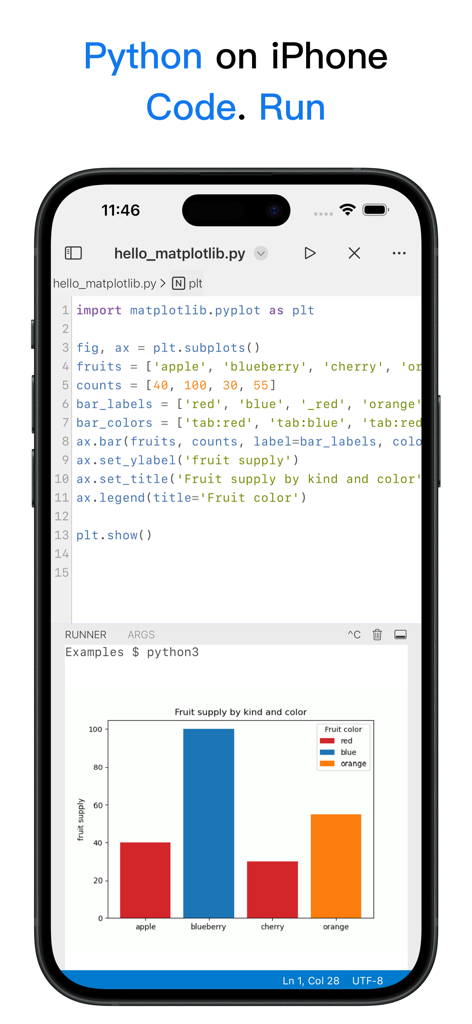
Screenshot der Python3IDE-App auf dem iPhone, der Python-Code zeigt, der matplotlib verwendet, um ein farbcodiertes Balkendiagramm zu erstellen.
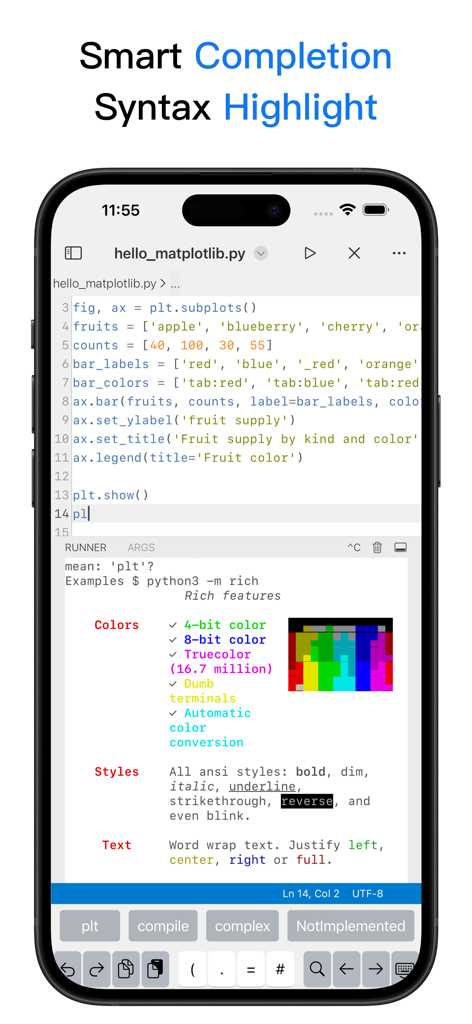
Mobiler Code-Editor von Python3IDE mit Syntaxhervorhebung und intelligenten Vervollständigungsvorschlägen
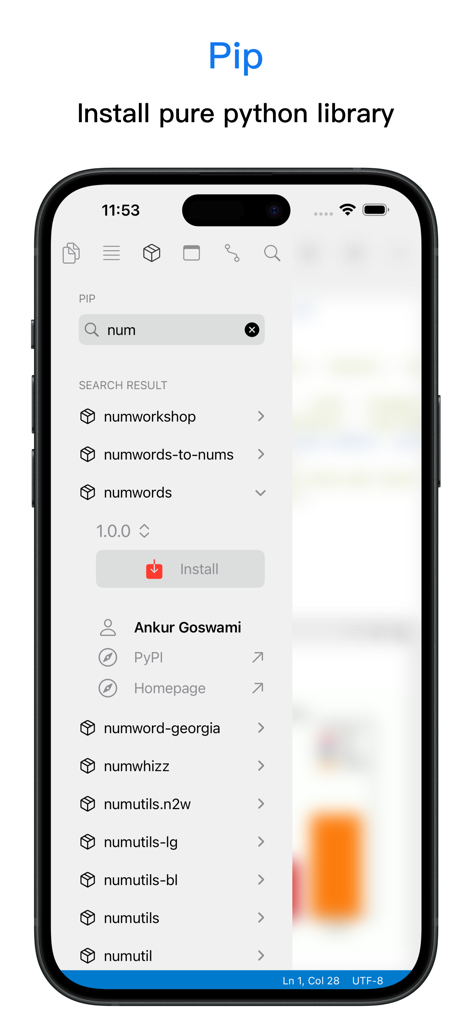
Oberfläche der Python3IDE-Mobil-App, die den Pip-Paketmanager zum Suchen und Installieren von Python-Bibliotheken zeigt
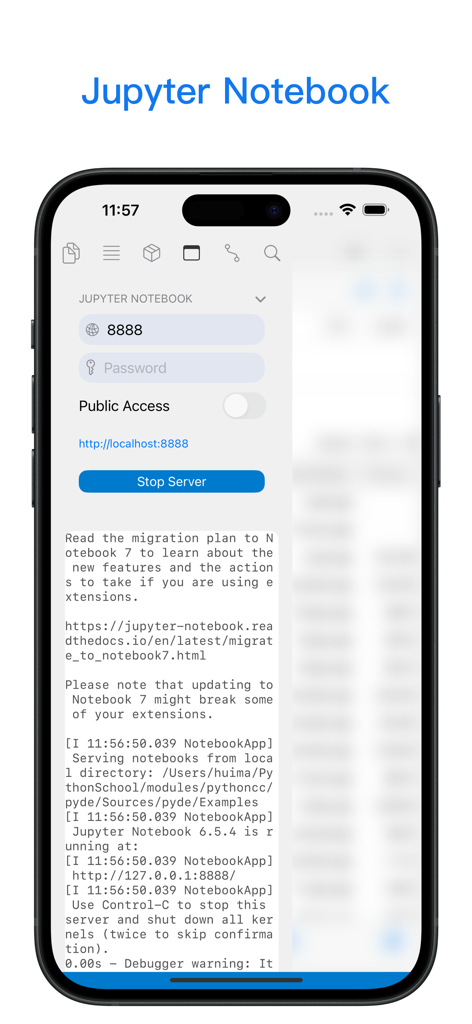
Mobile Oberfläche von Python3IDE, die lokale Jupyter Notebook Server-Steuerelemente und Protokolle anzeigt
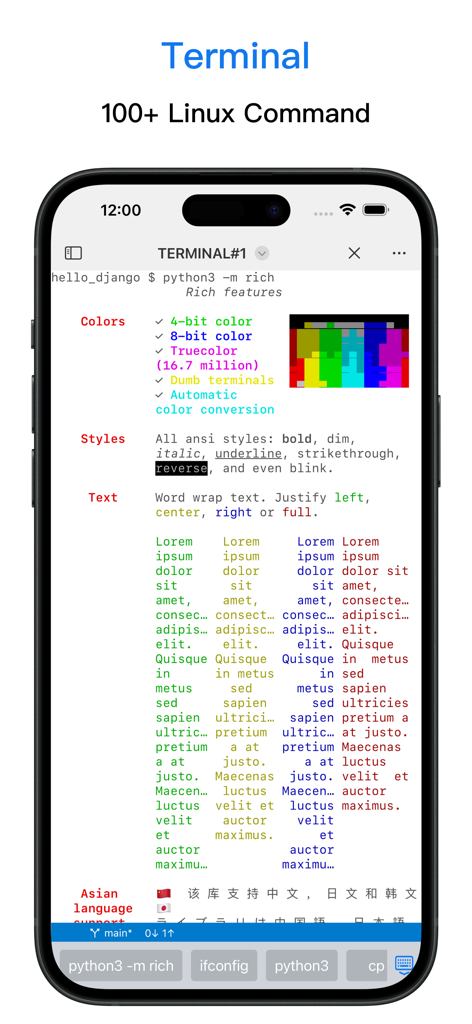
Eine mobile Terminal-Oberfläche in der Python3IDE-App, die Linux-Befehlsunterstützung und Rich-Text-Formatierung zeigt.
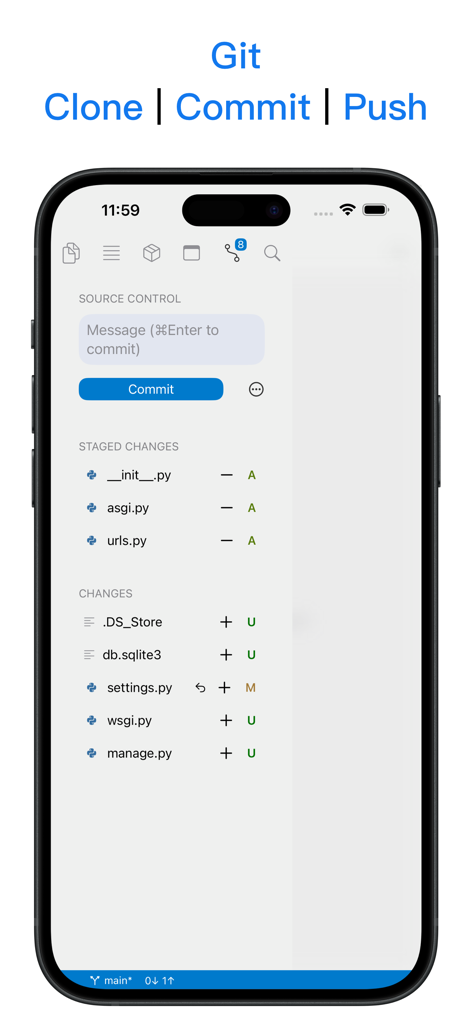
Python3IDE-Mobil-App, die Git-Quellcodeverwaltung mit Klon-, Commit- und Push-Funktionen auf einem iPhone-Bildschirm zeigt
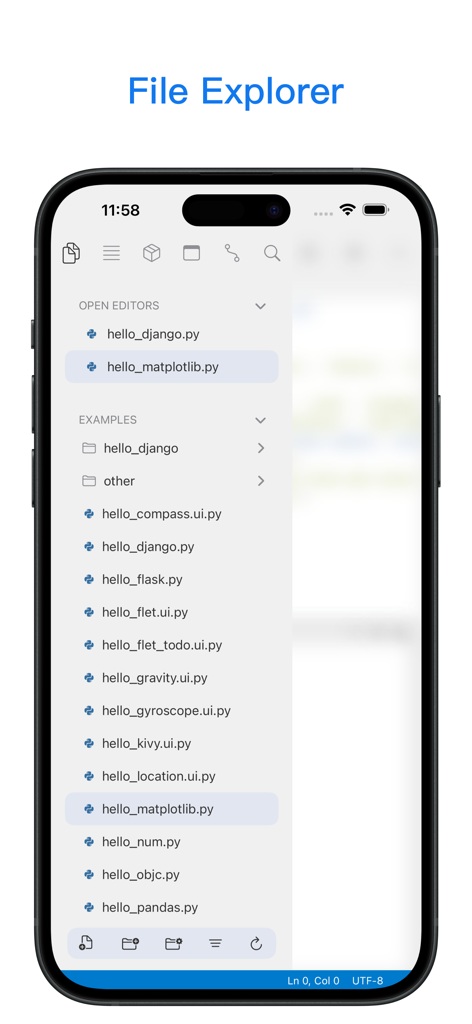
Dateiexplorer der Python3IDE-Mobil-App, der offene Skripte und Python-Codebeispiele zeigt
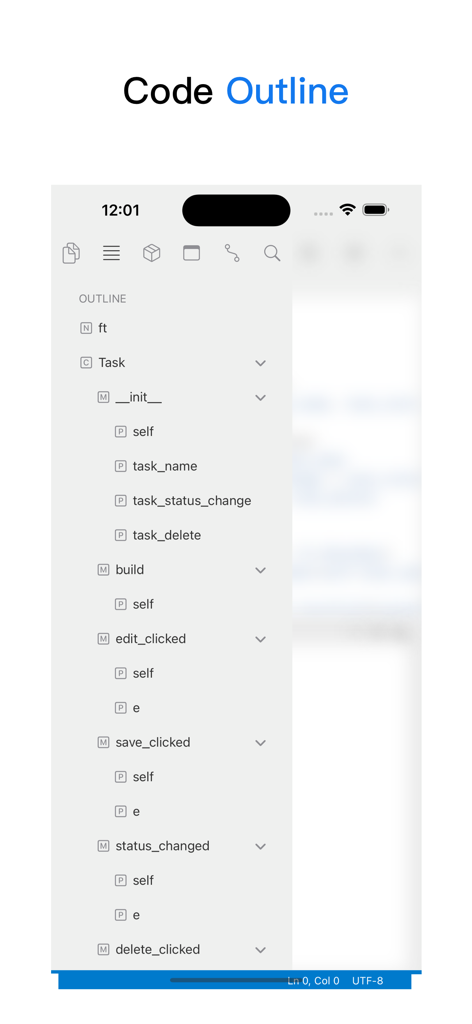
Screenshot der Python3IDE-Mobil-App, der eine hierarchische Code-Gliederung mit Klassen und Methoden zeigt
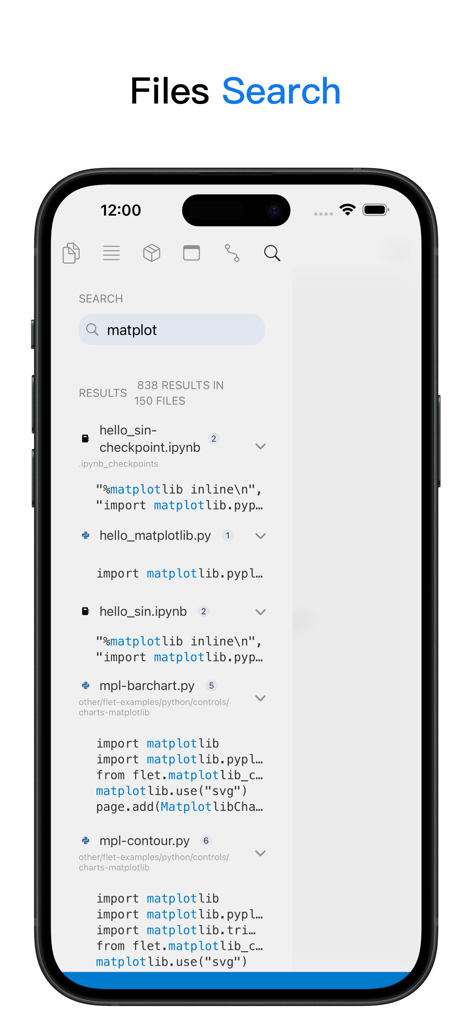
Suchoberfläche der Python3IDE-App, die Code-Suchergebnisse für die matplotlib-Bibliothek auf einem iPhone zeigt
Beschreibung
Download
Ähnliche Apps
Apps mit ähnlichen Funktionen und Nutzererfahrung

Python Coding
婉媚 邵

Scriptable
Simon Stovring

Koder Code Editor
Reny Mustika

Textastic Code Editor
Alexander Blach

Carnets - Jupyter
Nicolas Holzschuch

Juno – Python and Jupyter
Rational Matter Ltd

C/C++-programming language
小文 黄

Love2D Studio
淑敏 孙

C Compiler IDE
Changsha Chunjue Information Technology Co., Ltd.
Diese Seite ist keine offizielle Seite der App oder ihres Entwicklers, sondern eine unabhängige redaktionelle Veröffentlichung, die zu Informations- und Kommentarzwecken erstellt wurde. Sofern nicht ausdrücklich anders angegeben, sind weder die App noch ihr Entwickler mit MWM, Apple, Google Play, dem App-Herausgeber oder dem Entwickler der App verbunden, von ihnen unterstützt, gesponsert, autorisiert oder anderweitig offiziell verbunden, und nichts auf dieser Seite impliziert, dass die App unter Verwendung der Dienste von MWM entwickelt wurde. Alle Marken, Logos, Screenshots und andere Inhalte bleiben Eigentum ihrer jeweiligen Inhaber.