
Diese Seite ist keine offizielle Seite der App oder ihres Entwicklers, sondern eine unabhängige redaktionelle Veröffentlichung, die zu Informations- und Kommentarzwecken erstellt wurde. Sofern nicht ausdrücklich anders angegeben, sind weder die App noch ihr Entwickler mit MWM, Apple, Google Play, dem App-Herausgeber oder dem Entwickler der App verbunden, von ihnen unterstützt, gesponsert, autorisiert oder anderweitig offiziell verbunden, und nichts auf dieser Seite impliziert, dass die App unter Verwendung der Dienste von MWM entwickelt wurde. Alle Marken, Logos, Screenshots und andere Inhalte bleiben Eigentum ihrer jeweiligen Inhaber.


Sibelius
Bringen Sie die branchenführenden Notationswerkzeuge auf Ihr iPad und iPhone. Komponieren, bearbeiten und überprüfen Sie Ihre Partituren nahtlos mit der Präzision des Apple Pencil und der mühelosen Cloud-Synchronisierung vom Studio bis zur Bühne.
Downloads
631K+Bewertung
Bewertungen gesamt
9K+Herausgeber
Kategorie
MusicSprachen
9Neueste Version
2025.12.1Größe
1.4 GBErstveröffentlichung
29. Juli 2021Pro-Notenschrift ohne Grenzen
Nehmen Sie das leistungsstärkste Notationswerkzeug der Branche mit, wohin Sie auch gehen, von der Kompositionssitzung bis zum täglichen Pendeln.
Komponieren Sie jederzeit und überall
Bringen Sie die weltweit führende Notationssoftware vom Studio ins Café mit einem nahtlosen Workflow von mobil zu Desktop.
Intuitive Touch- und Pencil-Eingabe
Erleben Sie das Stift-und-Papier-Erlebnis neu. Verwenden Sie Gesten des Apple Pencil, um Noten mit unübertroffener Präzision zu kippen, zu tippen und zu verschieben.
Häufig gestellte Fragen
Alles, was Sie über wissen müssen Sibelius
Was ist Sibelius?
Sibelius ist eine professionelle Notationsanwendung für iPad, iPhone und Desktop. Sie bietet Workflows für Komponisten, Orchestratoren und Arrangeure und ermöglicht die Erstellung und Überprüfung von Partituren unterwegs.
Kann ich Sibelius auf meinem iPad und iPhone verwenden?
Ja, Sibelius ist für iPad und iPhone erhältlich und ermöglicht einen nahtlosen Wechsel zwischen mobilen und Desktop-Geräten. So können Benutzer überall an Partituren und Kompositionen arbeiten.
Bietet Sibelius für Mobilgeräte die gleichen Funktionen wie die Desktop-Version?
Sibelius für Mobilgeräte bietet viele der gleichen Werkzeuge wie sein Desktop-Pendant und bietet ein voll ausgestattetes Erlebnis. Einige erweiterte Notations- und Layoutfunktionen bleiben der Desktop-Version für einen vollständigen Workflow vorbehalten.
Wie unterstützt Sibelius innovative Noteneingabe auf Mobilgeräten?
Sibelius bietet eine innovative Noteneingabe über die Bildschirmtastatur oder eine Tastatur. Benutzer können Notenwerte durch Ziehen ändern oder Vorzeichen durch Kippen eines Apple Pencil hinzufügen und so den Workflow mit Stift und Papier neu gestalten.
Welche Abonnementoptionen gibt es für Sibelius?
Sibelius bietet verschiedene Abonnementstufen, darunter das kostenlose Sibelius First und das branchenübliche Sibelius Ultimate. Benutzer können ihr Abonnement erweitern, um je nach Bedarf weitere Notationsfähigkeiten und Instrumentenstimmen zu erhalten.
Kann ich auf meine Sibelius-Partituren auf verschiedenen Geräten zugreifen?
Ja, Sibelius ermöglicht den nahtlosen Wechsel von Partituren zwischen Desktop, iPad und iPhone. Dateien, die in iCloud, Dropbox, Google Drive oder anderen von iOS unterstützten Cloud-Diensten gespeichert sind, bieten von überall aus einen einfachen Zugriff.
Enthält Sibelius eine Beispielbibliothek für die Musikwiedergabe?
Ja, Sibelius enthält eine hochwertige Beispielbibliothek mit verschiedenen Musikinstrumenten. So können Benutzer hören, wie ihre Musik von echten Musikern klingen wird, was den kreativen Prozess verbessert.
Die folgenden Screenshots und die Beschreibung stammen direkt aus dem offiziellen Store-Eintrag der App und sind Eigentum des Entwicklers.
App Store
Screenshots
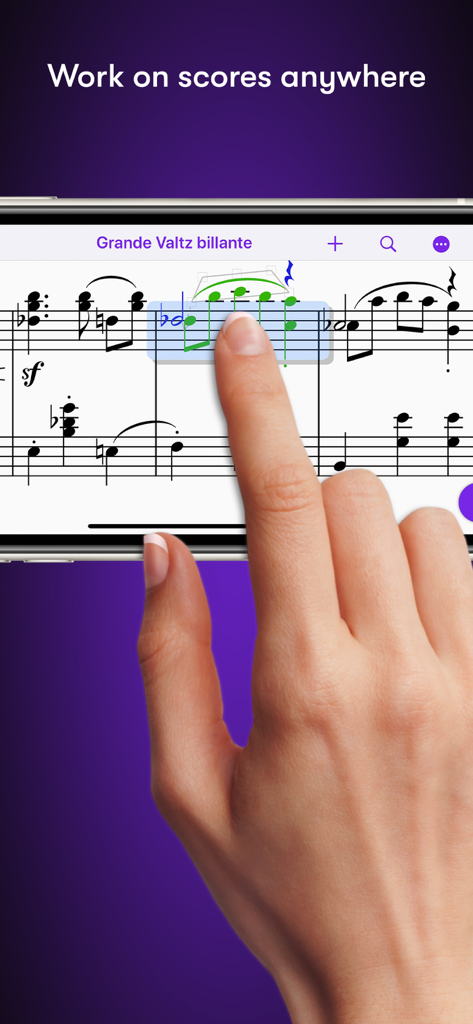
Bearbeiten von Musiknoten in der Sibelius-App mit einem Smartphone von Hand
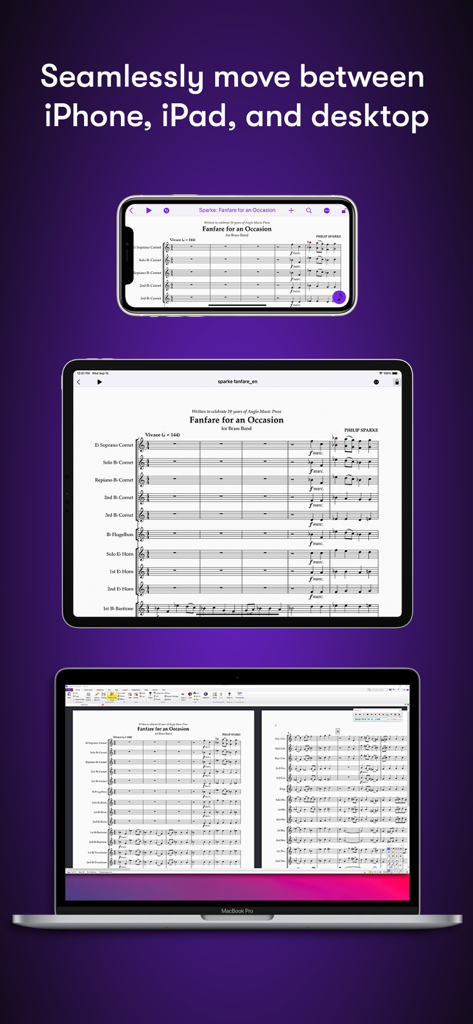
Sibelius-Partitur angezeigt auf iPhone, iPad und MacBook Desktop
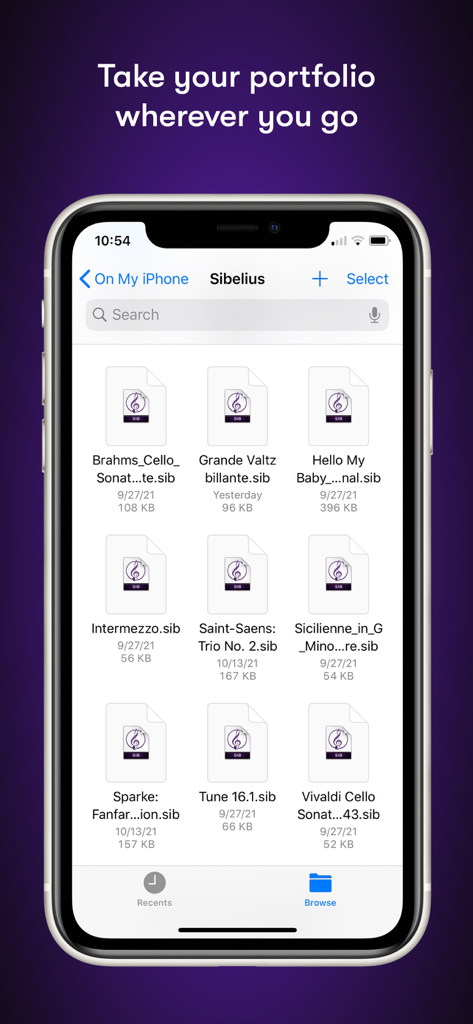
Dateimanager der Sibelius-Mobil-App mit einer Liste von Notationsprojekten auf einem iPhone
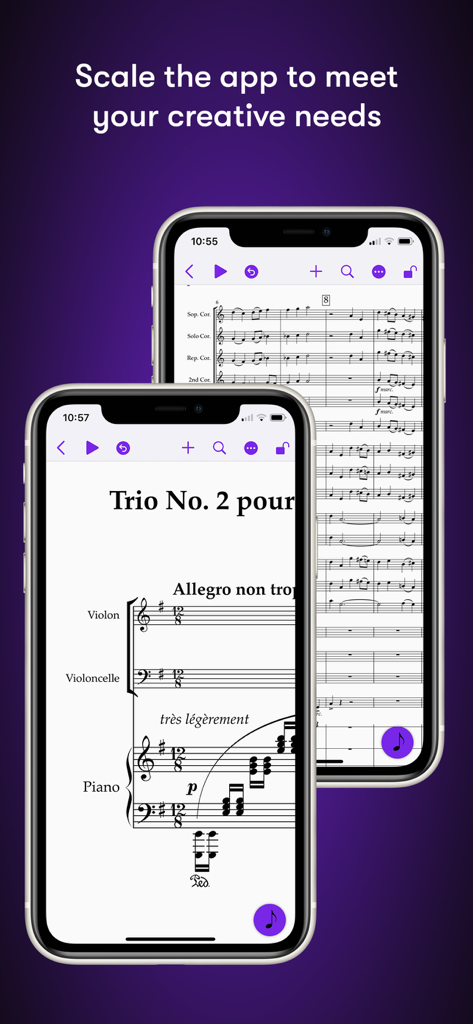
Sibelius-Mobil-App, die Musiknotation auf iPhone-Bildschirmen anzeigt
Beschreibung
Download
Ähnliche Apps
Apps mit ähnlichen Funktionen und Nutzererfahrung

来音制谱-sheet music editing
Beijing Xihang Technology Co., Ltd.

Dorico - Compose Music
Steinberg Media Technologies GmbH

Composer Pro - Score Creator
嵩 张

Notation Pad-Sheet Music Score
嵩 张

Piano+ - Sheet Music Composer
嵩 张

Score Creator: compose music
Sharp Notes Company Limited

Maestro - Music Composer
Future Sculptor Pty Ltd

NotateMe
Neuratron Limited

Fender Notion: Music & Tab
Fender Digital, LLC
Diese Seite ist keine offizielle Seite der App oder ihres Entwicklers, sondern eine unabhängige redaktionelle Veröffentlichung, die zu Informations- und Kommentarzwecken erstellt wurde. Sofern nicht ausdrücklich anders angegeben, sind weder die App noch ihr Entwickler mit MWM, Apple, Google Play, dem App-Herausgeber oder dem Entwickler der App verbunden, von ihnen unterstützt, gesponsert, autorisiert oder anderweitig offiziell verbunden, und nichts auf dieser Seite impliziert, dass die App unter Verwendung der Dienste von MWM entwickelt wurde. Alle Marken, Logos, Screenshots und andere Inhalte bleiben Eigentum ihrer jeweiligen Inhaber.