
Diese Seite ist keine offizielle Seite der App oder ihres Entwicklers, sondern eine unabhängige redaktionelle Veröffentlichung, die zu Informations- und Kommentarzwecken erstellt wurde. Sofern nicht ausdrücklich anders angegeben, sind weder die App noch ihr Entwickler mit MWM, Apple, Google Play, dem App-Herausgeber oder dem Entwickler der App verbunden, von ihnen unterstützt, gesponsert, autorisiert oder anderweitig offiziell verbunden, und nichts auf dieser Seite impliziert, dass die App unter Verwendung der Dienste von MWM entwickelt wurde. Alle Marken, Logos, Screenshots und andere Inhalte bleiben Eigentum ihrer jeweiligen Inhaber.


Smart Printer App: iPrint
Kabel sind tot. Diese App macht Ihr iPhone zum Druckzentrum und befreit Sie von jedem unnötigen Schritt.
Downloads
2.5M+Bewertung
Bewertungen gesamt
47.6KHerausgeber
Kategorie
BusinessSprachen
9Neueste Version
1.5.7Größe
201.9 MBErstveröffentlichung
5. Juni 2023Eine Bewertung der wichtigsten Leistungsmerkmale für effizientes mobiles Drucken und Scannen auf iOS-Geräten.
Analyse der Kernfunktionen: Smart Printer App: iPrint
Breite Druckerkompatibilität
Die App unterstützt über 8000 verschiedene Druckermodelle, was Nutzern eine hohe Flexibilität und die Gewissheit bietet, dass ihre vorhandene Hardware kompatibel ist.
Müheloses Drahtloses Drucken
Dieses Tool ermöglicht das direkte drahtlose Drucken von Dokumenten und Fotos vom iPhone, wodurch zusätzliche Software überflüssig wird und ein reibungsloser Workflow gewährleistet ist.
Nahtlose Cloud- und App-Integration
Es erlaubt Nutzern, Dateien aus E-Mails, anderen iOS-Apps und führenden Cloud-Diensten wie iCloud, Dropbox und Google Drive direkt zu importieren und zu drucken, was die Effizienz erheblich steigert.
Integrierte Scan-Funktion
Die App verfügt über eine Funktion zum Scannen mehrerer Dokumente oder Fotos in einer Sitzung und zum Speichern als PDF-Dateien, was die Digitalisierung von Unterlagen vereinfacht.
Häufig gestellte Fragen
Alles, was Sie über wissen müssen Smart Printer App: iPrint
How does the Smart Printer App allow printing from an iPhone?
The Smart Printer App enables wireless printing directly from your iPhone without requiring additional software. It connects to compatible WiFi printers for easy document and photo printing.
What types of printers does the Smart Printer App support?
The Smart Printer App supports over 10,000 different printers. It is compatible with a wide range of WiFi-enabled printers, ensuring broad usability for users to print documents and photos.
Can I scan documents using the Smart Printer App?
Yes, the Smart Printer App allows users to scan multiple documents or photos in one session. Scanned items can then be saved as PDF files directly within the app for convenience.
What are the printing options available in the Smart Printer App?
The Smart Printer App offers multiple printing options including selecting the number of copies, page range, paper size, page orientation, scaling, and pages per sheet. Users control their print preferences.
Does the Smart Printer App require printer drivers?
No, the Smart Printer App does not require additional drivers. It facilitates wireless printing from your iPhone to compatible WiFi printers without needing extra software installation for any printer.
How can I import files into the Smart Printer App for printing?
You can import files into the Smart Printer App from email or other iOS apps directly. It also supports importing documents and photos from cloud services like iCloud, Dropbox, or Google Drive for printing.
Where can I find the Smart Printer App's privacy policy?
The Smart Printer App's privacy policy is available at https://pp.smartprinterapp.space/. This link provides full details regarding how user data is collected and handled by the application.
What types of files can the Smart Printer App print?
The Smart Printer App prints documents and photos. Users can print these directly from their device's storage, iCloud, email, or other supported cloud storage services after importing them into the app.
Die folgenden Screenshots und die Beschreibung stammen direkt aus dem offiziellen Store-Eintrag der App und sind Eigentum des Entwicklers.
App Store
Screenshots
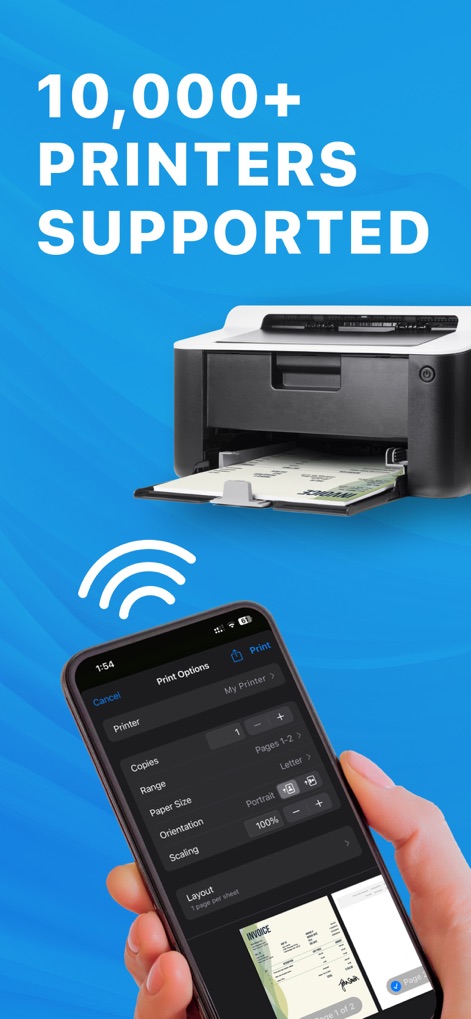
Die App demonstriert ihre beeindruckende Kompatibilität mit über "10.000+ unterstützten Druckern" und zeigt gleichzeitig die detaillierten "Druckoptionen" direkt auf dem Smartphone-Display.
Breite Druckerkompatibilität
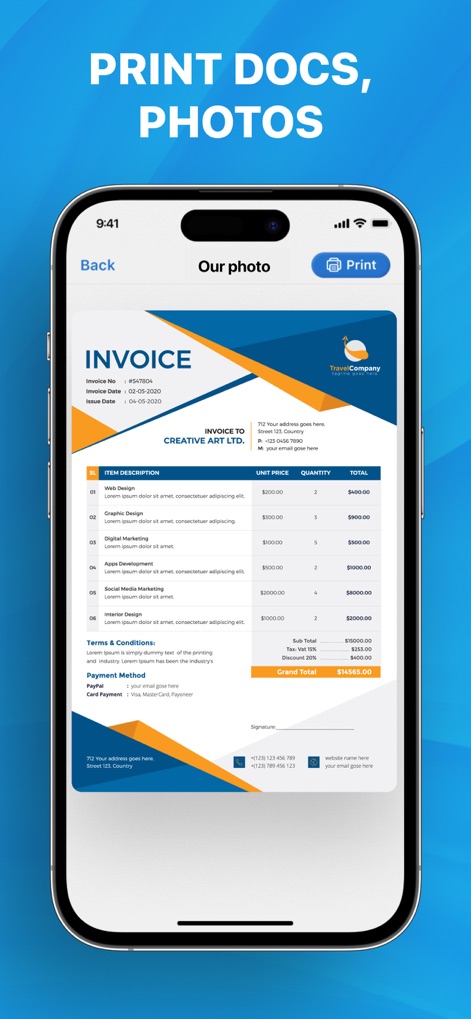
Nutzer können mit dieser App mühelos "Dokumente und Fotos drucken", was durch die klare "Rechnungsansicht" auf dem Smartphone-Display veranschaulicht wird.
Dokumente einfach drucken
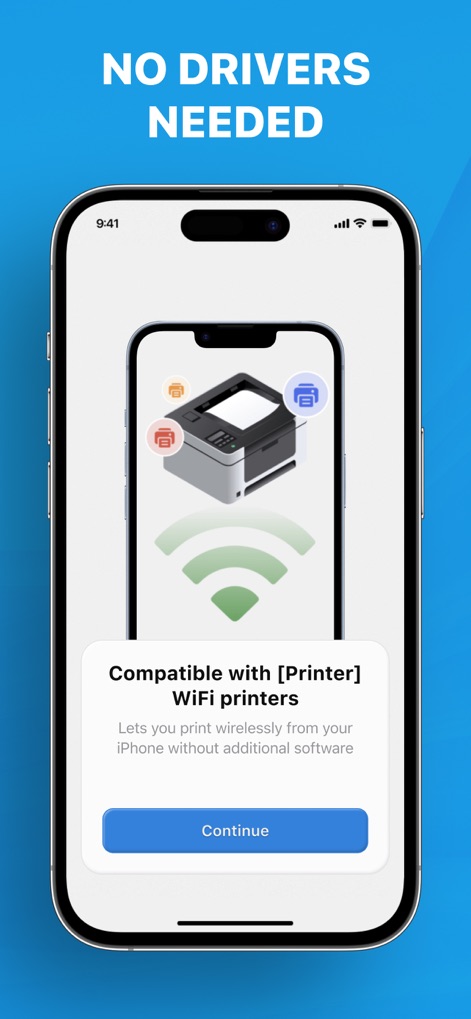
Die Anwendung hebt hervor, dass "keine Treiber benötigt" werden, und visualisiert dies mit einem stilisierten Drucker, umgeben von "WLAN-Symbolen" auf dem Bildschirm.
Treiberlose Konnektivität
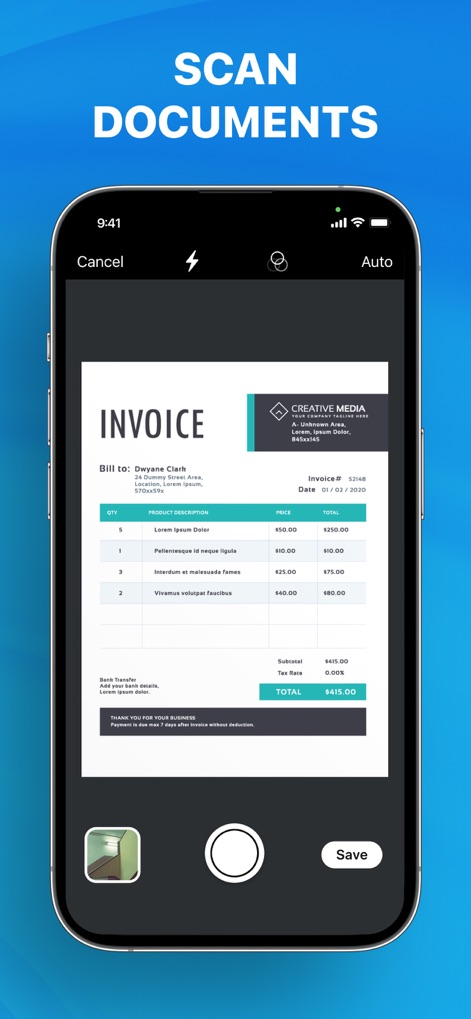
Dieses Tool ermöglicht das einfache "Scannen von Dokumenten", sichtbar durch die "Kamera-Vorschau" einer Rechnung, die für die Digitalisierung bereit ist.
Schnelles Dokumentenscannen
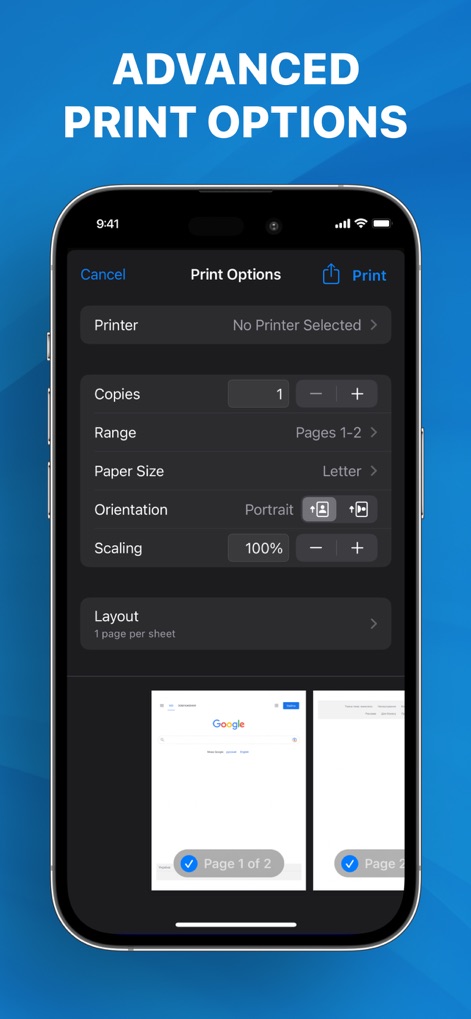
Die App präsentiert "erweiterte Druckoptionen", die dem Nutzer volle Kontrolle bieten, erkennbar an den vielfältigen "Einstellmöglichkeiten für Seitenbereich und Ausrichtung".
Detaillierte Druckoptionen
Beschreibung
Download
Ähnliche Apps
Apps mit ähnlichen Funktionen und Nutzererfahrung

Docuslice - Poster Printing
Jeremiah Lachica

Printer Pro: Smart Printer App
Ivan Spyrydonov

HP
HP Inc.

Canon PRINT
Canon Inc.

Epson Smart Panel
Seiko Epson Corporation

Brother Mobile Connect
Brother Industries, LTD.

Epson iPrint
Seiko Epson Corporation

Printer App: Smart Print
Netpeak EOOD

小白学习打印-手机打印,教辅试卷错题整理
Nanjing White Box Information Technology Co., Ltd
Diese Seite ist keine offizielle Seite der App oder ihres Entwicklers, sondern eine unabhängige redaktionelle Veröffentlichung, die zu Informations- und Kommentarzwecken erstellt wurde. Sofern nicht ausdrücklich anders angegeben, sind weder die App noch ihr Entwickler mit MWM, Apple, Google Play, dem App-Herausgeber oder dem Entwickler der App verbunden, von ihnen unterstützt, gesponsert, autorisiert oder anderweitig offiziell verbunden, und nichts auf dieser Seite impliziert, dass die App unter Verwendung der Dienste von MWM entwickelt wurde. Alle Marken, Logos, Screenshots und andere Inhalte bleiben Eigentum ihrer jeweiligen Inhaber.