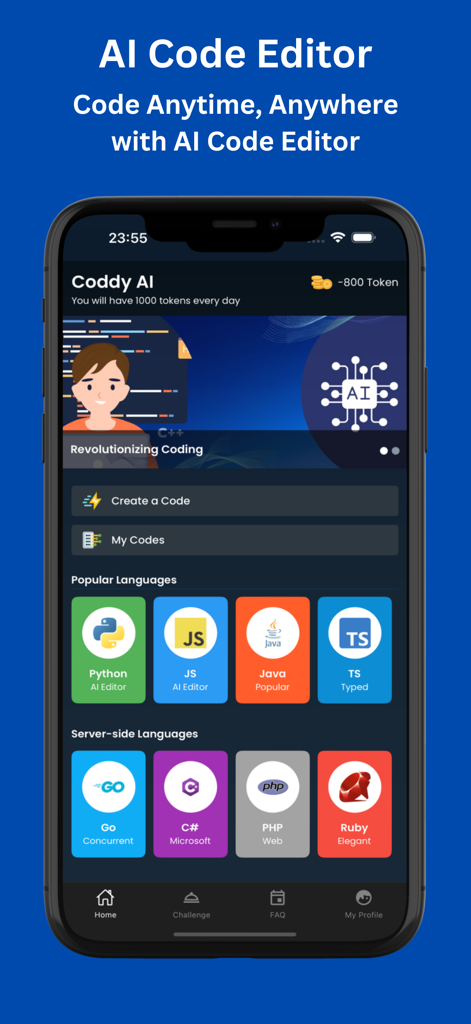
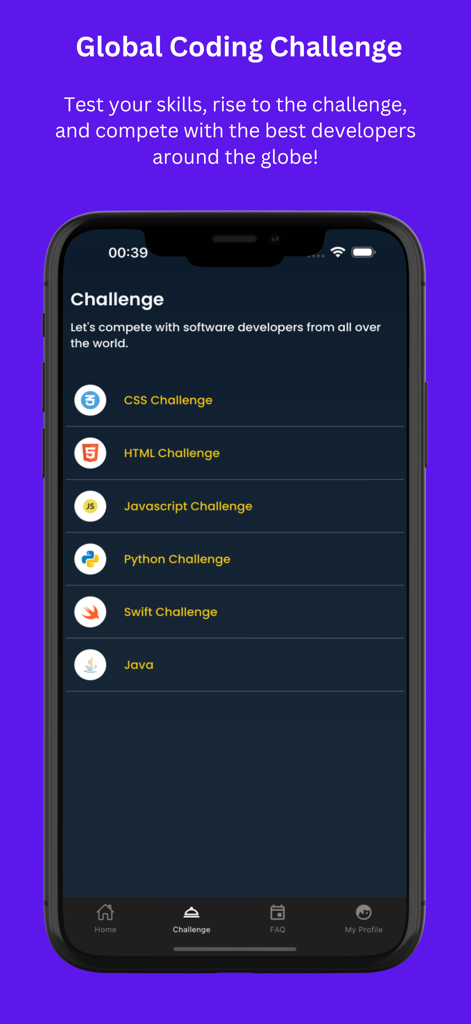
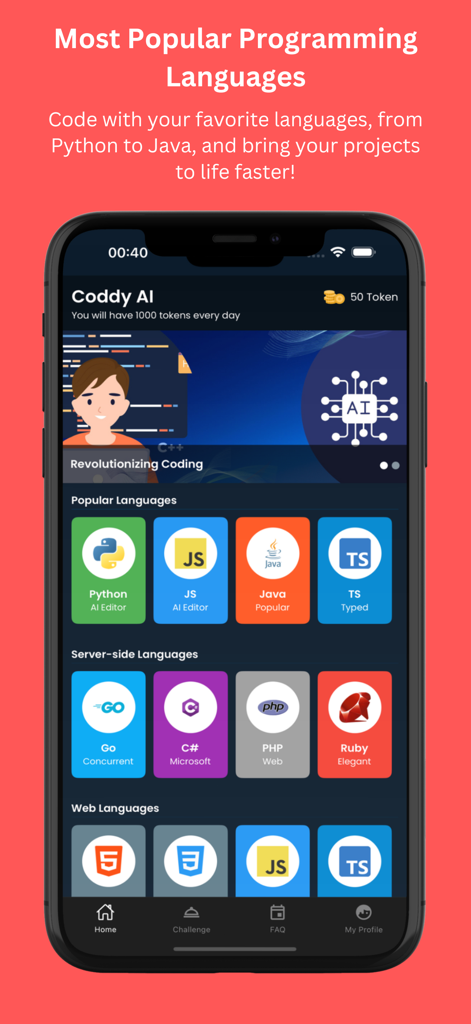
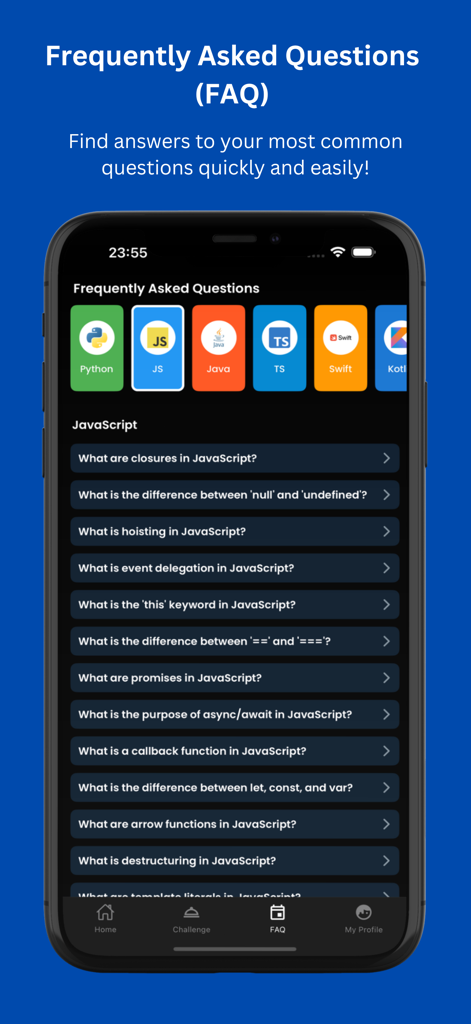
In today’s fast-paced digital era, coding on-the-go is essential for developers. AI Code Editor is your ultimate solution for mobile coding, offering a seamless and intuitive experience. Whether you’re a beginner or a seasoned professional, AI Code Editor equips you with tools to code anytime, anywhere—without compromising efficiency or quality. AI Code Editor brings desktop-level functionality to your smartphone or tablet. Its intuitive interface and advanced features keep your productivity uninterrupted. Whether commuting, taking a break, or working remotely, this app adapts to your lifestyle, letting you tackle Python scripts with its Python Editor, Python Compiler, and Python IDE, Java projects using its Java Compiler, C# Compiler, and Kotlin IDE, or HTML designs via its HTML Editor and CSS Editor. Additionally, its Online Compiler allows instant execution of your code in various languages, including Python, Java, C#, Go, and HTML.
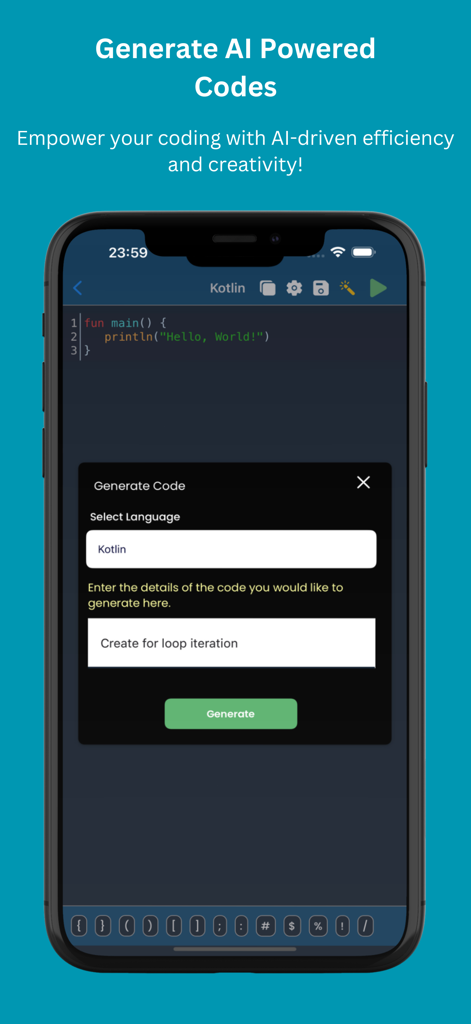
Leveraging cutting-edge AI, AI Code Editor provides real-time, context-aware code suggestions. As you type, the AI-powered autocomplete predicts your next steps, offering entire lines or blocks of code tailored to your project. Features like syntax highlighting and real-time error detection enhance clarity and reduce debugging time, making your coding smoother. Whether using the Python Editor, Python IDE, or Java Compiler, AI Code Editor enhances your workflow. Supporting numerous languages, AI Code Editor allows seamless task-switching. For scripting languages, it offers editors: TypeScript Editor, JS Editor, Swift Compiler, Kotlin IDE, Go IDE, PHP Compiler, CSS Editor, and HTML Editor. For programming languages, it provides compilers: Java Compiler, C# Compiler, Go Compiler, Python Compiler, and C++ Compiler. AI Code Editor ensures a smooth process with its Online Compiler for instant code testing and debugging.
Designed for mobile, AI Code Editor offers a responsive, touch-optimized interface. Its clean layout ensures easy navigation, while customizable themes enhance your experience, whether you prefer bright or dark mode. AI Autocomplete, AI Code Generator, and a tailored workspace make it indispensable for developers. AI Code Generator and Python Compiler ensure efficient coding, while C# IDE and Kotlin IDE offer robust tools for every developer's need. AI Code Editor is perfect for modern developers needing versatile tools. From Python scripting with Python IDE and Python Compiler to Java building with Java Compiler and C# Compiler, and HTML designing with HTML Editor and CSS Editor, it includes AI-powered solutions for all coding tasks.
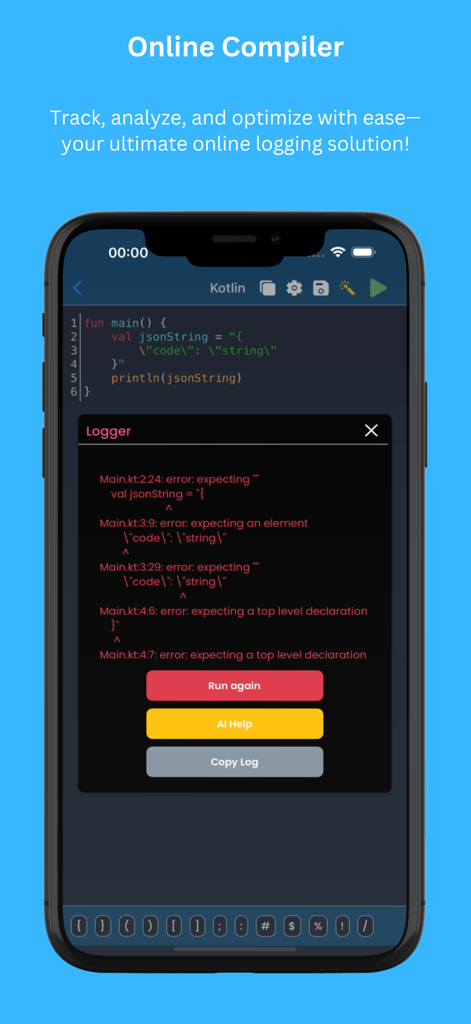
Supporting TypeScript Editor, JS Editor, Swift Compiler, Kotlin IDE, Go IDE, Go Compiler, PHP Compiler, Python IDE, Python Compiler, C# IDE, and AI Code Generator, as well as compilers for Java, C#, Go, and C++, it’s an all-in-one solution. Its Online Compiler ensures uninterrupted workflow, allowing easy debugging and testing of Python scripts, Java programs, C# applications, and HTML pages directly from your mobile device. AI Code Editor makes mobile coding powerful and efficient, covering every language with precision. With AI Code Editor.
AI Code Editor also offers offline mode, so you can code without internet access and sync changes later. This versatile app is designed to grow with your coding needs, making it the ideal choice for developers everywhere. AI Code Editor goes beyond just coding. It supports code refactoring tools, database integration, terminal access, and AI Code Generator directly within the app. The built-in code formatter ensures your code remains clean and readable, while the AI assistant helps debug complex issues effortlessly. AI Code Editor, with its HTML Editor, CSS Editor, Python Editor, JS Editor, Python IDE, Python Compiler, C# IDE, C# Compiler, Go IDE, Go Compiler, Kotlin IDE, Swift Compiler, PHP Compiler, and TypeScript Editor.
Term of Use
https://www.apple.com/legal/internet-services/itunes/dev/stdeula/