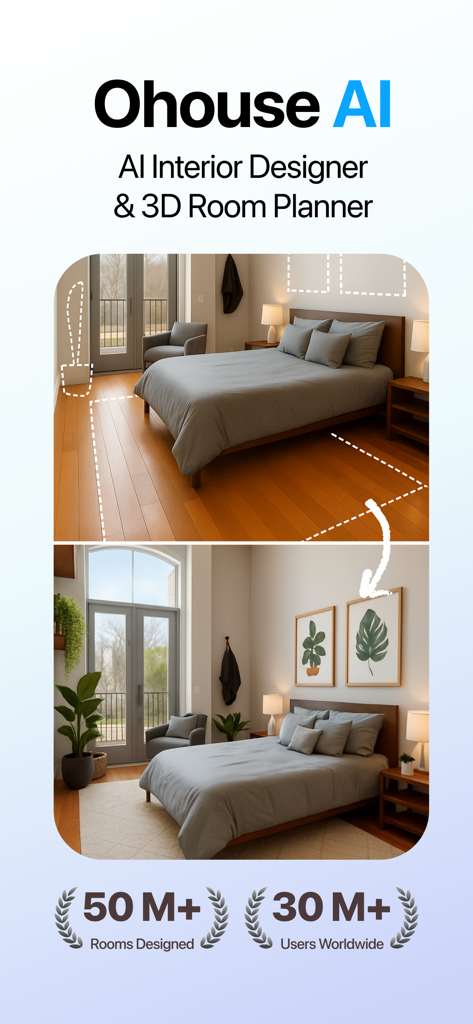
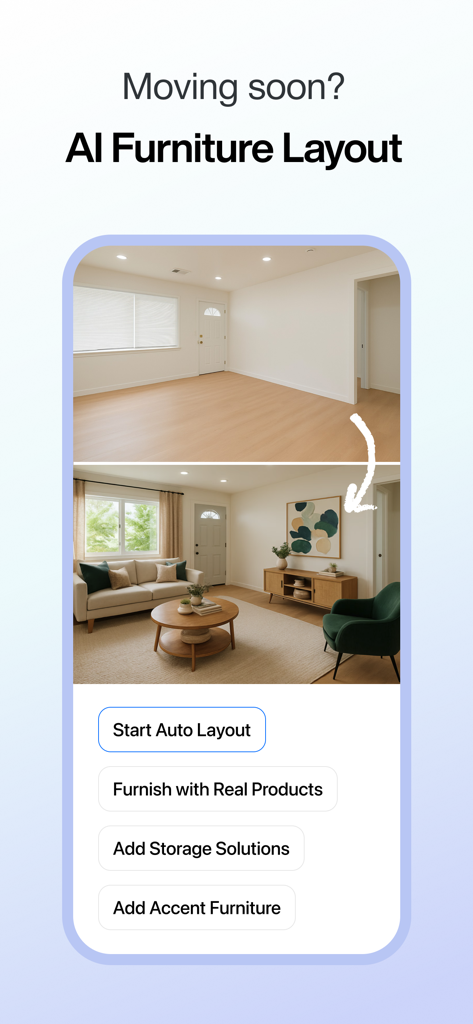
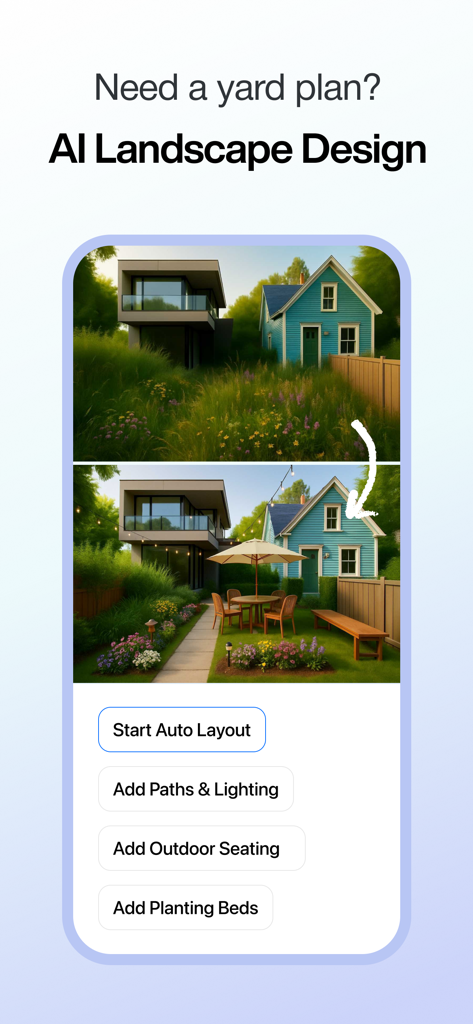
Design your home with confidence. Ohouse AI helps you plan, style, redesign, and visualize any room with both AI Interior Designer and a full 3D Room Planner. Whether you’re decorating a small bedroom, arranging furniture in your apartment, or planning a complete home renovation, Ohouse AI gives you the clarity you need before you buy, build, or remodel.
Ohouse AI combines powerful room-planning tools with realistic 3D visualization and advanced AI design suggestions. Instead of guessing if furniture will fit, or wondering what style matches your space, you can preview everything—from layouts to color palettes—in minutes.
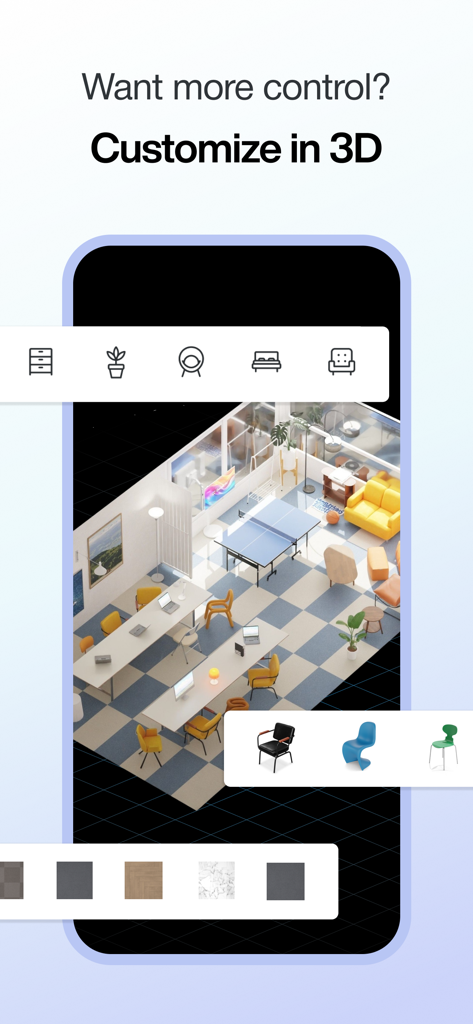
3D ROOM PLANNER — True-to-Scale 3D Design
Build, plan, and visualize your home with precise, real-world accuracy.
• Create a true-to-scale floor plan for any room or apartment
• Drag-and-drop furniture with instant layout updates
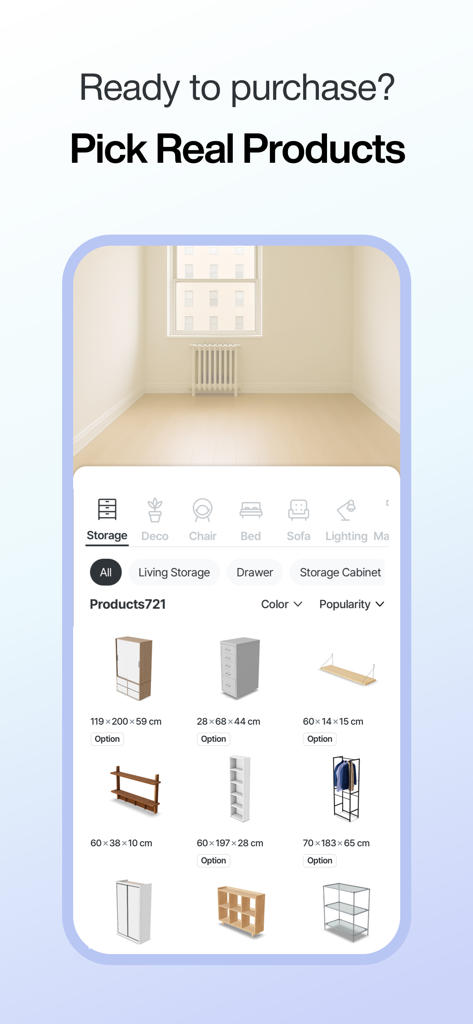
• Test thousands of 3D furniture models across styles and sizes
• Rotate and reposition furniture to check fit and traffic flow
• Visualize rooms in 360° with realistic lighting and shadows
• Adjust wall colors, flooring, spacing, and decor to match your vision
• Save, duplicate, and compare multiple versions side-by-side
• Perfect for living rooms, bedrooms, studios, small spaces, offices, and more
Ideal for anyone who needs a room planner, furniture placement tool, home remodel planner, or 3D home design app without needing professional experience.
AI INTERIOR DESIGNER — Personalized to Your Actual Room
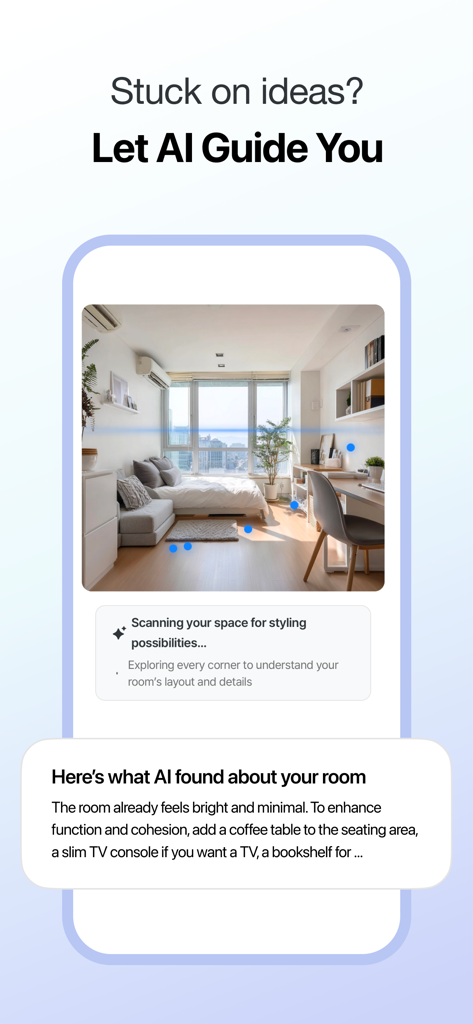
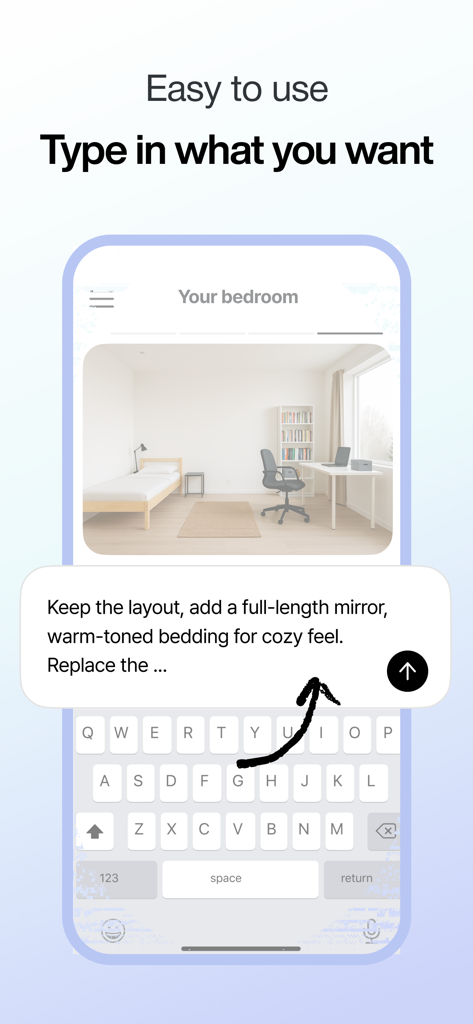
Create beautiful interior designs instantly with just a photo.
• Snap a photo of your space or upload an existing room image
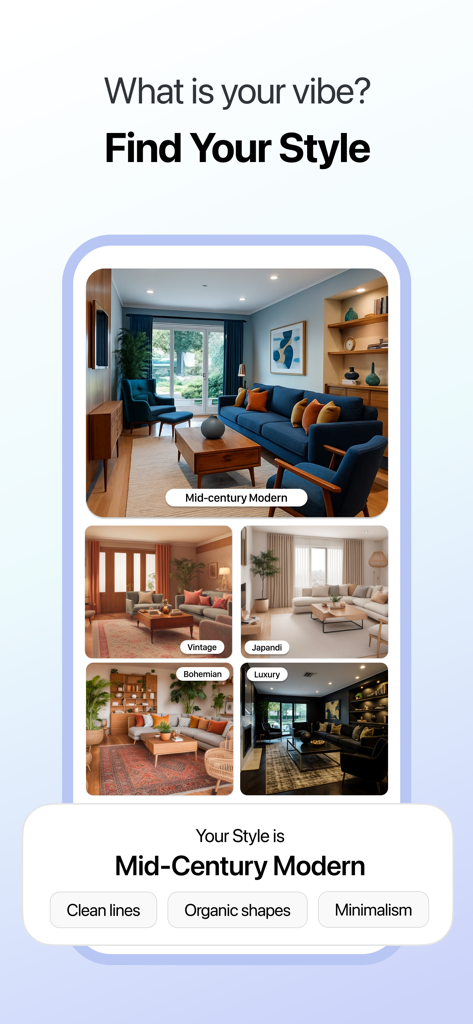
• Choose a style (minimal, modern, Scandinavian, industrial, cozy, and more)
• Or fully describe your vision with custom prompts
• Get AI-generated layouts, furniture suggestions, color palettes, and decor ideas
• See how rugs, lighting, art, shelving, and accessories look before purchasing
• Try multiple styles to compare completely different concepts
• Perfect for quick room makeovers or full interior transformations
Use AI to explore interior design ideas, test new styles, or discover layouts that maximize space in small rooms, apartments, rental homes, or newly renovated spaces.
DESIGNED FOR EVERY TYPE OF HOME PROJECT
Whether you’re styling, designing, or renovating, Ohouse AI adapts to your needs.
For renters
• Make changes without permanent work
• Try furniture layouts before moving in
• Explore temporary decor and renter-friendly ideas
For homeowners
• Plan renovations with accurate room layouts
• Redesign living rooms, kitchens, bedrooms, and more
• Test wall colors, furniture, and lighting combinations
For furniture shoppers
• Preview pieces in your space before buying
• Understand scale, aesthetics, and traffic flow
• Avoid costly purchase mistakes
For design lovers
• Explore endless interior styles in seconds
• Build moodboards with 3D and AI designs
• Discover creative directions risk-free
WHY USERS TRUST OHOUSE AI
Ohouse has helped over 30 million people design homes with confidence. With Ohouse AI, you get:
• Accuracy — Tools calibrated to real-world dimensions
• Speed — AI delivers layouts and styles in seconds
• Ease of use — Beginner-friendly, no design experience needed
• Flexibility — Two powerful tools working together
• Daily design credits — Explore new ideas every day
From quick AI makeovers to detailed architectural-level planning, Ohouse AI supports projects of every size—from room refreshes to full home redesigns.
TURN ANY SPACE INTO A PLACE YOU LOVE
Ohouse AI is perfect for planning furniture, remodeling a room, visualizing interiors, or simply exploring new design ideas. Use it as a 3D home planner, interior design assistant, furniture layout tool, or AI house designer—all in one app.
Stop imagining your dream home.
Start designing it with Ohouse AI.