AI Note Taker – VoicePen

AI Note Taker – VoicePen

ダウンロード: App Store
ロゴ: AI Note Taker – VoicePen

AIノートテイカー – VoicePen:会議やアイデアのためのAI搭載セカンドブレイン

録音、文字起こし、そして音声をスマートな要約とアクションアイテムに即座に変革。プライバシー重視のiCloud同期で、Appleエコシステムにシームレスに統合。

開発元

Timur Khairullin

カテゴリ

Productivity

ダウンロード

26K+

ユーザー評価

4.7/5

評価数

800

対応言語

3

あなたのワークフローを可視化

このインターフェースを利用する 26K+ 人のユーザー.

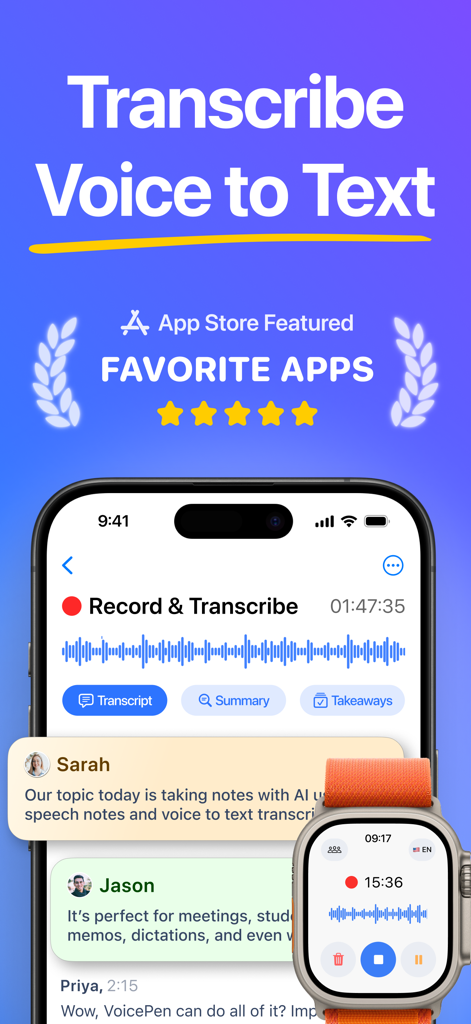
AIノートテイカーVoicePenアプリのインターフェース。iPhoneとApple Watchでの音声からテキストへの文字起こし機能を表示。
AIノートテイカーVoicePenアプリのインターフェース。iPhoneとApple Watchでの音声からテキストへの文字起こし機能を表示。

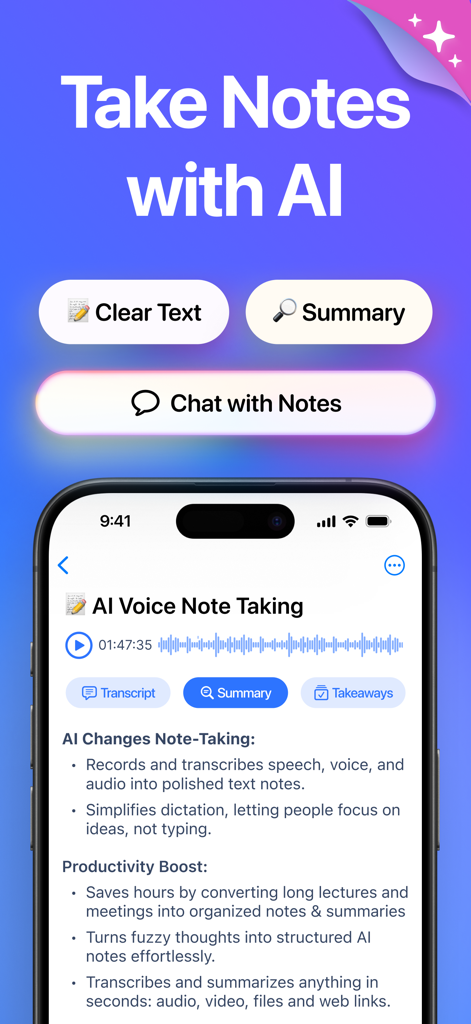
VoicePenアプリのスクリーンショット。文字起こし、要約、テイクアウェイ機能を備えたAIノート作成インターフェースを表示。
VoicePenアプリのスクリーンショット。文字起こし、要約、テイクアウェイ機能を備えたAIノート作成インターフェースを表示。

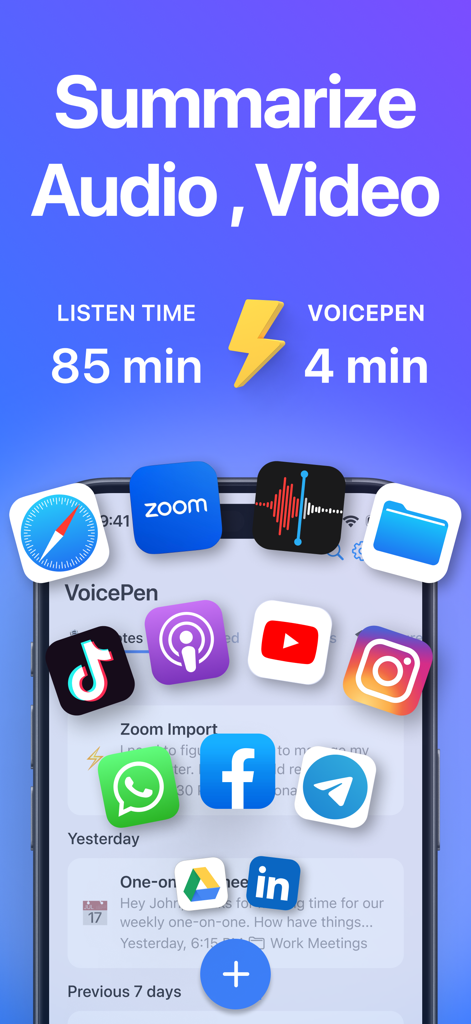
VoicePenアプリのインターフェース。Zoom、YouTube、Podcastなどのさまざまなプラットフォームからの85分間のオーディオとビデオを4分間のAIノートに要約する機能に焦点を当てています。
VoicePenアプリのインターフェース。Zoom、YouTube、Podcastなどのさまざまなプラットフォームからの85分間のオーディオとビデオを4分間のAIノートに要約する機能に焦点を当てています。

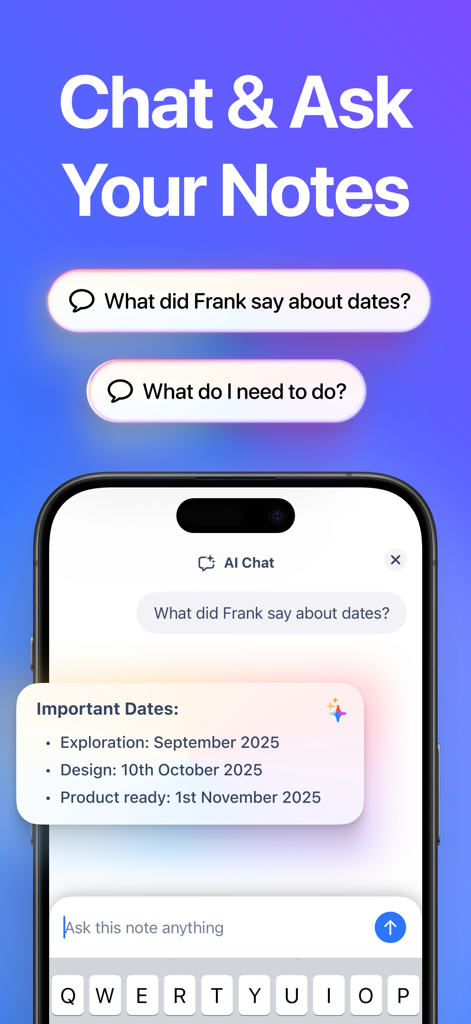
VoicePenアプリのAIチャットインターフェース。ユーザーが質問し、ノートから要約された回答を受け取っている様子を表示。
VoicePenアプリのAIチャットインターフェース。ユーザーが質問し、ノートから要約された回答を受け取っている様子を表示。

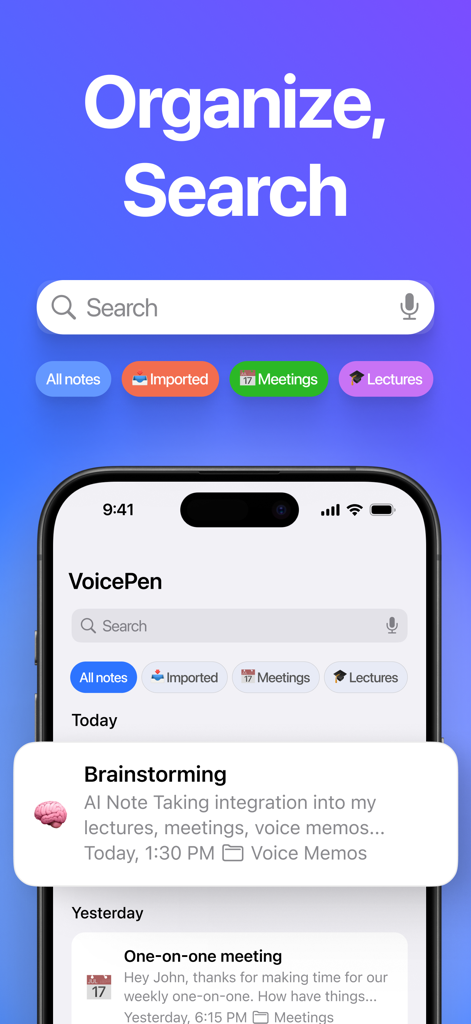
VoicePenアプリのインターフェース。会議や講義用にカテゴリ分けされたフォルダと共に、整理および検索機能を表示。
VoicePenアプリのインターフェース。会議や講義用にカテゴリ分けされたフォルダと共に、整理および検索機能を表示。

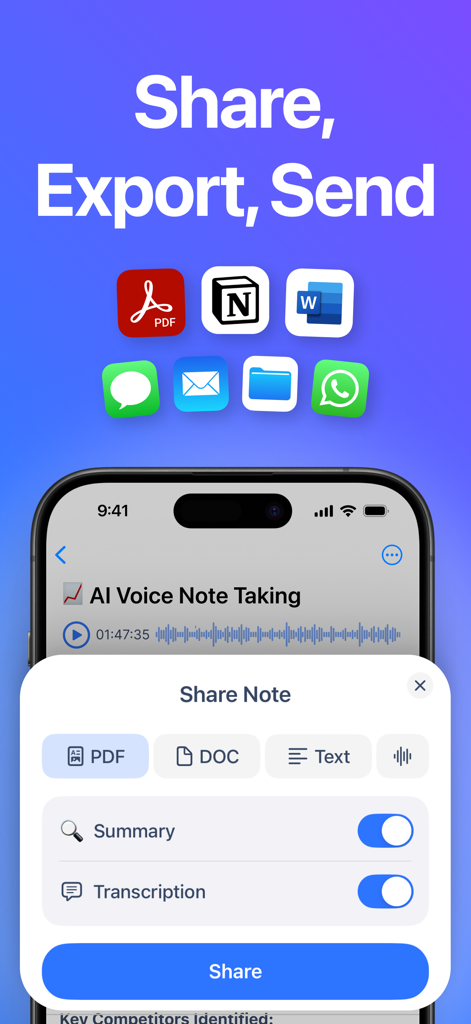
VoicePenアプリのインターフェース。Notion、Word、メッセージングアプリにPDFまたはDOCとしてAIノートを共有およびエクスポートするオプションを表示。
VoicePenアプリのインターフェース。Notion、Word、メッセージングアプリにPDFまたはDOCとしてAIノートを共有およびエクスポートするオプションを表示。

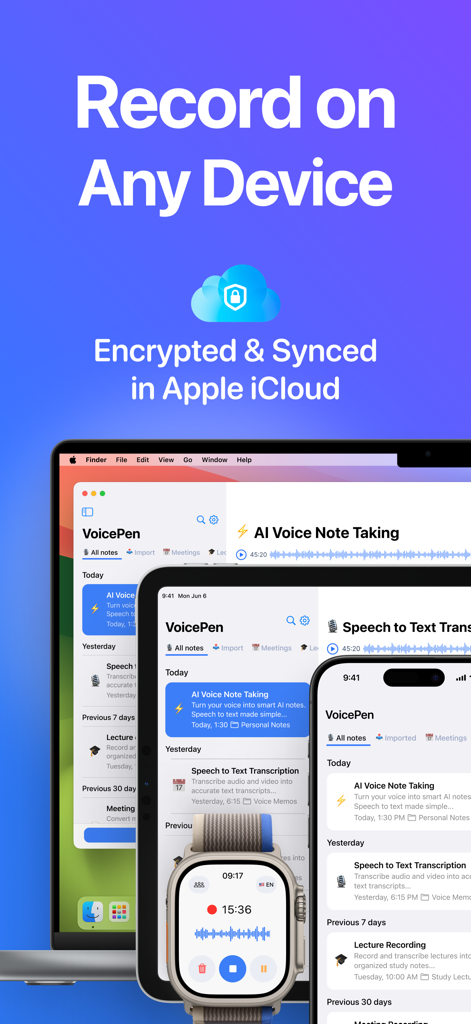
Mac、iPad、iPhone、Apple Watchに表示されたVoicePenアプリのインターフェース。iCloud同期と暗号化を表示。
Mac、iPad、iPhone、Apple Watchに表示されたVoicePenアプリのインターフェース。iCloud同期と暗号化を表示。

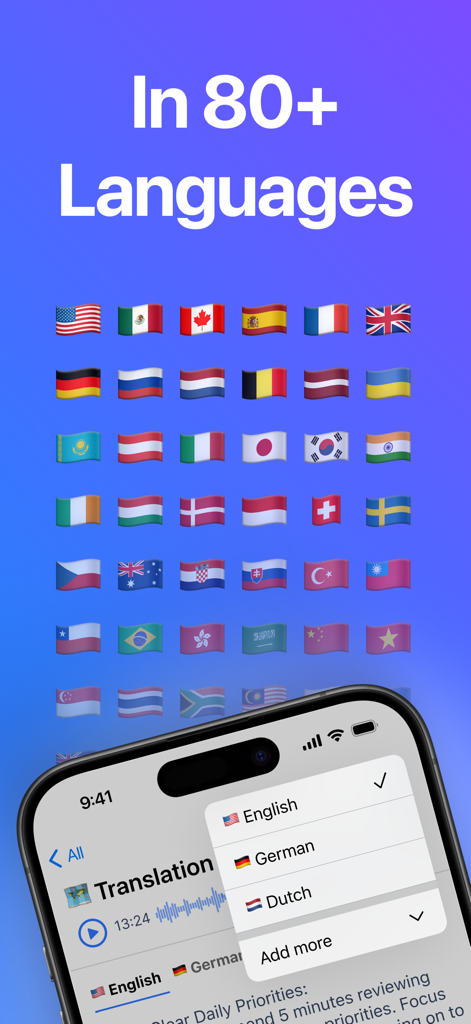
VoicePenアプリの画面。80以上の言語(国旗で表示)の翻訳機能とサポートを表示。
VoicePenアプリの画面。80以上の言語(国旗で表示)の翻訳機能とサポートを表示。

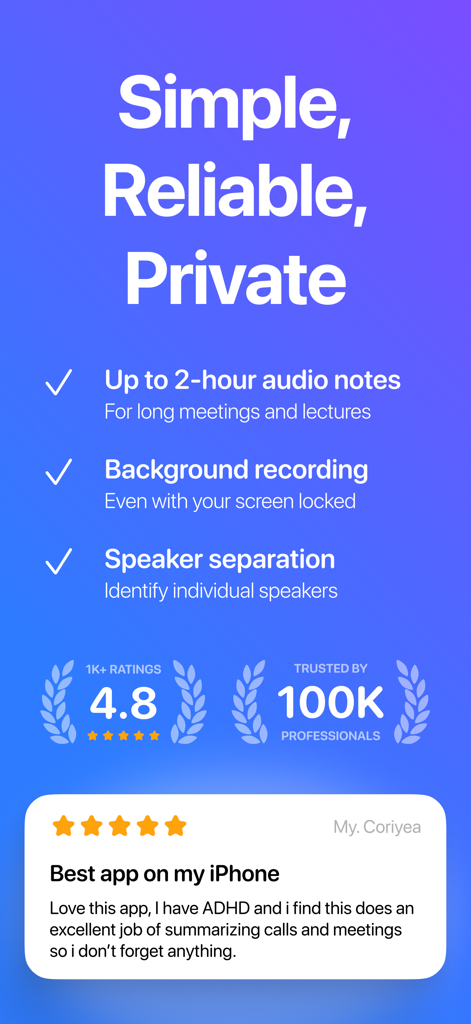
VoicePenアプリの機能リスト。2時間の録音と話者分離、および5つ星のユーザーレビューと高い評価を表示。

VoicePenアプリの機能リスト。2時間の録音と話者分離、および5つ星のユーザーレビューと高い評価を表示。

すべての会話を実用的なインサイトに変える

このアプリを際立たせるツール、 26K+ 人のユーザーが選択.

🧠

瞬時のAI要約&タスク

録音するだけでなく、抽出する。OpenAI Whisperを使用して、何時間もの音声を数秒で簡潔な要約、主要なテイクアウェイ、優先順位付けされたToDoリストに変えます。

Appleエコシステムとの深い統合

Watchでアイデアをキャプチャし、iPhoneでレビューし、Macからエクスポートできます。Siriショートカットとライブアクティビティを完全にサポートし、スムーズなワークフローを実現します。

🔒

プライバシー重視、ローカルセキュリティ

あなたのデータはあなたのものである。すべての録音と文字起こしは、当社のサーバーではなく、プライベートなiCloudに残ります。これにより、プロフェッショナルグレードの機密性を確保します。

アプリについて

について知っておくべきこと AI Note Taker – VoicePen.

説明

VoicePen is your AI note taker that records and transcribes voice to text, then summarizes it into smart, AI-powered notes. Skip the typing — record meetings, lectures, or voice memos and turn them into accurate speech to text transcriptions, summaries, action points, proofread texts and more. Transcribe and summarize any imported audio or video — from local files to YouTube videos, podcasts, and Zoom recordings. Works seamlessly on your iPhone, Watch, iPad, Mac, Vision Pro. # AI Note Taker for Lectures and Meetings: - Record unlimited meetings, lectures, interviews — up to 2 hours each - Record in the background and offline with Live Activities - Get fast, accurate transcriptions with speaker labels and timecodes powered by OpenAI Whisper - Get AI notes in multiple formats: Summary, Takeaway, Action Points, Study Note, Definitions, Quiz and more - Export notes and recordings to PDF or DOC and share via any app - Organize notes into folders and quickly search through them to recall anything # AI Note Taker for Personal Notes: - Skip typing - record quick notes and voice memos on the go and turn them into clear text - Capture ideas fast with recording widgets and Siri voice commands - Convert to accurate transcripts instantly with OpenAI Whisper - Rewrite using AI styles like Clear Text, Proofread, Journaling, and more - Organize your notes into folders like in any note-taking app - Automate your workflow with integrations to Notion, Zapier, and Make # Voice Typing for Emails and Messages: - Dictate messages instead of typing, then refine with AI to your preferred style - Start dictating with widgets or by saying “Siri, Dictate in VoicePen” - Enhance text with AI styles: Proofread, Professional, Casual, Short, Elaborated - Instantly translate dictations to any language - Copy, paste, send, or share final output in any app # Transcription and Summaries for any Audio and Video Files, YouTube, Podcasts, Zoom: - Upload any audio or video file, or paste a link - Get accurate transcriptions, AI summaries and key points in seconds - Build your second brain — store and organize all audio / video content from the internet ---- ** Multiplatform Access - Works on iPhone, Watch, iPad, Mac, and Vision Pro - Sync between devices securely with your private iCloud - One subscription covers all your Apple devices ** Features - Long recordings up to 2 hours each - Speaker separation and transcript time codes - Off-screen and Offline recordings with Live Activities - Widget and Siri commands for quick recordings - Files, Audios, Videos, Web Links, YouTube, Podcasts support - Over 25 built-in ai rewrite options - Personal rewrites with custom prompts - Over 80 languages, translations, multi-language notes - Folders and Search through all notes - Share and export to other Apps, Pdf, Doc - Zapier, Notion, Make, n8n integrations via webhooks ** Accessibility Built In - Voice typing for motor difficulties - Live transcription for hearing difficulties ** Privacy First: - No audio or transcripts are stored on our servers - Your recordings stay in your private iCloud - We only collect anonymous usage analytics (like button taps) ** Supported languages: Afrikaans, Arabic, Armenian, Azerbaijani, Belarusian, Bosnian, Bulgarian, Catalan, Chinese, Croatian, Czech, Danish, Dutch, English, Estonian, Finnish, French, Galician, German, Greek, Hebrew, Hindi, Hungarian, Icelandic, Indonesian, Italian, Japanese, Kannada, Kazakh, Korean, Latvian, Lithuanian, Macedonian, Malay, Marathi, Maori, Nepali, Norwegian, Persian, Polish, Portuguese, Romanian, Russian, Serbian, Slovak, Slovenian, Spanish, Swahili, Swedish, Tagalog, Tamil, Thai, Turkish, Ukrainian, Urdu, Vietnamese, and Welsh. ** Up to 2-hour recordings and imports available with a Premium subscription ** Terms of Use https://www.apple.com/legal/internet-services/itunes/dev/stdeula/

最新バージョン

2.09

サイズ

85.9 MB

リリース日

2023年9月14日

タイピングをやめて、思考しよう。

AIを活用して会議、講義、アイデアを実用的なノートに変える26,000人以上のハイアチーバーに加わりましょう。お使いのAppleエコシステム全体で安全に同期されます。

ダウンロード: App Store

App information, icons, screenshots, and descriptions displayed on this page are sourced from the Apple App Store and are the property of their respective developers. Download estimates and rankings are based on MWM's proprietary models and may not reflect actual figures. This page is provided for informational and analytical purposes only.

Believe this page infringes your intellectual property? File a dispute