AI SVG Converter - SVG Maker
ダウンロード: App Store

このページはアプリまたはその開発者の公式ページではなく、情報提供および論評を目的として作成された独立した編集出版物です。明示的に別段の記載がない限り、アプリおよびその開発者は、MWM、Apple、Google Play、アプリのパブリッシャー、またはアプリの開発者と提携、承認、後援、認可、またはその他の公式的な関係はなく、このページのいかなる内容も、アプリがMWMのサービスを使用して開発されたことを意味するものではありません。すべての商標、ロゴ、スクリーンショット、その他のコンテンツはそれぞれの所有者の財産です。

ロゴ: AI SVG Converter - SVG Maker
ダウンロード: App Store

AI SVG Converter - SVG Maker

クラフターやEtsyセラー向けの究極のツール。AIパワーの精度で、写真をCricut、Silhouette、または次のデザインプロジェクト用の高品質SVGファイルに簡単に変換できます。

主要数値

ダウンロード

1K+

ユーザー評価

4.0/5

評価数

100

開発元

Faisal Mehmood

カテゴリ

Graphics & Design

対応言語

1

最新バージョン

1.7

サイズ

13.3 MB

リリース日

2024年10月31日
機能

ピクセルから完璧なカットファイルへ

AIの力を活用して、写真やスケッチを、クラフト、ブランディング、またはプロフェッショナルな印刷に対応できる、クリーンでスケーラブルなSVGベクターに変換します。

インスタントAIベクター化

PNGまたはJPGを数秒で高精度SVGに変換します。AIが複雑な計算を処理するため、手作業なしでクリーンでシャープな線が得られます。

Cricut&クラフト対応

Cricut、Silhouette、Glowforgeなどのカッティングマシンに最適化された、完璧にスケーラブルなグラフィックを作成します。プロフェッショナルなDIY結果のために、あらゆるサイズにスケーリングできます。

以下のスクリーンショットと説明は、アプリの公式ストアリスティングから直接取得されたものであり、アプリ開発者の所有物です。

アプリストア

スクリーンショット
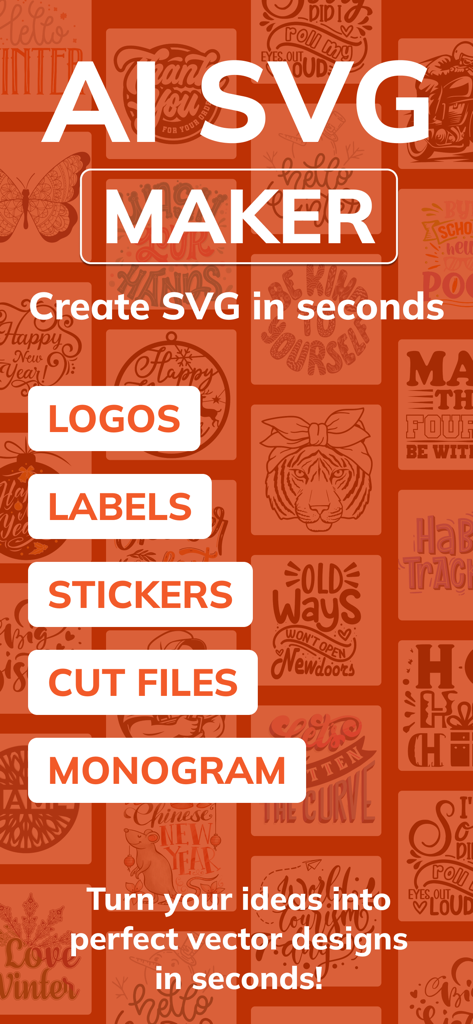
AI SVG Converter - SVG Maker - AI SVG Makerアプリのインターフェース。ロゴ、ラベル、ステッカー、カットファイル、モノグラム作成機能を紹介しています。
AI SVG Makerアプリのインターフェース。ロゴ、ラベル、ステッカー、カットファイル、モノグラム作成機能を紹介しています。

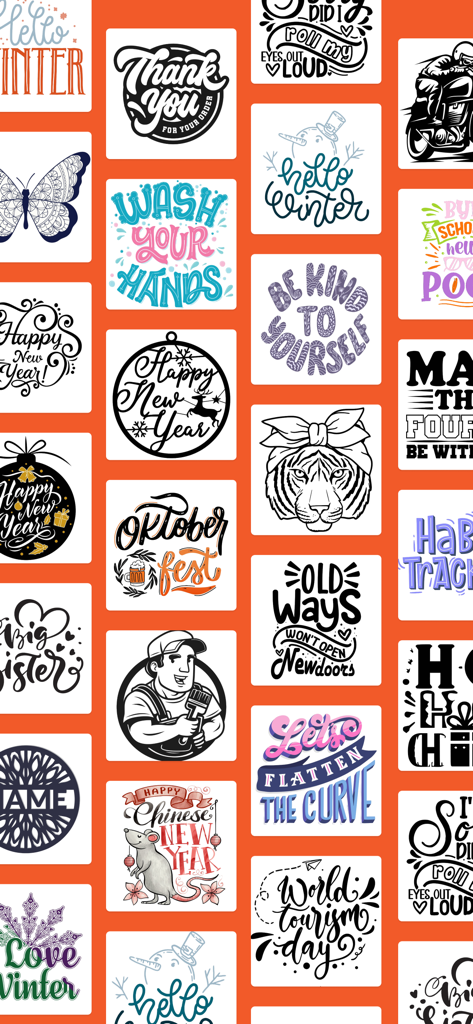
AI SVG Converter - SVG Maker - クラフトプロジェクト用の様々なベクターグラフィックデザインとイラストのコレクション。
クラフトプロジェクト用の様々なベクターグラフィックデザインとイラストのコレクション。

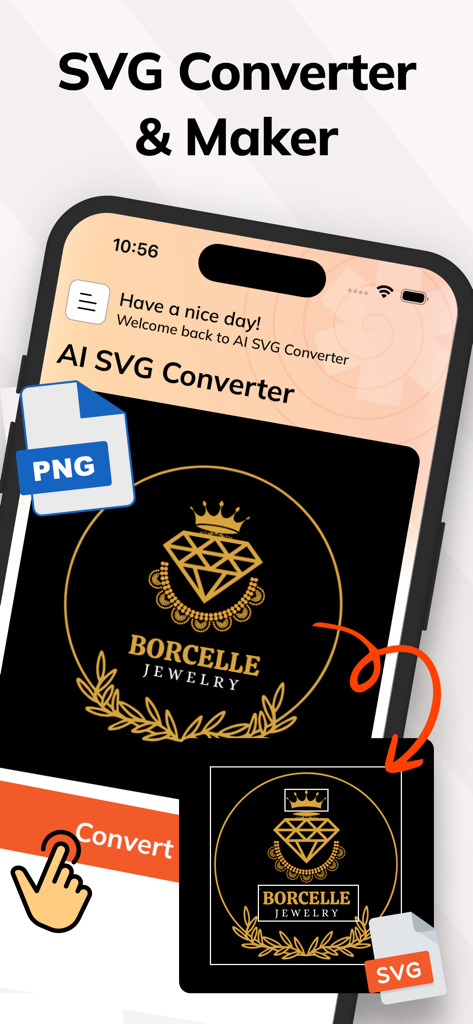
AI SVG Converter - SVG Maker - PNG画像をSVGベクターグラフィックに変換するためのモバイルアプリのインターフェース。
PNG画像をSVGベクターグラフィックに変換するためのモバイルアプリのインターフェース。

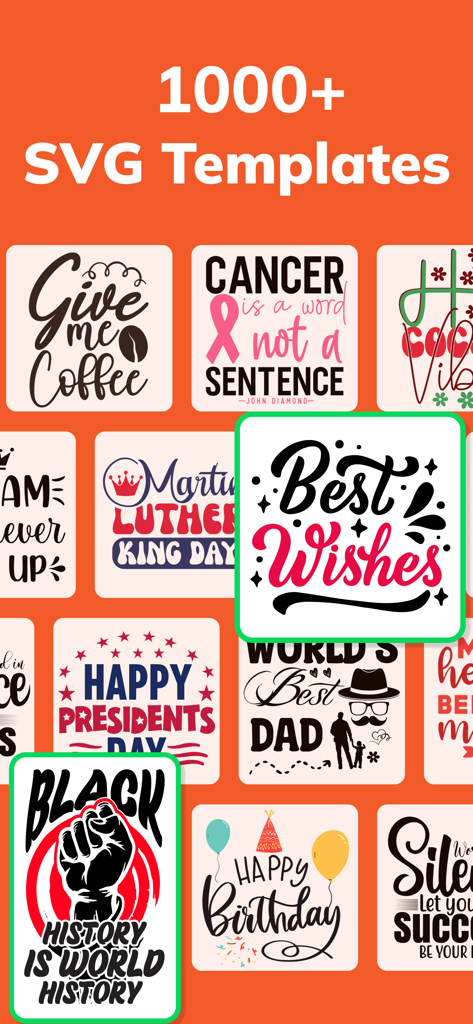
AI SVG Converter - SVG Maker - クラフトやDIYプロジェクト用の様々なSVGデザインテンプレートのコレクション。
クラフトやDIYプロジェクト用の様々なSVGデザインテンプレートのコレクション。

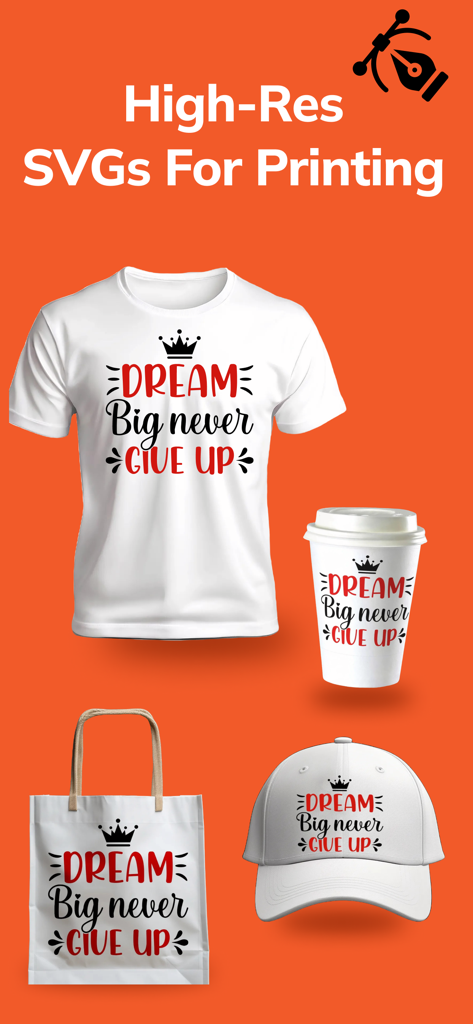
AI SVG Converter - SVG Maker - Tシャツ、コーヒーカップ、トートバッグ、野球帽に印刷された高解像度SVGデザインの例。
Tシャツ、コーヒーカップ、トートバッグ、野球帽に印刷された高解像度SVGデザインの例。

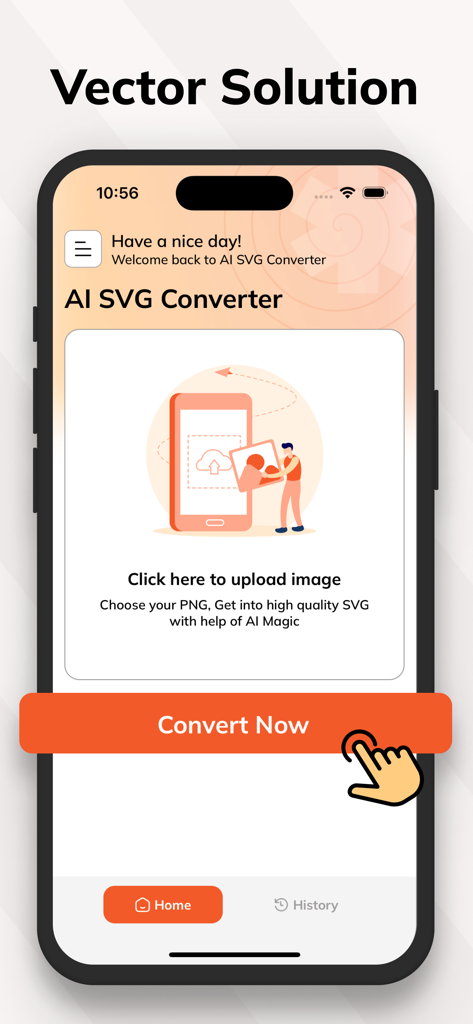
AI SVG Converter - SVG Maker - AI SVG Converterモバイルアプリのホーム画面。画像アップロードエリアと「今すぐ変換」ボタンが表示されています。
AI SVG Converterモバイルアプリのホーム画面。画像アップロードエリアと「今すぐ変換」ボタンが表示されています。

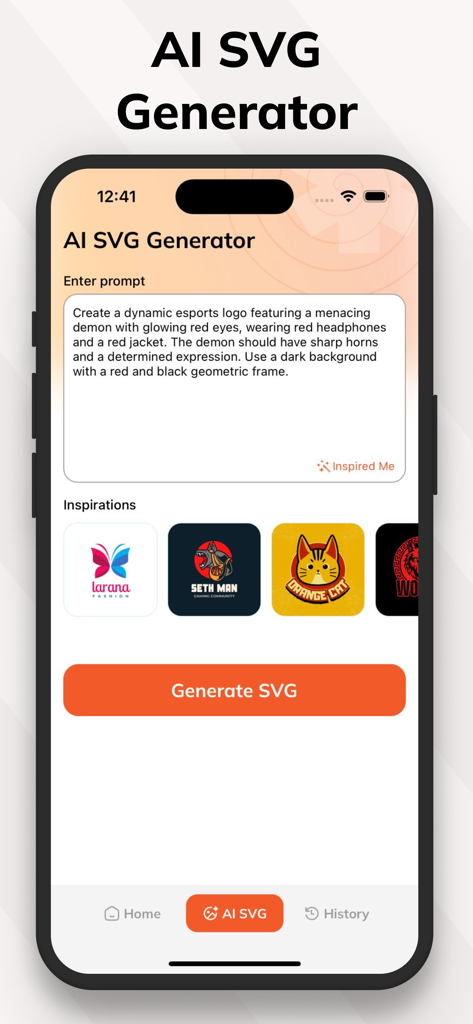
AI SVG Converter - SVG Maker - AI SVG Generatorアプリのインターフェース。ベクターロゴ作成のためのテキストプロンプトが表示されています。
AI SVG Generatorアプリのインターフェース。ベクターロゴ作成のためのテキストプロンプトが表示されています。

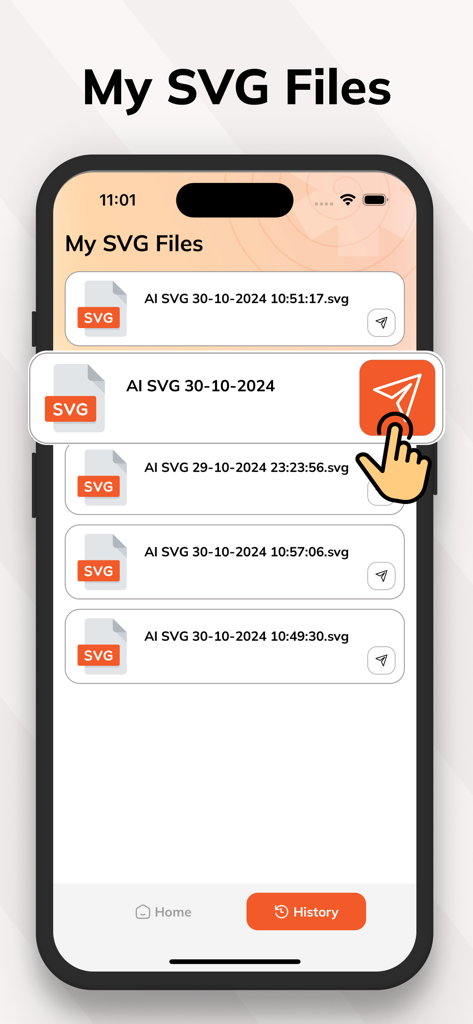
AI SVG Converter - SVG Maker - iPhoneに表示されたAI SVG Converterアプリの履歴セクションにある変換済みSVGファイルのリスト。
iPhoneに表示されたAI SVG Converterアプリの履歴セクションにある変換済みSVGファイルのリスト。

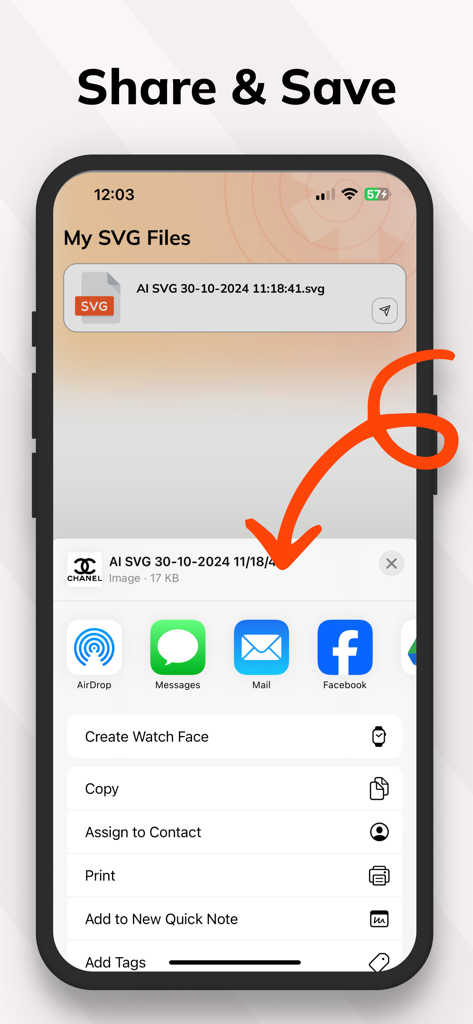
AI SVG Converter - SVG Maker - AI SVG Converterアプリのインターフェース。iOS共有シートを介したSVGファイルの共有と保存方法を示しています。

AI SVG Converterアプリのインターフェース。iOS共有シートを介したSVGファイルの共有と保存方法を示しています。

説明

AI SVG Maker - Effortlessly turn your images into svgs & Create SVGs with AI unleash the power of vector graphics with ai svg converter! our app lets you easily convert any image into a scalable svg format. it's perfect for designers, crafters, and creatives who want high-quality svgs for various projects. key features: instant image to svg conversion: select any image from your device and let our ai technology quickly and accurately convert it into an svg file. enjoy precision and quality with every conversion. save and share svgs: easily save your svg files for future use, or share them directly from the app to collaborate or showcase your work with others. manage your converted svgs: keep track of all your converted files with our organized and accessible file management system. store, rename, or delete svgs as needed. High-quality output: Get optimized, scalable SVGs that maintain clarity at any size. Perfect for print, web, and creative projects. Why choose AI SVG Converter? Our app combines AI-powered accuracy with a user-friendly design to make SVG conversion easy. Whether you’re working on a project for business, crafts, or creativity, AI SVG Converter offers a seamless experience, saving you time and delivering professional results. Convert, create, and share with confidence — download AI SVG Converter today! Note: Payment will be charged to your iTunes account at confirmation of purchase. Your subscription will automatically renew unless auto-renew is turned off at least 24-hours before the end of the current subscription period. Your account will be charged for renewal within 24-hours prior to the end of the current subscription period. Automatic renewals will cost the same price you were originally charged for the subscription. After purchase, you can manage your subscriptions and turn off auto-renewal by going to your Account Settings in the App Store. Please read our Terms of Service and Privacy Policy for more information. Privacy Policy: https://sites.google.com/view/smartaiapps/privacy-policy Terms and Conditions: https://sites.google.com/view/smartaiapps/terms-conditions

Download

ダウンロード: App Store

このページはアプリまたはその開発者の公式ページではなく、情報提供および論評を目的として作成された独立した編集出版物です。明示的に別段の記載がない限り、アプリおよびその開発者は、MWM、Apple、Google Play、アプリのパブリッシャー、またはアプリの開発者と提携、承認、後援、認可、またはその他の公式的な関係はなく、このページのいかなる内容も、アプリがMWMのサービスを使用して開発されたことを意味するものではありません。すべての商標、ロゴ、スクリーンショット、その他のコンテンツはそれぞれの所有者の財産です。







